
 Đoàn Lê Minh Anh
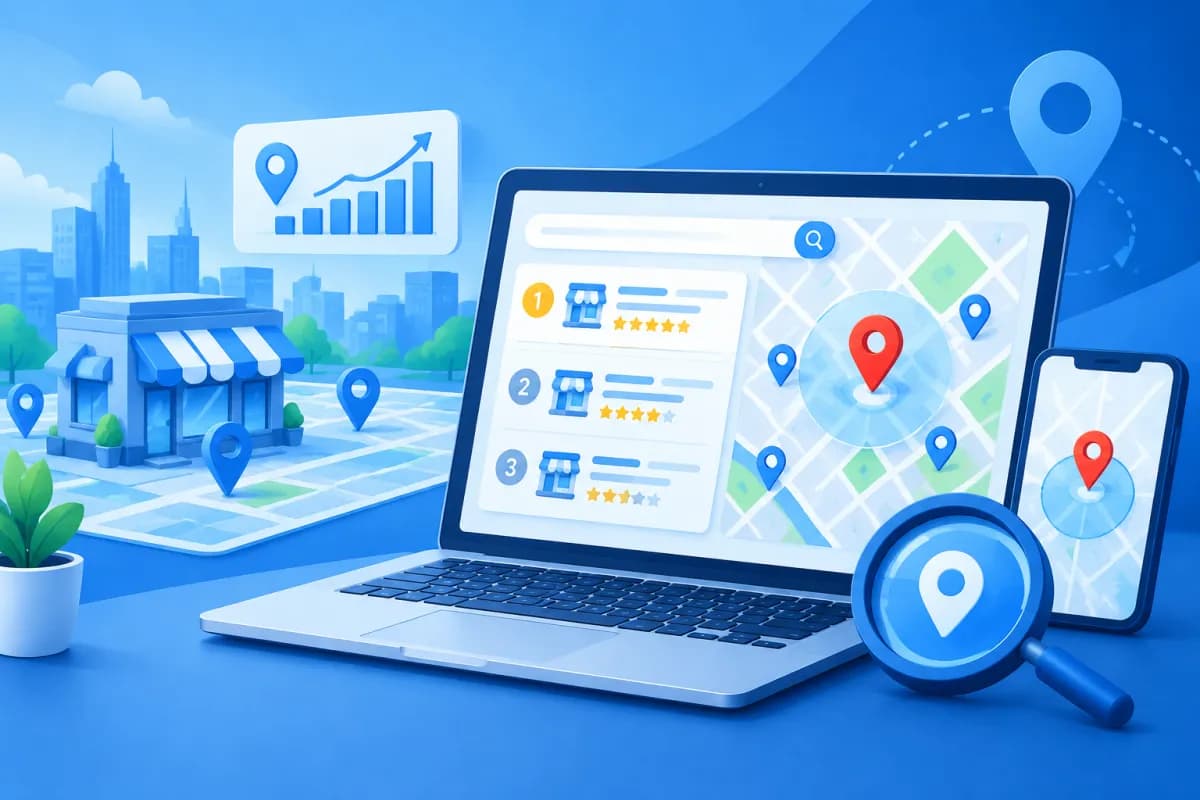
Customers often search for services near where they live or work, using queries such as “dentist in District 3” or “coffee shop near me.” As a result, search rankings can vary significantly depending on the area and the searcher’s location. A local SEO rank checker by location helps businesses see where they appear instead of relying on a single search on a phone or computer.
To assess local SEO accurately, businesses need to track local keywords, their Google Business Profile, and rankings across multiple specific locations. This article explains how these tools work, what to consider when choosing one, and how to turn ranking data into a measurable improvement plan.
Why do local SEO rankings vary by location?
Local search results are personalized based on several signals, including the searcher’s location, how relevant a business is to the query, and the brand’s prominence. When two people search for the same keyword from different wards or districts, they may see different business listings. Google Maps results can also differ from standard search results.

This makes manual checks prone to misleading conclusions. A business owner may see their website or profile at the top of the results when searching near their store, while customers in nearby areas may not see the business among the top results. Conversely, a strong ranking in one location does not necessarily reflect performance across an entire district or city.
Location-based tracking helps businesses answer more practical questions:
- In which areas is the business well positioned to reach customers?
- Which areas have potential search demand but weak rankings?
- Which competitors appear frequently on Google Maps around each location?
- How do rankings change after updating a profile or website content?
So the goal is not simply to “rank at the top.” Businesses need to know where they rank, for which keywords, in which areas, and whether those results help customers call, get directions, or visit the website.
How does a local SEO rank checker work?
A local SEO rank checker by location simulates searches from predefined locations, then records where a website or business profile appears on the results page. Depending on the platform, it may track map results, organic results, or both. Some tools display rankings on a map grid, allowing users to see visibility across multiple points around a store.

Businesses typically enter their location, target keywords, and the areas they want to monitor. The tool captures or aggregates data on a regular schedule. By comparing results over time, marketers can identify upward or downward trends rather than reacting to a temporary change on a single day.
Tracking map results versus organic results
Google Maps rankings are usually tied to a Google Business Profile and prominent local results. Organic results, meanwhile, are typically website pages ranked for a query. The two types of results can support each other, but neither replaces the other. A business with a strong Maps profile still needs useful service pages, while a website with great content may not necessarily stand out on the map.
When choosing a tool, check exactly which type of results its reports measure, how it determines the search location, and when the data is updated. If you compare two reports that use different methods, discrepancies may be due to how they measure results rather than actual SEO performance.
Tracking Google Business Profile and local keywords
Google Business Profile is an important part of a local SEO strategy. It gives customers the information they need to find an address, check opening hours, call, or read reviews. When checking rankings, businesses should see whether their profile appears on the map, how its position varies by area, and whether the displayed information matches the website.

Rankings are not the only metric to watch. Also track profile views, direction requests, calls, website clicks, and the number of reviews. These metrics help answer the more important question: is visibility prompting customers to take action? If rankings improve but calls do not, the business may need to review how it presents its services, photos, reviews, or calls to action.
For local keywords, combine the service name with a place name and the wording customers actually use. For example, an air-conditioning repair company might track “air conditioner repair in Binh Thanh,” “air conditioner cleaning near me,” and “in-home AC repair technician.” Keyword lists should reflect the services offered, the service area, and search intent. Avoid choosing terms solely for high search volume if they are not relevant to target customers.
The LilyTech team often recommends organizing keywords into groups: core services, additional services, place names, and queries that signal an intent to get in touch. This makes reports easier to read and helps identify which website pages to optimize for each customer need.
How to choose a tool and track rankings effectively
No single tool is right for every business. A store with one location may only need keyword tracking and simple reports. A retail chain or a business serving multiple districts will need a tool that supports multiple locations, competitor comparisons, and regular reporting. Before signing up, define your goals and who will use the data.

Use the following criteria to make a practical choice:
- Location detail: Can you check rankings by district, ward, or specific coordinates, or only by city?
- Types of results tracked: Does the report cover Google Maps, organic results, or both?
- Update frequency: How often is the data refreshed, and is historical data saved for comparison?
- Multi-location management: Can you separate branches, service areas, and keywords by location?
- Reporting and integrations: Can you export data, share it with your team, or connect it with other analytics tools?
- Cost and limits: What limits apply to keywords, locations, users, or data retention in each plan?
Once you have chosen a tool, establish a consistent measurement process. Record location details, keyword groups, areas to check, and reporting schedules. Set a baseline, then track rankings weekly or monthly depending on volatility and budget. Avoid changing too many factors at once, or it will be difficult to determine which activities produced the results.
When rankings drop, first check whether the change appears across all areas or only at certain points. Next, compare changes to the profile, website, competitors, and search demand. If rankings improve, check whether that change also led to more calls, direction requests, or leads. Reading data in context helps prevent hasty decisions based on a single number.
Common mistakes when reading ranking reports
A common mistake is tracking too many keywords without connecting them to business goals. A long report is not necessarily useful if it does not show which services attract customers or which areas to prioritize. Start with a core set of keywords, then expand once you understand how the data relates to calls, bookings, or revenue.

Another mistake is treating a single increase or drop as the final verdict. Rankings can fluctuate due to competition, information updates, seasonality, or changes in how results are displayed. Evaluate trends across multiple periods and note important changes, such as opening a new branch, updating service categories, or publishing new content.
Finally, do not over-optimize for search engines by awkwardly repeating place names or creating profiles that do not reflect real business operations. Content should be useful to customers, business information must be accurate, and reviews should be collected transparently. Sustainable rankings usually come from a good customer experience, relevance to local needs, and consistency across the profile, website, and other business information.
Conclusion
A local SEO rank checker by location helps businesses understand visibility across different areas, assess Google Business Profile performance, and identify local keyword opportunities. To get the most from one, choose a tool with a suitable measurement method, track data consistently, and pair rankings with metrics that reflect real customer actions.
If your business needs a local SEO strategy, wants to improve its online presence, or needs to connect SEO with its website and digital marketing, contact LilyTech for advice on a solution tailored to your goals and service area.

