
 Đoàn Lê Minh Anh
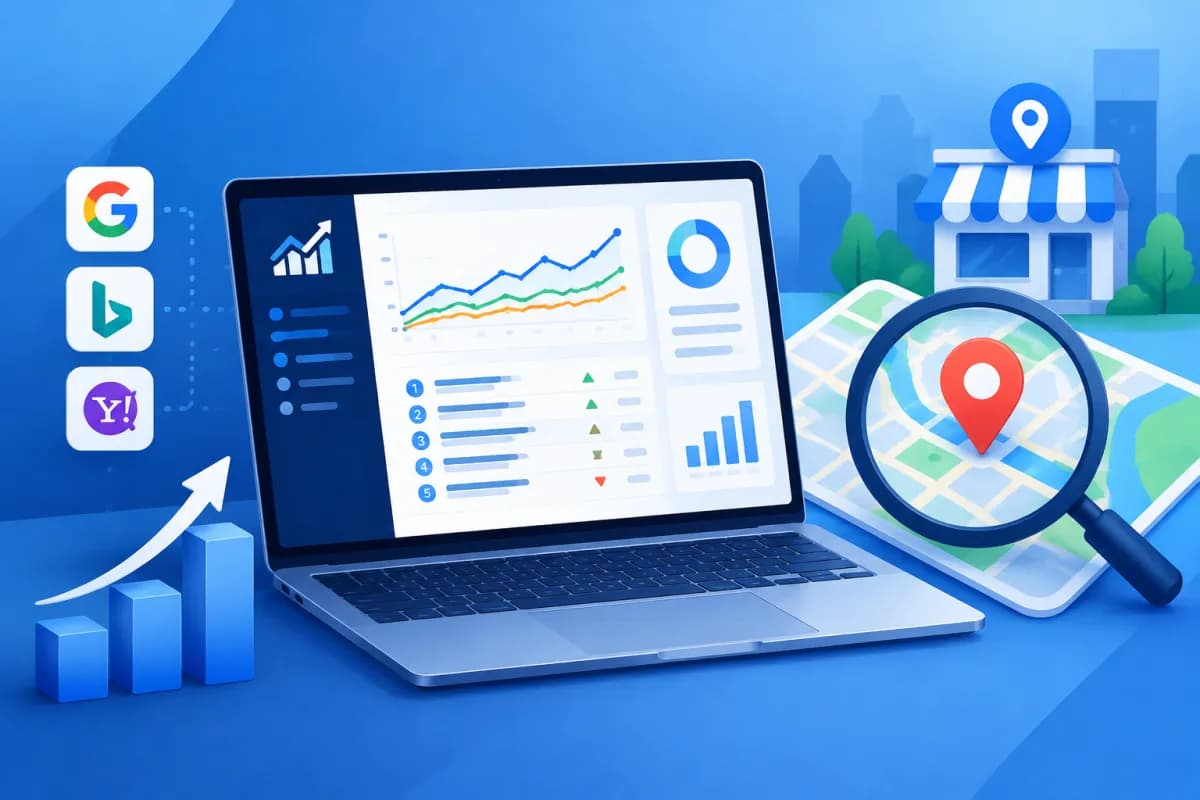
For businesses serving customers across multiple areas, a keyword can rank differently depending on where someone searches. That’s why looking only at an overall Google position isn’t enough to assess local SEO performance. Rank Ranger helps track keyword rankings by location, device, and time, giving marketing teams a clearer picture of how customers see their website.
This article explains how to set up Rank Ranger to track rankings across locations and combine the data with Google Business Profile. This can help businesses build a more practical local SEO process: measure performance in the right places, spot changes, and prioritize actions that can improve visibility and generate leads.
What is Rank Ranger, and how does it support local SEO?
Rank Ranger is an SEO and reporting platform that tracks keyword positions in search engines. Rather than recording just one general ranking, users can configure campaigns by search engine, country, language, device type, and search location. This level of detail is useful for businesses with stores, branches, or service areas in multiple cities or provinces.

In local SEO, the goal isn’t just to rank higher for a keyword. Businesses also need to appear when nearby customers search for their services, in local search results and map-related features. Tracking rankings by location can reveal, for example, that a website performs well in the city center but poorly in the suburbs, or that a service category is gaining traction in a particular area.
It’s important to distinguish website rankings from the performance of a business’s Google profile. The two data sources are related but not the same: a rank tracker reports search results based on its configuration, while Google Business Profile provides engagement metrics such as views, calls, and direction requests. Combining them offers a broader picture, but no single metric should be treated as conclusive proof of business performance.
Set up location-based rank tracking
For useful data, start with the campaign structure rather than entering hundreds of keywords at once. Create a project for your website or brand, then identify the locations you want to track. Each location should reflect a market your business actually serves, such as a city, district, or area around a store. Geographic detail may vary depending on your subscription and the tool’s current capabilities.

- Define your goal: Decide whether you’re tracking SEO for a store, a group of branches, local services, or the entire business.
- Choose your keywords: Include service names, location-specific variations, purchase-intent queries, and branded terms. Don’t select only keywords that already rank well.
- Configure the search engine and device: Choose the right search engine, country, language, and devices to track. If most of your customers search on mobile, include mobile data for comparison.
- Assign keywords to locations: Create groups by location or branch to enable fair comparisons. Clearly note which market each group represents.
- Set a tracking schedule: Track regularly and keep settings consistent for long enough to identify trends, rather than changing them constantly.
For each keyword, record the intended landing page and the query’s goal. For example, a service term that includes a district name may be best suited to a local service page, while branded keywords should usually be assessed separately. This way, reports do more than show rankings: they can also reveal when a page doesn’t match search intent or multiple pages are competing for the same keyword.
Combine Rank Ranger with Google Business Profile
Google Business Profile (GBP) is a business listing that appears in Google’s local search experiences. By integrating GBP data—or bringing it into your reporting process—you can view keyword rankings alongside engagement signals from your profile. Available integrations, synchronized data, and display options may vary by product version, access permissions, and account settings, so check the current documentation before implementation.

Typically, connecting the data requires a Google account with suitable profile management permissions and selecting the correct business locations. If you have multiple branches, check the name, address, and corresponding profile for each one to avoid mismatching data. After granting access, confirm the reporting period, time zone, and location scope; differences in timing or how locations are grouped can make reports difficult to compare.
When analyzing results, start with a business question. If rankings for local keywords improve but calls don’t increase, review the profile content, contact information, business hours, reviews, and landing-page relevance. If profile views rise but few visitors reach the website, revisit your calls to action, service information, and mobile experience. Compare engagement metrics over time and across branches, and don’t assume that a single increase or decrease was definitely caused by a ranking change.
Businesses can use a shared dashboard to track metrics such as rankings by location, GBP views or engagement (if the data is connected), organic traffic, and conversions. LilyTech often recommends standardizing branch names, keyword groups, and reporting periods from the outset so marketing teams, store managers, and SEO specialists interpret the numbers consistently.
How to read reports and improve local SEO
Data creates value only when it leads to action. Set a regular reporting cadence—for example, weekly to spot notable changes and monthly to assess trends. Before drawing conclusions, check whether your location settings, devices, or keyword list have changed. Rankings can fluctuate because of competition, search result updates, seasonality, or measurement methods, so avoid overreacting to a single data point.

- Identify opportunities: Look for relevant keywords with low rankings in priority markets. Review the landing page, local content, and how well it meets search intent.
- Spot geographic gaps: Compare the same service category across locations. If one branch performs significantly worse, review its profile, competitive landscape, and local signals.
- Compare rankings with conversions: Combine ranking and GBP data with calls, form submissions, bookings, or revenue where measurable. Prioritize metrics tied to business outcomes.
- Record changes: Note when you update content, edit a profile, build links, or run a promotional campaign to help identify potential causes.
- Review regularly: Remove keywords that are no longer relevant, add new queries based on search data, and ensure each important keyword has a clear landing page.
Businesses with multiple locations should establish shared rules for branch names, addresses, phone numbers, and profile management, while ensuring local pages reflect what’s unique about each place. Avoid creating numerous near-identical pages just to swap in different city names. Useful content should provide specific information about services, service areas, and how customers can get in touch.
Considerations when using rank-tracking tools
Rankings reported by a tool are reference data based on a particular configuration, not an exact reflection of every user’s experience. Results can be affected by location, device, personalization, query timing, and changes to the search results page. Use the data to compare trends under consistent conditions rather than promising a fixed position or treating one number as representative of all customers.

Also review account access, the scope of shared data, and internal information management policies when connecting third-party services. If GBP integration isn’t available with your current setup, you can still export or compile reports from authorized sources and compare them manually. The key is to document each data source, measurement period, and calculation method to avoid comparing metrics that aren’t equivalent.
Don’t optimize solely to improve rankings. A well-ranked page can still lose customers if its information is inaccurate, its mobile experience is poor, or its contact process is complicated. Local SEO requires coordination across the website, business profile, content, reviews, user experience, and conversion measurement. A tool can help identify problems; strategy and execution drive long-term results.
Conclusion
Rank Ranger can help businesses track rankings by location and organize local SEO reporting more systematically. When combining ranking data with Google Business Profile, verify your settings, analyze each branch separately, and connect metrics to real actions such as calls, direction requests, or leads. A consistent measurement process is more useful than chasing high rankings without knowing whether they create value.
If your business needs a local SEO strategy, a standardized multi-location website, or a marketing reporting system, contact LilyTech for advice on a solution that fits your goals and resources.

