
 Đoàn Lê Minh Anh
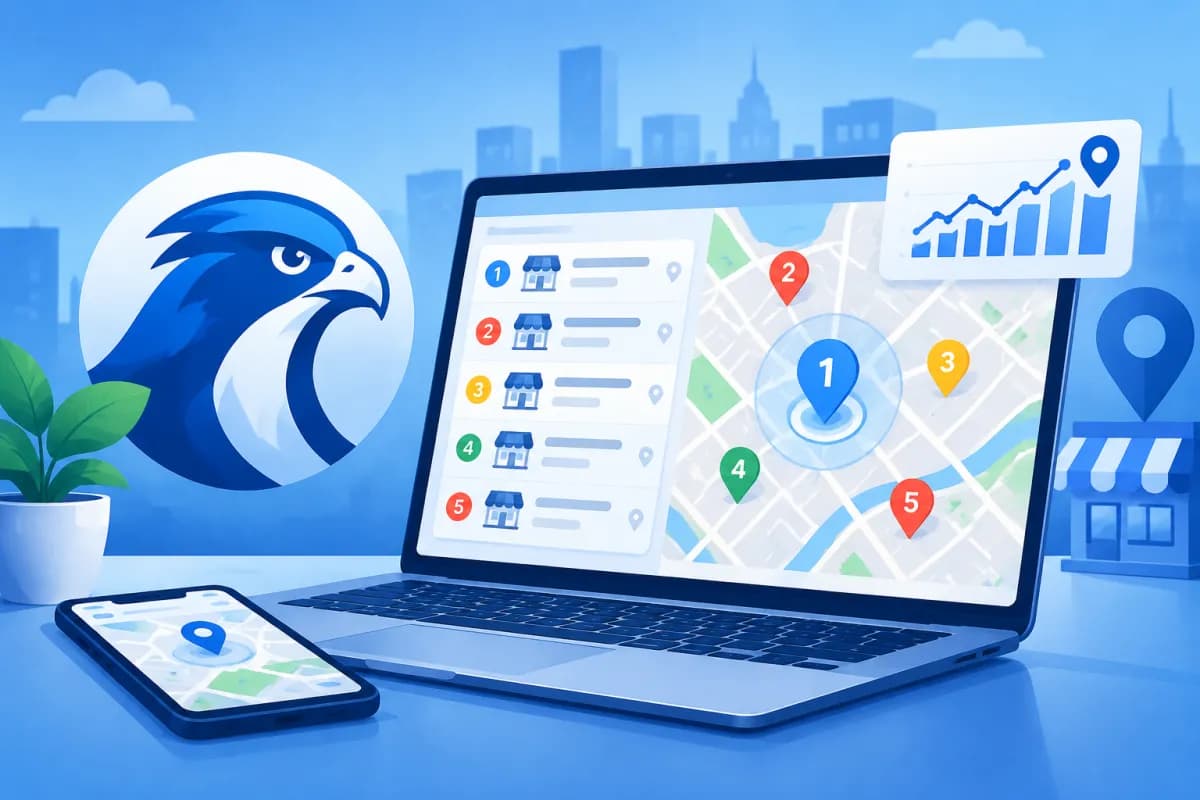
Local search rankings can change significantly within just a few blocks. That means checking a keyword from a single address often fails to show how visible a business is across its service area. Local Falcon is a tool for tracking Local SEO rankings across multiple geographic points, helping businesses see where they appear on search maps.
In this article, we’ll explore how geo-grid tracking works, how to read local pack results, and how to use the data to identify areas to prioritize. This gives businesses a basis for assessing their current visibility instead of relying on a handful of manual searches. Local Falcon makes it easier to examine these location-by-location differences.
What Is Local Falcon?
Local Falcon is a local search rank-tracking platform commonly used to monitor a business profile’s visibility on Google Maps and in local pack results. Rather than assigning a single ranking to an entire city, the tool collects rankings at multiple points laid out across a target area.

This approach is especially useful for businesses that serve customers in person, such as restaurants, clinics, retail stores, service centers, and bank branches. Customers in different locations may see different results, even when they search for the same keyword phrase.
Local Falcon does not replace all local SEO work. The tool provides observational data that marketing teams can use to assess map visibility; businesses still need to optimize their Google Business Profile, website information, customer reviews, and other relevant factors.
How Does Geo-Grid Tracking Work?
Geo-grid tracking measures rankings across a grid of geographic points. Users select a center point, keyword, radius or area size, and the number of points to check. Each point on the grid represents a simulated search location within the area being surveyed.

For example, a clinic might track a service keyword at multiple points around its location. The results could show the clinic appearing near the top close to its address, then dropping in rank in more distant residential neighborhoods. A grid map reveals geographic differences that a single mobile search may not capture.
When setting up a tracking scan, businesses typically need to specify:
- Business to check: Select the correct profile or location on the map.
- Keyword: Use a phrase that reflects real customer needs, such as a service combined with a location.
- Center point and coverage area: Choose an area around where customers live, work, or commonly search for the service.
- Grid density: Choose an appropriate number of points for the area’s size and the analysis goals.
- Time and device: Keep the settings consistent when comparing scans.
A grid with too few points may miss changes in certain areas, while one that covers too much ground can make it harder to focus on target customers. Start with an area that reflects the actual service territory, then adjust it to answer specific business questions.
How to Read Local Pack Results on the Map
Results are usually displayed as a map with grid points. Each point shows the business’s ranking for the selected keyword at that location. Colors can help quickly identify stronger and weaker ranking areas, but check the interface legend, as color conventions may vary between display modes.

When reading the map, don’t focus only on the point with the highest ranking. Look at the overall distribution, contiguous areas with strong rankings, and places where visibility drops noticeably. A consistently ranked area is often easier to interpret than a few standout points surrounded by low visibility.
Consider the following aspects:
- Coverage: Does the business appear at many points in the target area, or only near its address?
- Strong areas: Where does the profile tend to rank well, potentially indicating effective customer reach?
- Weak areas: Where does the ranking drop or the business appear less often? Investigate the cause before taking action.
- Distance from the location: See how results change as search points get farther from the business.
- Keyword differences: A business may be highly visible for one service but less visible for another.
Rankings are not a guarantee of the position every customer will see. Results may be influenced by the searcher’s location, relevance, prominence, competition, and Google’s personalization. Treat the map as a snapshot of data at a particular time, not a fixed ranking table.
Using Data to Improve Local SEO
The value of geo-grid tracking lies in turning data into specific questions and actions. If a location performs well around its address but poorly in areas with many potential customers, the business can review the relevance of its profile, service pages, location details, and website content.

Compare the results with other operational signals, such as calls, direction requests, website visits, and lead quality. A strong ranking does not automatically mean revenue will increase. Conversely, a lower position at a few points is not enough to conclude that a campaign has failed if the number of qualified customers is growing.
A practical analysis process might include:
- Record the keywords, coverage area, grid settings, and scan time.
- Identify strong-ranking areas, areas where rankings have dropped, and how important each area is to the business.
- Review the Google Business Profile, including categories, contact information, business hours, description, and photos.
- Compare business information on the website and relevant platforms to identify inconsistencies.
- Implement a set of adjustments, then run another scan with comparable settings to assess the trend.
The LilyTech team can combine Local Falcon data with website analysis and content strategy to help businesses identify the issues to prioritize. The key is to test in a controlled way: avoid changing multiple factors at once and then attributing the result to a single cause.
Tips for Reliable Rank Tracking
For meaningful comparisons, keep your scan settings consistent. If you change the center point, radius, number of points, or keywords between scans, the new map may no longer be comparable to the old one. When you need to survey another area, create a separate tracking scan instead of combining results collected under different conditions.

Also avoid reading too much into a single scan. Local rankings fluctuate over time and in response to competition. Tracking at an appropriate cadence, recording changes made, and comparing trends is more useful than checking constantly and reacting to every small movement.
Finally, choose keywords that match search intent and the services the business actually provides. A strong-looking map for a keyword that brings in no suitable customers is less valuable than data that reflects real demand, the service area, and business goals.
Conclusion
Local Falcon helps businesses better understand how Local SEO rankings vary by geographic location. By understanding geo-grid tracking, assessing local pack coverage, and comparing results under consistent conditions, marketing teams can identify areas to prioritize instead of relying on a single search.
If your business needs a local SEO plan, website improvements, or help connecting search data with an overall marketing strategy, contact LilyTech for guidance on a solution that fits your goals and resources.

