
 Nguyễn Chính Ngọc Liên
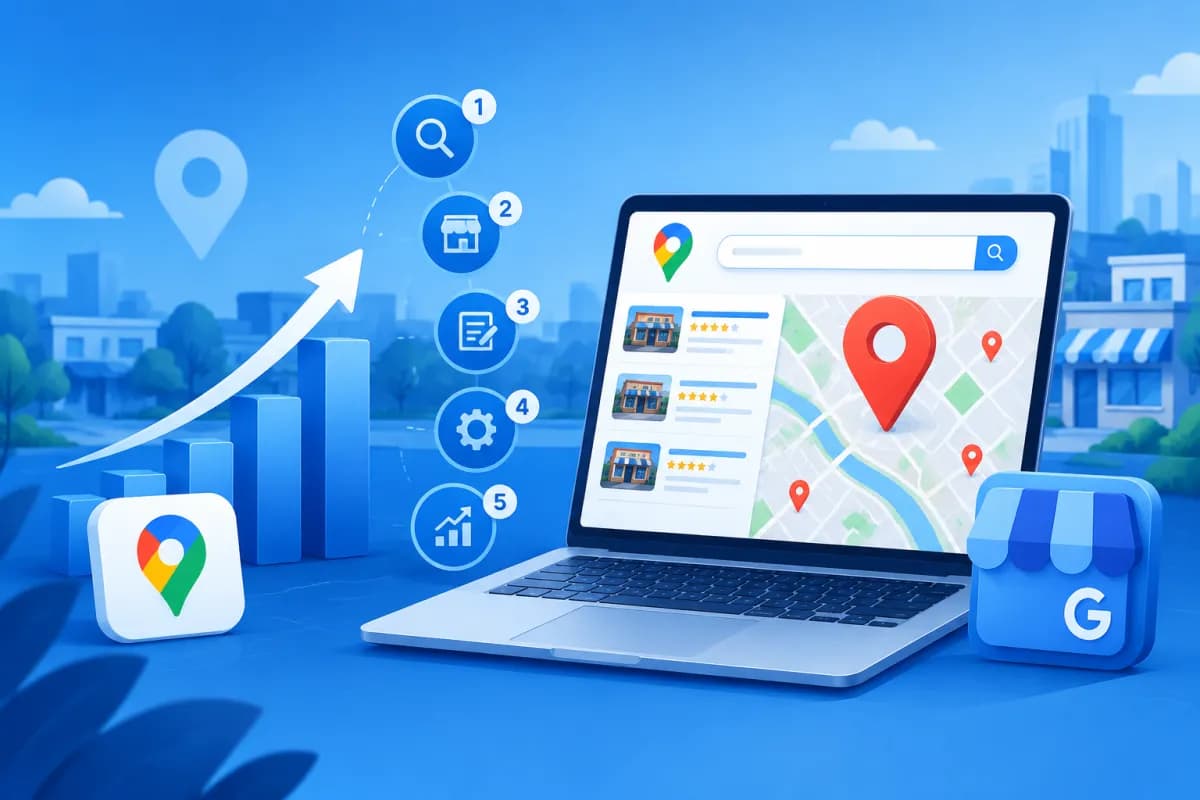
A prominent position on Google Maps helps businesses reach customers looking for products or services nearby. However, simply creating a Google Business Profile is not enough: businesses need to provide accurate information, improve relevance, and build trust signals over time.
This guide explains how to rank higher on Google Maps through a step-by-step process, from keyword research and profile verification to review management and performance measurement. These practices are suitable for shops, clinics, restaurants, service companies, and other businesses serving customers at specific locations.
1. Understand the factors that affect Google Maps rankings
Google does not publish its detailed ranking formula, but it says local results are generally influenced by three groups of factors: relevance, distance, and prominence. Understanding these factors helps businesses build a realistic plan instead of chasing unsupported tactics.
- Relevance: How well the profile and content match a searcher's needs. Categories, services, descriptions, and website information all help Google understand what the business offers.
- Distance: The business's location or its distance from the searcher's area. This factor is difficult for a business to control; do not provide a false address to try to reach a more distant area.
- Prominence: How well-known and trusted the business is. This can be reflected in reviews, how regularly the profile is updated, mentions on reputable sources, and the quality of its online presence.
Therefore, Google Maps SEO is not about repeating keywords as often as possible. The goal is to help Google identify the business accurately while providing enough information for customers to trust it and get in touch.
2. Research keywords and define target areas
Before editing the profile, find out which phrases customers commonly use to search for the service. A local keyword set typically combines a service or product with a location, such as “dentist in Cau Giay,” “air conditioner repair in District 7,” or “vegan restaurant near me.”

How to find the right keywords
- List your core services: Clearly identify the products, services, and customer needs the business actually addresses. Distinguish core services from supplementary offerings.
- Add local variations: Combine service terms with the names of wards, districts, cities, neighborhoods, or places as locals commonly refer to them. Choose only areas the business can realistically serve.
- Check how customers search: Enter phrases in Google Search and Maps, then observe suggestions, the types of businesses shown, and how they present their information. Keyword research tools can help estimate search demand, but validate findings against local conditions.
- Group keywords by intent: Categorize searches for services, comparisons, addresses, and phone numbers. These groups help determine which information to prioritize in the profile and on the website.
Do not stuff the business name with a long list of locations or keywords. The profile name should reflect the real-world brand name used on signage and identification documents. Adding keywords in ways that violate Google's guidelines may result in profile edits or reduced visibility.
3. Create, verify, and complete your business profile
Google Business Profile is the central platform in the Google Maps SEO process. If the business does not have a profile, create one using an officially managed account. If a profile already exists, check whether it is a duplicate or managed by another account before creating a new one.

Information to check carefully
- Business name: Use the official brand name. Do not add a slogan, location, or keyword that is not part of the real name.
- Address and service area: Set up the profile to reflect how the business operates. A customer-facing location must be an appropriate place of business; businesses that travel to customers should set a service area that reflects their actual coverage.
- Phone number and website: Use active details that are consistent with official channels. Test calls, forms, and landing pages to avoid losing customers because of broken information.
- Business category: Choose the primary category that best describes the core business. Add secondary categories only for services the business actually provides.
- Opening hours and holidays: Keep hours accurate, including holidays and special operating schedules.
- Description, services, and attributes: Clearly describe benefits, expertise, and service coverage. Add relevant services, amenities, or payment methods.
Next, complete the verification process using the method Google provides for the profile. Depending on the circumstances, the business may be asked to verify by video, phone, mail, or another method. Follow the instructions, provide evidence that you have the right to operate at the location, and never share a verification code with strangers. After verification, review account access regularly so only necessary staff can manage the profile.
4. Optimize content, images, and local signals
A complete profile helps customers quickly understand whether the business meets their needs. Treat it as a sales touchpoint, not just a business card on a map. The clearer and more consistent the information is, the easier it is for customers to learn about the business and get in touch.
Post authentic, high-quality images of the storefront, space, team, products, or service process. Images should reflect current conditions and should not mislead viewers. Consider setting a regular update schedule rather than uploading a large batch and then leaving the profile inactive. If you use profile posts, share useful updates such as new services, holiday hours, current promotions, or activity at the location.
The website can also help Google understand the relationship between the business, its services, and its location. Each service page should provide specific content, consistent contact details, and an appropriate address. Businesses with multiple branches should provide distinct information for each location, including its address, hours, phone number, and relevant service details. Avoid copying an entire page and changing only the district name, as low-value content can create a poor experience.
Also ensure that the business name, address, and phone number are consistent across its Google profile, website, and reputable directory listings. There is no need to appear in every directory at all costs; prioritize relevant sources with vetted information that can attract real customers.
5. Manage reviews and track rankings
Reviews help customers learn from others' experiences and are an important part of a business's credibility. Invite customers who have used the service to leave feedback in a natural, convenient way. You can send review instructions after completing a transaction, but do not buy reviews, create fake ones, or ask customers to leave only positive feedback.

Responses to reviews should be courteous, specific, and focused. For positive feedback, thank the customer and, where appropriate, mention the relevant service or experience. For negative feedback, acknowledge the issue, avoid arguing or disclosing personal information, and offer a private channel to verify and resolve the matter. A professional response can build trust with other people reading the reviews.
To see whether how to rank higher on Google Maps is working for your business, set a regular schedule for monitoring performance. You can review metrics such as:
- Profile views on Google Search and Maps, where data is available.
- Phone calls, direction requests, website visits, and other customer actions.
- The number, quality, and trends of reviews, as well as how quickly the business responds.
- Rankings for target keyword groups in different areas.
Rankings can vary based on the searcher's location, device, timing, and level of competition. A single search on the business owner's phone is therefore not enough to determine whether a campaign has succeeded or failed. Compare data weekly or monthly, keep your measurement method consistent, and record any changes you make. If views increase but calls remain low, review the service information, calls to action, landing page, and how well the business responds to customer needs.
Conclusion: Build sustainable Google Maps rankings
Effective Google Maps SEO starts with researching local customer needs, followed by verifying and completing the profile, keeping information accurate, encouraging genuine reviews, and tracking customer actions. No tactic can guarantee an immediate top ranking, but a consistent process can improve a business's chances of being found and provide a more trustworthy customer experience.
If your business needs a coordinated local presence across Google Maps, its website, and marketing activities, LilyTech can recommend a plan suited to your industry, service area, and resources. Contact LilyTech to discuss your goals and practical options for implementation.

