
 Nguyễn Chính Ngọc Liên
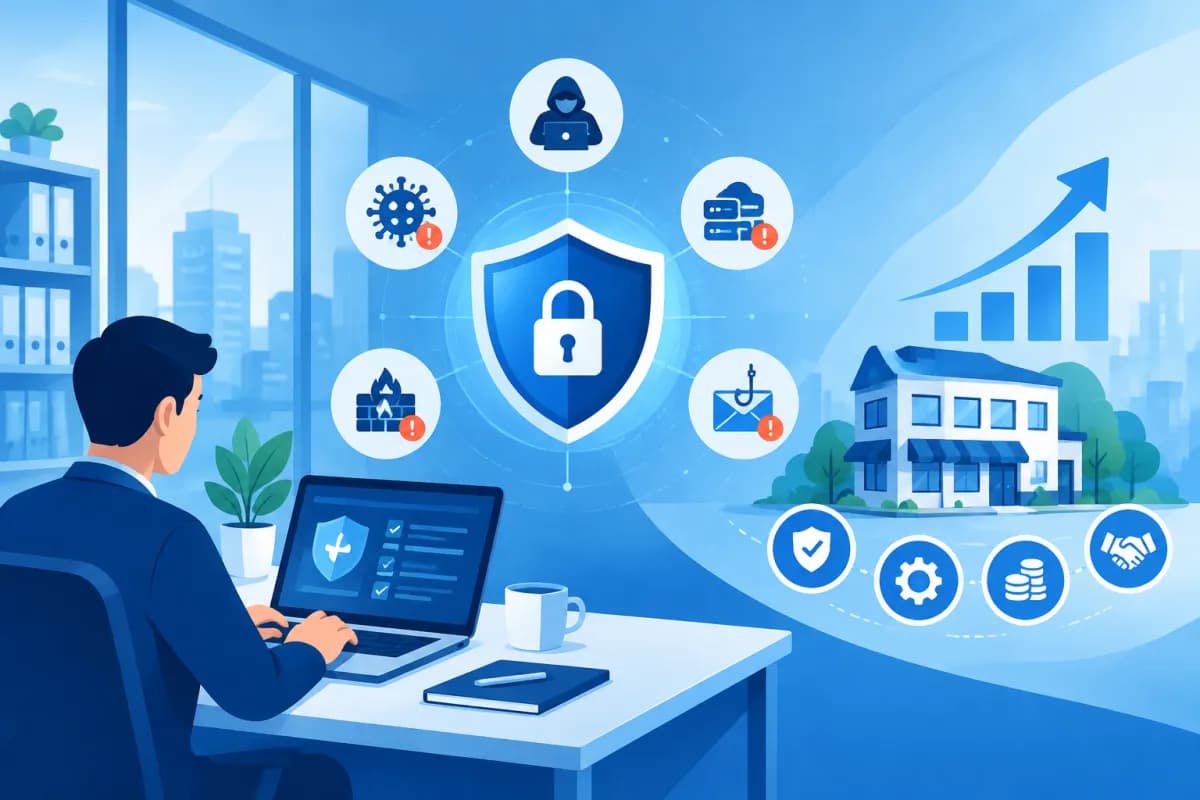
In day-to-day business, information technology helps small businesses process orders, store customer data, manage finances, and coordinate across departments. But the more they rely on digital systems, the more they face risks such as data loss, cyberattacks, software failures, and service disruptions. Even a seemingly minor incident can bring work to a standstill and damage customer trust.
So, what is IT risk management, and should small businesses invest in it? It is a proactive approach to identifying, assessing, and controlling risks related to information technology. When implemented appropriately, it can help businesses protect digital assets, maintain stable operations, and use their technology budgets more effectively. Understanding IT risk management is a practical first step toward achieving these goals.
What is IT risk management?
IT risk management is the process of identifying events that could affect systems, data, and business operations, assessing their potential impact, and selecting appropriate ways to address them. The goal is not to eliminate every risk—that is nearly impossible—but to reduce the likelihood of incidents and limit their consequences when they occur.

IT risks can come from many sources. An employee clicking a phishing email could introduce malware into the internal network. A server storing customer data could fail and disrupt services. Using outdated software can also create security vulnerabilities. Other risks may come from technology providers, user errors, natural disasters, or poorly designed access controls.
IT risk management typically involves a series of connected activities: inventorying technology assets, identifying threats and vulnerabilities, analyzing likelihood, determining potential impact, implementing controls, and monitoring results. The process should be updated as the business changes its systems, scale, working practices, or legal requirements.
Importantly, IT risk management is not solely the responsibility of the technical team. Leadership needs to define the level of risk the business is willing to accept; the IT team or technology partner is responsible for implementing solutions; and employees need to follow rules for passwords, data, and device use. When everyone is involved, solutions are more closely aligned with real-world operations.
Common IT risks for small businesses
With limited resources, small businesses sometimes prioritize immediate tasks over investments in security and contingency planning. This does not mean they will inevitably experience an incident, but it can allow a minor problem to become serious if it is not detected in time. Here are some common risk areas to consider:

- Data loss or leaks: Customer information, contracts, quotes, and accounting data may be accidentally deleted, accessed without authorization, or lost when a device fails.
- Cyberattacks: Phishing emails, ransomware, stolen login credentials, and exploited vulnerabilities can disrupt systems or result in encrypted data.
- Service disruptions: Failures involving servers, internet connections, sales software, or cloud platforms can affect customer service and order processing.
- Operational errors: Overly broad access permissions, accidental file deletion, weak passwords, or inadequate handover procedures can lead to system problems.
- Provider dependencies: Changes to an external service, an outage, or a provider going out of business can affect processes that rely on that service.
- Non-compliance: Storing or using data in ways that do not meet regulations or customer commitments can lead to disputes, remediation costs, and reputational damage.
Businesses should assess risks based on their operational impact, rather than focusing only on technical terminology. For example, practical questions might include: If the accounting system were unavailable for a day, which teams would be affected? Which data would need to be restored first? And who would have the authority to decide how to respond?
Benefits of IT risk management for small businesses
Protecting data and customer trust
Data is a valuable asset, whether a business uses a simple customer management system or multiple integrated platforms. Risk management helps identify sensitive data, determine who should have access, and establish how it should be backed up. Role-based access, multi-factor authentication, and backup checks can help reduce the risk of loss or unauthorized access. Protecting information well also strengthens customer and partner trust.
Reducing disruptions and maintaining business continuity
An IT incident can have a ripple effect: employees may be unable to process orders, customer service teams may lack information, and managers may not have the data they need to make decisions. Identifying critical systems, acceptable downtime, and recovery options in advance helps a business respond in a more organized way. Instead of reacting under pressure, the team knows who to contact, which tasks to prioritize, and how to maintain essential services.
Optimizing technology costs
Prevention is often less expensive than dealing with the consequences, especially when an incident causes lost revenue or requires emergency support from specialists. Risk management helps businesses direct their budgets toward areas with the greatest potential impact rather than buying tools on impulse. For example, before investing in a complex solution, a business can check whether it has already established regular backups, software updates, and standardized access permissions.
Supporting decisions and sustainable growth
When a business launches e-commerce, moves data to the cloud, or connects systems, its technology dependencies tend to increase. A clear picture of risks helps leaders evaluate investments based on their impact, necessity, and manageability. This enables a business to expand without overlooking security or continuity.
How to implement IT risk management effectively
Small businesses do not need to start with a complex governance structure. A lean process with a clear owner that is maintained regularly is often more useful than a lengthy document that no one follows. Here are some steps to get started:

- Inventory technology assets: Record the devices, software, service accounts, critical data, and providers that support business operations. Identify an owner or person responsible for each asset.
- Identify risks and vulnerabilities: Talk with different teams to understand which processes depend on technology, which data is most valuable, and which incidents could disrupt work. Also check software updates, access permissions, and backups.
- Assess and prioritize risks: Consider both the likelihood of an incident and its potential impact on revenue, customers, data, and compliance obligations. You can classify risks as low, medium, or high to focus resources on the most important issues.
- Choose a response: For each risk, a business can reduce it through technical or procedural controls, transfer part of it through suitable contracts or insurance, consciously accept a minor risk, or avoid an activity whose risks exceed its capacity to manage them.
- Prepare response and recovery plans: Specify whom to contact during an incident, how to communicate internally, the order in which systems should be restored, and how to maintain essential operations. The plan should be easy to understand and find, with a backup contact if the person responsible is unavailable.
- Train employees and review regularly: Show employees how to recognize suspicious emails, protect their accounts, and report incidents promptly. Test data recovery, review access permissions, and update the risk register when circumstances change.
Some foundational controls can deliver practical benefits: using a unique password for each service, enabling multi-factor authentication, updating operating systems and software, scheduling backups, limiting access according to job responsibilities, and revoking accounts when employees leave. These measures should be tailored to the type of data and the business’s reliance on technology rather than applied mechanically.
Businesses should also define metrics to track, such as system recovery time, the percentage of devices that are up to date, the number of accounts with multi-factor authentication, or training completion rates. Metrics should inform decisions and drive practical improvements, not create extra procedures just for reporting.
IT risk management mistakes to avoid
A common mistake is focusing only on cybersecurity while overlooking operational errors, provider dependencies, and recovery plans. Yet a business can be significantly affected by accidentally deleting data, an internet outage, or an incomplete account handover process. Risk assessments should cover people, processes, technology, and partners.
Another mistake is assuming that having backups guarantees successful recovery. Backups may be corrupted, lack the latest data, or be inaccessible when needed. That is why businesses need to test recovery regularly and protect backups from incidents that affect their primary systems. Similarly, buying security software without configuring, updating, or monitoring its alerts does not guarantee system security.
Businesses should also avoid creating rules so complex that employees try to work around them. Effective policies balance the level of protection with what people can realistically follow in their daily work. Start with high-impact risks, assign clear owners, and update plans when circumstances change rather than trying to address every possible scenario at once.
Conclusion: Manage risks proactively for sustainable growth
Understanding IT risk management helps businesses see technology not just as a tool for getting work done, but also as something that needs to be protected and maintained. For small businesses, IT risk management does not have to be expensive or complex. Identifying critical data, controlling access, testing backups, and preparing an incident response plan can already help significantly reduce the risk of disruptions and unexpected costs.
Every business has different processes, systems, and risk levels, so solutions should be tailored to its operations. LilyTech can work with your business to review your systems, advise on technology solutions, and develop a roadmap that fits your resources. Contact LilyTech for advice on protecting data, maintaining stable operations, and optimizing technology investments for your business.

