
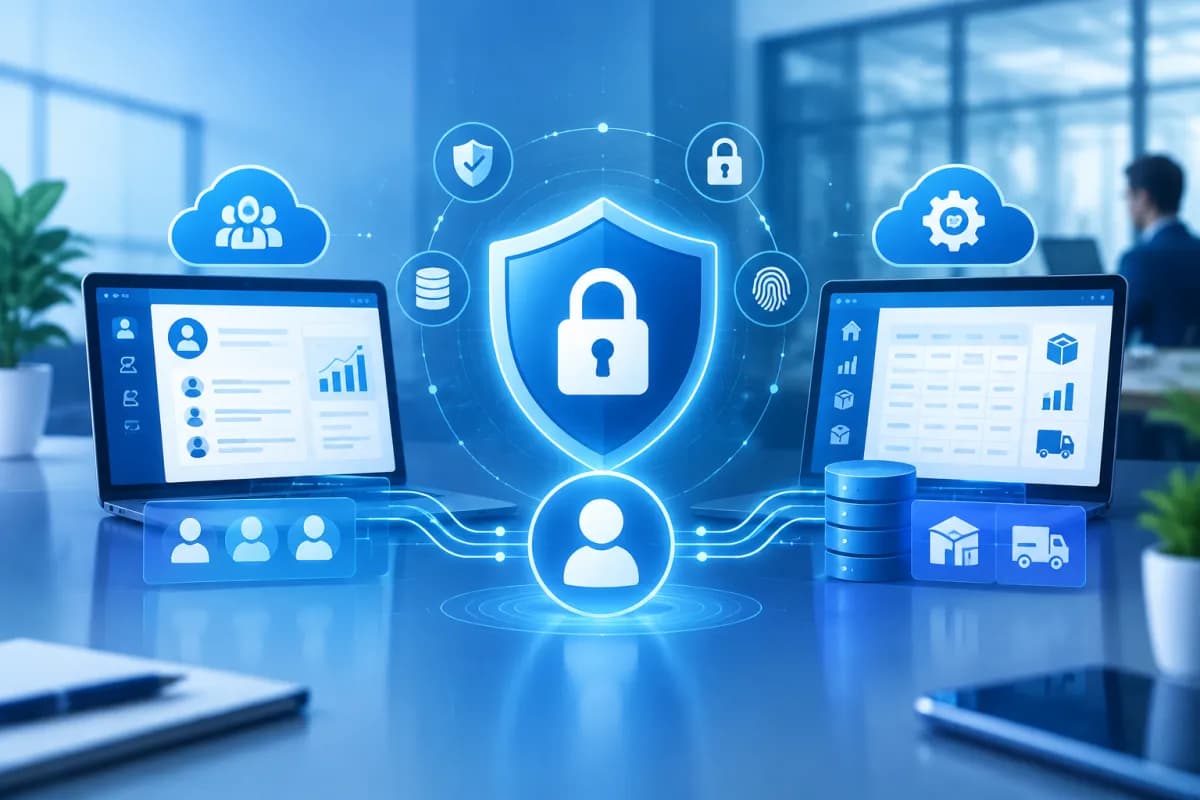
CRM and ERP systems help businesses centralize customer information, transaction histories, sales activities, and operational data in one place. This allows employees to work together more effectively and gives managers a stronger basis for decision-making. However, centralizing data also makes the consequences of unauthorized access or a misconfiguration more serious.
Customer data security in CRM and ERP is therefore about more than installing security software. Businesses need to combine access controls, thoughtful data management, employee training, and system monitoring. This article explores the principles and steps that can help reduce the risk of data leaks when using CRM or ERP systems.
Why is customer data security in CRM and ERP important?
CRM systems typically store names, phone numbers, email addresses, customer needs, communication histories, and sales opportunity statuses. ERP systems may contain customer contact details, contracts, orders, invoices, accounts receivable, and data related to supply operations. When the two systems are connected, data can be shared across departments, helping businesses serve customers faster while also expanding the scope of information that needs protection.
Risks do not come only from hackers. Common scenarios include employees viewing data outside their job scope, former employees’ accounts remaining active, customer files being sent to the wrong person by email, weak passwords, or data being exported to personal devices. A vendor or integration partner with overly broad access can also become a weak point.
A data leak can undermine customer trust, disrupt operations, and create incident response costs. Businesses may also face legal obligations related to personal data protection. Security should therefore be treated as a requirement throughout the process, from choosing a solution and designing workflows to operating and scaling the system.
Control access based on roles and actual business needs
An essential principle is to give each person only the access they need to do their job. Avoid granting broad administrative privileges to all employees simply for convenience. Instead, define roles, data access scopes, and permitted actions for each department.
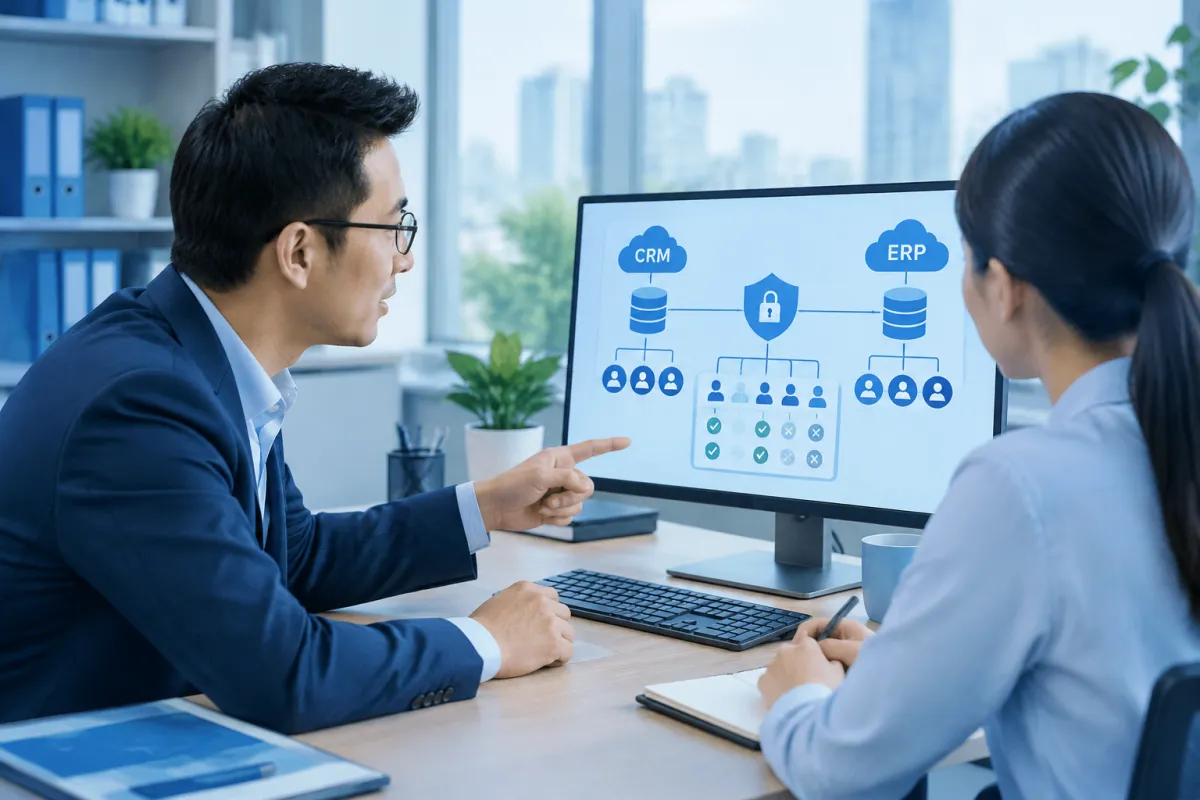
- Sales staff: View and update customers assigned to them; they should not automatically have access to data across the entire company.
- Accounting team: Access the information needed for invoices, payments, and receivables, without necessarily seeing all sales notes.
- Managers: View reports for the teams or regions they oversee, with data export privileges considered separately.
- System administrators: Configure users and operate the platform; this access should be limited to a small number of people and monitored.
CRM and ERP systems often support access controls by role, department, group, record, or data field. Businesses should distinguish between permissions to view, create, edit, delete, export, and share data. For example, an employee may need to see a customer’s phone number to provide support but not need to download a large customer list to their computer.
Access permissions should also be reviewed regularly. When an employee changes departments, leaves the company, or finishes a contract, update or disable their account promptly. For administrator accounts and remote access, enable multifactor authentication if the system supports it and apply appropriate password rules. Emergency access should require approval, have a clear expiration date, and leave an audit trail.
Centralize data while maintaining control
Centralized management can reduce the risk of customer data being scattered across spreadsheets, personal email accounts, or applications not approved by the business. With a trusted data source, businesses can update information more easily, review handling histories, and limit outdated copies. However, centralizing data does not mean everyone should have access to a shared repository.
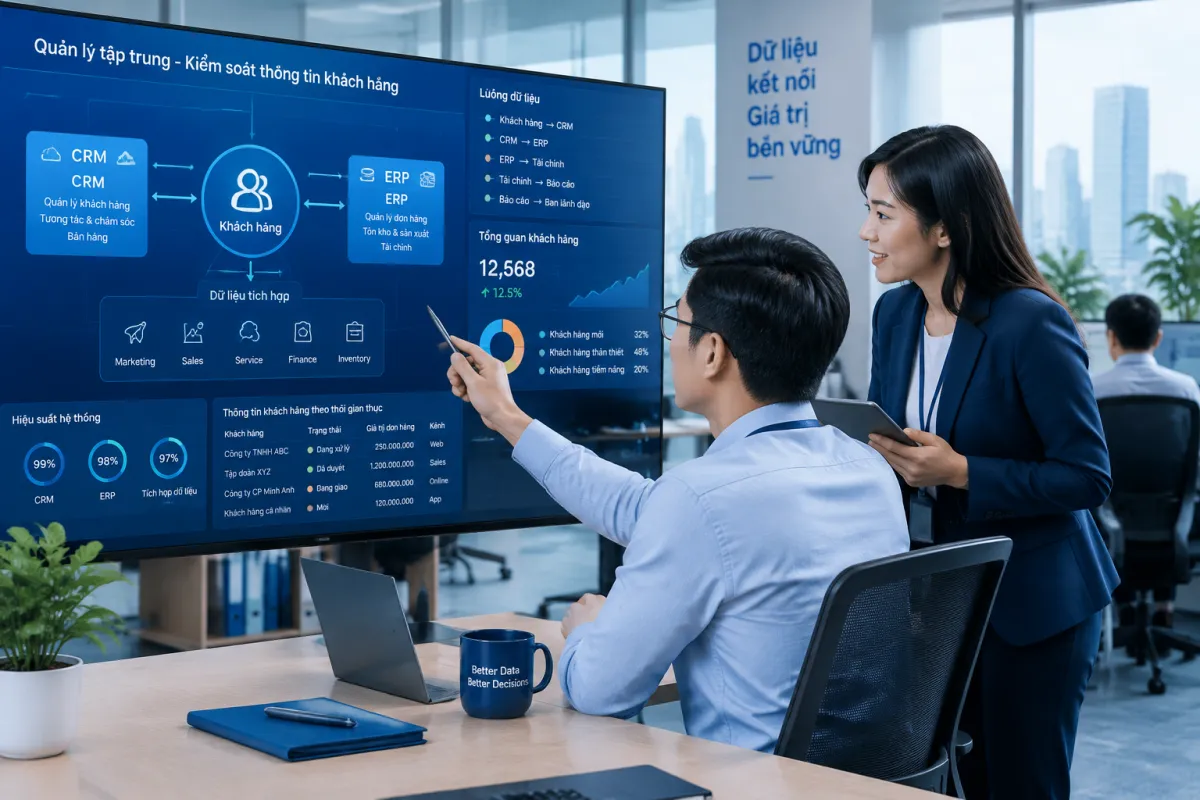
Before implementation, create a data inventory: what information the business collects, where it comes from, how it is used, who is responsible for it, and which systems store it. This makes it possible to classify data by sensitivity and determine what actually needs to be synchronized between CRM, ERP, and other applications. Do not collect additional information simply because the software allows you to store it.
When integrating systems, define which system is the primary source for each data type, how duplicate records will be handled, and how updates will be managed. For example, CRM may manage interaction histories while ERP manages orders and receivables. Shared information should serve a defined purpose, without expanding access beyond business needs. Integrations, service accounts, and data export files should also be managed as important access points.
Businesses should set appropriate retention periods and establish procedures for handling data that is no longer needed. Consider backups, downloaded files, test data, and data held by third parties as well. In test environments, avoid using real customer data unless necessary; if its use is unavoidable, apply appropriate safeguards.
Reduce data leak risks through processes and monitoring
Technology is effective only when paired with clear processes. Businesses should specify who can export data, under what circumstances, who must approve it, and how files should be stored or shared. Files containing customer information should not be sent through personal channels or kept indefinitely on unmanaged devices.
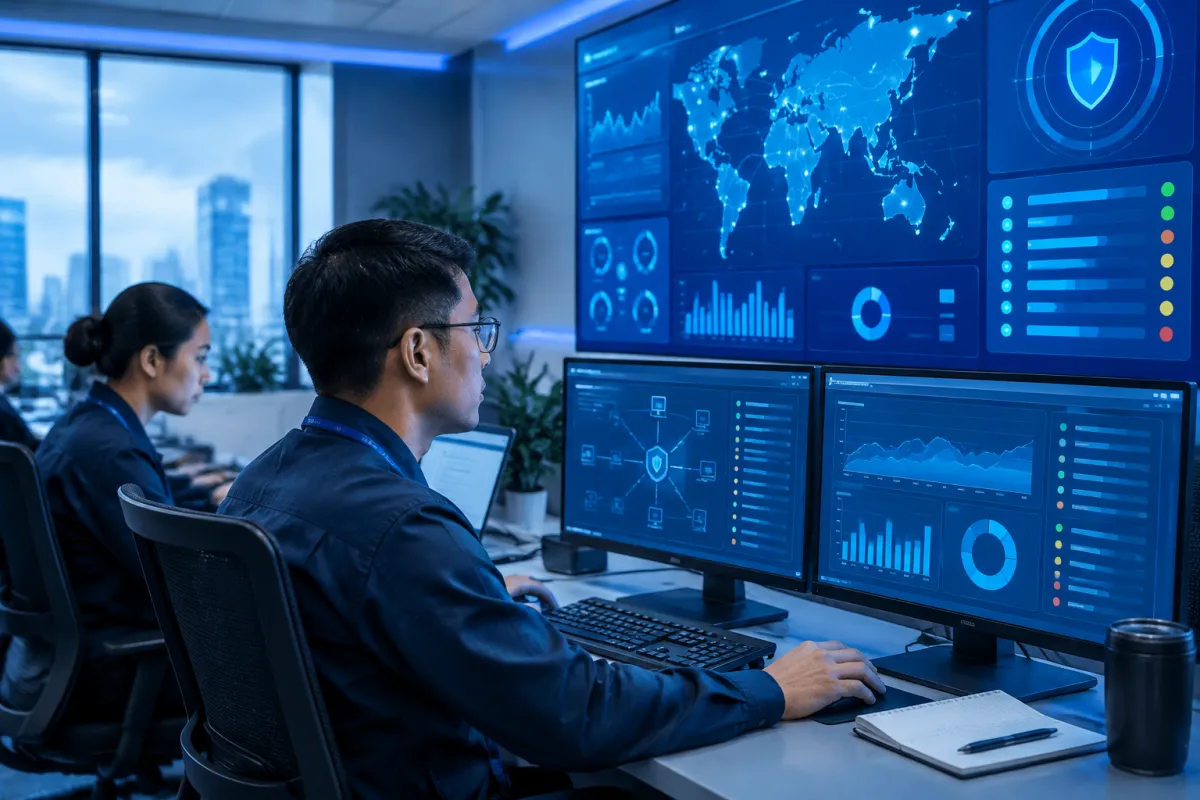
Activity logs can help detect unusual behavior, such as logins from unfamiliar locations, large-scale data downloads, or changes to administrator permissions. Assign responsibility for reviewing logs, set a review schedule, and define how to respond to alerts. Regular backups and recovery tests are also essential: backups should be protected, access should be limited, and restoration should be tested on a schedule.
Employees need guidance on recognizing phishing emails, protecting accounts, and handling customer information safely. Training should reflect the real-world situations each department encounters rather than simply presenting general policies. Businesses also need an incident response plan that covers how to disable accounts, isolate affected systems, identify the scope of the data involved, and notify relevant parties in accordance with applicable requirements.
Effective security does not rely on a single layer of defense. It combines least-privilege access, disciplined data management, employees who understand their responsibilities, and continuous monitoring.
A roadmap for securing CRM and ERP
To avoid turning security into a disconnected checklist of settings, businesses can implement it in stages, aligning data protection requirements with operational goals:
- Assess the current state: Identify what customer data is collected, where it is stored and shared, and compile a list of users, integrated systems, and existing risks.
- Design the access model: Agree on department roles, access-granting principles, approval workflows, and procedures for managing accounts when staffing changes.
- Configure and test: Set permissions in CRM, ERP, and integrations; test with representative accounts to confirm users can access and perform only what their roles require.
- Establish procedures: Set rules for exporting, sharing, storing, and deleting data; train employees and assign monitoring responsibilities.
- Review and improve: Periodically audit permissions and logs, rehearse data recovery, and update configurations when business processes or scale change.
When selecting a platform, businesses should assess its support for granular permissions, user authentication, activity logging, backups, recovery, and data controls. Clarify responsibilities among the business, software provider, and implementation partner. Even a solution with extensive security features can be operated unsafely if it is misconfigured or no one is accountable.
Conclusion
Customer data security in CRM and ERP starts with understanding what data is collected and how it is used. Role-based access, controlled centralized data management, activity monitoring, and employee training provide a foundation for reducing leaks while maintaining effective collaboration. These measures should be reviewed regularly as the business grows, changes its processes, or adds new systems.
If your business is implementing CRM or ERP, or needs to review its current data management practices, LilyTech can recommend a solution suited to your workflows and operational goals. Contact LilyTech to discuss an implementation roadmap, access controls, and the security requirements to prioritize.

