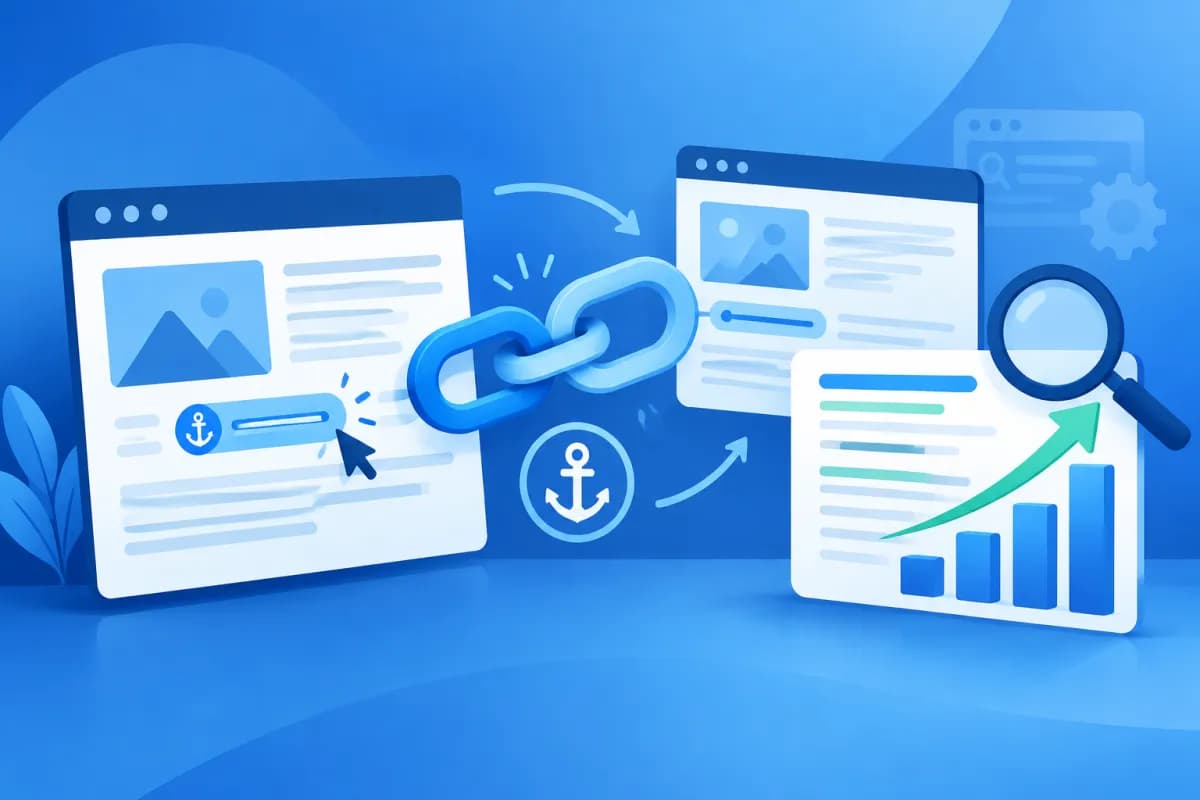
Links appear on almost every website, from paths that take readers to another page to tables of contents that let them jump quickly to specific sections. Though they may seem like a small detail, the way links are written can affect navigation, how easy content is to understand, and how search engines discover a website.
So how does anchor text SEO affect indexing and user experience? This article helps business owners and marketers understand the role of links and how to use them effectively, naturally, and in ways that support their website’s growth.
What is anchor text?
A link is a clickable element that takes users to another location or resource. On websites, the term is commonly used in two ways. First, it can refer to a link with visible text, also known as anchor text, that leads to another page or address. Second, it can refer to an in-page link that takes users to a specific section on the same page using an identifier, usually marked by a hash symbol in the address.
For example, the phrase “website design services” might link to a page introducing those services. That phrase is the link’s anchor text. A table of contents, meanwhile, might include a “Pricing” link that takes readers to the pricing section below. Both types connect content, but they serve different navigation needs.
In the context of SEO, people often use “anchor text” to mean the visible text that users click. This text provides context about the destination page for both readers and search engines. However, links are not a ranking factor that can determine rankings on their own. Their effectiveness depends on relevance, content quality, website structure, and many other SEO factors.
How do links improve user experience?
They help readers understand where a link leads
A link placed on descriptive text helps users anticipate what they will find after clicking. For instance, “view the business email setup guide” is more useful than a generic phrase like “click here.” When users know what content they are about to see, they can make choices that suit their needs and feel more confident as they navigate.

By contrast, vague or irrelevant anchor text can cause confusion. Users may leave the destination page right away if its content does not match the expectations set by the link. Make sure the wording of each link aligns with the information on the page it points to.
They take readers to relevant content faster
For long articles, in-page links can create a table of contents or shortcuts to individual sections. Readers do not have to scroll through the entire page to find an answer. This approach is especially useful for how-to guides, product pages with detailed specifications, FAQs, and content covering several topic groups.
Internal links also support users as they explore a website. From an article explaining a problem, they can continue to an in-depth guide, a service page, or contact information. When links appear at the right moment and genuinely help, a website can keep readers engaged without adding links to every paragraph.
They support accessibility
Descriptive anchor text is also important for people who use screen readers or navigate with a keyboard. If several links all say “learn more,” users may find it difficult to tell them apart when listening to a list of links. Be more specific, for example, with “explore ERP solutions for small and medium-sized businesses,” and make sure links are easy to identify and use.
How do links affect indexing?
Search engines discover many pages through links. When one page links internally to another, it creates a path that crawlers can follow to explore the website. Anchor text provides additional context about the topic or content users may find at the destination. Well-built internal links can therefore help search engines understand the relationships between pages.

However, having a link does not guarantee that the destination page will be indexed. The page still needs useful, accessible content and must not be blocked by technical settings such as robots directives or login requirements. If a link leads to an error page, duplicate page, or content with little value, its benefits for discovery and indexing will also be limited.
In-page links, such as table-of-contents links that jump to a heading, primarily help users navigate between locations within the same document. They can help readers find the sections they want faster, but should not be treated as a substitute for a clear page structure or an internal linking system between pages. Important content should still be presented in accessible HTML, with appropriate headings, and should not depend entirely on user interactions.
To support indexing, businesses should make sure their important pages are linked from appropriate places across the website. They should also check for broken links, orphan pages that receive few navigation links, and important pages buried too deep in the site structure.
How does anchor text contribute to SEO?
Links contribute to SEO in several direct and indirect ways. First, descriptive anchor text can help search engines better understand the destination page’s topic. If a service page is linked from relevant articles using natural phrases, search engines get additional context about the relationship between the content. Even so, a single anchor text does not guarantee that a page will rank for the corresponding keyword.

Second, internal links help organize content. Businesses can connect an overview page with in-depth articles and related service pages to form logical topic clusters. This structure helps users explore a topic further while enabling search engines to identify important pages and understand the relationships between them.
Third, relevant links can support conversions. An article that answers a question can direct readers to a consultation or product page when that is a logical next step. This is not just about rankings: a well-planned linking system can also move users from research to a specific action, improving the website’s overall effectiveness.
On the other hand, overusing keyword-optimized anchor text can make content feel unnatural. Repeating the same exact phrase across many links, especially on unrelated pages, can create a poor experience and make the links seem less trustworthy to search systems. The goal should be to help users understand and choose, not to force keywords into every link.
How to optimize links naturally and effectively
- Describe the destination accurately: Choose concise, clear wording that accurately reflects what users will see after clicking.
- Place links in relevant context: A link should add useful information to a sentence or paragraph, not appear abruptly just to insert a keyword.
- Vary your wording: Use a brand name, page title, descriptive phrase, or related keyword where appropriate. Avoid repeating the exact same anchor pattern across a large number of links.
- Prioritize useful internal links: Connect related pages and guide users to a valuable next step. You do not need to link every occurrence of a term.
- Check links regularly: Find and fix broken links, unnecessary redirects, changed destination pages, and content that is no longer relevant.
- Write accessible link text: Avoid context-free phrases such as “click here.” If you use a button or icon, make sure its function is clearly communicated.
- Organize in-page links thoughtfully: For long content, create a table of contents that follows the section order, use clear section names, and check that links work on both mobile and desktop devices.
Businesses should also evaluate links in the context of the entire website rather than reviewing each page in isolation. Ask: Can readers tell where a link leads? Is the destination genuinely relevant? Does the link help them accomplish their goal? If the answer is yes, the link is likely serving both the user experience and the SEO strategy well.
Conclusion
Links connect content, guide users, and provide search engines with additional context as they discover a website. When they are clearly written, appropriately placed, and point to relevant pages, they support user experience, indexing, and SEO performance. In contrast, vague or broken links, or links overloaded with keywords, can undermine the quality of the website journey.
Effective SEO requires coordination between content structure, website technology, and conversion strategy. If your business needs a review of its linking system, SEO optimization, or a website built around its business goals, contact LilyTech for advice on the right solution.