
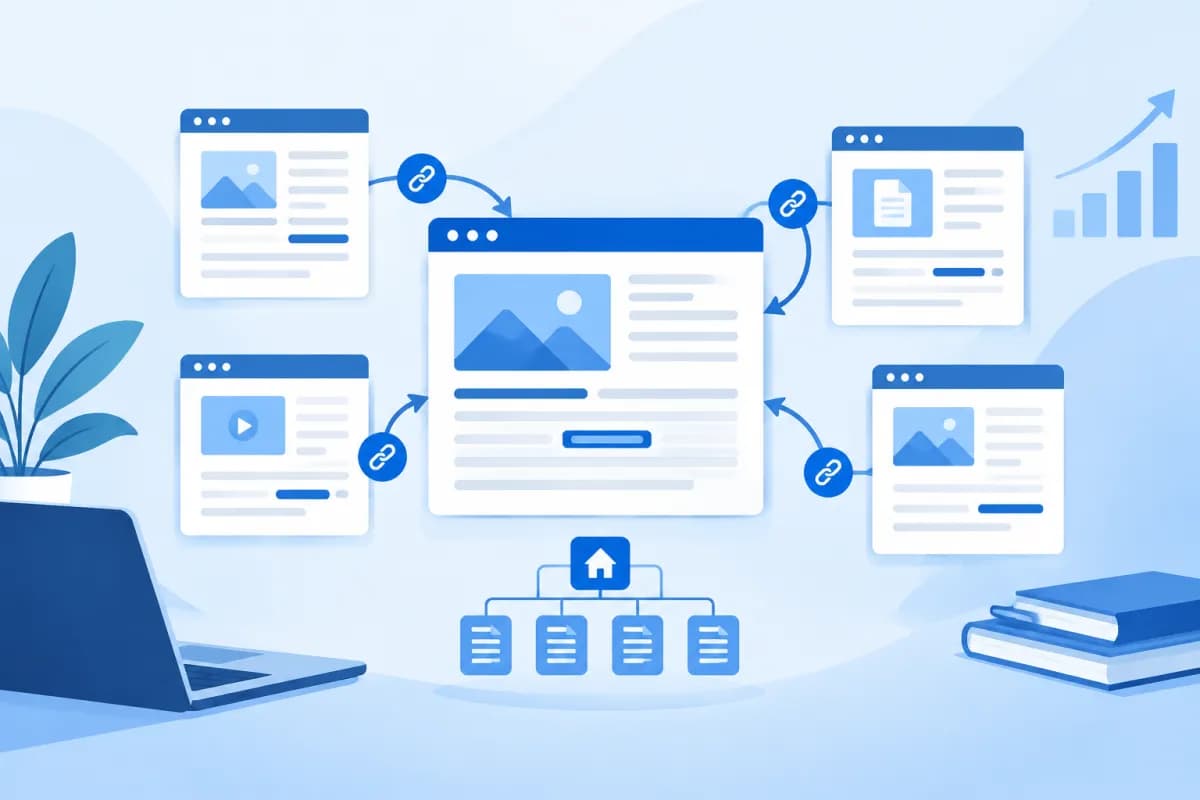
When visiting a website, users often move from one page to another through internal links. How these links are organized directly affects how easily people can find information, navigate the site, and how search engines discover its content.
So, what is internal linking, what role does it play in SEO, and how can you build a clear link structure? This guide shows businesses and marketers practical, easy-to-apply ways to organize internal links in line with their website growth goals.
What Is Internal Linking?
An internal link is a link from one page to another on the same website. For example, in an article about SEO strategy, you might link to a guide to keyword research elsewhere on your site. Readers can click the link to learn more without returning to the homepage or searching for the content themselves.
Internal links commonly appear in article content, navigation menus, footers, sidebars, and related-post sections. Although their placement varies, they all connect pages on the same domain. This is the key difference between internal links and external links, which take users to another website.
An internal link usually consists of the destination URL and clickable text, known as anchor text. For example, in the sentence “Learn more about our website design services,” the bold phrase could link to the relevant service page. Anchor text helps readers anticipate what they will find after clicking and gives search engines additional context.
How Internal Links Benefit Websites and SEO
Help users find content more easily
Internal links create logical pathways between related topics. Readers can move from an overview to a detailed guide, from an article to a service, or from a frequently asked question to its answer. When the journey is well designed, visitors spend less time guessing where to find information.

This is particularly important for websites with multiple service categories, product listings, or expert articles. Even valuable content can go unnoticed if it is isolated. Relevant links help people discover content at the right time and create a smoother experience.
Help search engines discover pages and understand site structure
Search engines use links to move from known pages to other pages on a website. A page connected through relevant internal links is generally easier to discover than one with no clear path leading to it. Link structure also helps show how pages relate to one another—for example, a category page may cover the main topic, while its supporting articles explain specific aspects.
Internal links also help distribute importance across pages. When multiple related pages link to a service or topic page, the website sends additional signals about that page’s place in its content structure. However, links cannot replace useful content, fast page loading, or other technical SEO factors; they are just one part of optimizing a website.
Support the conversion journey
Internal links can guide users from the discovery stage to consideration and contact. For example, an educational article might link to a related service page, where readers can then explore the implementation process or consultation options. When these steps match people’s real needs, businesses can help customers make decisions without making them feel pressured.
Common Internal Link Structure Models
Hierarchical structure
A hierarchical structure starts at the homepage, moves to primary categories, and then leads to subpages or detailed articles. This is a familiar model for business and e-commerce websites. Users can understand the main content groups before exploring individual topics, while site administrators can more easily manage how pages are organized.

For example, a technology services website might organize its content under a “Solutions” category, with pages for website design, app development, and ERP implementation. Each service page could then link to related process details, frequently asked questions, or how-to articles.
Topic cluster model
In a topic cluster model, a pillar page provides an overview of a broad topic, while supporting articles explore specific aspects in greater depth. The supporting articles link back to the pillar page and, where useful, to one another. This approach suits websites that publish expert content because it helps readers explore a topic systematically and shows how pages are related.
For example, an ERP pillar page could link to articles about implementation processes, software selection criteria, and change management. Add a link only when the destination genuinely gives readers more useful information; don’t create arbitrary cross-links simply to increase the number of links.
Contextual navigation
Contextual links are placed within content where they are relevant. Unlike menus, which usually appear unchanged across multiple pages, these links can lead readers to additional information at just the right moment. They are a useful way to connect articles, products, or services based on the needs being discussed.
How to Build a Well-Structured Internal Link System
- Audit and group your content: List important pages and categorize them by topic, goal, and audience. Identify pillar pages, category pages, service pages, and supporting content to clarify how they relate.
- Map the user journey: Find out what visitors typically need to know before contacting you or making a purchase. Then create suitable navigation paths, such as moving from an article explaining a problem to a solution guide and then to a service page.
- Prioritize important pages: Make sure pages that need to be found have clear paths from the menu, category pages, or related content. Don’t let a core service page sit deep in the site structure without links leading to it.
- Place links in the right context: Choose a destination that helps readers with the content they are viewing, and place the link where they can easily spot it. Avoid cramming too many links into one paragraph or linking to unrelated pages just to direct users elsewhere.
- Write descriptive anchor text: Use wording that tells users what they will find after clicking. You can vary the phrasing naturally to fit the context, but avoid vague anchors such as “click here” when you can be more specific.
- Check links and update them regularly: Look for broken links, deleted pages, and outdated content. When publishing a new article, consider adding links to it from relevant older pages so it becomes part of the site’s content system.
There is no fixed number of internal links that works for every page. Instead of setting a numerical target, consider whether each link helps readers take the next step or understand the content in greater depth. Links should be easy to recognize, work correctly, and lead to genuinely useful pages.

How to Check and Improve Internal Links
Businesses can start by reviewing their important pages and asking a few questions: Can users find the page from the menu or a category? Are there related articles that don’t link to it? Can users continue their journey after finishing the page? A manual review can reveal navigation gaps that automated data may not explain.
Website analysis and auditing tools can help identify pages with no internal links pointing to them, broken links, pages with too many or too few incoming links, and the depth of the site structure. Use these findings alongside business goals and user behavior rather than addressing every alert mechanically.
When making improvements, prioritize issues with a clear impact: important pages that are difficult to find, links that lead to errors, misleading anchor text, or new content that has not been connected to the site. After each update, test the experience on both desktop and mobile to make sure links are easy to tap and do not interrupt reading.
Conclusion
Understanding what is internal linking is the first step toward building a well-organized website. When internal links are organized by topic, placed in the right context, and lead to useful content, users can explore information more easily and search engines have more ways to crawl and understand the site’s pages.
To make your link structure effective, start with users’ goals, prioritize important pages, and review the system regularly. If your business needs an assessment of its website structure, help improving SEO content, or a digital journey tailored to its needs, contact LilyTech for practical advice.

