
 Nguyễn Chính Ngọc Liên
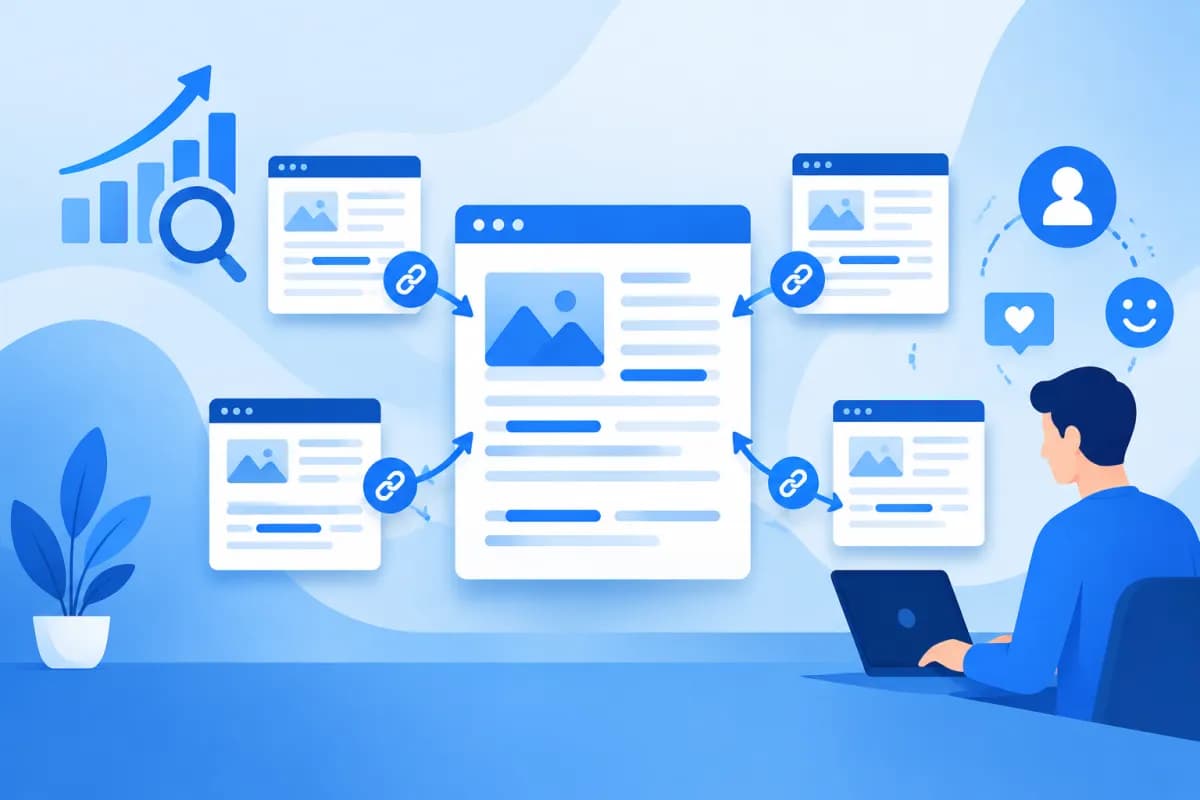
When you visit a website, you’ll often find links leading from an article to a product page, category, or other related content. These are internal links—a familiar part of website structure that is sometimes underused.
So, What Is an Internal Link, and why can the way you link pages affect both SEO and the user experience? This article explains the concept, its role, and how to build an internal linking system that works for a business website.
What Is an Internal Link?
An internal link is a link that connects one page on a website to another page on the same website or domain. For example, in an article about choosing sales management software, you might link to your company’s ERP consulting service page. When readers click the link, they’re taken to another page on the same website.
Internal links differ from external links, which take users from your website to a different domain. A backlink, meanwhile, is a link from an external website pointing to yours. All three concepts involve links, but each has a different purpose and approach.
Internal links can appear in several places, including:
- Within article content: Link to in-depth explanations, service pages, or related resources.
- In navigation menus: Help users reach key areas such as products, services, about, and contact pages.
- In breadcrumbs: Show the current page’s position in the website structure.
- In related articles: Suggest the next piece of content based on the topic a user is exploring.
The key is to give each link a clear purpose: help readers find more information or take the next step. Adding as many links as possible does not make an internal linking system effective.
How Do Internal Links Support SEO?
Internal links help search engines such as Google discover pages on a website and understand how they relate to one another. When a page is linked from other pages, search engines have another way to find and crawl it. This is particularly useful for new pages or pages that aren’t directly accessible from the main menu.
Help Search Engines Understand Website Structure
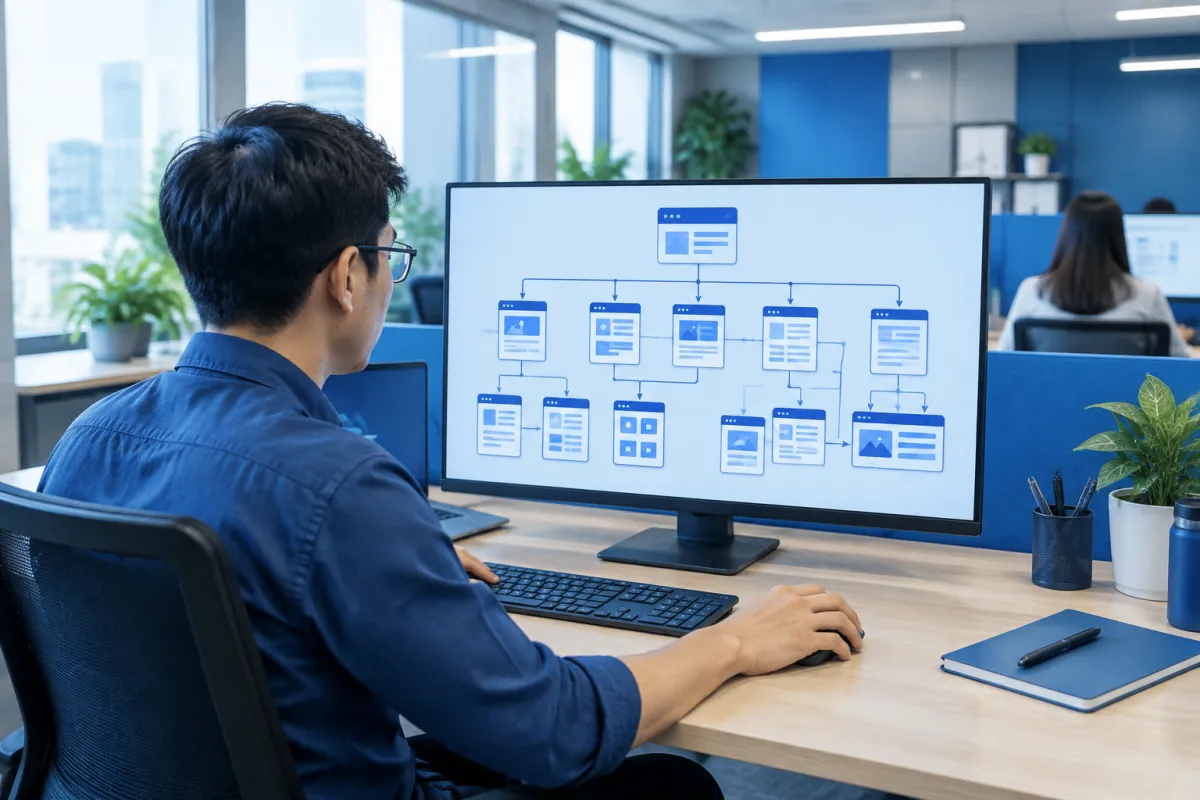
A well-organized website typically has a logical hierarchy: the homepage links to main categories, categories link to subpages, and articles connect to content on related topics. A consistent linking system helps search engines recognize which pages provide an overview, which explore a topic in depth, and how the pages relate to one another.
For example, a technology solutions provider might create an overview page about ERP and link to articles on implementation processes, costs, software selection, and data management. This creates a clear content cluster instead of a collection of disconnected pages.
Support Page Discovery and Indexing
Search engine crawlers often follow links to discover content. If an important page has no links pointing to it from other pages, it may be harder to find. Businesses should make sure pages they want to appear in search results have suitable links from menus, categories, or related content.
Internal links also distribute link value across a website. A page with many links pointing to it may be considered more prominent within the site’s internal structure. However, this does not guarantee that the page will rank higher; content quality, relevance to the query, website technology, and many other factors still matter.
Provide Context Through Anchor Text
Anchor text is the clickable text that opens a link. When it accurately describes the destination page, both users and search engines can more easily understand what that page is about. For example, “ERP implementation planning guide” is more helpful than a generic phrase such as “learn more” when linking to the relevant guide.
Write anchor text that is natural, concise, and relevant to the context. Avoid mechanically repeating the exact keyword in every link, as this can make the content feel unnatural and frustrate readers.
Internal Links Improve the User Experience
SEO isn’t the only benefit of internal links. When placed thoughtfully, they help visitors find the next answer they need without returning to the homepage or searching on their own. This creates a seamless journey from identifying a problem to considering a solution.

For example, someone reading about signs that a business needs ERP may also want to learn about costs, implementation timelines, or how to choose a provider. Links to related content let them explore the topic according to their needs. For an ecommerce website, a link from a how-to guide to a product category or warranty policy can help customers make a decision.
Internal links also help users find their way around a website, especially one with many pages and content levels. Clear menus, easy-to-follow breadcrumbs, and relevant recommendations reduce the chances of visitors landing on a page and not knowing what to do next.
A good experience isn’t measured only by the number of pages viewed. Businesses should assess whether links help customers achieve their goals—finding information, comparing services, requesting a consultation, or buying a product. A useful link appears at the right time, in a relevant context, and leads to a page that meets the user’s expectations.
How to Build an Effective Internal Linking System
To create internal links that benefit both SEO and readers, businesses should start with their information architecture rather than adding links at random. Here are some practical steps:

- Identify important pages: List service, product, category, and content pages that contribute to business goals. Connect these pages appropriately from relevant areas of the website.
- Group content by topic: Create an overview page for each main topic and link to in-depth articles. In turn, those articles should link back to the overview page or a relevant service page.
- Place links in the right context: Prioritize locations where readers have a reason to learn more. Don’t insert links into unrelated sentences just to increase the link count.
- Write descriptive anchor text: Use clear phrases that reflect the destination page and fit naturally into the surrounding sentence.
- Check accessibility: Make sure links work on mobile devices, are easy to identify, and don’t lead to error pages or deleted content.
- Review regularly: When updating the website structure, look for broken links, important pages with no inbound internal links, and links that are no longer relevant.
There is no fixed number of internal links that is optimal for every page. Focus on quality and usefulness. If a page has so many links that it becomes hard to read, users may lose focus. Conversely, important pages that aren’t linked from relevant content can be overlooked.
Common Mistakes and How to Check Internal Links
A common mistake is linking only to the homepage or service pages while overlooking in-depth content that could help users. Some websites also use the same generic anchor text for several destination pages, making it difficult for readers to know where a link will take them. Avoid linking to unrelated pages, adding too many links to one paragraph, or leaving links that lead to error pages.
Businesses can assess their internal linking system by reviewing the website structure, testing important links, and using analytics or SEO audit tools to identify orphan pages, broken links, and crawling issues. When reviewing the results, don’t focus only on the number of links. Ask: Is the destination relevant? Would visitors want to click? Does the link help them move closer to their goal?
Review links after major changes such as a website redesign, URL changes, content consolidation, or category updates. If a page’s address changes, update internal links to avoid disrupting the user experience and to minimize technical errors.
Conclusion
Understanding What Is an Internal Link helps businesses see internal links as part of both their SEO strategy and customer experience. A well-organized linking system helps search engines discover content and understand website structure, while making it easier for users to find relevant information.
For the best results, prioritize a clear structure, descriptive anchor text, relevant destination pages, and regular link checks. If your business needs a website with an optimized structure, stronger SEO, or content aligned with marketing goals, LilyTech is ready to recommend a solution. Contact LilyTech to discuss your needs and plans for your website.

