
 Nguyễn Chính Ngọc Liên
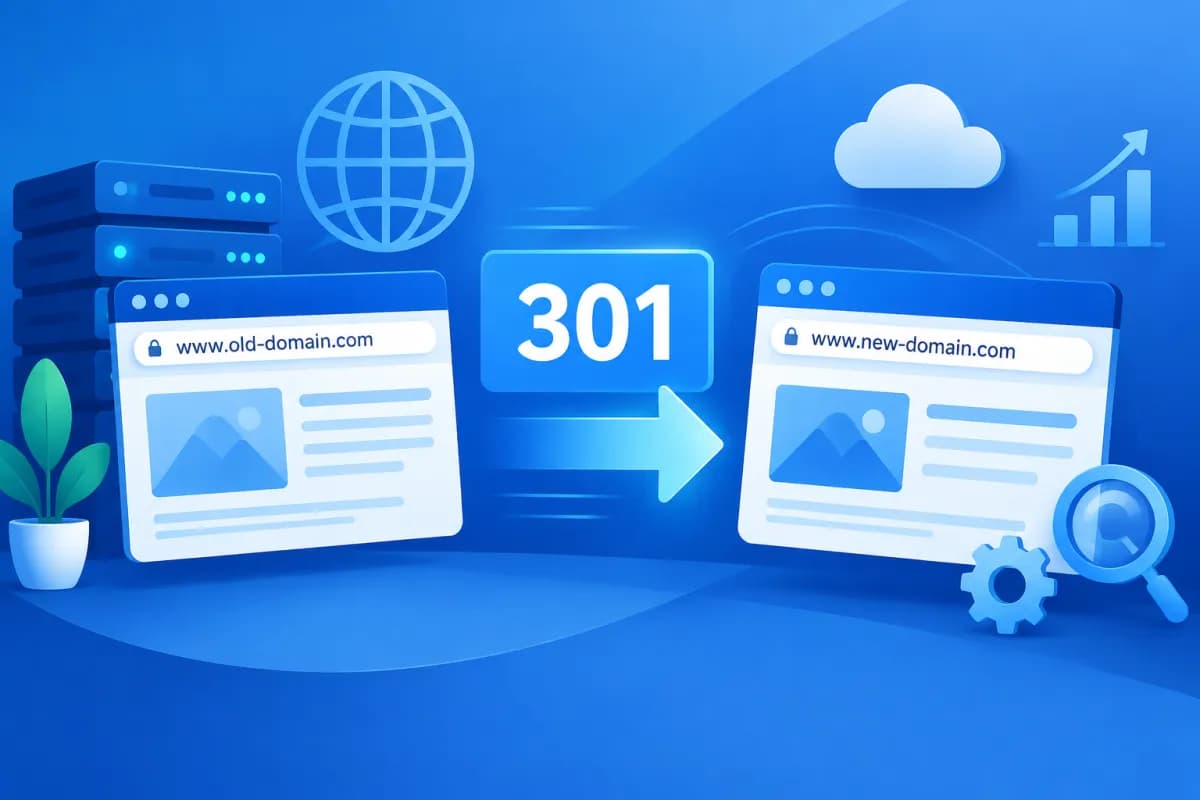
When changing a website domain, businesses need to make sure visitors can still reach the content they know and search engines recognize the new address. Without redirects, customers may encounter error pages, and URLs already indexed or linked to by other websites may become inaccessible.
So, what is a 301 redirect, and how should you use one when changing domains? This article explains how 301 redirects work, outlines the implementation process, and covers the checks you need to make for a safe migration that minimizes SEO impact.
What Is a 301 Redirect, and How Does It Work?
A 301 is an HTTP status code indicating that a URL has permanently moved to another address. When a browser or search engine bot visits the old URL, the server returns a 301 response along with the destination URL. The browser then opens the new address, usually automatically and without any extra steps from the user.

For example, if a business moves from tenmiencu.com/dich-vu to tenmienmoi.vn/dich-vu, the server can issue a 301 redirect from the old URL to its corresponding URL on the new domain. Users who type the old address, click an old link, or visit from a search result can still reach the right page on the new site.
For SEO, a 301 redirect tells search engines that the URL change is permanent and the content has moved to the destination address. Signals associated with the old page, such as links pointing to it, may be passed to the new page when the redirect is configured correctly. However, a 301 does not guarantee that rankings will remain unchanged immediately. Search engines need time to crawl, process the changes, and update their indexes.
A 301 redirect differs from a 302, which generally indicates a temporary redirect. If the new domain will be the official address for the foreseeable future, a 301 is usually the right choice. Choosing the wrong redirect type or configuring redirects inconsistently can make it harder for users and bots to identify which version of the site to prioritize.
When Should You Use a 301 Redirect When Changing Domains?
A 301 redirect is usually necessary when a business rebrands, switches to a shorter domain, merges multiple websites, or changes its domain structure. In these cases, old URLs may still appear in search results, marketing materials, emails, social media posts, and partner websites.
Do not simply redirect the old domain’s homepage to the new domain’s homepage. Visitors looking for a specific article, product, or service could end up on an unrelated homepage, have to search for the content again, or leave the site. Instead, create redirect rules for individual URLs, prioritizing equivalent pages on the new site.
Before you begin, define the scope of the migration. Are you changing only the domain while keeping the URL structure, or are you also changing paths, the website platform, and content? The more changes you make at once, the harder it will be to identify the cause if something goes wrong. If possible, split major changes into phases and document the configuration before each rollout.
How to Implement 301 Redirects When Changing Domains
1. Create a URL List and Prepare the New Website
First, compile a list of existing URLs from your sitemap, content management system, website analytics, server reports, and pages that receive traffic or external links. Do not record only the homepage; include important service, product, category, article, and advertising landing pages.

Next, create a mapping table that pairs old URLs with new ones. If the URL structure is unchanged, you may be able to apply a rule across the entire domain. If the structure has changed, assign destinations for each URL group. Pages for discontinued products or services should redirect to genuinely relevant replacement content; do not redirect unrelated pages to the homepage just to eliminate 404 errors.
2. Check and Finalize the New Domain
Before setting up redirects, make sure the new website is stable, has a valid HTTPS certificate, contains all the required content, and that its important pages return successful status codes. Check both www and non-www versions, as well as HTTP and HTTPS, and choose one canonical version.
Review internal links, canonical tags, the sitemap, and structured data on the new website. These elements should point directly to the new domain rather than relying on old URLs and triggering another redirect. If you are changing both the domain and URL structure, update each relevant element—not just the domain name.
3. Configure Redirects on the Server
301 redirect rules are commonly configured on the web server, in the content management system, through a CDN, or on the hosting platform. The exact setup depends on the website technology, so the technical team should review the environment before making changes. Test a representative set of URLs, including the homepage, content pages, URLs with trailing slashes, and URLs with parameters, if applicable.
Set up a direct redirect from each old URL to its final destination. Avoid redirect chains—for example, URL A to URL B and then B to URL C—as every extra step can slow the user experience and complicate crawling. Also avoid redirect loops, which cause the browser to keep redirecting without loading the page.
4. Update Domain Touchpoints
Once the new website is ready, update internal links, the sitemap, canonical tags, analytics settings, website management tools, and advertising channels. If your business has social media profiles, business listings, email marketing, or sales materials that include the old domain, plan to update them to the new address.
For search management tools, verify the new domain and submit a change-of-address notification if the platform supports it. Submit the new sitemap so search engines can discover the updated URLs. Keep the old domain active and renew it, since the redirects must remain in place for users, bots, and websites linking to the old address to reach the new site.
How to Check 301 Redirects After Implementation
Do not check only the homepage and assume the entire migration has succeeded. Choose sample URLs from different content groups and test the most important paths. You can use a browser, an HTTP status checker, or a website crawling tool to verify the actual responses.

- Verify the status code: Old URLs should return a 301 and lead to the correct new URL. The destination should load successfully, usually with a 200 status code.
- Check content mapping: An old service page should lead to the corresponding service page, not be redirected arbitrarily to the homepage.
- Check domain versions: Test HTTP, HTTPS, www, and non-www to confirm they all resolve to one official version.
- Look for technical errors: Check for loops, long redirect chains, destination URLs that return 404 errors, and redirects to unrelated pages.
- Test on real devices: Open old URLs on mobile and desktop, and try links from emails, ads, or materials that are still in use.
After launch, monitor index coverage reports, crawl errors, organic traffic, and landing pages in your analytics tools. If an old URL with significant traffic or external links is not seeing corresponding activity on its new destination, review the mapping rules and check that the destination page is accessible. Short-term ranking fluctuations can occur during processing, so assess trends over time rather than drawing conclusions from the first few days.
Common Mistakes and How to Minimize SEO Impact
A common mistake is redirecting every old URL to the homepage. This can make it difficult for users to find what they need and reduce the relevance between the old page and its destination. Another mistake is leaving internal links on the new site pointing to the old domain, creating unnecessary redirects.
Businesses should also avoid deleting the old domain immediately after the migration, overlooking URLs that receive traffic, or allowing the security certificate to expire. If the old domain’s server goes offline, its 301 redirects can no longer send visitors to the new website. Also, do not block bots from accessing the new site through robots settings or a test environment configuration, as this could prevent crawling and indexing.
Keep a record of old URLs, the mapping table, the launch date, and technical changes. This information helps marketing and technical teams work together to resolve issues. During the transition, monitor important pages regularly and prioritize fixing URLs that are causing problems for customers or affecting business operations.
Conclusion: Use 301 Redirects to Change Domains Safely
Understanding what is a 301 redirect is the first step toward a controlled domain migration. To help users and search engines reach the right new address, businesses need to map URLs, prepare the new website, configure direct redirects, update linked touchpoints, and monitor results after launch. A properly configured 301 redirect cannot eliminate all SEO fluctuations, but it can reduce the risk of lost access and help search engines recognize the new website.
If your business needs to assess its website structure, plan a domain migration, or review technical issues affecting SEO, LilyTech can support you from consultation through implementation. Contact LilyTech to discuss a solution suited to your systems and business goals.

