
 Nguyễn Chính Ngọc Liên
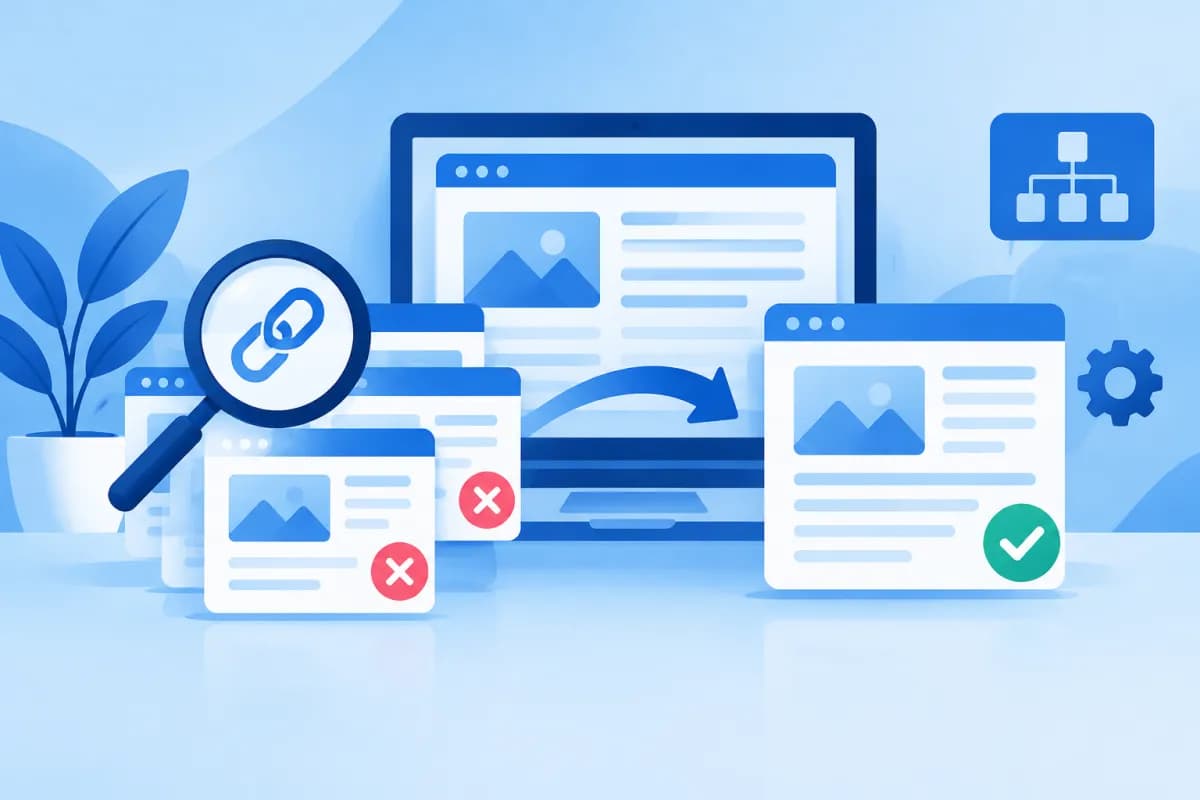
Resolving duplicate content issues means reviewing pages with identical or very similar content, then helping search engines understand which page should take priority. This can happen when a website has multiple URLs for the same content, when product pages are nearly alike, or when content is republished in multiple places.
Duplicate content does not automatically mean a website will be penalized, but it can dilute SEO signals, make crawling less efficient, and leave users with several pages that look much the same. This guide explains how to find duplicate URLs and choose between canonical tags, rewriting content, or consolidating pages.
What Is Duplicate Content, and Why Should You Address It?
Duplicate content is identical or substantially similar content that appears on multiple URLs. These URLs may be on the same website or across different websites. Not every repeated passage is a problem: company introductions, contact details, and terms and conditions may naturally appear on multiple pages. The main concern is when several URLs compete to represent the same topic or meet the same search need.

Duplication often results from technical site structure rather than intentional copying. For example, a page may be accessible with or without www, over HTTP and HTTPS, or with or without a trailing slash. Product filters, campaign tracking parameters, pagination, and print pages can also create multiple addresses containing similar content.
- Diluted signals: Internal or external links may point to multiple URLs instead of focusing on the page the business wants to rank.
- Unclear preferred page: Search engines may choose a representative URL other than the one the site owner intended.
- Wasted crawl resources: Bots may spend time visiting URL variations instead of important or new pages.
- Inconsistent experience: Users may encounter similar pages, outdated information, or content that has not been updated consistently.
The goal, then, is not to remove every piece of content that shares similarities. It is to clarify the relationship between pages, retain the page that best matches search intent, and handle secondary URLs consistently.
How to Find Duplicate URLs and Content
Start by compiling a list of URLs rather than just searching for a few matching sentences. You can use your content management system, a website crawling tool, or Google Search Console indexing reports to identify pages with similar titles, descriptions, main content, or canonical tags. These tools can flag potential issues, but review them manually before making changes.

Review URL Variations
Check whether the same page can be accessed through multiple address variations: HTTP/HTTPS, www/non-www, with or without a trailing slash, uppercase/lowercase, and URLs with parameters. Open sample URLs, check their redirect responses, and inspect the canonical tag in the source code. If each version returns independent content, establish a suitable normalization rule for the entire website.
Compare Content and Search Intent
Two pages can differ by a few sentences and still meet the same need. Compare their topic, audience, products or services covered, main content, and search intent. For example, two pages describing the same service that differ only by neighborhood name—and offer no useful local details—may be near-duplicates. By contrast, two pages about the same product that serve different user groups or use cases may need to remain separate.
Record each URL group in a spreadsheet with fields such as URL, corresponding content, traffic or conversions if available, internal links, indexing status, and recommended action. This helps prevent you from accidentally removing a page that has value. When resolving duplicate content issues, base decisions on both the page’s purpose and real-world data—not just how similar the wording is.
Choose an Approach: Canonical, Rewrite, or Consolidate?
No single solution works in every case. Choose an approach based on the relationship between the URLs and the unique value of each page. A canonical tag is appropriate when accessible versions need to remain available but you want to identify the representative URL. Rewriting is suitable when each page can meet a distinct need after you add useful content. Consolidation works when several pages serve the same purpose and do not need to exist independently.

Use Canonical Tags When Versions Need to Coexist
A canonical tag tells search engines which URL is preferred within a group of identical or near-identical pages. For example, a product category page may have a color filter that creates a parameterized URL. If the filtered page has no independent search value, the website can set its canonical to the standard category page. A canonical is a preference signal, not an absolute directive, so it should be supported by consistent URL structure, internal links, and sitemaps.
In general, the preferred page should have a self-referencing canonical, while secondary versions should point to it when appropriate. Avoid setting canonicals to unrelated pages or redirect URLs, and do not create chains of canonicals across multiple pages. Also, do not block secondary URLs with robots.txt if search engines need to access them to read the canonical signal.
Rewrite Content When Each Page Has Its Own Potential
If pages target different customer groups, products, or questions, make their differences clear instead of merging them prematurely. Add unique information such as selection criteria, processes, use cases, FAQs, or accurate product data. For local pages, create distinct content only when the business can provide genuinely useful information—for example, a service area or a well-supported description of how it serves that location. Do not simply swap place names in a single page template.
Consolidate Pages That Serve the Same Purpose
When several articles or service pages overlap in topic and there is no reason to maintain them separately, choose the most complete and relevant page as the destination. Move useful information from the other pages into it, then 301-redirect the old URLs to the new URL if those pages are being retired. Update internal links, the sitemap, and navigation elements to point directly to the new address. Avoid redirecting every page to the homepage if the destination is not relevant.
A Step-by-Step Process for Resolving Duplicate Content Issues
To reduce mistakes, follow a process that can be reviewed and verified. LilyTech typically recommends that businesses bring content, SEO, and web development teams together to make decisions that support business goals and are implemented consistently across the website.

- Collect URLs: Export page lists from the content management system, crawling tools, and indexing reports. Group URLs by content or URL-generation pattern.
- Assess value: Review traffic, conversions, inbound links, freshness, and each page’s role. Do not delete a page just because its current traffic is low if it serves an important function.
- Identify the preferred page: Choose the URL that best fits the topic, search intent, and conversion goal. If no existing page is a good fit, consider creating or improving one first.
- Choose an approach: Keep the page and set a canonical, rewrite it to distinguish its purpose, or consolidate it and redirect. Document the reason for each URL group.
- Implement consistently: Update canonical tags, redirects, internal links, the XML sitemap, and related tags. Confirm the preferred URL uses HTTPS and does not create a redirect loop.
- Check after implementation: Crawl the website again, test old and new URLs, and verify response codes, canonicals, and indexability. Monitor Search Console reports for anything unexpected.
For example, a retailer may have three articles about the same product line, each phrased differently but serving no distinct purpose. The business can choose the most complete article, add valuable information from the other two, and redirect the old URLs to the consolidated article. But if each page describes a different product version with its own specifications and audience, it is better to keep the pages, write distinct content, and link them together clearly.
Checklist and Mistakes to Avoid
Before wrapping up, review the points below. Even a sound content change can cause problems if it is implemented inconsistently from a technical standpoint.

- You have identified the preferred URL and documented why you chose it.
- The canonical points to a valid URL with corresponding content and does not redirect.
- Retired URLs redirect to a relevant replacement page without creating a loop or long redirect chain.
- Internal links and the sitemap no longer prioritize old or secondary URLs.
- Rewritten content provides genuinely distinct information instead of just swapping synonyms or place names.
- You are not using noindex, robots.txt, and canonical tags in conflicting ways.
- You have checked the mobile user experience and important functionality after the update.
A common mistake is to set every unwanted URL’s canonical to the homepage. This does not accurately describe the content relationship and may be ignored. Another mistake is to use redirects for pages that still need to be accessible independently, or to rewrite content just to make it look different. Prioritize usefulness and clarity; technical signals should reflect the content structure, not hide the problem.
Conclusion: Resolve Duplicate Content to Strengthen Your SEO Structure
Resolving duplicate content issues effectively starts with identifying the cause and distinguishing technical URL variations from pages with unique value. Use canonical tags to specify the preferred version, rewrite content when each page can serve a different need, and consolidate multiple URLs when they serve the same purpose. After implementation, check redirects, internal links, the sitemap, and indexing status to make sure all signals are consistent.
If your website has many URLs generated by filters, categories, or old content, LilyTech can help review your site structure and recommend an approach suited to your SEO goals, user experience, and business needs. Contact LilyTech to discuss your website and practical next steps.

