
 Đoàn Lê Minh Anh
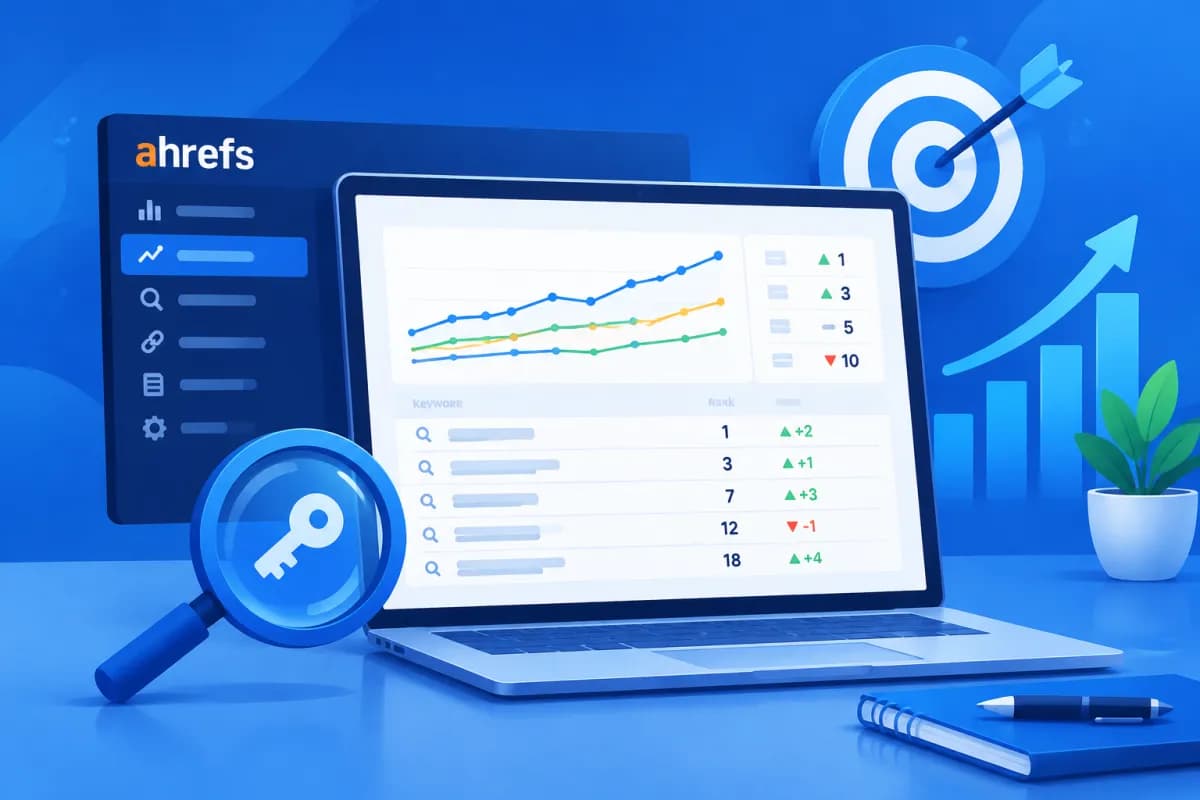
Keyword rankings change over time and vary by search location and user device. If you only check Google manually, it can be difficult to tell whether your website is improving or losing ground, and you may miss changes in individual markets. Ahrefs Rank Tracker brings ranking data together in one place, making it easier to monitor and assess SEO performance systematically.
This guide explains how to create a project, add keywords, select the locations and devices to track, and interpret key metrics. With a clear understanding of the data, marketers can prioritize content updates, identify growth opportunities, and report results to the business more effectively.
What is Ahrefs Rank Tracker, and what can it track?
Ahrefs Rank Tracker is a tool in the Ahrefs product suite that tracks a website’s rankings for a selected list of keywords. It records the website’s position on search engine results pages over time, so you can observe trends rather than rely on a single check. Depending on your subscription and setup, you can analyze data by country, region, or city, as well as by device.

It’s important to note that Rank Tracker monitors the keywords you add to a project; it is not an automated report covering every keyword your website might appear for. Your tracked keyword list should therefore reflect your business goals and SEO strategy, including service keywords, product categories, informational content, and branded queries.
Reports let you view current positions, changes since the previous check, ranking history, and keyword groups by position range. Some summary metrics, such as visibility or estimated traffic, can help indicate trends, but they are not the same as actual visits. Compare them with Google Search Console and website analytics data before drawing conclusions about business performance.
What to prepare before creating a project
Before setting up, identify the website you want to track and the SEO scope the business wants to evaluate. If your website has multiple language versions, subdomains, or separate folders for different markets, agree on the scope you will use to avoid mixing data. You should also define the tracking goal, such as improving service rankings in a particular city, strengthening a product page group, or measuring the performance of informational content.

Next, build a structured keyword list. You can divide it into groups such as:
- Branded keywords: business and product names, plus common variations.
- Service or product keywords: queries related to the solutions your business provides.
- Local keywords: queries that include the name of a province, city, or service area.
- Content keywords: questions and topics that support customers at different stages of their research.
Prioritize keywords that are directly relevant to your target customers, and make sure each one has an appropriate landing page. Avoid adding a large number of queries just to create a long list: a list that is difficult to manage makes analysis and action planning less effective. If you have Search Console data, use it to find queries with impressions but low rankings or click-through rates.
How to set up Ahrefs Rank Tracker step by step
The interface and button names may change between Ahrefs versions, but the basic process usually includes these steps:

- Create a project: Sign in to Ahrefs, open Rank Tracker, and choose the option to create a new project. Enter the domain or URL you want to track. Select the scope that matches your goal: the entire domain, a subdomain, or a specific folder. Check the HTTP/HTTPS protocol and URL structure carefully to avoid tracking the wrong property.
- Choose a search engine and country: Set Google or the search engine your customers actually use, then select your target country. If your business operates only in Vietnam, select Vietnam as your primary market. If you export or serve international customers, create a separate tracking scope for each market.
- Add keywords: Enter your prepared list, paste multiple keywords at once, or upload them using the options supported by the tool. Check spelling, Vietnamese diacritics, and keyword variations, and remove duplicates. If tags are available, organize keywords by service, product group, campaign, or content goal.
- Select a specific location: For local campaigns, set the relevant area or city if your account and project settings support it. A keyword can rank differently in Hanoi, Ho Chi Minh City, and nationwide, so do not treat results from one location as representative of every customer.
- Select devices: Set tracking for desktop, mobile, or both if your plan and project options allow it. Before saving, review the domain, keyword list, location, and devices to ensure the settings reflect the business question you want to answer.
Once the project starts collecting data, wait for enough updates to establish a trend line. A single report shows the status at the time of measurement; it is not enough to confirm a sustained rise or decline in rankings.
Track rankings by location and device
Search location is especially important for businesses with stores, branches, or services limited to certain areas. Someone searching for “air conditioner repair service” in Da Nang may see different results from someone searching in Hanoi, even when they use the same keyword. Tracking the right areas helps you assess your visibility among customers where your business actually operates, rather than relying on a default location that may not be representative.

When selecting locations, determine how much detail you need. Nationwide tracking is useful for seeing the big picture, while city-level tracking is better suited to local campaigns. Avoid creating too many location combinations if your business does not have the resources to analyze and optimize each area. Every setup should support a specific decision, such as investing in local content, optimizing a branch page, or improving a local business profile.
Devices also affect search results and user behavior. Mobile users often search while on the move or need to take quick action; desktop users may conduct more detailed research. If mobile rankings are significantly lower, check the mobile experience, page speed, content readability, contact buttons, and landing page relevance. Don’t assume one device is enough if most of your customers use the other.
Ahrefs Rank Tracker can help compare these data segments, but your analysis needs to be consistent. When comparing performance over time, keep the market, device, and domain scope the same. If you change the setup, record when you did so to avoid mistaking a change in measurement for an SEO-driven ranking shift.
How to read reports and turn data into action
Start by looking at changes for individual keywords: which ones have risen, fallen, or newly entered a position range likely to attract more clicks? Then identify the URL ranking for each keyword. If an important keyword points to an unsuitable page, review internal links, content structure, and how well the landing page matches search intent.

Combine rankings with other data instead of optimizing just to increase a single number. If rankings improve but clicks do not, your titles and descriptions may not be compelling enough, or the search results page may have many competing features. If traffic increases but conversions do not, assess the quality of search intent, landing page content, and conversion experience. For declining keywords, review ranking history, content changes, new competitors, and whether the landing page is outdated.
A useful reporting process can be run weekly or monthly:
- Select priority keyword groups based on their importance to revenue and customers.
- Record ranking changes using the same location, device, and time period.
- Check ranking URLs, clicks, impressions, and conversions using relevant data sources.
- Choose a few specific actions, assign owners, and set a date to review progress.
The LilyTech team often recommends treating Rank Tracker as one part of a broader SEO process, alongside keyword research, technical optimization, and content improvement. This approach helps businesses avoid overreacting to short-term fluctuations and focus resources on pages that can create real value.
Conclusion: Track accurately to improve SEO performance
Setting up Ahrefs Rank Tracker effectively starts with choosing the right website scope, building a focused keyword list, and configuring the correct market, location, and devices. Then interpret trends in context, compare them with traffic and conversions, and turn the data into specific SEO tasks. The tool gives you a view of rankings; business results come from interpreting the data and taking the right action.
If your business needs to build a keyword tracking process, plan its SEO, or connect ranking data with marketing goals, contact LilyTech for advice on a solution suited to your website, markets, and resources.

