
 Nguyễn Chính Ngọc Liên
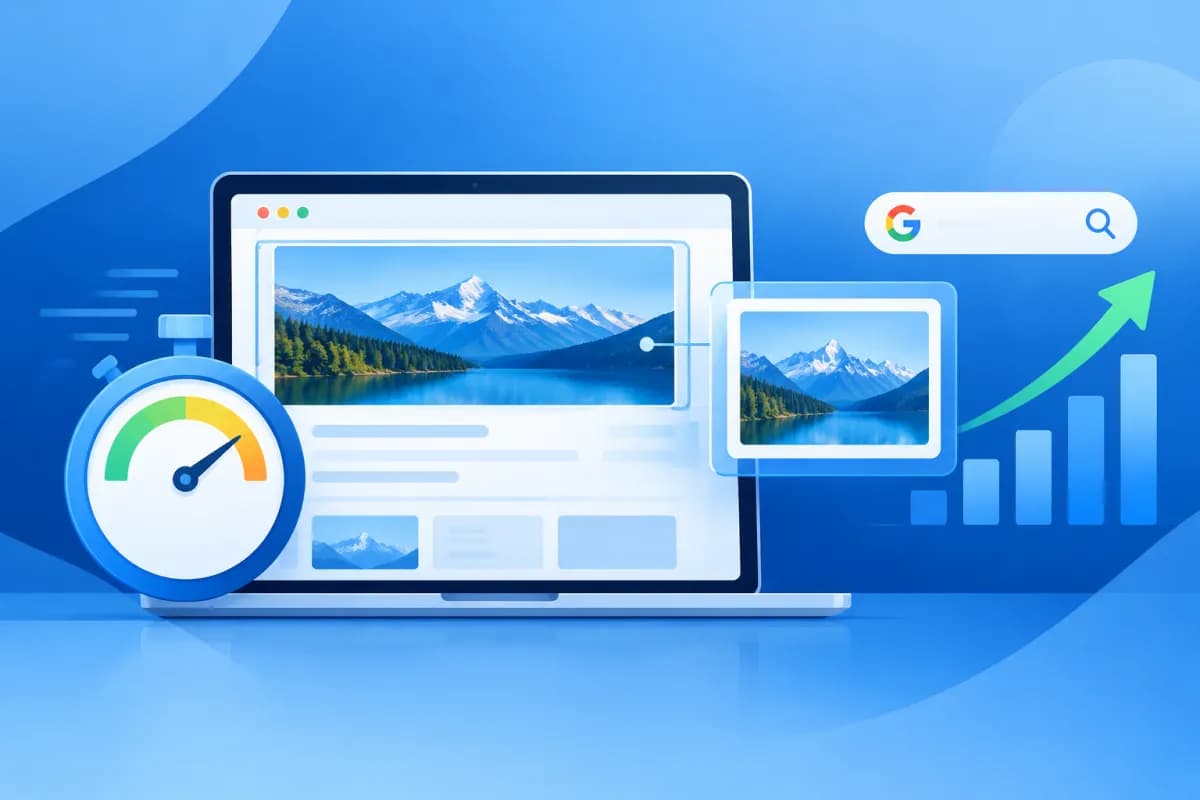
What is Largest Contentful Paint, and why is this metric often discussed when optimizing website speed? LCP measures how long it takes for the largest piece of content in the user’s visible area to appear. This could be a large image, a video poster, or a prominent block of text.
LCP does more than indicate whether a website loads quickly or slowly. It also shows how soon visitors can see the content they need, making it relevant to user experience and Core Web Vitals. Understanding how to measure it, what causes poor LCP, and how to monitor it helps businesses prioritize the right improvements instead of focusing on a single score. Understanding what is Largest Contentful Paint and why does it affect SEO also helps put this metric in the context of a broader optimization strategy.
What Is Largest Contentful Paint? The Meaning of the LCP Metric
Largest Contentful Paint (LCP) is a Google Core Web Vitals metric that measures the time it takes for the largest content element in the initial viewport to appear, starting from when the user begins loading the page. The viewport is the part of the page visible on screen before the user scrolls.

On a website, the element counted as LCP is typically one of the following:
- Images: such as a banner, product image, or article thumbnail.
- Background images: loaded through CSS and taking up a significant portion of the visible area.
- Video posters: the preview image displayed for a video on the page.
- Text blocks: a heading or large text passage, if it is the most prominent content in the viewport.
The LCP element can vary depending on screen size, device, page content, and loading behavior. A hero image might be the LCP on a desktop, while on a phone the largest element could be a heading or a different image. LCP also does not measure the total time it takes a page to load: content farther down the page may continue loading after LCP has been recorded.
Google’s assessment thresholds, based on user data, are:
- Good: LCP is 2.5 seconds or less.
- Needs improvement: LCP is over 2.5 seconds and no more than 4 seconds.
- Poor: LCP is over 4 seconds.
For a URL or group of URLs to meet the LCP threshold, at least 75% of visits must have a result in the good range. This is an assessment based on the 75th percentile, not the score from a single test.
How Does LCP Relate to User Experience and SEO?
LCP focuses on when users can see the main content. If a product, service information, or article heading appears within a few seconds, visitors have a reason to keep reading and interacting. By contrast, if the main content area stays blank for too long, users may think the page is broken, lose patience, or return to the search results.
This is particularly important on mobile devices and unreliable networks. A large image file, slow server response, or page that must load many resources before appearing can worsen the experience. If customers frequently leave early, a business may lose opportunities to generate leads, make sales, or build trust. However, it would be inaccurate to conclude that poor LCP automatically causes a low conversion rate: outcomes also depend on the content, product, audience, and many other factors.
For SEO, Core Web Vitals are part of the page experience signals Google uses. Good LCP helps a website better meet expectations for speed and usability, but it is not the only factor that determines rankings. Content quality, relevance to the query, trustworthiness, crawlability, and many other factors still matter. A website with good LCP does not automatically rank at the top of search results, and websites with useful content should not overlook page-loading experience.
A sound approach is to treat LCP as a technical signal to improve within a broader SEO strategy. Prioritize pages with high business value or substantial traffic, and monitor both search visibility and users’ actual behavior. Understanding what is Largest Contentful Paint and why does it affect SEO can help businesses make informed decisions about which pages to optimize first.
How to Measure and Monitor LCP to Assess Its SEO Impact
To assess LCP accurately, distinguish between real-world and simulated data. Real-world data, often called field data, records user experiences across a range of devices and network conditions. Lab data is generated in a controlled testing environment. It is useful for diagnosis, but does not fully represent every visit.

- Google Search Console: The Core Web Vitals report identifies groups of URLs with issues or areas for improvement, helping you understand the scope of their impact on search.
- PageSpeed Insights: Provides real-world data when available, along with lab test results and technical recommendations.
- Lighthouse and Chrome DevTools: Help you test a specific page, inspect its LCP element, and find resources that delay rendering.
- Real User Monitoring (RUM): Collects data from actual website users, making it possible to analyze performance by device type, browser, region, or page type.
When monitoring LCP, check both phones and computers, since loading speed and the LCP element can differ. Look at trends over time rather than relying on a single tool run. Search Console and field data are generally aggregated by URL group, while Lighthouse can help diagnose causes on a sample page.
To determine whether LCP improvements coincide with SEO progress, compare implementation dates with performance and search data. Monitor Core Web Vitals status, impressions, clicks, query rankings, organic traffic, and business metrics such as form submissions or orders. Compare equivalent time periods and account for other changes, including content updates, seasonality, advertising campaigns, or algorithm changes. This helps prevent attributing every SEO fluctuation to LCP alone.
Why LCP Is Slow and How to Improve It
LCP is often affected by several successive steps: the server responds, the browser downloads resources, content is rendered, and the main element is displayed. So compressing images alone may not fully solve the problem if the server responds slowly or CSS blocks rendering.

- Reduce server response time: Review hosting quality, caching, database queries, and dynamic processing. A CDN can distribute resources closer to users, especially when a website serves multiple regions.
- Optimize the LCP image: Choose dimensions that suit the screen, compress the image, and use modern formats where supported. For a main image in the initial viewport, avoid lazy loading; consider prioritizing it or correctly declaring preload if testing confirms it is the LCP resource.
- Reduce render-blocking resources: Review unnecessary CSS and JavaScript, optimize critical CSS for the top of the page, and defer code that does not support the initial content. Do not remove or defer essential scripts in ways that break page functionality.
- Optimize fonts: Limit the number of font styles and weights that need to load, use suitable formats, and configure fallback display so text does not take too long to appear.
- Manage above-the-fold content: Limit heavy sliders, complex effects, and nonessential third-party components. Good design should go hand in hand with fast loading on real-world devices.
After each change, measure again using the same tool and comparable conditions, then allow time for user data to update before assessing real-world results. Roll out changes in batches and record performance before and after optimization. This makes it easier to identify which solutions have a clear impact while reducing the risk of breaking the layout or functionality.
Conclusion: Improve LCP to Build a Better Website
What is Largest Contentful Paint? It is a metric that shows how quickly the largest content element in the visible area appears. Good LCP supports a smoother experience and helps a website meet Core Web Vitals, but it cannot replace quality content or an overall SEO strategy. Businesses should combine real-world data, diagnostic tools, and search metrics to understand issues accurately, prioritize the right pages, and evaluate results objectively.
If your website has a high LCP, loads slowly on mobile, or you are unsure what is causing the problem, LilyTech can support you with performance assessments, technical SEO consulting, design optimization, and website implementation. Contact LilyTech to discuss a solution suited to your business goals and website’s current state.

