
 Đoàn Lê Minh Anh
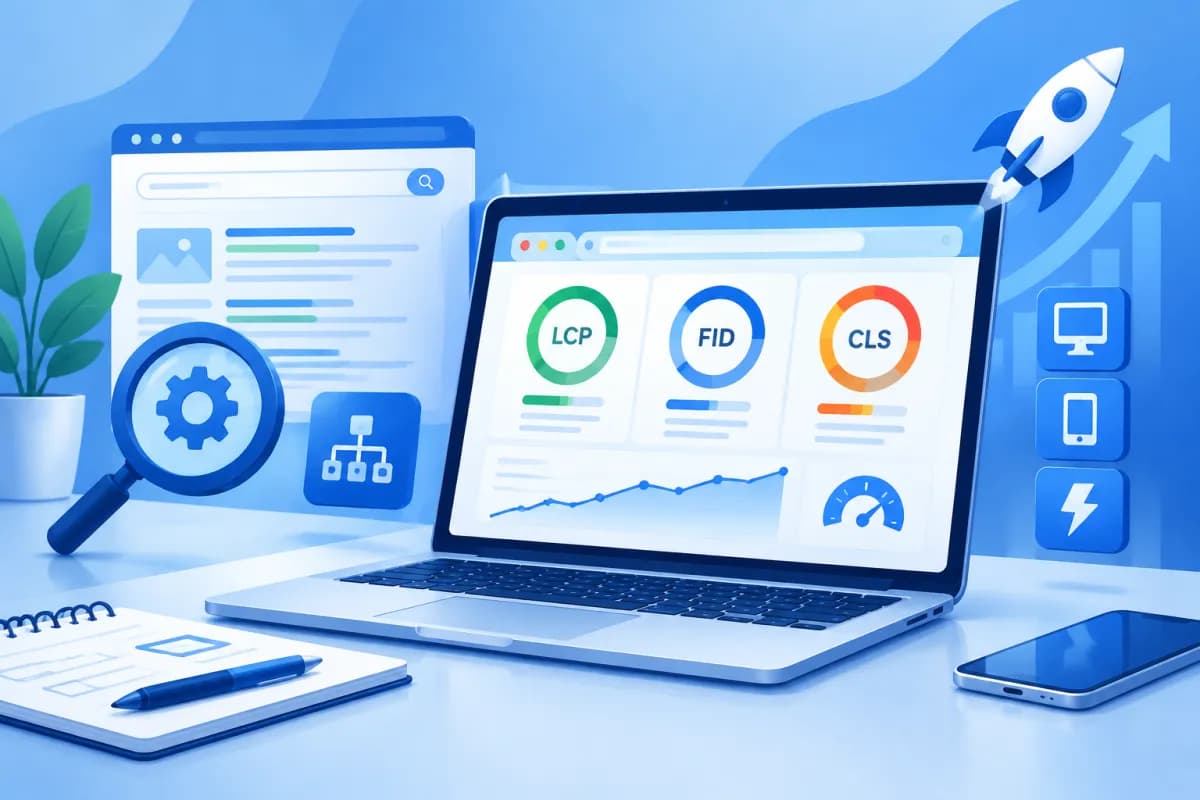
Core Web Vitals are a set of metrics that reflect the real-world experience people have on a website, focusing on how quickly content appears, how responsive the page is, and how stable its layout remains. This is more than a technical concern: slow pages, delayed button responses, or content that keeps shifting can drive customers away before they complete an action.
In this advanced on-page SEO guide, you’ll learn how to measure and improve the three key Core Web Vitals metrics: LCP, INP, and CLS. The goal is to create a better experience on real devices while supporting SEO performance and conversions through effective Core Web Vitals optimization.
What Are Core Web Vitals, and Why Optimize Them?
Core Web Vitals are Google’s metrics for evaluating important aspects of the page experience. They don’t replace content quality, relevance to a search query, or other SEO factors. However, when multiple pages offer comparable information, a better experience makes it easier for people to access and engage with the content.
- LCP (Largest Contentful Paint): Measures how long it takes for the largest content element in the initial viewport to appear. A good score is 2.5 seconds or less.
- INP (Interaction to Next Paint): Evaluates the responsiveness of interactions such as clicks, taps, or typing during a visit. A good score is 200 milliseconds or less.
- CLS (Cumulative Layout Shift): Measures unexpected layout shifts while a page loads. A good score is 0.1 or less.
These thresholds are generally assessed at the 75th percentile of real user data, separately for mobile and desktop devices. A score from a single test isn’t enough to determine whether a website is performing well. Combine real-world data with testing in a controlled environment.
Measure Before You Optimize
Start by identifying the page templates that have the greatest impact on your business, such as the homepage, category pages, product pages, articles, and checkout pages. An issue in a shared template can affect hundreds of URLs, so fixing the template is often more effective than addressing each page individually.
Combine Real-World and Lab Data
Real-world, or field, data shows how people experience your website across different networks and devices. The Core Web Vitals report in Google Search Console helps you identify groups of URLs with issues. PageSpeed Insights provides real-world data when available, along with simulated test results.
Lab data is generated under controlled conditions, making it useful for reproducing issues and measuring the impact of a change. Lighthouse in Chrome DevTools can identify resources that slow loading, long JavaScript tasks, or elements that cause layout shifts. Use lab data to diagnose issues, but use real user data to evaluate the final results.
- Record the URL, device type, metric, and potential cause suggested by the tool.
- Prioritize issues that affect multiple URLs or pages that generate revenue and leads.
- Test again after deployment and allow enough time for real-world data to reflect the changes.
Improve LCP: Get Key Content on Screen Faster
LCP often relates to a hero image, large heading, product image, or above-the-fold content block. To improve it, first identify the specific LCP element, then determine whether the delay comes from the server, when the resource starts loading, or how quickly it renders.

Optimize Resources and the Critical Rendering Path
- Improve server response time: Review caching, database queries, server configuration, and your content delivery network (CDN). Server optimization is especially important when it takes too long to deliver the initial HTML.
- Prioritize the LCP image: Choose dimensions that fit the viewport, compress the image appropriately, and consider WebP or AVIF where supported. Don’t lazy-load images located at the top of the page; consider assigning them an appropriate loading priority.
- Reduce render-blocking resources: Remove unused CSS, minify CSS and JavaScript, and load only what’s needed for the top of the page. Avoid relying on too many third-party scripts.
- Deliver fonts efficiently: Load only the font families and weights you actually use, choose an appropriate format, and consider preloading critical fonts. Set a fallback display strategy to prevent text from being hidden while fonts load.
Don’t preload every image or file. Preloading unnecessary resources can compete for bandwidth with critical elements and worsen LCP. Choose resources based on the actual structure of each page template.
Improve INP: Make Interactions Feel Responsive
INP can be affected when the browser is busy processing JavaScript, the interface updates slowly, or third-party code consumes too many resources. A page may finish loading and still have poor INP if a user clicks a button and has to wait to see a response.

Reduce Work on the Main Thread
- Review JavaScript: Remove unused libraries and features, split code into smaller bundles, and load only the functionality needed for each page. Avoid shipping all the code for a large system to every page template.
- Break up long tasks: Divide intensive work into smaller tasks so the browser has a chance to update the interface between them. For time-consuming operations, consider moving suitable calculations to a Web Worker.
- Optimize event handlers: Avoid running a lot of synchronous logic after every keystroke or scroll. You can delay search work until the user has stopped typing briefly, while still providing immediate visual feedback.
- Control third-party scripts: Evaluate chat tools, ads, analytics, maps, and embedded widgets. Keep only tools with clear value, load them when needed, and check their impact whenever you add one.
- Provide immediate feedback: When someone submits a form or adds a product to their cart, show a processing state, success confirmation, or clear error message. Visual feedback doesn’t replace performance optimization, but it makes the experience easier to understand.
Test important interactions on mainstream mobile devices, not just powerful computers. Menus, product filters, forms, and calls to action are often high priorities because they directly affect the conversion journey.
Reduce CLS: Keep the Layout Stable as the Page Loads
High CLS often occurs when images don’t have defined dimensions, ads or embedded content are inserted late, or fonts change the size of text lines. Unexpected shifts can cause people to click the wrong thing or lose their place while reading.

- Set image and video dimensions: Specify width and height or an aspect ratio so the browser can reserve space before the content loads.
- Reserve space for ads and embedded content: Use containers sized appropriately and avoid inserting new blocks above the content people are viewing. If dimensions vary, design the container to minimize the impact.
- Optimize font loading: Choose a fallback font with characteristics close to the primary font. Check character widths and line heights to reduce layout changes when the font finishes loading.
- Avoid inserting unnecessary content at the top of the page: Promotional messages or alert bars should have a reserved place or appear in a way that doesn’t unexpectedly push the main content down.
Distinguish layout changes caused by deliberate user actions from unwanted shifts. For example, opening a menu after a click may be expected; an ad that appears automatically and pushes content down is an issue to investigate.
A Sustainable On-Page SEO Optimization Process
Core Web Vitals shouldn’t be treated as a one-time technical cleanup. Websites regularly add content, apps, tracking code, and new features, so ongoing monitoring is essential to maintaining a consistent experience.
- Establish a baseline: Record LCP, INP, and CLS by URL group and device before making changes.
- Identify the root cause: Combine real user reports, Lighthouse, Chrome DevTools, and code reviews; don’t optimize based on a single overall score.
- Prioritize by impact: Address issues affecting multiple pages, mobile devices, and conversion actions first. Consider both the level of risk and the effort required to implement a fix.
- Make controlled changes: Test in a staging environment or on a group of pages, and check functionality and accessibility before rolling out changes widely.
- Monitor after deployment: Compare new data with your baseline, review user feedback, and investigate further if issues arise.
Don’t sacrifice useful content, essential functionality, or accessibility just to achieve an attractive score. Balance speed and user experience with business goals, while coordinating these efforts with content structure, crawlability, and other on-page SEO factors.
Conclusion
Core Web Vitals optimization is an important part of an advanced on-page SEO guide: LCP helps key content appear sooner, INP makes interactions more responsive, and CLS keeps the interface stable. Accurate measurement, root-cause analysis, and improvements in order of priority can make a website more user-friendly for both customers and search engines.
If your business needs a performance audit, website optimization, or an on-page SEO strategy aligned with your growth goals, contact LilyTech for practical solutions that bring technology, content, and user experience together.

