
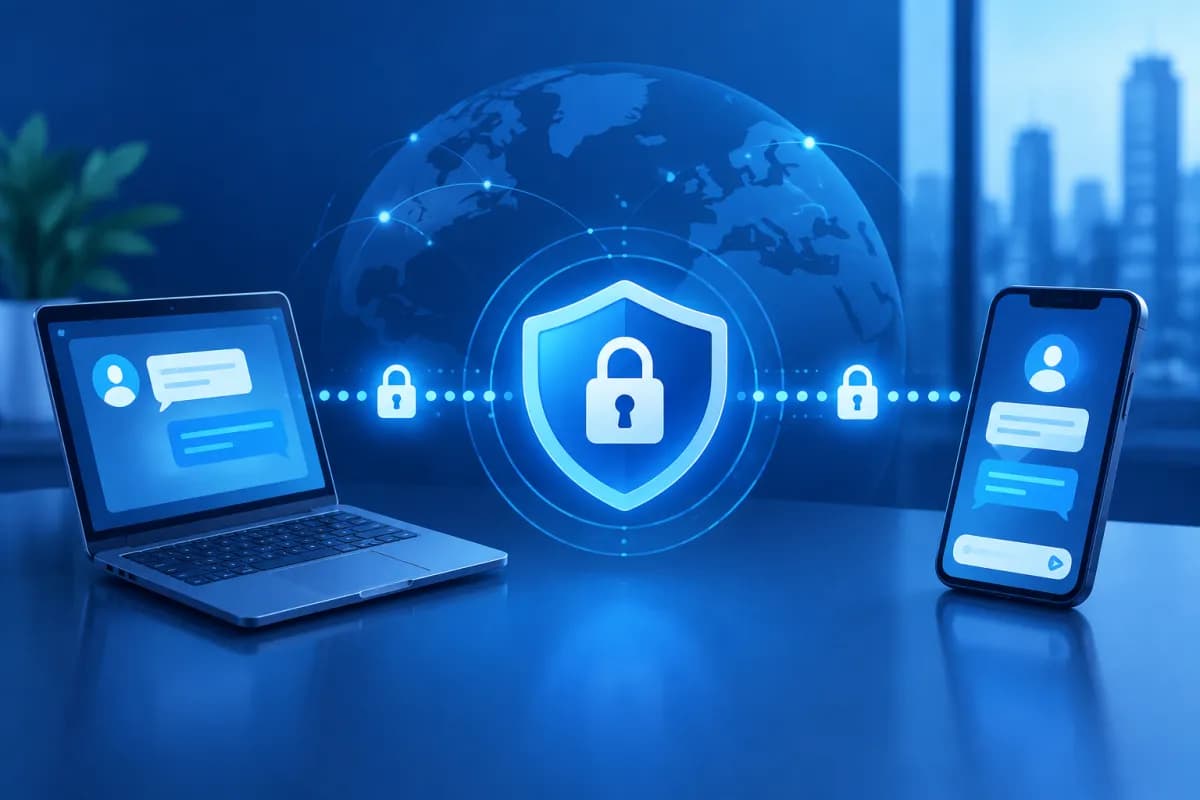
End-to-end encryption is often considered one of the most effective ways to protect private messages. When implemented correctly, content is encrypted on the sender’s device and decrypted only on the recipient’s device, making it difficult for service providers to read the exchange.
However, end-to-end encryption does not mean complete security. It protects content in transit, but does not automatically prevent every type of scam, device loss, account takeover or data leak caused by users themselves. Understanding its limitations helps individuals and businesses use messaging tools more securely. So, is end-to-end encryption completely secure? No—its effectiveness also depends on how devices, accounts and backups are protected.
What is end-to-end encryption, and how does it protect data?
End-to-end encryption (E2EE) is an encryption method that converts data into an unreadable format before it leaves the sender’s device. Only the recipient’s device, with the right key, can decrypt the content. When implemented properly, the app provider only relays encrypted data and does not hold the keys needed to read messages.
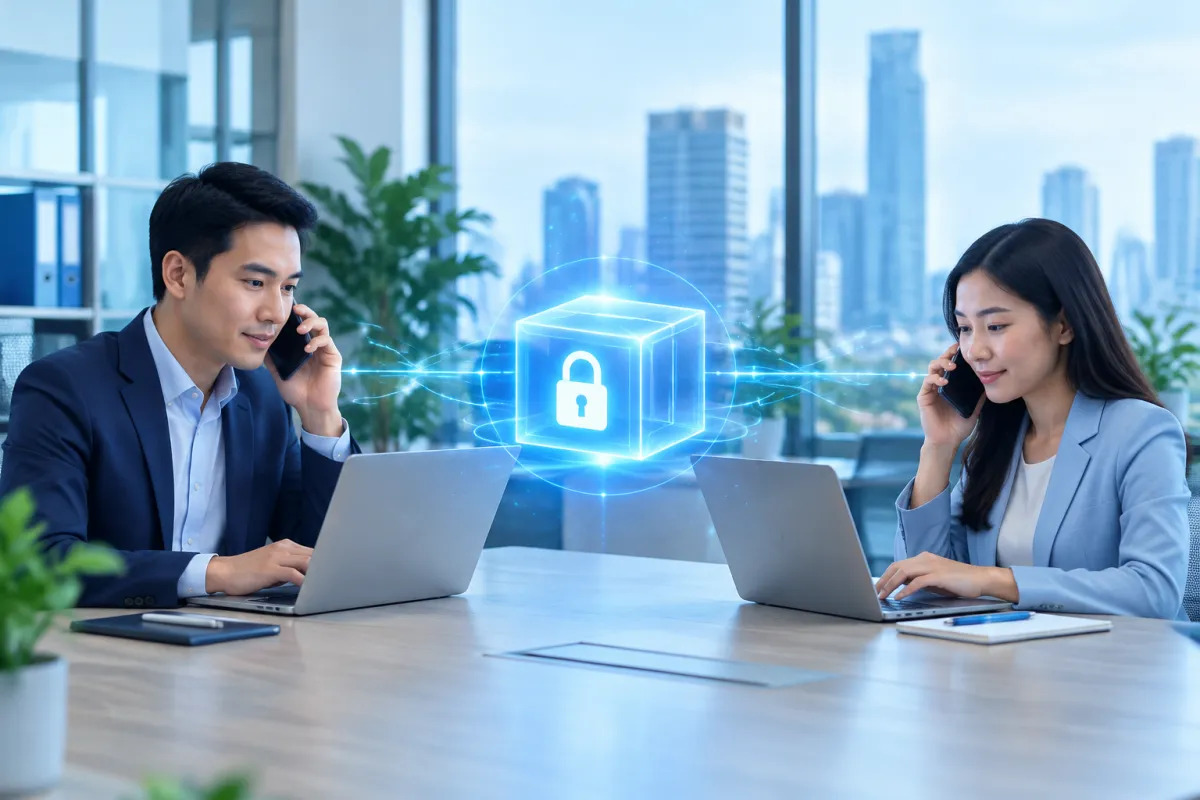
Think of the content as a letter placed inside a locked box. The sender locks the box using encryption, while the recipient holds the key. If a third party intercepts the data on the network, they will usually see only transformed characters—not the original message, image or attachment.
End-to-end encryption can be used for messages, voice calls, video calls and some types of files. However, the scope of protection varies by service. An app might encrypt personal messages but not backups, or require users to turn on encryption for certain conversations.
- Encryption in transit: Protects data as it moves between a device and a server, but the provider may still be able to access the content on the server.
- End-to-end encryption: Content is encrypted on the sending device and decrypted only on the receiving device, provided the keys are managed properly.
So, don’t rely solely on the “encrypted” label in marketing materials. Check exactly which features are protected, on which devices and under what circumstances.
Why isn’t end-to-end encryption completely secure?
E2EE is designed to protect content from unauthorized access while it travels across a network or is stored on intermediary infrastructure. But the security of an entire conversation also depends on devices, accounts, backups and the behavior of everyone involved. If one link is weak, an attacker may still access information without breaking the encryption algorithm.
Compromised endpoint devices
If a phone or computer has spyware, keylogging malware or a malicious app, data may be read just before it is encrypted or after it is decrypted. In that case, encryption in transit still works, but the content is exposed on the device. A lost or shared device, or one without a screen lock, can create similar risks.
Account or login session takeover
Scammers may trick users into revealing passwords, verification codes or recovery codes; take control of their phone number; or use a device that is already logged in to view messages. Multi-factor authentication reduces some of these risks, but cannot protect users who approve a fake login request or disclose a code to someone else.
Backups and notifications can expose content
Cloud backups may be protected differently from the original conversation. If a backup is not end-to-end encrypted or the cloud account is compromised, its contents may be exposed. Message previews on the lock screen, screenshots and downloaded files can also reveal information, even when the conversation itself is encrypted.
Recipients can still save or share messages
Encryption cannot control what recipients do. They can still take screenshots, copy content, forward messages or photograph the screen with another device. Disappearing messages only limit how long content is shown in the app; they do not guarantee that every copy has been erased from everywhere.
Remaining risks when using encrypted apps
In addition to conversation content, apps may collect certain metadata, such as when messages are sent, how often people communicate, what devices they use or account details. This data may not reveal exactly what you discussed, but when combined, it can expose users’ habits, relationships or schedules. The amount collected varies by provider and privacy policy.
Another risk is identity impersonation. Scammers may take over a friend’s, colleague’s or business partner’s account and then request money, ask for data or send a malicious file. A message can be fully encrypted and still be a scam; E2EE confirms the privacy of the communication channel, not that the sender is trustworthy.
Users should also pay attention to security key verification. Some apps provide a code or notification to check that both parties are communicating with the intended device. If a key changes unexpectedly—for example, because a contact reinstalled the app or added a new device—verify it through an independent channel before sending sensitive information.
Encryption protects content from some third parties, but it does not replace identity verification, device security or careful consideration of what you share.
How to protect your account and conversations
Users can significantly reduce risk by combining an app’s security features with safe usage habits. The following steps apply to both personal accounts and employees who regularly share work data. In practice, is end-to-end encryption completely secure? It works best as one part of a broader security approach.
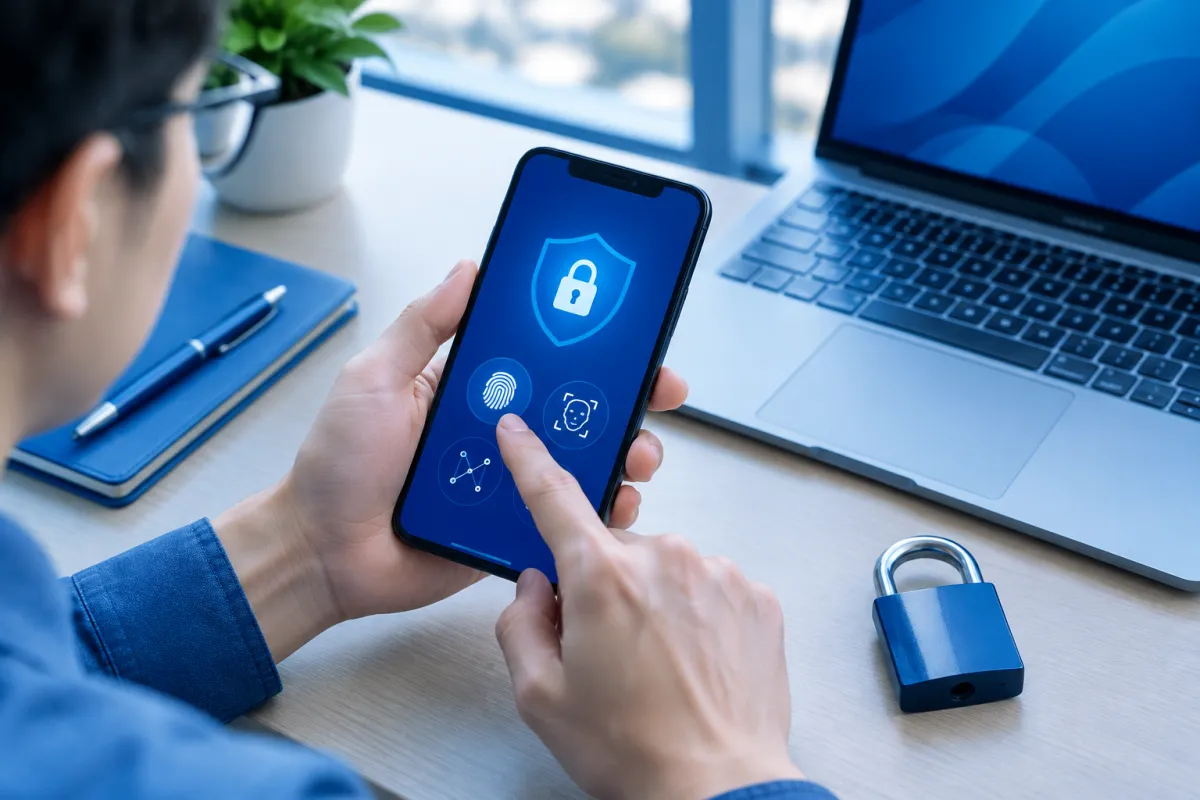
- Enable multi-factor authentication: Use an authenticator app or security key if the service supports it. Never share verification codes with anyone, including someone claiming to be a support representative.
- Protect your devices: Use a strong passcode, biometrics and automatic screen locking, and update your operating system regularly. Install apps only from official sources and remove software you no longer use.
- Check login sessions: Review the list of connected devices and sign out of any unfamiliar or unused ones. Avoid logging in on public computers unless necessary.
- Review backup settings: Find out where backups are stored, who can access them and whether end-to-end encryption is available. Consider turning off backups of sensitive content if you are unsure how they are protected.
- Hide message previews: Turn off message previews on the lock screen and limit the automatic saving of sensitive files to photo libraries or shared folders.
- Verify unusual requests: If someone asks you to transfer money, provide a password or send data urgently, call them directly using a number you already know. Don’t trust a request just because the account has a familiar name and profile picture.
- Share only what is needed: Don’t send passwords, customer data or internal documents to people who don’t need them. For important information, clearly identify the recipient, permitted use and how the data should be deleted once the work is complete.
Businesses should establish rules for approved apps, access permissions, retention periods and procedures for when employees leave or devices go missing. Training employees to recognize scams is just as important as choosing a tool with strong encryption.
Conclusion: Use end-to-end encryption properly to reduce risk
End-to-end encryption is an important layer of protection, but it is not an all-purpose shield. It limits intermediary parties’ ability to read messages, but cannot by itself prevent malware-infected devices, account takeovers, inadequately protected backups or recipients sharing information. Real-world security depends on both the technology and how people use it.
Choose a service with a transparent privacy policy, enable the appropriate settings, secure your devices and verify sensitive requests through another channel. If your business needs help developing digital security procedures, implementing technology systems or finding solutions suited to its operations, contact LilyTech for expert advice.

