
 Nguyễn Chính Ngọc Liên
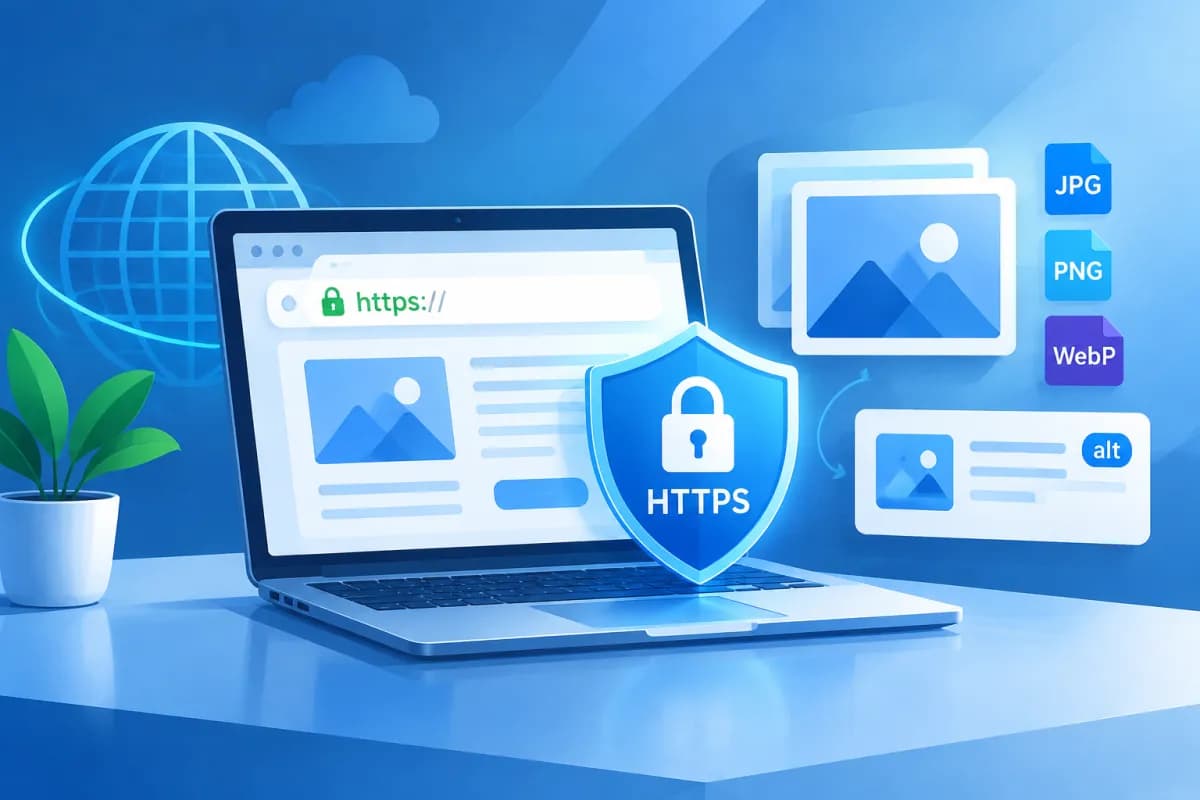
A website displaying a “Not secure” warning can make visitors hesitate, especially when they need to log in, fill out a form, or make a payment. install SSL HTTPS is a step that encrypts data sent between a browser and a server, while helping build trust when customers interact with a business online.
This article explains what SSL/TLS is, how to choose the right certificate, and how to implement HTTPS step by step. Note that “choosing the right certificate and setup” is not the same as selecting image formats or alt text: alt text is generally used for images, while SSL/TLS certificates are selected based on domain names, coverage, and operational needs.
What Are SSL and HTTPS, and Why Does Your Website Need Protection?
SSL is the commonly used name for technology that establishes an encrypted connection; today, TLS is the protocol version used in practice. HTTPS is HTTP running over a TLS connection. When a website has a valid certificate and the server is configured correctly, a browser can establish an encrypted data channel with the website.

A digital certificate verifies the identity of a domain within the certificate’s scope, but it does not prove that a business or its website content is necessarily trustworthy. HTTPS also does not replace other security measures, such as software updates, access control, data backups, and server protection.
Key Benefits of HTTPS
- Encrypts data in transit: Reduces the risk of third parties reading information exchanged between users and a website while it is being transmitted.
- Builds trust: Browsers typically show a secure-connection indicator when a certificate is valid and correctly configured. This can help customers feel more confident when visiting a website.
- Protects data integrity: TLS helps detect certain types of data tampering during transmission, rather than allowing content to be silently altered.
- Supports SEO and web features: HTTPS is a lightweight ranking signal in Google Search. Some modern browser features also require a secure connection.
For these reasons, install SSL HTTPS is suitable for most business websites, from company profile sites and blogs to online stores. However, a certificate is only one part of an overall security strategy; websites still need regular maintenance and monitoring.
How to Choose the Right SSL/TLS Certificate
Before buying or installing a certificate, identify the domains and subdomains serving your website. For example, a business might use example.vn for its main site, www.example.vn for the www version, and shop.example.vn for its online store. The certificate must cover every domain that visitors will access over HTTPS.

Choose by Validation Level
- Domain Validation (DV): Verifies control of the domain. It is often a suitable choice for blogs, company profile sites, and many standard business websites.
- Organization Validation (OV): In addition to validating the domain, the certificate authority checks the organization’s information according to its process. Businesses may consider this option when they need to show that their organization’s details have been verified.
- Extended Validation (EV): Involves a more detailed organization verification process. Compare your actual requirements with what the provider supports; do not assume EV will produce the same prominent visual indicator in every browser.
Choose by Number of Domains
A single-domain certificate protects one domain within its issued scope. A Wildcard certificate is commonly used to protect a main domain and its subdomains at one level, such as shop.example.vn; check the scope carefully, because not every domain structure will be covered. A Multi-Domain (SAN) certificate can protect multiple domains listed on the certificate.
Ask your provider or server administrator about the certificate issuance method, renewal process, and compatibility with your current system. Many hosting services offer free certificates or automatic renewal, but terms and coverage depend on the provider.
How to Install SSL HTTPS Step by Step
- Check your website environment: Identify the platform in use, such as WordPress, another content management system, or a custom-built website. Also check your hosting provider, server, and DNS administration access.
- Choose and obtain a certificate: Purchase a suitable certificate or activate one supported by your hosting provider. Domain validation may require adding a DNS record or uploading a verification file to the server.
- Install the certificate on the server: The process varies by hosting provider, web server, and control panel. You may be able to install it through an admin interface or configure a server such as Apache or Nginx. If you are not comfortable editing the configuration, ask a technician for help to avoid disrupting the website.
- Verify that HTTPS works: Open the homepage and several important pages using the https:// prefix. Check that the certificate is valid, covers the right domain, and does not trigger browser warnings.
- Redirect HTTP to HTTPS: Once HTTPS is working properly, configure a permanent redirect from HTTP to HTTPS, usually with a 301 status code. The setup depends on the platform and server; take care to avoid redirect loops.
- Update website settings: Update the preferred URL in your content management system, sitemap, canonical tags, CDN settings, and related services as needed. Review internal links to ensure they consistently use HTTPS.
- Check resources and search tools: Fix mixed content, update your website property in Google Search Console where appropriate, and monitor indexing status and access errors.
For WordPress websites, you may need to update the WordPress Address and Site Address in settings, as well as check plugins, themes, and caching effects. Before making major changes, back up your data and test in a staging environment if available.

Common Issues to Check After Installation
A website opening over HTTPS does not necessarily mean every page is fully configured. Review the homepage, product pages, contact forms, login page, and checkout flow to catch issues that could directly affect customers.

- Mixed content warnings: An HTTPS page may still load some images, scripts, fonts, or other resources over HTTP. Update their source URLs to HTTPS or replace resources that are no longer suitable.
- Certificate does not match the domain: Check whether the certificate covers the www version, root domain, and any required subdomains.
- Expired certificate or incomplete certificate chain: Confirm the validity dates, intermediate certificate configuration, and automatic renewal process. Schedule regular checks to help prevent service interruptions.
- Incorrect redirects: Check HTTP, HTTPS, www, and non-www versions to prevent redirect loops or multiple inconsistent URL versions.
- Broken forms or integrations: Test form submissions, login, and features connected to external services after the migration.
During implementation, LilyTech can help businesses review their websites, configure the HTTPS migration, and check technical factors related to user experience and SEO. The scope of work should be determined based on each website’s platform, administrative access, and actual server setup.
Checklist for Keeping HTTPS Running Smoothly
After completing the migration, make certificate management part of your website operations. The checklist below helps marketing and technical teams work together and avoid overlooking issues that could disrupt a secure connection.

- Record the certificate’s expiry date and assign responsibility for renewal.
- Confirm that the certificate covers every domain in use, including the necessary subdomains.
- Check HTTP-to-HTTPS redirects and ensure canonical URLs are consistent.
- Review mixed content after updating the theme, plugins, or website content.
- Test forms, login, payments, and integrations after every server change.
- Monitor certificate alerts, browser errors, and data from search management tools.
- Maintain backups, software updates, and security measures beyond TLS.
HTTPS is not a set-it-and-forget-it configuration. Renewing certificates on time, monitoring DNS changes, and checking the website after upgrades help keep secure connections working reliably.
Conclusion
install SSL HTTPS encrypts connections, strengthens visitor trust, and helps businesses run websites in line with modern web standards. The core process involves choosing a certificate with the right coverage, installing it on the server, redirecting URLs, updating related settings, and checking for issues after deployment. Certificate selection has nothing to do with image formats or alt text; those are separate technical considerations.
If your business needs a website assessment, help choosing an implementation approach, or support resolving issues during an HTTPS migration, contact LilyTech for advice tailored to your platform and needs. A suitable review process can help minimize disruption and provide customers with a consistent browsing experience.

