
 Quinn Pham
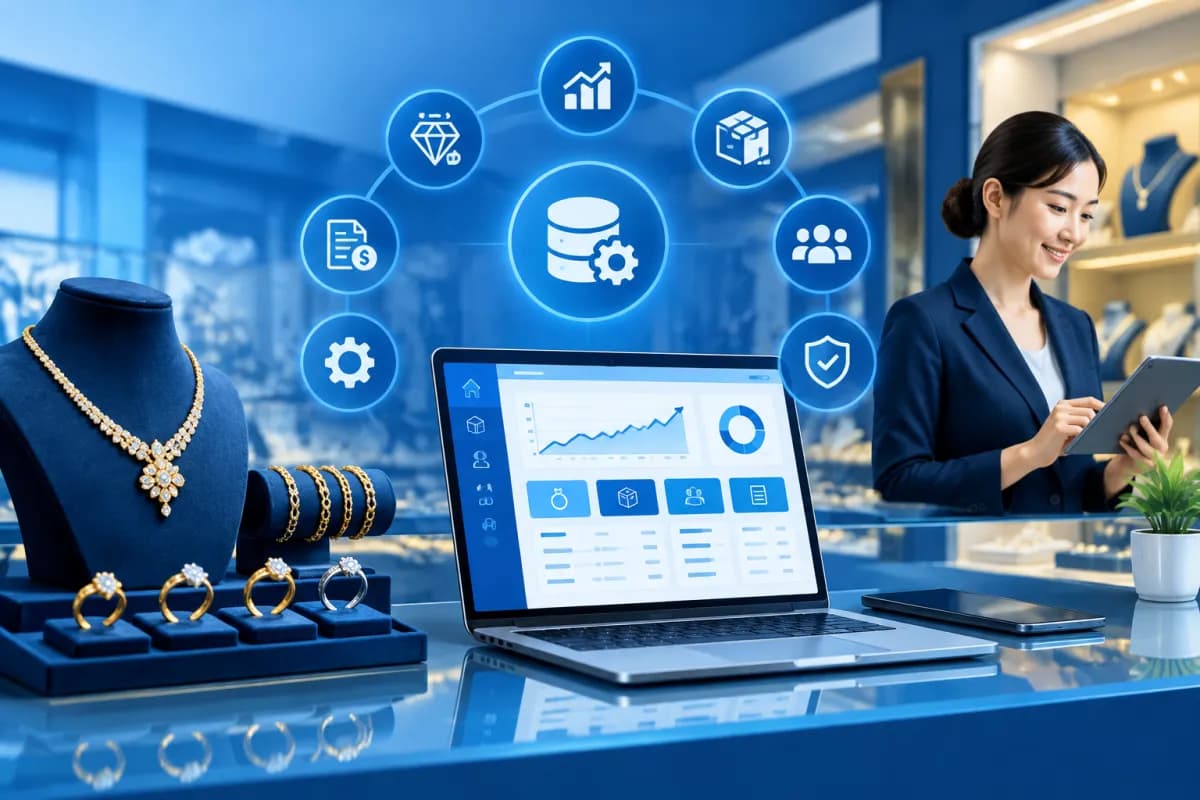
Managing a jewelry store calls for precision at every step, from tracking gold purity, weight, and product value to recording transactions, managing cash, and reconciling accounts. When information is scattered across notebooks, spreadsheets, or multiple software systems, data discrepancies and processing delays can easily arise.
ERP for jewelry stores is an integrated solution that brings data and business processes together in one unified system. This article explores eight key benefits that help store owners gain better control over products, transactions, accounting, and operational efficiency.
How does ERP for jewelry stores work?
ERP (Enterprise Resource Planning) is a business management system that connects functions such as purchasing, sales, inventory, accounting, and reporting. For the jewelry industry, the system needs to be configured to manage product-specific details, such as gold type, purity, weight, units of measure, craftsmanship fees, and price fluctuations.
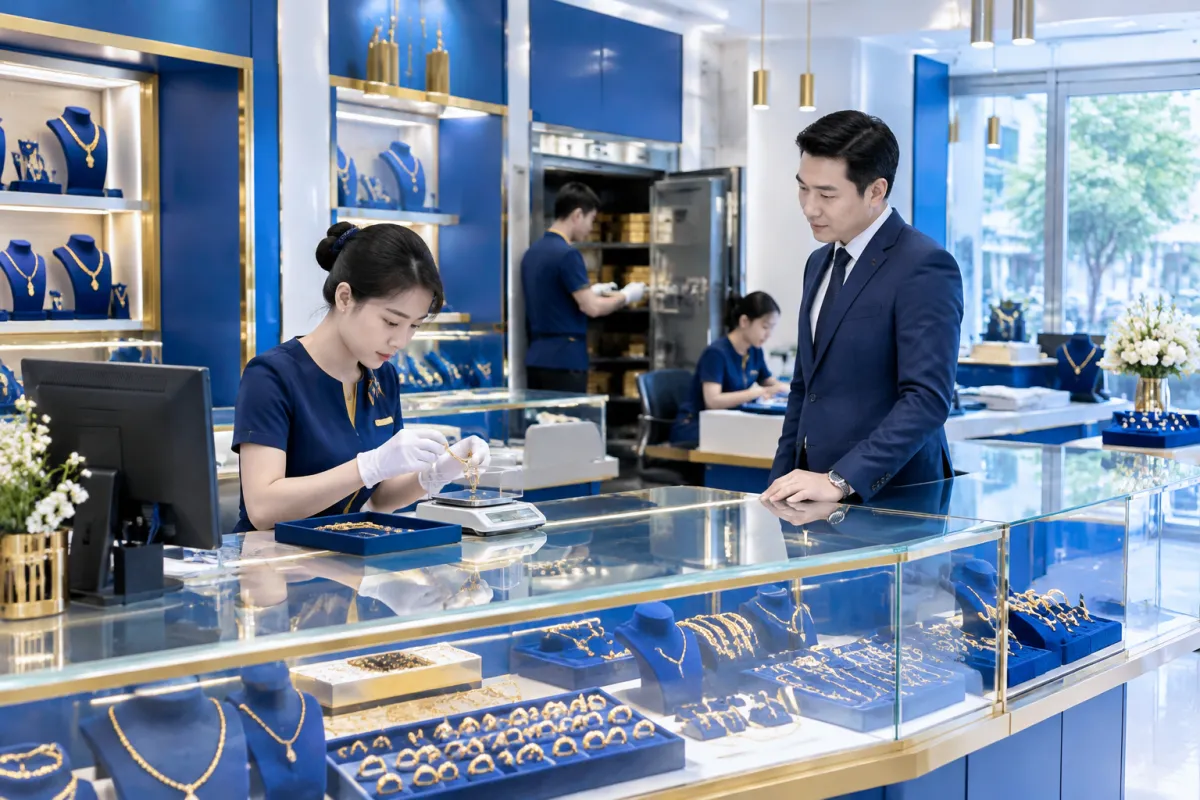
Instead of entering the same information repeatedly in different places, employees record transactions where they occur. The data is then shared with relevant departments based on access permissions. Store owners can review business performance in consolidated reports, while employees access only the functions they need for their work.
8 key benefits of ERP for jewelry stores
1. Track inventory by product attributes
Jewelry inventory cannot be managed by quantity alone. Each item may differ in gold type, purity, weight, design, craftsmanship fee, and cost. ERP lets businesses build structured product catalogs and record receipts, issues, transfers, and stocktakes according to consistent rules.
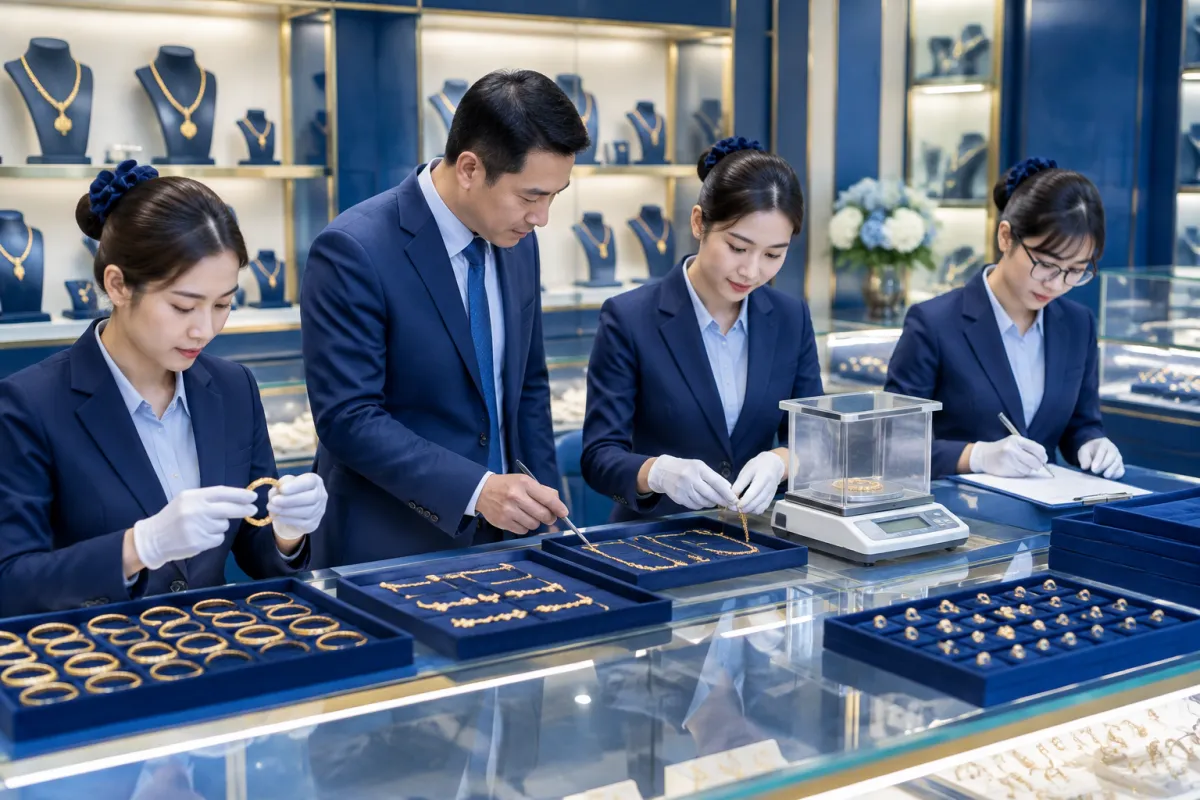
Because inventory data is updated as transactions take place, managers can more easily identify low-stock items, products that have been sitting in storage for a long time, or discrepancies between system records and actual stock. This supports purchasing decisions that better match demand and helps prevent too much capital from being tied up in slow-moving designs.
2. Record transactions faster and reduce errors
A gold sale may involve several components, including the product, weight, gold price at the time of sale, craftsmanship fee, and any discounts. An ERP system supports configurable data-entry workflows, calculation formulas, and transaction documents, helping employees follow consistent procedures.
Sales information also updates inventory and revenue at the same time, reducing the need to re-enter data at the end of the day. When they need to find an invoice or transaction history, employees can search by item code, date, or customer details instead of manually searching through books.
3. Gain clearer visibility into costs and profits
Because gold prices fluctuate, business performance should not be assessed based on total revenue alone. ERP connects purchase prices, craftsmanship fees, related expenses, and selling prices to support cost tracking using the method selected by the business.
Reports by item, product group, or store help owners understand which categories drive revenue and which deliver healthy profit margins. Transparent figures also support better-informed decisions about product mix and pricing policies.
4. Connect accounting processes and reconciliation
When sales, purchases, receipts, and payments are recorded according to established procedures, accounting data can be consolidated more quickly and consistently. Accounting staff spend less time on duplicate data entry and can more easily match documents to the transactions that generated them.
Business owners can track cash flow, receivables, payables, and income and expenses by period. Access controls, approval workflows, and activity logs also improve auditability, especially for businesses with multiple employees or locations.
5. Manage multiple stores in one system
For businesses with two or more stores, consolidating reports from separate sources is often time-consuming and can lead to mismatched reporting periods. ERP brings information together on one platform, allowing managers to monitor each branch and compare results using consistent criteria.
The system can also support stock transfers between locations, inventory control by site, and consistent management policies. This makes it easier to allocate products proactively based on actual demand.
6. Improve customer management
Customer details, purchase histories, and service requests can be stored centrally in accordance with the business’s data policies. Employees can quickly look up previous transactions to help with warranties, repairs, returns, or inquiries, rather than relying on personal memory.
Businesses can also segment customers and design relevant customer care programs. This provides a foundation for a consistent customer experience and encourages repeat visits without relying on marketing activities that lack a clear basis.
7. Standardize processes and employee access
ERP makes it clear who can create orders, approve adjustments, conduct stocktakes, and view financial reports. Standardized processes reduce reliance on each employee’s individual way of working and make it easier to hand over responsibilities when staff changes occur.
Activity logs are an important tool for reviewing change histories and determining accountability when discrepancies arise. Combined with appropriate access controls and employee training, they help improve transparency without disrupting work at the counter.
8. Provide timely reports for better decisions
Instead of waiting for a manual month-end summary, managers can review metrics such as revenue, inventory, sales velocity, receivables, and cash flow over relevant periods. Reports based on transaction data help identify issues early and prioritize necessary action.
The value of a report depends on the quality of its input data and how its metrics are designed. Businesses should choose reports that directly support management decisions and avoid creating too many complex forms that see little use.
What should businesses prepare before implementing ERP?
ERP delivers the best results when a business standardizes its data and aligns its processes before the system goes live. Store owners should review product catalogs, pricing calculations, sales and purchasing workflows, stocktaking methods, and approval rules for important adjustments.

Set clear goals: Prioritize the issues you need to address, such as inventory discrepancies, slow reconciliation, or difficulty consolidating data across multiple stores.
Choose the right scope: Roll out the system in phases, starting with inventory and sales before expanding to accounting, customer care, or reporting.
Assess integration needs: Clarify requirements for connecting the system to devices, existing software, and the sales channels currently in use.
Train and test: Let employees practice with real-world scenarios, and check data and processes before switching to live operations.
LilyTech can support businesses with process consulting, scope selection, and implementation of an ERP solution suited to their needs. A thorough assessment at the outset helps avoid unnecessary customization and increases the likelihood that the system will be used effectively after handover.
Conclusion
ERP for jewelry stores delivers practical benefits, from inventory control, transaction recording, and cost tracking to connected accounting, customer management, and multi-store reporting. However, results depend on more than software alone: businesses also need reliable data, clear processes, and a suitable training plan.
If your business is considering digitizing its jewelry store operations, contact LilyTech for advice on an ERP solution that fits your scale, processes, and growth objectives.

