
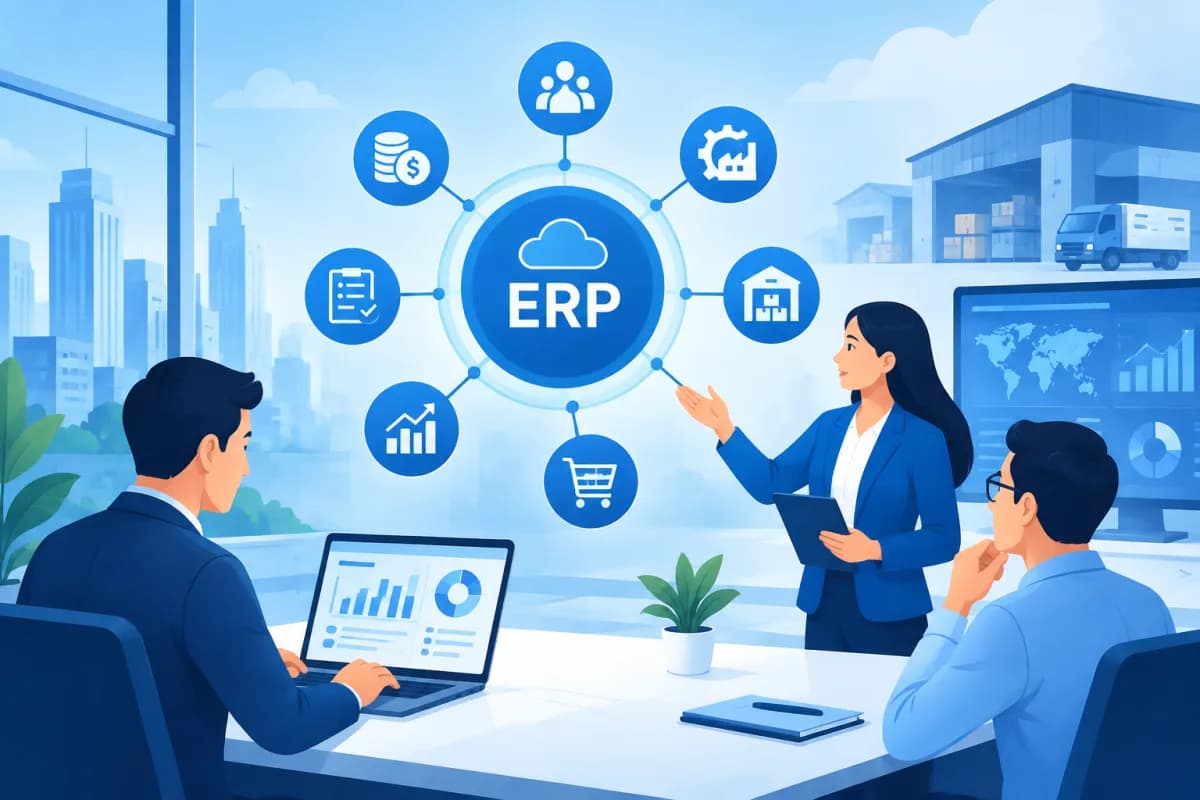
What is ERP, and why are more businesses considering implementing it? As operations grow, data ends up scattered across different software, departments are slower to coordinate, and managers struggle to get a real-time view of the business. ERP can connect important processes on a shared platform, but not every business needs to implement it right away.
The key is to identify the right problem to solve, assess the organization’s readiness, and set investment goals. This article explains what ERP is, its practical benefits, and the signs that indicate it may be time for a business to consider the system.
What is ERP, and how does the system work?
ERP stands for Enterprise Resource Planning. It is a software system for managing and connecting core business activities such as finance, accounting, sales, purchasing, inventory and logistics, manufacturing, and human resources. Rather than having each department use a separate tool, ERP brings data and processes together on a platform that enables information sharing across departments.

For example, when a sales representative creates an order, the information can be passed to the warehouse team to check inventory, to accounting to record revenue, and to the delivery team to prepare the shipment. When these steps are set up appropriately, employees do not need to enter the same data multiple times. Managers can also track order status and related metrics in the same system.
ERP is more than software for storing data. Its value lies in standardizing ways of working, defining workflows, and providing consistent information. Depending on its needs, a business can use off-the-shelf ERP, a customized ERP solution, or a system integrated with its existing tools. Implementation can begin with a few modules and expand as the organization becomes ready.
What benefits can businesses gain from implementing ERP?
The benefits of ERP depend on how a business selects, configures, and uses the system. When processes are designed well, the platform can improve operational efficiency in several ways.
- Centralized data: Customer, order, inventory, cost, and internal operations data can be managed in a more organized way. Employees can look up information appropriate to their access permissions instead of searching through multiple spreadsheets or applications.
- Less repetitive work: Manual data entry, reconciliation, and information handoffs can be reduced or automated. This helps limit errors while freeing up time for higher-value work.
- Better coordination: Departments can follow the same workflow and understand their responsibilities at each step. As a result, order processing, purchase requests, and production planning depend less on fragmented communication.
- Improved reporting: Systematically updated data helps managers monitor revenue, expenses, receivables and payables, inventory, and operational performance more promptly. Reliable reports support informed decisions rather than decisions based on guesswork.
- Support for growth: When a business adds branches, employees, products, or sales channels, standardized processes help it manage more complex operations without a corresponding increase in manual work.
However, ERP does not automatically solve every problem. If input data is inaccurate, processes are unclear, or employees are not adequately trained, the system may make existing difficulties more apparent. Technology therefore needs to go hand in hand with process reviews and change management.
When should a business implement ERP?
There is no single revenue or employee-count threshold that applies to every business. The right time depends on the complexity of operations and the costs caused by current inefficiencies. The following signs suggest that a business should seriously assess ERP as an option.

Scattered data and slow reporting
If each department manages data in a separate software system or spreadsheet, employees often have to compile it manually before preparing reports. Information may not match across departments, forcing leaders to spend time verifying figures and making it difficult to see the business’s current performance. When compiling data becomes a recurring bottleneck, an integrated system may be worth considering.
Processes rely on manual work
Entering data repeatedly, emailing requests for approval, or reconciling figures in spreadsheets can lead to delays and errors. If growing transaction volumes make it difficult for employees to meet deadlines, the business should consider standardizing and automating appropriate steps.
Inventory, costs, or receivables and payables are hard to control
Discrepancies between actual figures and system records, slow-moving inventory, sudden stock shortages, and receivables and payables that are difficult to track can all directly affect cash flow and customer experience. ERP can help connect purchasing, sales, inventory, and accounting data to provide a more reliable basis for monitoring.
The business is growing or expanding its operations
When a business adds branches, factories, sales channels, or product lines, management practices that worked at a small scale may no longer be effective. If leaders cannot oversee operations across units through consistent processes, it is time to assess whether to build a scalable management platform.
Current systems do not connect
A business may already have invested in accounting, inventory management, CRM, or sales software, but the systems may not exchange data effectively. Before replacing anything, it is important to identify what should be integrated, what needs upgrading, and what genuinely requires ERP. The goal is not to force every feature into one place, but to create information flows that fit actual operations.
What to prepare before implementing ERP
ERP affects how multiple departments work together, so preparation matters as much as software selection. A business should start by defining specific goals: shortening order processing times, reducing inventory discrepancies, standardizing financial processes, or improving reporting. The clearer the goals, the more practical it is to assess solutions and measure results after implementation.
- Review current processes: Document the steps involved, who is responsible, where errors commonly occur, and how departments interact. Avoid automating a cumbersome process before considering whether it can be simplified.
- Define scope and priorities: List the necessary modules, mandatory requirements, and requirements that can be addressed in a later phase. A phased approach helps control resources and reduces the pressure of making changes all at once.
- Check data quality: Standardize product, customer, supplier, and unit-of-measure codes; clean up duplicate or incomplete data before migration.
- Prepare the team: Assign an internal project lead, involve department representatives, and plan role-specific training. Frontline users should be invited to provide input so the new processes reflect how work is actually done.
- Budget for total costs: In addition to license or subscription fees, account for consulting, configuration, integration, data migration, training, maintenance, and the time employees will spend on the project.
When advising on and implementing ERP, LilyTech recommends assessing processes, data, people, and business goals together. This approach helps businesses choose an appropriate scope instead of buying a solution based on a feature list, while also establishing a basis for tracking performance after the system goes live.
Common mistakes to avoid
A common mistake is choosing software based only on price or the number of features. A solution with many functions is not necessarily a good fit for a business’s operating model, integration needs, or resources. Before deciding, ask the provider to demonstrate how the system handles real business scenarios, as well as any limitations to keep in mind.
A second mistake is expecting ERP to transform the business as soon as it is installed. The system needs to be configured, tested, and supported with training, then adjusted based on feedback. If leaders do not provide direction or users do not understand the reasons for the change, employees may revert to old ways of working, leaving data inconsistent.
Businesses should also avoid overlooking integration planning and data management. Migrating legacy data without careful checks can create persistent discrepancies; unclear integration scope can increase implementation costs and timelines. Agree on acceptance criteria, responsibilities, post-launch support, and performance metrics from the outset.
Conclusion: ERP works best when it solves the right problem
Asking what is ERP is not just a question about a type of software; it is also a question about how a business connects its data and standardizes its operations. Businesses should consider implementing ERP when processes are fragmented, work is manual, reporting is not timely, or growth means the current management model can no longer keep up. Before investing, define the priority problem, assess readiness, and choose an appropriate implementation roadmap.
If your business is evaluating ERP solutions or needs to determine the right implementation scope, contact LilyTech for advice based on your operational needs, business goals, and available resources.

