
 Nguyễn Chính Ngọc Liên
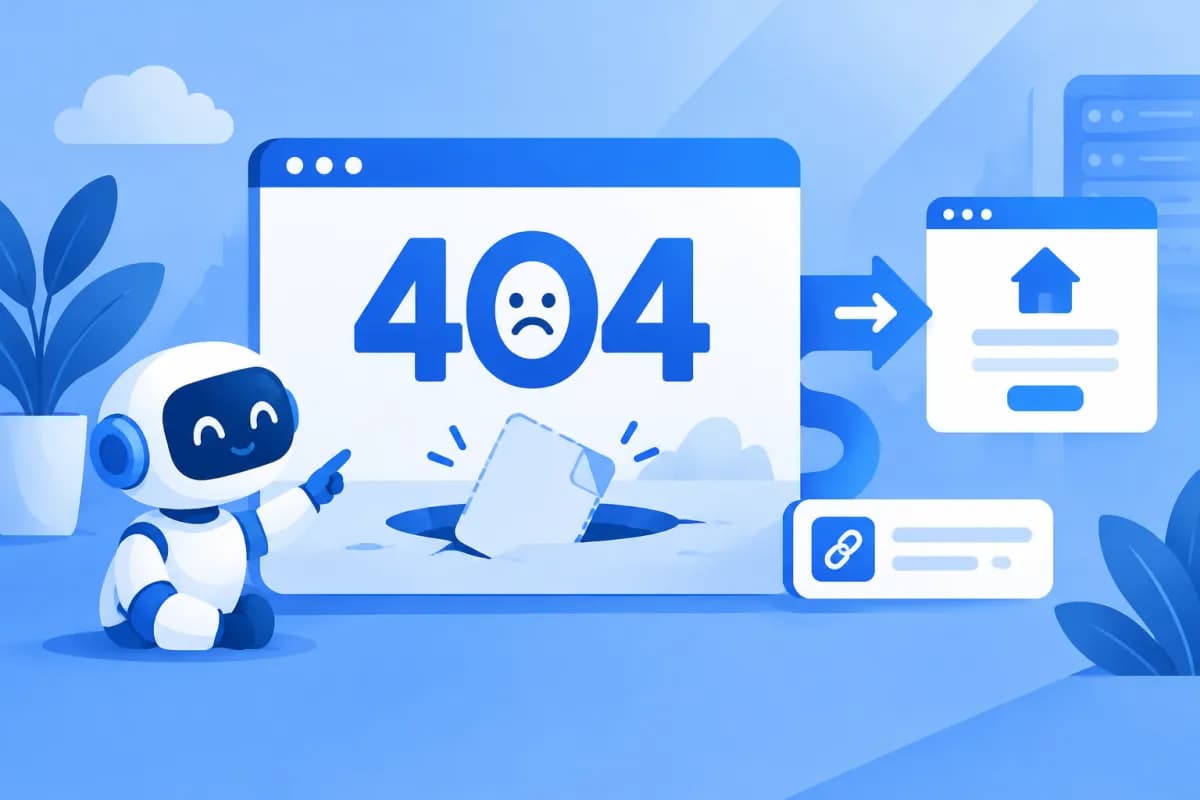
Handling 404 pages involves more than displaying a “Page not found” message. A well-designed error page helps visitors understand what happened, find relevant information, and avoid leaving your website right away.
For businesses, handling 404 pages also means identifying why a URL is broken, distinguishing genuine errors from pages that have moved, and deciding whether to restore content, redirect the URL, or keep the 404 status code. This guide walks you through the process of improving the user experience without creating new SEO problems.
What Is a 404 Page, and Why Does It Need to Be Handled Properly?
A 404 page is typically displayed when the server cannot find content matching the URL a user requested. The user may have mistyped the address, an old link may still be in circulation, the page may have been deleted, or the URL structure may have changed. The HTTP 404 status code indicates that a resource was not found; it does not, by itself, mean the website is broken.

Problems arise when visitors encounter a blank page, a confusing technical message, or no clear next step. They may close the website even though the information they need is still available at another URL. On the other hand, redirecting every broken URL to the homepage is not a default solution: users may not understand why the content they selected led them to an unrelated page.
Handling 404 pages should therefore achieve two goals: help users continue their journey and ensure search engines receive the right signals about the URL’s status. Related concepts to consider include HTTP status codes, 301 redirects, internal links, indexing, and Google Search Console.
How to Design a 404 Page That Helps Users
A 404 page should maintain your brand identity while prioritizing clarity. Visitors need to understand where they are, why the content is unavailable, and what they can do next. There is no need to turn an error page into a lengthy sales page; a few practical options are usually more helpful.

Use a Brief, Friendly Message
Use clear wording such as “The page you’re looking for doesn’t exist or has moved” instead of a technical error message. Avoid blaming the user. If you know the page was removed or moved, say so and direct visitors to alternative content.
Offer Relevant Ways to Continue
- Add a button or link to the homepage.
- Include a search box so visitors can find products, services, or articles.
- Suggest important categories or related content, but only when it is genuinely helpful.
- Display contact information or a support link if visitors may need advice.
For example, if an old guide URL is no longer available, the 404 page could explain that the content has been updated and suggest the new guide category. If the URL belongs to a discontinued product page, you could link to a replacement product range instead of automatically sending visitors to the homepage.
Ensure a Good Mobile Experience
Check the error page on a phone: Is the message easy to read? Are the buttons clear and easy to tap? Does the search box work? Keep the layout consistent with the rest of the website, avoid effects that slow down the page, and make sure an attractive design does not obscure the next step.
How to Handle a 404 Page and Choose the Right Fix
Don’t start by setting up redirects in bulk. First, find out which URLs return a 404, where visitors are coming from, and whether the corresponding content still exists. Then choose an approach based on the actual situation.

- Collect broken URLs: Check website analytics, server logs, internal links, and error reports in search management tools. Record each URL, when the issue occurred, and the link source if available.
- Identify the cause: Check for typos, changes to the URL structure, deleted pages, configuration issues, or incorrect links. Try opening the URL and check its HTTP status code to distinguish a 404 from a server or access error.
- Choose an approach: Restore the page if the content is still needed; redirect it if an equivalent replacement page exists; keep the 404 status code if the resource has been removed and there is no suitable replacement.
- Update links: Fix internal links, menus, XML sitemaps, and business-managed materials so they point to the correct URLs.
- Check after implementation: Open the old URL and its destination, confirm the response code and displayed content, and test the experience on a phone. Monitor the site to catch recurring issues.
As part of efforts to improve a digital platform, LilyTech can help businesses review their website structure, user experience, and related technical issues.
When Should You Use a 301 Redirect, and When Should You Keep a 404?
A 301 redirect is usually appropriate when a URL has permanently changed and there is a new destination with a similar topic or purpose. For example, if an article has moved to a new URL, redirect the old URL to the new one. This helps users reach the right content and prevents old links from leading to a dead end.

Don’t redirect every 404 URL to the homepage or a broad category page if there is no clear relationship. Visitors may find the content irrelevant, and search engines may view the redirect as an unhelpful experience. Redirect only when the destination reasonably meets the need indicated by the old URL.
Keeping the 404 status code is a normal choice when a page has been permanently deleted and there is no replacement content. If content was deliberately removed and is no longer needed, you can consider using a 410 status code to indicate that the resource has been removed. Whichever code you use, the page shown should still help visitors find their next step.
Avoid redirect chains that pass through multiple URLs and redirect loops. After setting up a redirect, check the old URL, the final destination, and the status code using an HTTP checking tool. Also update internal links so users do not have to pass through an intermediate URL.
SEO Impact and a 404 Page Checklist
A few naturally occurring 404 URLs will not immediately damage a website’s SEO credibility. The issues to watch for are important pages returning errors, multiple internal links pointing to nonexistent URLs, or incorrect redirects that prevent users and search engines from finding relevant content. Prioritize fixes according to each page’s importance and actual traffic, rather than trying to make every old URL return a working page.

Before you finish, use this checklist to review your work:
- The error page returns the correct HTTP 404 status code when the content genuinely does not exist.
- The message explains the issue briefly and avoids confusion.
- Visitors have a way to reach the homepage, search, or a relevant category.
- An old URL is redirected only when a suitable destination exists.
- No important internal links point to broken URLs.
- The XML sitemap contains only active canonical URLs, not error pages.
- The interface is easy to use on both desktop and mobile devices.
- Changes are checked against their status codes and monitored regularly.
For large websites, group broken URLs by pattern—for example, errors caused by changes to category structures or old product links. This helps uncover the root cause and avoids fixing each URL manually without addressing the underlying issue.
Conclusion: Handle 404 Pages Properly to Keep Visitors on Your Site
Handling 404 pages effectively means combining a clear design with root-cause checks and the right choice between restoring content, setting up a 301 redirect, or keeping the 404 status code. Redirect when there is a genuinely relevant replacement page, fix links that point to the wrong place, and check the user experience after every update.
If your business needs a website review, help improving the user experience, or a process for handling technical errors, contact LilyTech for advice tailored to your needs and current situation.

