
 Đoàn Lê Minh Anh
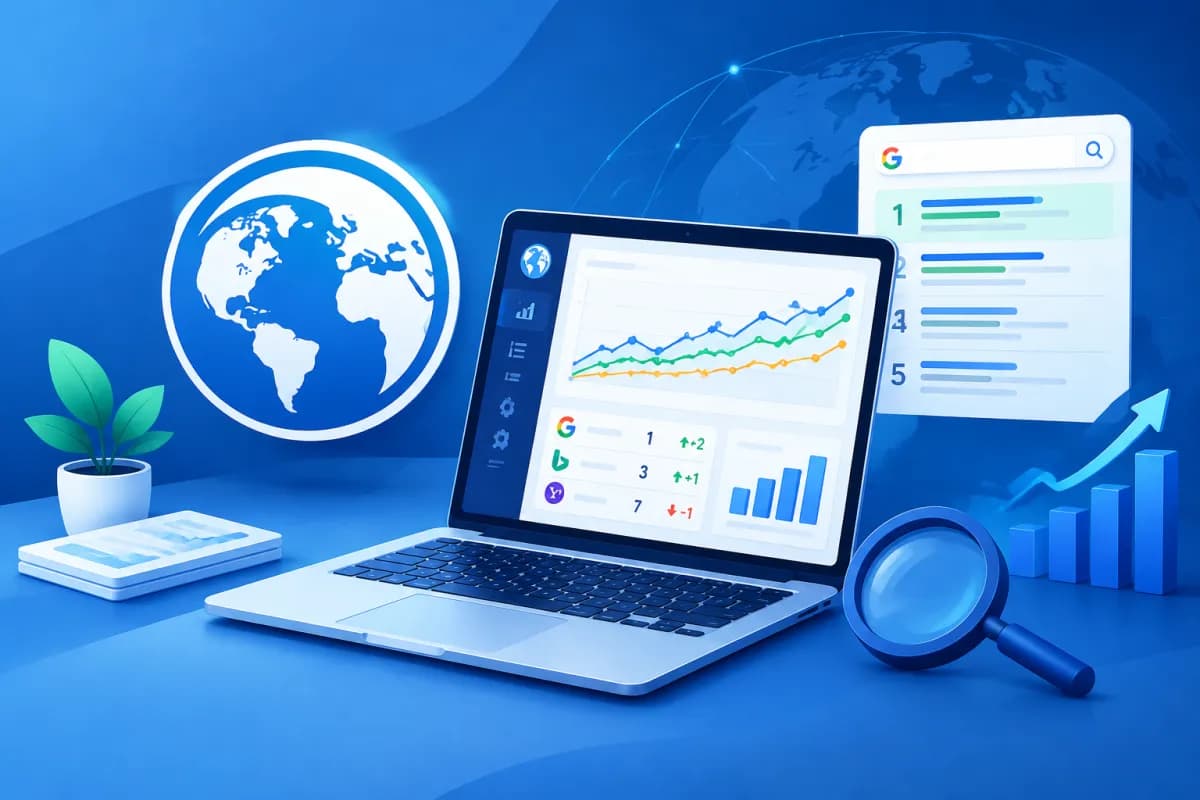
Keyword rankings fluctuate constantly, but looking at positions on search results pages alone isn’t enough to assess SEO performance. Businesses need to track data over time, compare results with competitors, and identify pages that need improvement. Advanced Web Ranking (AWR) is a rank tracking tool that brings these tasks together in one workflow.
This guide explains how to set up a project, configure keyword tracking, and create reports in AWR. Used effectively, the tool can turn ranking data into actionable insights for content planning, technical SEO, and reporting to management teams or clients.
What is Advanced Web Ranking, and who is it for?
Advanced Web Ranking is a platform for tracking keyword rankings on search engines. Instead of checking positions manually, users create a project to monitor a website, keyword groups, markets, and selected devices. Data is updated on a schedule, making it easier to spot trends and compare performance across periods.

The tool is suitable for in-house SEO teams, agencies, and businesses that need regular reporting. Teams can use the data to answer questions such as: Are priority keywords rising or falling? Which pages have lost rankings? Which competitors are improving? Which areas need more content? AWR focuses on rank tracking, so businesses should also use tools for traffic, conversion, and technical website analysis to get a complete SEO picture.
Before you start, define what you want to measure. If your goal is to grow brand awareness, you may prioritize visibility and ranking trends. If you want to generate leads, track keywords with purchase intent and their related landing pages as well. Clear goals keep projects focused, make data easier to interpret, and ensure reports address business outcomes.
How to set up a project in AWR
Each project should represent one website or a clearly defined tracking scope. When creating a project, check the domain, protocol, and website version you want to measure—for example, the version with or without www. If your business operates in multiple markets, you may need separate projects or tracking configurations to avoid mixing data across websites and countries.

- Create a project: Enter the domain and choose an easy-to-recognize name, such as one based on the brand, market, or service category.
- Choose search engines and locations: Set the country, language, and area that match your target customers. For local SEO, choose a geographic scope that closely matches where your business provides services.
- Choose devices: Track desktop, mobile, or both, depending on how your customers search and what you want to analyze. Don’t compare data from different devices as if it came from the same set of results.
- Add keywords: Enter a focused list of keywords and group them by product, service, topic, or stage of the buying journey.
- Set an update schedule: Choose a frequency that fits your needs and resources. Websites with frequent changes or short-term campaigns may need closer monitoring, while stable projects can use a regular schedule.
During setup, double-check keyword spelling, Vietnamese diacritics, location, and device. A small configuration error can make the data unrepresentative of your market. For a new website, record the tracking start date so you can distinguish initial data from results after optimization begins.
Manage keywords and track rankings effectively
A good keyword list doesn’t have to be long. Start with queries related to your products, services, and customers’ real needs. You can organize them into brand, service, informational, and local keyword groups. This makes it easier to see which types of content are gaining visibility instead of having to work through a large, unwieldy ranking table.

When adding new keywords, note their goal or intended landing page if your workflow allows. Regularly review queries with overlapping intent, keywords that are no longer relevant, and promising terms that don’t yet have a suitable page. Avoid deleting historical data without a reason; keep a record of list changes so report readers understand why the number of tracked keywords has changed.
Advanced Web Ranking is most useful as a tool for observing trends, not as the sole measure of success. Rankings can fluctuate because of competition, changes to search results, geographic location, or content updates. Review multiple time periods, keyword groups, and landing pages, then compare the findings with traffic, conversions, and the SEO work completed.
Read the data and turn ranking changes into action
When reviewing ranking reports, focus on meaningful changes instead of reacting to every small rise or dip. One effective approach is to review performance at three levels: the project overall, individual keyword groups, and individual URLs. If several keywords leading to the same page have dropped, check the content, accessibility, internal links, and fit with search intent.

- Rankings improve: Identify the pages and query groups behind the trend, then look for factors that may sustain the results, such as updated content or a better internal linking structure.
- Rankings decline: Check whether the decline is ongoing, whether competitors have changed their content, and whether the page has technical issues. Avoid making sweeping changes based on a single data update.
- Rankings are stable but results are weak: Reassess search intent, the page title, description, content, and call to action. A strong position doesn’t guarantee users will click or convert.
- Keywords have no meaningful rankings: Check whether the website has a suitable page, whether the content answers searchers’ questions, and whether the level of competition matches your available resources.
For reliable conclusions, use consistent comparison periods, such as this week versus last week or this month versus last month. Note important events, including publishing an article, changing the website structure, or launching a campaign. This helps the SEO team connect ranking changes to real actions rather than guess at the cause.
Create clear, useful SEO reports
A good report isn’t a collection of as many charts as possible. It should help readers understand the situation, identify causes to investigate, and decide what to do next. In AWR, select a consistent date range, project, market, device, and keyword group before exporting or sharing a report. If the platform offers reporting options, choose metrics that suit the audience and check how the report looks before sending it.

A regular report may include:
- A summary of ranking trends and notable changes during the reporting period.
- Keyword groups that rose, fell, or need monitoring, along with their related landing pages.
- Competitor comparisons within the configured market and keyword set.
- The expected impact, data limitations, and potential causes to investigate.
- An action plan, owners, and a date for reassessment.
Clearly distinguish observed data from hypotheses. For example, you can report that a keyword group declined during the period, but you’ll need to check traffic data and website changes before claiming to know why. LilyTech can help businesses standardize SEO and reporting processes, connecting rank tracking data with marketing goals and practical optimization work.
Conclusion
Advanced Web Ranking helps businesses track rankings systematically, from setting up projects to managing keywords and creating reports. The tool’s value goes beyond showing a keyword’s current position: it can reveal trends, identify pages that need improvement, and help teams prioritize data-driven actions.
To get started, configure the right market, devices, and update schedule; build a focused keyword set; then assess results in the context of traffic, conversions, and website changes. If your business needs advice on SEO processes, website design, or suitable marketing solutions, contact LilyTech to discuss your needs and get tailored guidance.

