
 Đoàn Lê Minh Anh
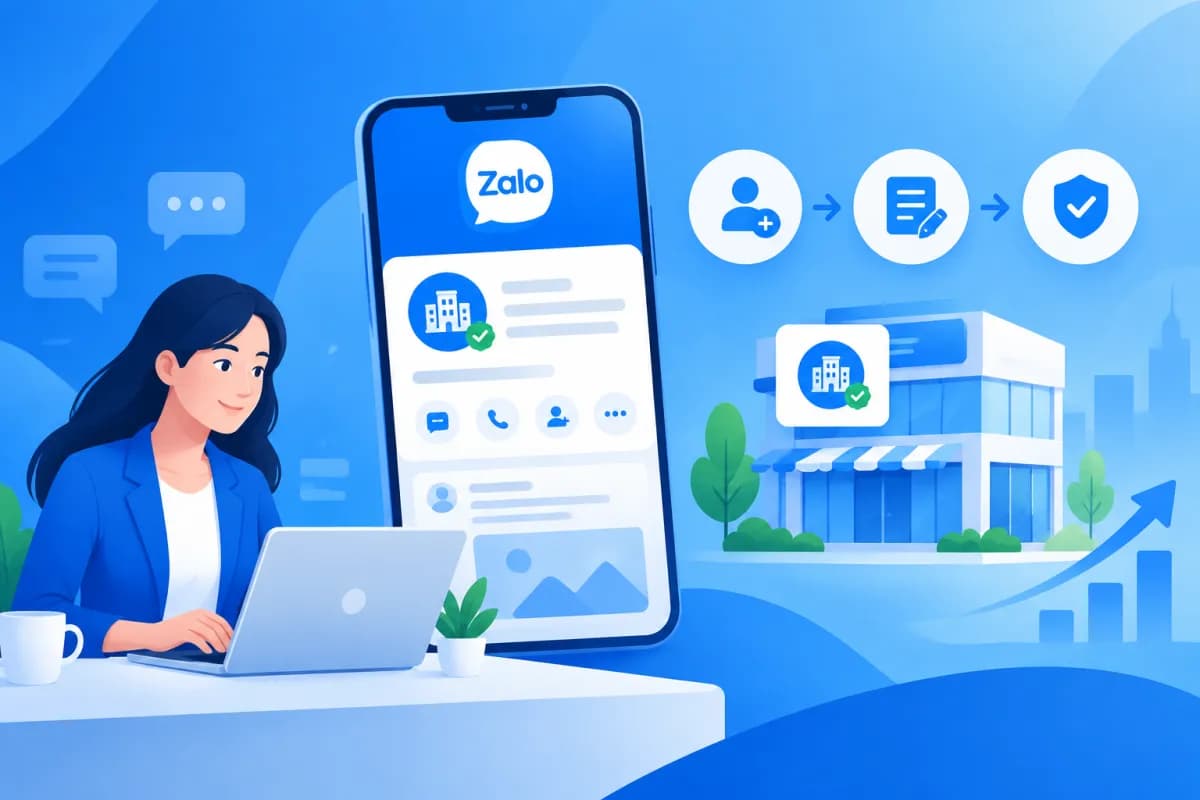
If your business wants to reach customers on Zalo professionally, building an official channel is worth considering. Before getting started, however, many business owners and marketers ask What is Zalo OA, how does it differ from a personal Zalo account, and what do you need to create and verify one?
This article explains what a Zalo Official Account is, outlines common account types, and walks you through creating an OA for your business. You’ll also learn how to prepare verification documents, avoid common errors, and make the most of your account for business purposes.
What is Zalo OA?
Zalo OA stands for Zalo Official Account. It is an official account for businesses, brands, organizations, or content providers on the Zalo platform. Think of it as a public-facing channel where an organization can share information, connect with interested users, and provide customer support.

Unlike personal Zalo accounts, which are primarily for private communication, OAs are designed for management and communication. Depending on the account type and Zalo’s current policies, businesses can use features such as publishing posts, sending messages to followers, creating menus, receiving support requests, or connecting with other tools and services.
Zalo OA does not automatically replace a business website, app, or sales system. Instead, it serves as one touchpoint in the customer journey: users can learn about a brand on Zalo, receive useful information, and be directed to the right channel to continue a purchase or use a service.
Common types of Zalo OA accounts
When creating an OA, businesses need to choose an account type that suits their purpose. Zalo may change account names, categories, and features over time, so check the instructions on the account creation page before submitting your registration. Common account types include:
- Business OA: For companies, stores, brands, or providers of products and services. It is a suitable choice for introducing a business, connecting with interested customers, promoting campaigns, and providing after-sales support.
- Content OA: For organizations that produce or distribute content, or want to build a topic-focused information channel. This type typically centers on publishing and distributing content to followers.
- Government agency OA: For public-sector agencies and organizations that meet the platform’s requirements. These accounts can provide information and support residents within the approved scope.
For most commercial and service businesses, a Business OA is the first option to consider. Don’t choose an account type just because its name sounds suitable; check that it matches your field, intended use, and verification requirements. Choosing the right type from the start helps keep your public information consistent and avoids changes after people have already followed the account.
Benefits of Zalo OA for businesses
A fully developed OA gives businesses an official presence on a platform familiar to many users in Vietnam. Clear names, profile pictures, descriptions, addresses, and contact details help customers recognize a brand and avoid confusing it with unofficial accounts.
OA also helps businesses stay in touch with interested customers. Depending on the policies and service plans in effect, businesses can publish content, send notifications in accordance with applicable rules, answer questions, or direct users to their website, store, and other support channels. Communications must comply with Zalo’s rules, particularly those concerning consent to receive messages and sending frequency.
For marketers, OA can be part of a multichannel customer care and measurement system. Businesses can coordinate OA content with their website, advertising, consulting teams, and suitable CRM or ERP systems. Results depend on content quality, response times, and data management—not simply on creating an account.
How to create a Zalo OA account for your business
The account creation process generally involves signing in, entering information, selecting an OA type, and submitting a request. The interface may change, but businesses can use the following steps as a guide:

- Prepare a sign-in account: Use an appropriate personal Zalo account to sign in to the management portal or Zalo Official Account creation page. Ideally, use an account managed by a responsible team member rather than relying on someone who may leave the company.
- Choose to create an Official Account: Go to the OA creation area using Zalo’s official instructions, then start registering a new account. Check the domain or source carefully to avoid entering your login details on an untrusted site.
- Select an account type and category: Choose Business OA if the account will represent a company, store, or brand. Then select the industry or category that most closely matches your actual business activity.
- Enter basic information: Provide the OA name, description, contact details, and any other required information. The name should clearly represent your brand and be consistent with your documents, website, and other communication channels.
- Add brand images: Upload a profile picture and cover image that meet the platform’s display requirements. Use a clear logo that matches your brand colors and does not contain misleading or prohibited content.
- Review and submit your registration: Check spelling, phone numbers, address, category, and images before submitting. Track the request status in the management portal and provide any additional information if requested.
Once your OA has been created, complete the profile before promoting it widely. Add a useful description, business hours, address, contact options, and an introduction. Also assign administrative access to relevant staff based on their roles; avoid sharing a password if the platform provides a way to grant individual access.
How to verify a Zalo OA and important considerations
Creating an OA and verifying an OA are two different things. Creating an account establishes the channel; verification proves that you are authorized to represent the brand or organization, as required by Zalo. A verified account gives users an additional basis for recognizing official information, but it does not mean the platform endorses all of its content or products.

To prepare, businesses should review their valid legal documents and current brand information. Depending on the account type, industry, and requirements at the time of submission, the platform may request documents such as a business registration certificate, proof of the right to use a brand, or an authorization letter for the person submitting the application. Refer to the latest instructions in the Zalo OA system for the specific document list; don’t rely solely on unofficial lists or outdated materials.
The verification process can generally be completed in the following steps:
- Complete your OA information: Make sure the name, category, description, and contact details are accurate and consistent with the documents you will provide.
- Open the verification area: In the OA management portal, find the account verification or business information management section in the current interface.
- Select a method and upload your documents: Follow the on-screen instructions, upload the correct document type, include all pages, and ensure everything is legible. If you are applying on behalf of the business, prepare an authorization letter if requested.
- Review the information before submitting: Check the legal entity name, brand name, business registration number, and representative’s information. Explain or provide additional documents if the OA name differs from the name on your paperwork.
- Check the result: Monitor the processing status and notifications from the platform. If your application is rejected or additional documents are requested, read the reason carefully, correct the specific issue, and resubmit as instructed.
Common issues include blurry document images, expired paperwork, discrepancies between OA information and documents, or use of a brand that the business cannot prove it is authorized to represent. Submit documents through the official verification channel and provide only the data required. Processing times, forms, and requirements may change, so prioritize notices shown in the management portal.
Conclusion: Build a Zalo OA to grow your customer channel
By now, you understand What is Zalo OA, the common account types, and the basic process for creating and verifying a business channel. To get the most from your OA, choose the right account type, keep your information consistent, prepare clear documentation, and develop a content plan around customer needs.
Zalo OA is more useful when integrated with your website, marketing activities, and customer care processes. If you need advice on building a digital ecosystem—from website design and mobile app development to ERP integration and digital marketing, PR, and backlinks—contact LilyTech to find a solution that fits your business goals and resources.

