
 Nguyễn Chính Ngọc Liên
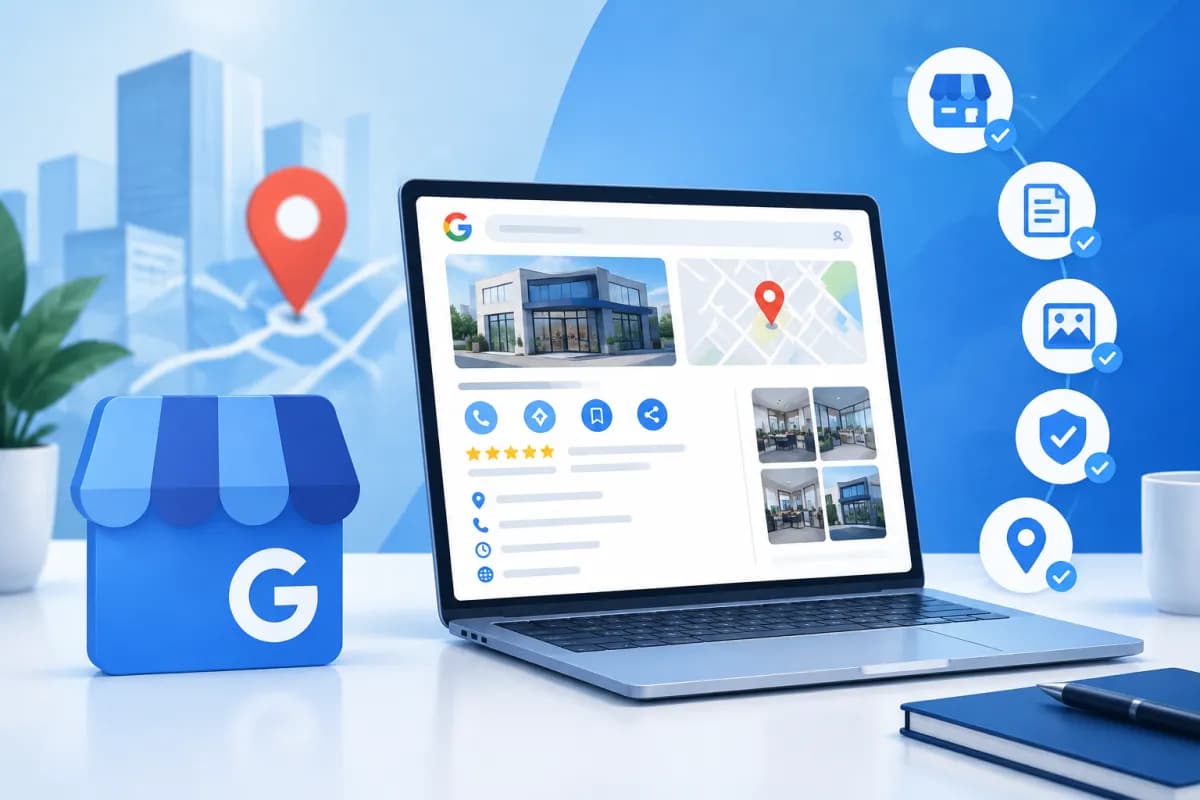
Google Business Profile optimization helps businesses present accurate information on Google Search and Google Maps, while creating more opportunities for customers to learn about and contact them. Whether you run a storefront, provide local services, or operate multiple locations, a complete, regularly updated profile makes it easier for people to find the information they need.
To get started, you don’t need to post constantly or add a long list of keywords. What matters is making sure your information is accurate, verifying management access, sharing useful content, choosing suitable photos, and establishing a transparent process for requesting reviews. This article walks you through each step so you can review and improve your profile yourself.
What Is Google Business Profile, and What Should You Prepare?
Google Business Profile, formerly known as Google My Business, is a business listing that may appear when customers search Google for a brand, product, service, or related location. The profile can show business hours, an address or service area, phone number, website, photos, posts, and customer reviews.

This profile doesn’t replace your website or other communication channels. Instead, it provides quick information when someone is looking into a specific business. That’s why your profile details should match the information on your website, signage, sales materials, and other official channels.
Before making changes, decide who will manage the profile and check whether your business already has one. If it does, request access or ownership rather than creating a duplicate. You’ll also need to complete the verification process shown in your Google account; the available verification method may vary by business.
- Prepare your business’s real-world name, address or service area, and official contact details.
- Confirm your regular hours, holiday hours, and customer service schedule.
- Identify the category that best describes your primary business, then consider additional categories if relevant.
- Have your website, brand images, and product or service details ready for reference.
How to Optimize Google Business Profile with Accurate Information
Basic details are the foundation of your profile. When working on Google Business Profile optimization, prioritize accuracy and consistency rather than trying to pack as many keywords as possible into your business name, description, or other fields. Adding promotional phrases, locations, or services to your business name when they aren’t part of your actual brand name can undermine trust and may not comply with platform guidelines.

Review Your Business Name, Categories, and Description
Enter your business name as it appears in the real world and across your official channels. Choose a primary category that reflects your core activity, such as your type of store or professional service. Don’t choose a category just because you think it might help you show up for more searches. If you add other categories, make sure they accurately describe the activities your business actually offers.
Your description should briefly explain what your business does, whom it serves, and which products or services it specializes in. Write naturally and clearly, avoiding repeated search phrases, unsupported claims, and expired promotions. For example, a furniture store could describe its product range, design styles, and available consultations rather than cramming in a long list of furniture-related keywords.
Check Your Address, Service Area, and Opening Hours
If customers visit your business, check the address, map pin, and directions to your location. If you serve customers at their locations and don’t receive them at your own premises, set your service area according to your actual operating capacity and follow Google’s guidance on addresses. Don’t use an address where your business doesn’t operate just to appear present in a particular area.
Enter a phone number and website that customers can use to contact you. Check your opening hours, holidays, and seasonal changes, and update special hours when needed. A common issue is a profile showing a store as open when it’s actually closed because holiday hours weren’t updated. This small mistake can inconvenience customers and weaken their trust.
Publish Useful Posts and Add Relevant Photos
Posts on your profile can share news, updates, events, or information about products and services. Treat them as information that helps customers make decisions, not a place to repeat slogans. Each post should have a clear topic, concise copy, and an appropriate call to action, such as learning more, calling, or visiting the store—when the information is accurate.

- Share useful updates, such as changes to opening hours, new services, or instructions to follow before using a service.
- Use specific language, explain what customers need to know, and double-check dates and terms.
- Choose images that directly relate to the post. Don’t use photos that misrepresent a product, location, or real customer experience.
- Schedule reviews of older posts to update or remove information that is no longer accurate.
Photos help people picture your premises, products, team, or service process. Choose clear, well-lit images taken at your location or showing your actual products. You could start with photos of the storefront, interior, featured products, and team, where appropriate. Avoid blurry or irrelevant images, and don’t edit photos in ways that could mislead customers.
You don’t need to aim for a large batch of photos all at once. Instead, make a habit of adding photos when something significant changes, such as a renovated space or a new product line. A business owner can assign someone to check image quality, usage rights, and freshness before publishing.
Request Reviews and Respond to Customers the Right Way
Reviews help people understand what previous customers experienced. You can invite customers who have actually used your products or services to share their opinions voluntarily—for example, by sending an invitation after a transaction or displaying a QR code at a customer touchpoint. Keep the request neutral; don’t ask customers to leave only positive reviews.

Don’t buy reviews, create fake ones, or offer gifts or discounts in exchange for reviews if that violates applicable policies. Don’t pressure customers to leave a review before receiving support, either. A transparent process helps ensure feedback reflects real experiences and protects your business’s reputation over time.
Respond Professionally to Positive and Negative Reviews
When you receive a positive review, offer a brief thank-you and personalize your response when possible. For negative feedback, stay calm, acknowledge the concern, and suggest a private channel to look into the issue. Don’t reveal personal information or transaction details, and avoid heated arguments. If a review appears to violate policy, you can use Google’s reporting tools, but don’t assume that every unfavorable review will be removed.
LilyTech recommends assigning someone to monitor reviews regularly and note recurring themes. For example, if several customers ask about parking, your profile may need clearer directions—if that information is accurate. Reviews are more than a score; they can also point to ways to improve your information and services.
A Checklist for Maintaining an Effective Business Profile
Completing your profile once isn’t enough. Opening hours, services, photos, and customer needs can change, so businesses should schedule regular reviews. The right frequency depends on your business size and how much your operations change. What matters is having someone responsible for the profile and correcting inaccurate information promptly.

- Check that the right person has management access and that verification is complete according to Google’s instructions.
- Compare your business name, address, phone number, website, categories, and service area with the facts.
- Review regular and special hours, as well as notices about temporary changes.
- Check your description, services, and products to remove outdated content and correct inaccurate information.
- Publish posts when you have useful updates, and add relevant, authentic photos that you have permission to use.
- Monitor reviews, respond courteously, and note recurring issues to help improve your operations.
- Review the metrics available in your profile to understand how customers find and interact with your business, but don’t treat them as guarantees of ranking or revenue.
If you manage multiple locations, standardize your process while still checking the details for each site. A shared checklist can reduce errors, but opening hours, phone numbers, and photos must still reflect each location accurately. When your brand or operations change significantly, review your profile, website, and related channels at the same time to avoid conflicting information.
Conclusion: Complete Your Profile So Customers Can Find and Trust You
Google Business Profile optimization is about building a reliable source of information: enter accurate details, publish useful content, add authentic photos, and request reviews transparently. Start with the basic fields, resolve inconsistencies, and then keep information up to date on a regular schedule. This approach gives customers clearer information when they’re deciding whether to contact or visit your business.
If you need help reviewing your profile, developing a local content process, or coordinating your Google profile with your website and marketing, contact LilyTech for guidance on an approach that fits your business goals.

