
 Nguyễn Chính Ngọc Liên
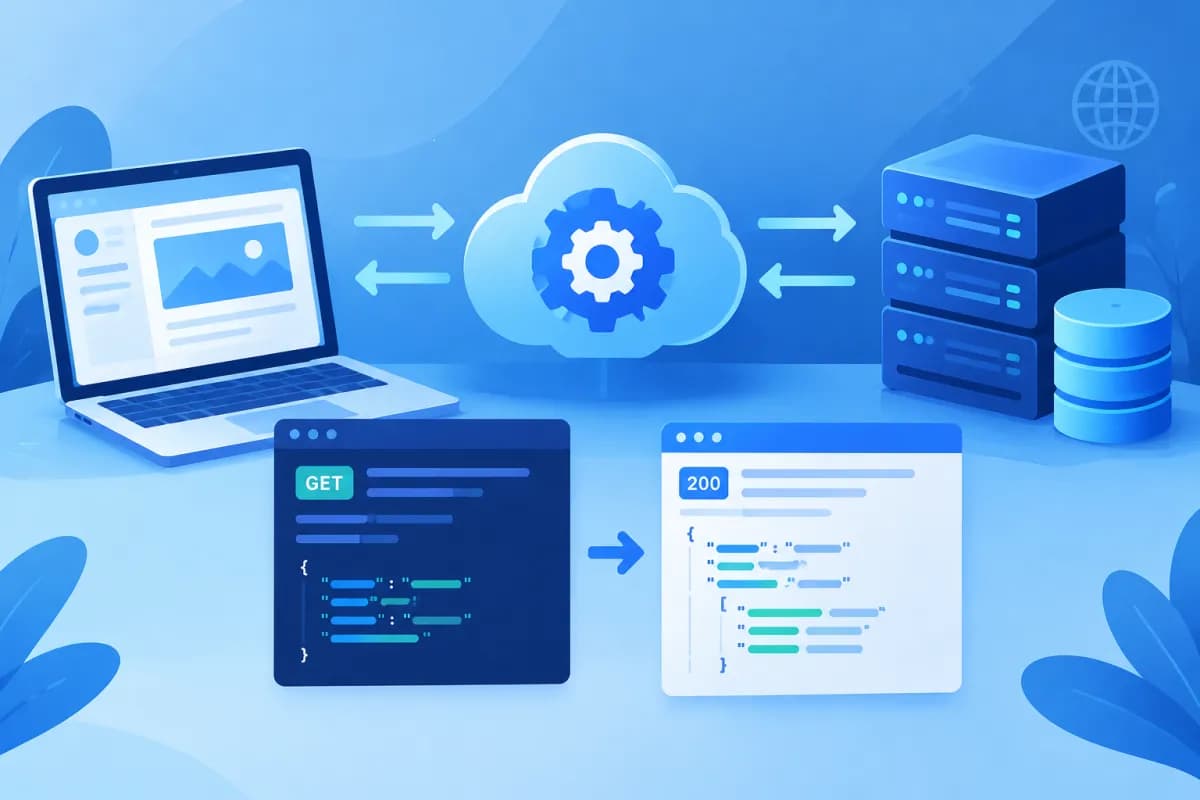
When a food-ordering app displays a menu, submits an order, and updates its delivery status, the software behind it needs to exchange data. A RESTful API is one way to design this exchange, allowing an app to send requests to a server and receive data according to clear conventions.
In this article, LilyTech explains what a RESTful API is, how to read an endpoint structure, and how common HTTP methods work through an online food-ordering scenario. The request and JSON response examples will help you picture how an API works in a real application.
What Is a RESTful API?
API stands for Application Programming Interface. It defines how one piece of software can request functionality or data from another. For example, a mobile app can call an API to retrieve a menu from a server without needing to know how the system stores its data internally.

REST stands for Representational State Transfer, an architectural style for designing web services. An API is called RESTful when it follows REST principles to an appropriate extent. In practice, people often use “RESTful API” to refer to a web API that exchanges resources over HTTP, typically sending and receiving JSON data.
In this model, data is represented as resources, such as menu items, customers, or orders. Each resource usually has its own address, called an endpoint. An application sends a request to an endpoint using an HTTP method; the server processes it and returns a response, usually containing a status code and the relevant data.
A RESTful API is not a programming language or a specific product. It is a way to organize communication between systems. Consistent conventions make it easier for development teams to build websites and mobile apps or integrate different software systems.
Endpoint Structure and an API Request
Imagine a food-ordering service with an API at https://api.bepnhanh.vn. A request typically includes an HTTP method, an endpoint, headers, and sometimes a body. The endpoint specifies the resource or action the application wants to access.
For example, the endpoint /api/v1/menu-items represents a list of menu items. Here, /api indicates an API path, v1 is the version, and menu-items is the resource collection. Another endpoint, /api/v1/orders/5821, is used to access the order with ID 5821.
A request to retrieve the menu might look like this:
Method and endpoint: GET https://api.bepnhanh.vn/api/v1/menu-items?category=drink
Header: Accept: application/json
The ?category=drink portion is a query parameter that filters menu items by category. Headers provide additional information about a request, such as the data format the application accepts or authentication details. A request to create an order typically also includes a body containing JSON data.
Clearly named endpoints make an API easier to read and extend. Resource names are generally nouns, such as /orders or /customers, while the HTTP method indicates the action. This convention avoids creating too many separate paths for individual operations.
Common HTTP Methods: Examples
An HTTP method tells the server what the application wants to do with a resource. Common methods in a RESTful API include GET, POST, PUT, PATCH, and DELETE. In the food-ordering scenario, they work as follows:

- GET – read data: Retrieve the menu with GET /api/v1/menu-items, or view a specific order with GET /api/v1/orders/5821. GET requests typically do not send data to create or modify a resource.
- POST – create a resource: Send POST /api/v1/orders with item and delivery address details to create a new order. If successful, the server may return the ID of the newly created order.
- PUT – replace a resource: Send PUT /api/v1/orders/5821 with all the information to be updated. Because PUT generally means replacement, the application needs to provide all fields required by the API.
- PATCH – update part of a resource: Send PATCH /api/v1/orders/5821 to change just the status or delivery address, rather than resending the entire order.
- DELETE – remove a resource: Send DELETE /api/v1/orders/5821 to request that the order be deleted or canceled, depending on the system’s policies.
The exact meaning of each operation depends on the API documentation. For example, a system may not allow users to delete a paid order, but may let them change its status to “canceled.” The application must therefore follow the business rules published by the server.
Real-World JSON Request and Response Examples
Suppose a customer orders two cups of coffee for delivery to a selected address. The application sends a POST request to the order-creation endpoint. The body might include item IDs, quantities, and delivery details, as shown here:

Request: POST /api/v1/orders
Header: Content-Type: application/json; Authorization: Bearer <access_token>
Body: {"items": [{"menu_item_id": 42, "quantity": 2}], "delivery_address_id": 918, "note": "Less ice"}
The Content-Type header indicates that the body is sent as JSON. The Authorization header carries credentials so the server can identify the user placing the order. In a real system, access tokens must be protected and sent over a secure connection; sensitive information should not be placed in a URL.
If the order is created successfully, the server might return a response like this:
Response: HTTP 201 Created
Body: {"id": 5821, "status": "pending_confirmation", "total": 98000, "currency": "VND", "created_at": "2025-03-08T10:15:00Z"}
The 201 Created status code indicates that a new resource has been created. The returned data includes the order ID, status, total, and creation time. The application can use order ID 5821 to take the customer to the order-tracking screen.
If the application calls GET /api/v1/orders/5821, the server might return HTTP 200 OK along with the order data. The status field may change as the order is processed, for example from pending_confirmation to preparing and then delivering. If the order ID does not exist, the server may return 404 Not Found; if the user is not signed in or the token is invalid, it may return 401 Unauthorized.
Status codes tell the application whether a request succeeded or failed without requiring it to infer the outcome from the JSON content. Common codes include 200 for a successful request, 400 for invalid submitted data, 403 when access is denied, 404 when a resource cannot be found, and 500 when the server encounters an error.
Considerations for Designing and Integrating RESTful APIs
The example above simplifies some details to make the concepts easier to understand. When implementing an API in a real product, businesses and development teams should agree on data conventions, error handling, and security from the outset. These decisions directly affect how easily systems can be integrated and maintained.
- Use consistent endpoint design: Choose clear resource names, version the API when needed, and standardize data field naming.
- Return useful errors: Include an appropriate status code and a clear enough message for developers to handle the issue, without exposing sensitive internal information.
- Protect data: Use HTTPS, authenticate users, assign permissions by role, and validate input before processing it.
- Manage performance: For large lists, support pagination, filtering, or result limits; consider rate limits to reduce the risk of overload.
- Document and test: Describe endpoints, methods, parameters, responses, and possible errors so development teams can integrate accurately.
A RESTful API is often a good fit for connecting websites, mobile apps, management systems, or partner services. However, the right architecture depends on data requirements, performance, security, and operational capabilities. Good API design is about more than choosing sensible URLs; it must also reflect the business’s actual processes.
Conclusion: Understand RESTful APIs for More Effective System Integration
A RESTful API organizes communication between applications through resources, endpoints, and HTTP methods. Once you understand how GET retrieves data, POST creates an order, PUT or PATCH updates a resource, and DELETE removes one, it becomes easier to picture the request–response flow in a digital product. JSON structures and status codes provide consistent rules for exchanging data, making development and integration more straightforward.
If your business is building a website or mobile app, or needs to connect an API to an ERP or existing systems, LilyTech can recommend a solution that fits your workflows. Contact LilyTech to discuss your requirements and plan an effective implementation.

