
 Nguyễn Chính Ngọc Liên
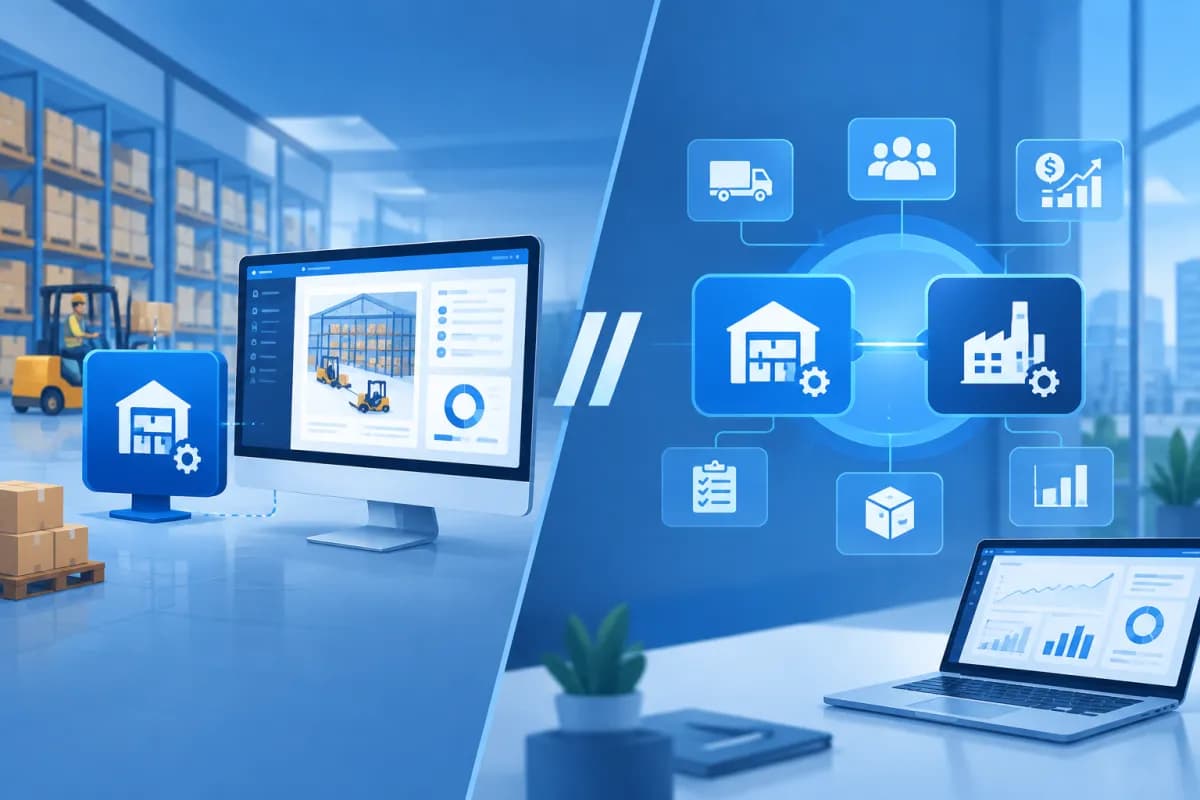
As warehouse operations become more complex, businesses need systems that provide more accurate control over goods, inbound and outbound orders, and inventory. A warehouse management system (WMS) can be deployed as part of an ERP system or operated independently, with each model offering distinct advantages and limitations. This guide to standalone WMS vs ERP-integrated WMS explores the key differences.
So which option is right for your business: a flexible, specialized standalone WMS or an ERP-integrated WMS that connects multiple departments? This article compares the two models in terms of data connectivity, implementation costs, and management needs to help businesses make an informed decision. Read on for a closer look at standalone WMS vs ERP-integrated WMS.
What Is a Warehouse Management System (WMS)?
A WMS (Warehouse Management System) manages warehouse activities, from receiving goods and assigning storage locations to cycle counting, picking, packing, and shipping. Depending on the solution, a WMS may also support barcodes, RFID, lot and expiration-date management, employee access controls, productivity tracking, and inventory reporting.
A standalone WMS is typically a specialized software solution focused on warehouse operations. It can connect with accounting, sales, e-commerce, or ERP software through APIs and other integration methods. An ERP-integrated WMS, by contrast, is a module within an ERP platform that shares data and workflows with departments such as procurement, sales, finance, manufacturing, and operations.
Both models can improve warehouse control. They differ in functional depth, how data flows, the scope of investment, and their ability to support the business’s overall management activities.
Comparing Data Connectivity and Synchronization
Standalone WMS: Flexible, but Integration Requires Management
A standalone WMS is usually designed to handle warehouse operations in depth. Businesses can choose software that fits their existing processes and connect it to the systems they already use. For example, orders from a sales platform can be sent to the WMS for picking, while shipment data can then be sent back to the accounting or order management system.

One advantage is that businesses do not necessarily have to replace all their existing software. However, synchronization quality depends on how well the systems integrate. If connections are unreliable, data may update slowly, item codes may not match, or employees may have to re-enter information manually. In that case, the technology team needs to monitor integrations, troubleshoot errors, and maintain data rules.
ERP-Integrated WMS: A Single, Connected Data Source
With an ERP-integrated WMS, product, supplier, purchase order, sales order, and inventory information is generally managed on a single platform. When a warehouse transaction is recorded, related data can be updated for other departments at the same time according to established workflows. This gives managers a more consistent view of goods and business operations.
This is especially useful when multiple departments rely on shared data or when a business needs end-to-end control from procurement through delivery and financial recording. However, ERP integration does not mean that all data will be accurate automatically. Businesses still need to standardize master data, set access permissions, define processes, and test different scenarios before going live.
- Standalone WMS: Best suited to businesses that prioritize specialized warehouse functionality and need to connect with a limited number of existing systems.
- ERP-integrated WMS: Best suited to businesses that need consistent data across the warehouse and other management activities.
- Both models: Require master data governance and clear rules specifying which system is the source of truth for each process.
Comparing Implementation Costs and Resources
Software purchase price is only one part of the cost. Businesses should also account for licensing or subscription fees, process configuration, integration, barcode-scanning devices, training, data migration, technical support, and long-term operating expenses. The actual investment depends on the number of warehouses and users, transaction volumes, customization requirements, and whether the system is deployed on-premises or in the cloud.

A standalone WMS may suit a business that wants to address warehouse challenges first, start with a limited scope, and avoid changing other systems. However, if the solution requires numerous custom integrations or several software platforms are involved in the workflow, integration and maintenance costs may rise over time. Assess the total cost of ownership rather than comparing upfront prices alone.
An ERP-integrated WMS may require a larger investment if the business implements multiple modules at once, migrates data, and standardizes processes across the organization. In return, using a shared platform can reduce the effort needed to reconcile data between systems and limit duplicate work. If a business already uses ERP, adding a WMS module may be a practical option, but it should first verify that the solution can meet its real-world warehouse requirements.
For a fair comparison, list costs over at least several years, including upgrades, support, additional users, and new integrations. Also estimate measurable benefits, such as fewer inventory discrepancies, faster order processing, and reduced costs from mis-shipments or losses.
Which Model Is Right for Your Business?
A Standalone WMS Is a Good Fit When
- The business has specialized warehouse processes and needs advanced features that its current system does not provide.
- The main area to improve is the warehouse, while other management activities are already handled reliably by separate software.
- The business wants a phased rollout, starting with a pilot at one warehouse or for a specific set of operations.
- The team can manage integrations, or the vendor provides APIs and has experience connecting to the systems already in use.
An ERP-Integrated WMS Is a Good Fit When
- The business has closely connected activities such as procurement, sales, manufacturing, finance, and logistics.
- Multiple warehouses, branches, or operations teams need to share data and follow consistent processes.
- Leaders need comprehensive, up-to-date reporting to make decisions about inventory, cash flow, and supply planning.
- The business is implementing or upgrading ERP and wants to reduce data fragmentation across multiple platforms.
For businesses with complex management needs, the decision should not be based on feature count alone. Consider the complexity of product flows, the number of warehouses, traceability requirements, sales model, and the organization’s ability to change its processes. A business with only a few warehouses but many small orders each day may need a specialized WMS. By contrast, a business with a cross-functional supply chain may prioritize system-wide integration.

How to Choose and Implement the Right Solution
Before choosing software, document how processes work in practice rather than relying only on how they are intended to work. Identify where discrepancies occur, how long tasks take, the on-time order fulfillment rate, how stock counts are conducted, and how accurate current data is. This information helps businesses set relevant selection criteria and assess results after implementation.
- Define the scope: Specify which warehouses and operations need to be managed and which systems must be connected.
- Standardize data: Review item codes, units of measure, warehouse locations, lots, and access permissions before migration.
- Evaluate real-world scenarios: Ask vendors to demonstrate the business’s receiving, shipping, cycle-counting, returns, and exception-handling workflows.
- Plan the rollout: Assign owners, train employees, test data, and prepare a continuity plan in case of issues.
- Measure results after go-live: Track inventory accuracy, order processing time, warehouse productivity, and error rates to identify adjustments.
Businesses should also consider their growth plans. The selected system should meet current needs while allowing for expansion as the number of warehouses, sales channels, orders, or automation requirements grows. Service agreements should clearly define support coverage, response times, data ownership, and any additional costs associated with expansion.
Conclusion
A standalone WMS offers specialized warehouse functionality and flexible implementation, while an ERP-integrated WMS provides connected data and suits businesses that need coordination across multiple management activities. There is no single best choice for every organization. The decision should reflect business processes, team capabilities, existing systems, and total cost of ownership.
If your business is considering a warehouse management WMS module or needs to assess ERP integration options, LilyTech can help analyze your requirements, recommend an implementation roadmap, and deliver a suitable solution. Contact LilyTech for advice tailored to your business’s size and operational goals.

