
 Nguyễn Chính Ngọc Liên
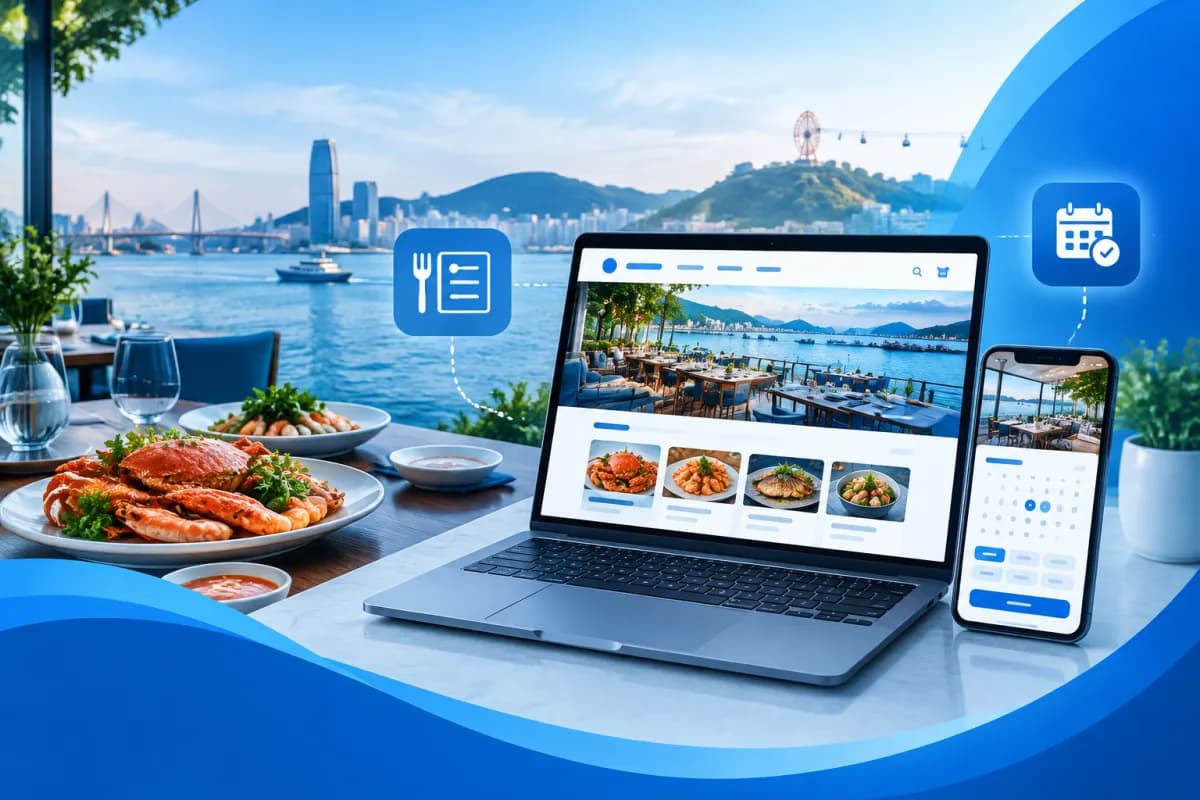
Customers often want to see dishes, approximate prices, the address, and table availability before deciding to visit a restaurant. A well-designed website brings this information together in one place and gives customers a way to send booking requests without waiting for replies across multiple platforms.
When planning restaurant website design in Hai Phong, businesses should prioritize three core experiences: an easy-to-browse online menu, a clear booking process, and an authentic food gallery. This article explains how to choose the right structure, content, and features so the website supports day-to-day business instead of serving merely as an online business card.
Why should a restaurant have its own website?
Social media and food delivery platforms can help restaurants reach customers, but information across these channels is often scattered. A dedicated website lets a business present its brand, update its menu, and guide customers through a consistent process for getting in touch or booking a table. It can also direct visitors from search results, ads, PR articles, or QR codes in the restaurant.
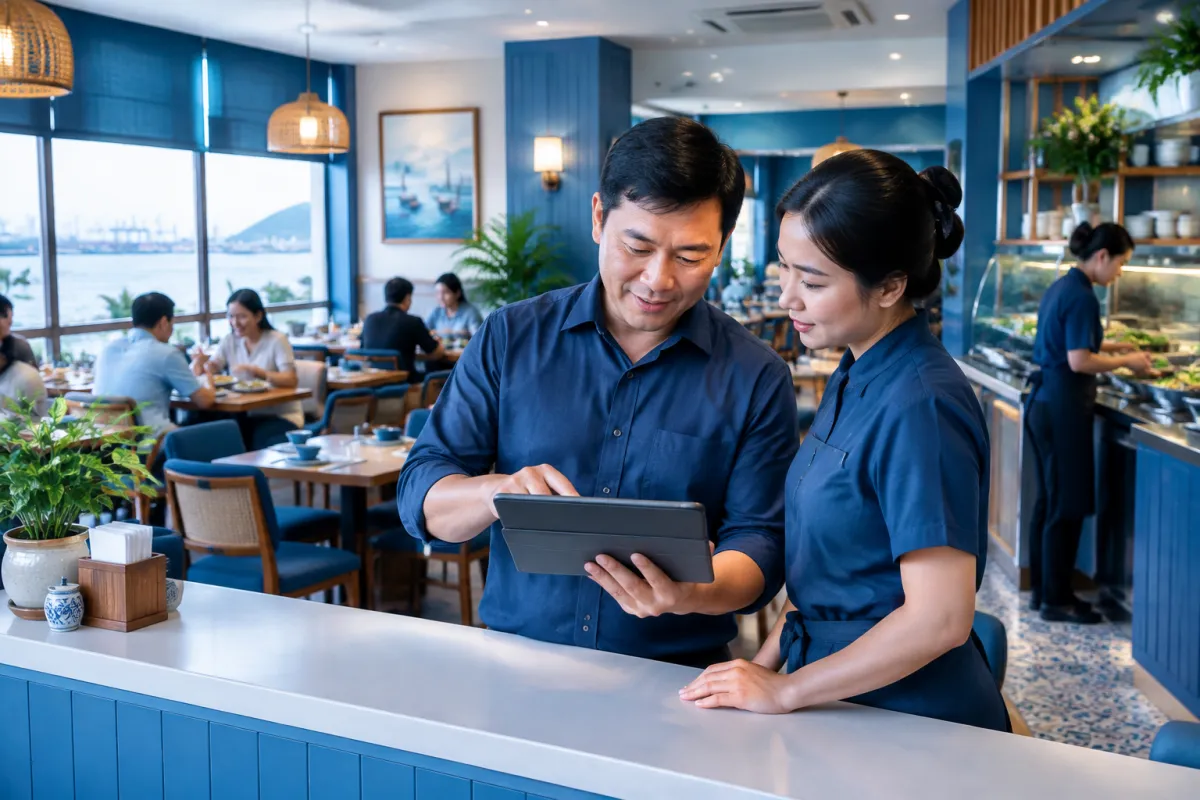
A website does not automatically guarantee more customers or higher search engine rankings. Results depend on the quality of the information, mobile usability, page loading speed, and how consistently the business maintains its content. Before investing, define specific goals: introducing the restaurant, receiving table booking requests, helping customers browse the menu, or combining these needs.
- Customers: local diners, tourists, families, groups of friends, or business customers.
- Desired actions: call, send a booking request, get directions, or browse the menu.
- Priority information: opening hours, address, menu, photos, booking policy, and contact details.
Where should restaurant website design in Hai Phong start?
Build the structure around the questions customers commonly ask, rather than starting with complex visual effects. A restaurant website typically includes a home page, an about page, a menu, a booking page, a photo gallery, and a contact page. Restaurants with multiple branches or service types may also benefit from separate pages for each location or service.

Use the home page to guide customers to key actions
At the top of the page, explain what kind of cuisine the restaurant serves, what information customers can find, and what they should do next. Buttons for viewing the menu or booking a table should be easy to spot, especially on mobile screens. Keep the introduction concise, highlight practical details, and avoid claims that cannot be verified.
Make contact information easy to find
Display the address, phone number, opening hours, and directions in a prominent location. If the restaurant has multiple branches, clearly list each location’s details to avoid confusion. You can add a map or directions, but verify the information before publishing it and update it whenever it changes.
Keep mobile navigation simple
Customers may visit the website while on the move or deciding where to eat. Keep the navigation menu short, use text that is large enough to read, and make buttons easy to tap. Avoid making customers open too many pages just to find the address, menu, or booking instructions.
Design an online menu that is easy to browse and update
The online menu is one of the first things customers often want to see before visiting. Organize it into logical groups, such as starters, main courses, drinks, or seasonal dishes. Present dish names, short descriptions, and prices consistently. If the restaurant offers different portion sizes, options, or important ingredient information, make those details clear so customers can make informed choices.
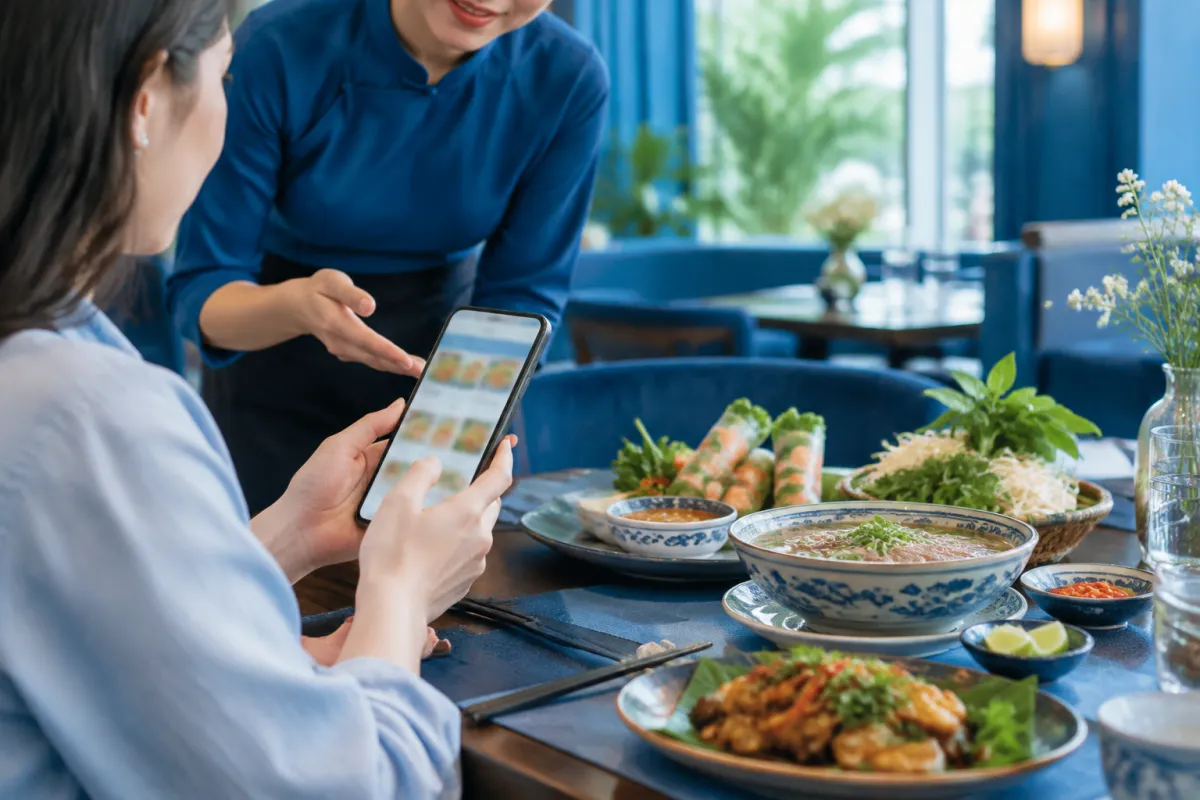
Avoid uploading only a photo of a printed menu with small text. It can be hard to read on a phone and inconvenient when customers want to find a specific dish. Instead, display the menu as readable content directly on the page, with filters or categories if there are many dishes. A downloadable file can be an additional option, but it should not be the only way to view the menu.
- Group dishes into clearly named categories.
- Add concise descriptions that highlight what sets each dish apart.
- Present prices and accompanying options clearly, and update them when they change.
- Highlight seasonal or signature dishes while the information is current.
- Check the menu on a phone and proofread it before publishing.
If the restaurant changes its menu frequently, assign someone to update it and establish an approval process. An easy-to-use content management system lets designated staff edit dishes, prices, or announcements without rebuilding the entire website. LilyTech can advise on a structure and management solution that fits the business’s actual workflow rather than applying the same feature set to every restaurant.
Make booking convenient without causing confusion
The booking form should request the information the restaurant needs to receive and confirm a request: the customer’s name, contact method, preferred date and time, and party size. A notes field can let customers mention special requirements, but avoid making them provide too much information upfront. The goal is to create a form that is easy to complete while still giving staff enough information to respond.
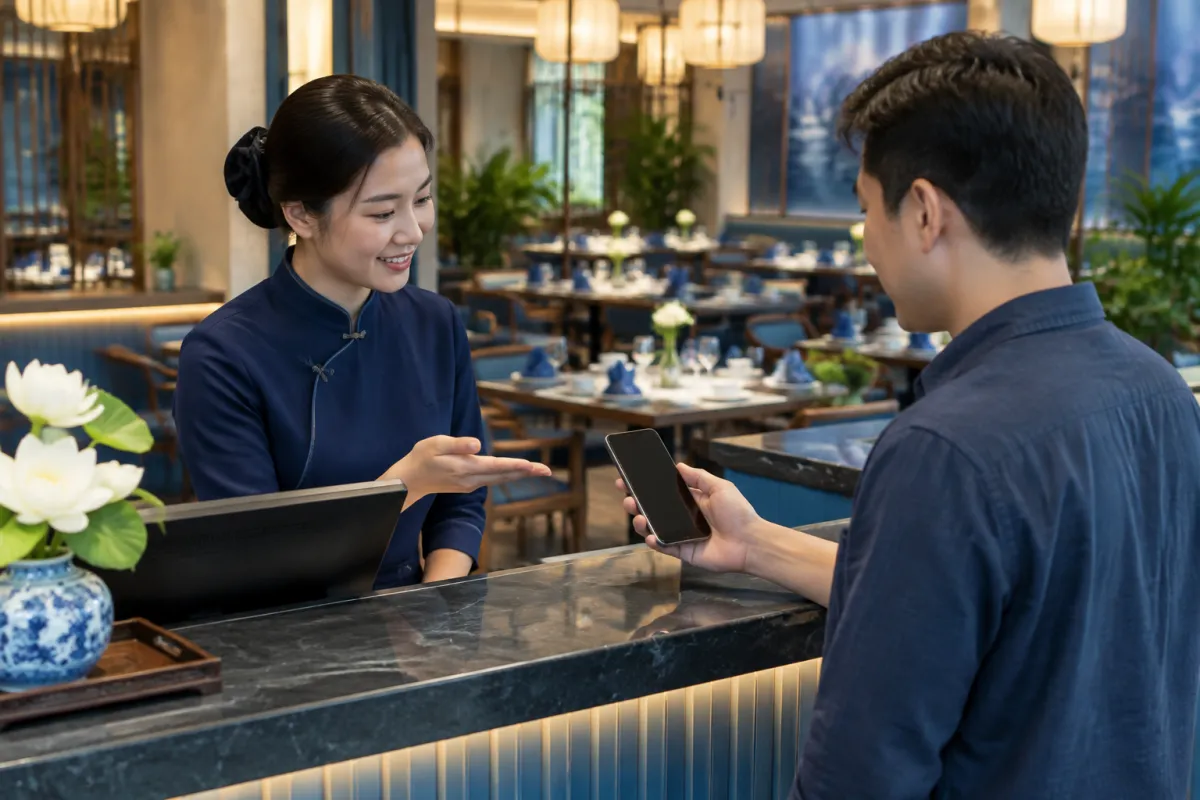
It is important to clearly state the status of a request. If the form only sends details for staff to confirm later, tell customers that the restaurant will get back to them instead of implying that a table is already reserved. After submission, the website should display a success message and explain what happens next. The restaurant also needs to monitor incoming notifications, assign someone to handle requests, and update their status.
Booking process checklist
- The form displays properly on mobile and labels every field.
- Customers can tell whether their request has been sent or confirmed.
- Contact details and opening hours are presented consistently.
- Staff know where requests are received and the appropriate response time under internal procedures.
- Customers have a direct contact option if they need to speak with someone right away.
Restaurants that need to manage tables, service shifts, or multiple locations should discuss how the website will connect with their existing operations. A form for receiving requests is different from a real-time reservation system, so businesses should clarify their requirements before choosing a solution.
Food galleries and content that build trust
Images have a significant effect on how customers perceive the food and the atmosphere. A gallery should prioritize authentic, well-lit photos that accurately show how the restaurant serves its dishes. Group photos by signature dishes, dining spaces, or occasions to help customers explore. If illustrative images do not reflect the actual product, the experience at the restaurant may fall short of the expectations set by the website.
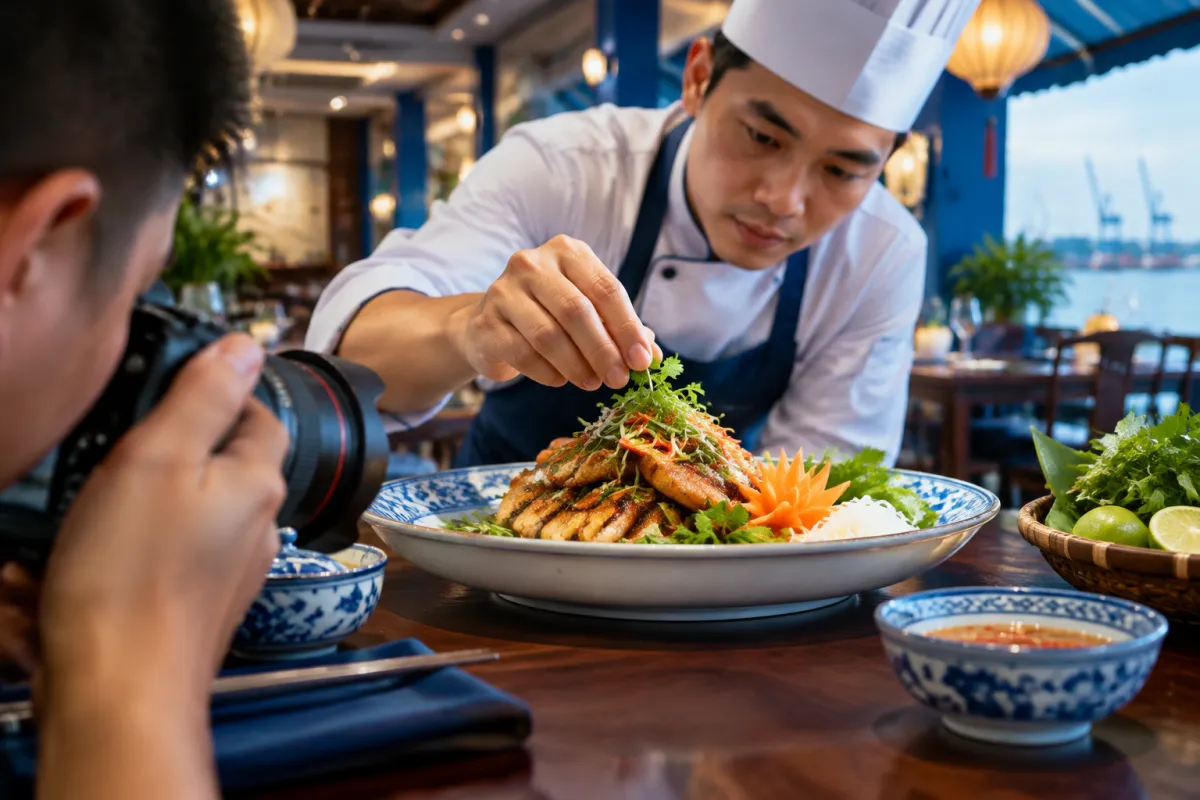
Optimize image file sizes so pages load quickly, use meaningful file names, and write appropriate alt text. There is no need to fill a page with photos; choose images with a clear purpose and arrange them so the content remains easy to read. When photographing dishes, use a consistent visual style so the website looks professional and aligns with the brand identity.
Local content should also be fact-based. A restaurant can provide its address, service area, or directions to a specific location, but should verify details before publishing them. Information such as opening hours, services, parking, or group capacity should only be included once the business has confirmed it. This is a useful way to support local search without making unsupported claims.
Conclusion: Prepare your restaurant website to serve customers better
An effective website combines easy-to-find information, an online menu that is simple to update, a transparent booking process, and an authentic food gallery. For restaurant website design in Hai Phong, start with customers’ needs and the team’s ability to manage the site, then choose a suitable design, features, and content plan. Remember to test the website on mobile, verify contact information, and assign someone to keep it updated after launch.
If your business is considering a new website or improvements to an existing one, contact LilyTech to discuss your needs and get advice on a structure, online menu, booking process, and imagery suited to your restaurant. The solution should be based on practical goals, service workflows, and content the business can maintain over the long term.

