
 Nguyễn Chính Ngọc Liên
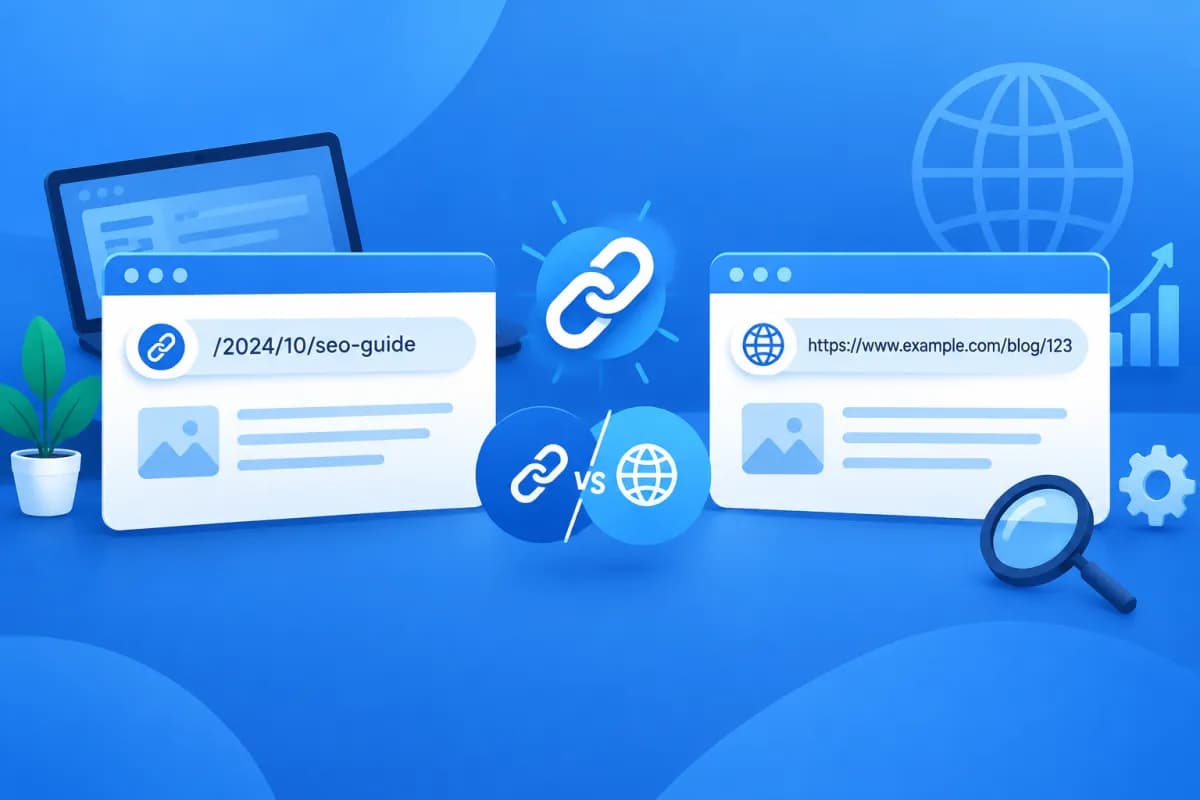
When building a website or publishing a blog post, you’ll often come across the terms URL and permalink. The two concepts are closely related and sometimes used interchangeably, but they aren’t exactly the same. Understanding the difference can help you manage website addresses accurately and avoid unintended effects on user experience and SEO.
So, what is a permalink, how does it differ from a URL, and how should you choose one? This article explains permalink vs URL with relatable examples that beginners can put into practice when creating content or managing a website.
What Is a Permalink?
Permalink is short for “permanent link.” It’s an address used to access a specific piece of content on a website, such as a blog post, about page, product, or category.

For example, your website might have an article titled “How to Choose Sales Management Software.” Its address could be https://lilytech.vn/huong-dan-chon-phan-mem-quan-ly-ban-hang. If this address is set up to remain unchanged over time, it’s the article’s permalink.
“Permanent” doesn’t mean you can never change a permalink. Technically, an administrator can still edit it. However, a permalink is generally treated as a stable address that readers can save and share and search engines can index. Changing the address without setting up a redirect can break old links or result in the loss of some SEO signals.
On content management platforms such as WordPress, permalinks are often generated automatically from the post title, publication date, or a URL structure selected by the administrator. You can customize the final part of the address to make it concise, readable, and relevant to the content.
What Is a URL?
URL stands for “Uniform Resource Locator”—the address that identifies a resource on the Internet. A URL tells the browser which resource to access and how to access it. A resource could be a web page, image, downloadable file, or other online content.
For example, the parts of the URL https://www.lilytech.vn/blog/permalink-la-gi?source=email can be understood as follows:
- https://: the protocol used for the connection between the browser and the server.
- www.lilytech.vn: the website’s domain name.
- /blog/permalink-la-gi: the path to specific content.
- ?source=email: a parameter that may be used to track the traffic source or support a website function.
Not every URL is a permalink. A URL may be used only for temporary access, contain product-filter parameters, a session ID, or search information. For instance, https://shop.vn/san-pham?mau=den&sap-xep=gia-tang is a URL to a product page with filters applied. It’s a valid URL, but it isn’t necessarily a permanent address representing a single piece of content.
How Are Permalinks and URLs Similar and Different?
Both URLs and permalinks can appear as addresses that users type into a browser or click to open a page. A permalink is also usually a URL, since it has the full structure needed to locate content on the Internet.

The difference lies in scope and purpose. URL is a broad term for the address of any online resource. A permalink is a specific type of address used to access content reliably and is generally expected to remain available over time.
- URL: may point to a page, image, file, search result, or filtered page.
- Permalink: is typically associated with specific content, such as a blog post, service page, or product.
- Stability: a URL may contain parameters that change based on user actions; a permalink should remain consistent once the content is published.
- Purpose: a URL identifies a resource’s address; a permalink creates a recognizable link that people can save and share to access content.
Think of an online store. The “Laptops” category page might have the basic URL https://shop.vn/laptop. When customers select a brand, color, or price range, the URL might change to https://shop.vn/laptop?hang=abc&mau=bac. Meanwhile, the product page for “ABC 14 Laptop” might have the permalink https://shop.vn/laptop-abc-14. All of these are URLs, but the product address is considered a permalink because it consistently represents one product.
Practical Examples of Permalinks and URLs
Blog post example
Suppose you publish a post titled “5 Ways to Increase Website Conversion Rates.” The system may create the permalink https://tenmien.vn/5-cach-tang-ty-le-chuyen-doi-website. This is the address the writer shares in an email, on social media, or in a PR article. If a user adds a campaign-tracking parameter, the address might become https://tenmien.vn/5-cach-tang-ty-le-chuyen-doi-website?utm_source=newsletter. The second URL still leads to the post, but its tracking parameter doesn’t necessarily make it a separate permalink.
Search results page example
When users search for “app design services,” a website may display a URL containing the search term and several search parameters. The address changes based on the query, filters, or session. It’s a URL, but not a permalink in the sense of a fixed link representing published page content.
Image and file examples
An image can be accessed through a URL such as https://tenmien.vn/uploads/giao-dien-app.png. Similarly, a PDF file can have its own address for users to download. These are URLs for resources, but they aren’t usually called permalinks for an article. This example shows that URLs cover a wider range of addresses than permalinks.
In practice, an address can be both a URL and a permalink. To determine whether an address is a permalink, ask: Does it represent a specific piece of content and is it expected to remain stable so people can access that content? If so, it’s likely a permalink.
How to Create User- and SEO-Friendly Permalinks
A permalink isn’t the only factor that determines search rankings, but a clear structure helps readers and search engines understand what a page is about. When creating an address for a post or service page, consider these guidelines:

- Keep it concise and relevant: prioritize words that help readers understand the topic. Avoid including an entire long title or unnecessary information in the address.
- Use keywords naturally: when appropriate, include the primary keyword in the permalink. Don’t repeat it or stuff the address with unrelated phrases.
- Use plain characters and hyphens: for Vietnamese content, an unaccented URL with words separated by hyphens is generally easy to read and share.
- Keep the structure consistent: use a consistent approach to URLs for blog posts, products, categories, and service pages to make the website easier to manage.
- Avoid changing it after publication: if you have to change a permalink, set up a 301 redirect from the old address to the new one and update internal links.
- Check it before publishing: test the permalink, check for typos, make sure it works on mobile devices, and confirm that it loads the right content.
For an article titled “What Is a Permalink? Permalink vs URL,” the address /permalink-la-gi is usually shorter and easier to remember than a longer address containing the entire title. If the article has already been widely shared, think carefully before changing its URL. A redirect helps people reach the right page from old links and limits the impact on SEO.
Conclusion: Understand Permalinks to Manage Your Website Effectively
In short, a URL is an address that identifies a resource on the Internet, while a permalink is a stable link that typically represents specific content. In other words, a permalink is a type of URL, but not every URL is a permalink. Understanding the distinction can help you create a clear website structure, share content easily, and manage address changes responsibly.
If your business is building a website, optimizing content, or reviewing its URL structure, LilyTech can support you from consultation through implementation. Contact LilyTech for advice on website and SEO solutions that fit your business goals.

