
 Đoàn Lê Minh Anh
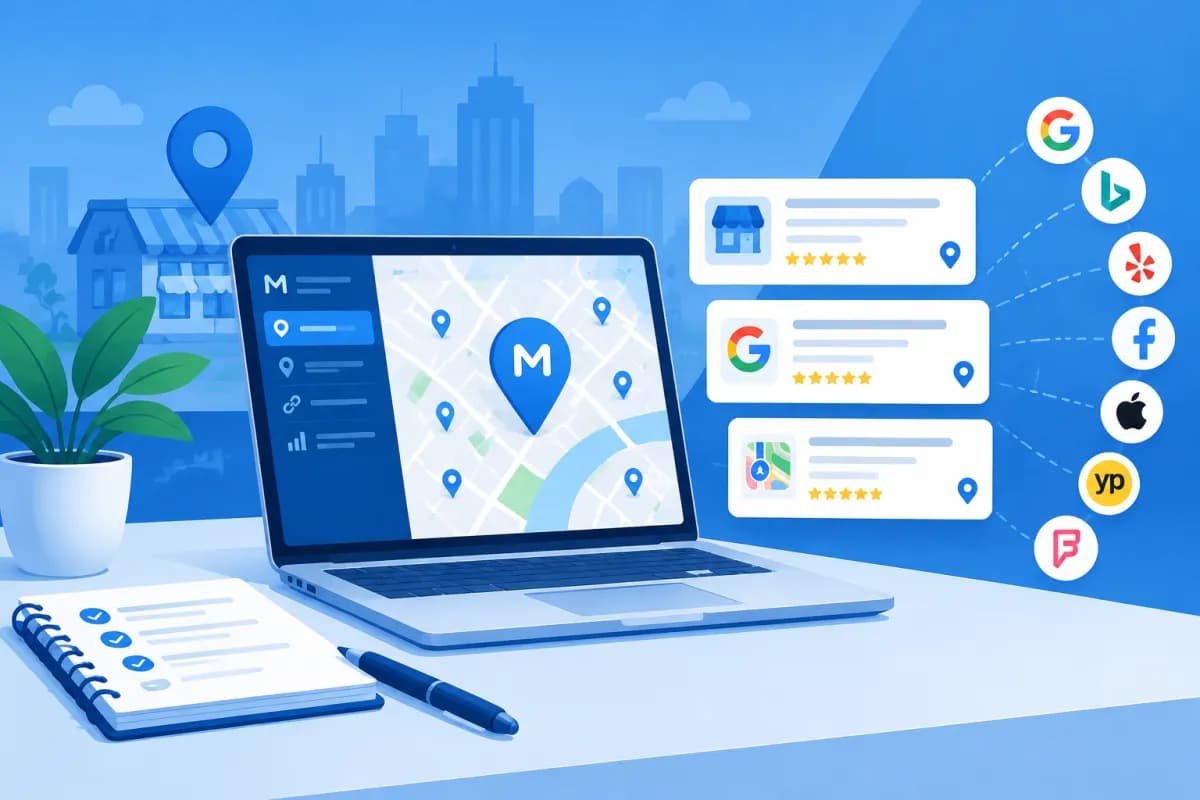
Customers often search for nearby businesses using queries such as “restaurants near me” or “dentists in District 1.” To show up at the right moment, businesses need to keep their information consistent on Google and across online directories. Moz Local is a tool for managing listings and citations, helping businesses control how their local information appears across multiple channels. This guide explains how to use Moz Local to manage your local presence.
This article walks through using Moz Local as part of a local presence management process, from preparing your data and correcting inaccurate information to tracking results. The tool can save time, but its effectiveness still depends on accurate profiles, quality content, and how well a business looks after its customers.
What Is Moz Local, and What Role Does It Play in Local SEO?
Moz Local is a solution for managing local business data. It centralizes information such as business name, address, phone number, hours, categories, and website, then helps distribute or update that data across supported platforms and directories. Features and platform coverage may vary depending on the service plan, region, and integration status.

In local SEO, a “listing” is usually a business profile on a specific platform, such as a map service, industry directory, or search app. A “citation” is a mention of business information on another website, typically including the name, address, and phone number. A citation may or may not include a link; its value is not limited to backlinks—it can also help confirm that a business exists and operates at its stated location.
Moz Local does not replace Google Business Profile, your website, or an overall SEO strategy. It helps reduce the effort involved in manual updates, identify some data issues, and organize listing management. Businesses still need to check important profiles directly, especially on platforms that have a strong influence on their target customers in Vietnam.
Prepare Your Data Before Setting Up Moz Local
Before uploading data to the system, agree on one accurate version of your business information. If each branch uses a different spelling of the address, brand name, or phone number, distributing the data could increase inconsistency rather than resolve it.

- Business name: Use your real name, consistent with your brand identity and legal records where appropriate. Do not add service keywords or locations arbitrarily.
- Address: Use a consistent format for the street number, street, ward, district, and province or city. Check it against your signage, documents, and the address customers can actually visit.
- Phone number: Choose an active number that someone answers, and use it consistently across channels.
- Business hours: Update weekday, weekend, and holiday hours, as well as special closures if the platform supports them.
- Categories and description: Choose categories that accurately reflect your primary business. Prepare a concise, clear description without keyword stuffing.
- Website and images: Use your official website, the correct landing page for each branch, and images you have permission to use that accurately represent the location or service.
Businesses with multiple locations should create a separate data sheet for each branch, including the person responsible and the date of the most recent review. Do not use the same phone number or address if that could lead customers to mistake separate locations for one. LilyTech often recommends setting up a data approval process before synchronization to reduce errors when staff, opening hours, or addresses change.
How to Use Moz Local to Manage Listings
1. Create an Account and Enter Your Business Information
Sign up for a plan that fits your needs, then enter your business information as instructed in the interface. Select the correct country, region, and primary business type. For businesses with multiple branches, check how the platform supports location management and user permissions before entering information in bulk.

2. Review Existing Data
After entering your details, review the reports or listing statuses provided by the tool. Compare information across platforms, including the name, address, phone number, URL, categories, and business hours. Note which listings are accurate, which profiles are missing, and which contain outdated or duplicate information. Do not assume that every submitted change will appear immediately; each platform has its own verification process and update timeline.
3. Correct Errors and Resolve Duplicate Profiles
Prioritize listings that attract more potential customers or carry a high level of trust. Correct inaccurate data using official information, and resolve duplicate profiles where the platform allows it. If a profile requires proof of ownership, complete the platform’s verification process. Avoid creating a new listing before checking carefully, as duplicates can show customers an outdated address or phone number.
4. Monitor Synchronization Status
Check distribution statuses, alerts, and any requests for additional information. After making updates, visit important platforms directly to confirm that the information appears correctly. This step matters because data may be rejected, take time to update, or be changed by a third party. Record the edit date and the person who made the change so you can trace the source of any discrepancies.
Optimize Listings to Improve Local Visibility
Citation consistency is the foundation, but a complete and useful profile creates a better experience for people searching. Add a relevant description, appropriate categories, service areas, contact methods, and up-to-date images. If a platform offers features for posting updates, booking appointments, or answering questions, use them in a way that fits your business’s resources.

Customer reviews also play an important role in people’s decisions. Businesses should establish a process for inviting customers to share honest experiences, responding politely, and addressing specific concerns. Do not buy reviews, create fake ones, or ask customers to leave only positive feedback. These practices may violate platform policies and undermine trust.
Moz Local can help manage some listing data, but it does not automatically produce high rankings. Local search results are also influenced by relevance, distance, prominence, website quality, useful content, links, and brand reputation. For this reason, combine citation management with your Google Business Profile, location pages on your website, local content, and the real customer experience. Use Moz Local as one part of a broader local SEO effort.
Businesses with multiple branches should create a separate page for each location on their website, with its corresponding address, hours, services, and contact information. Make sure each page has original content rather than copying the same text across locations. Use appropriate structured data if your technical team can implement it, and check it to avoid incorrect markup.
Measure Results and Understand the Limitations
To assess performance, track both data quality and customer behavior. Useful metrics include the number of accurate listings, errors or duplicate profiles resolved, calls, direction requests, visits to your website from local profiles, and leads by branch. If your platform or Moz Local plan provides reports, treat them as a reference and compare them with your own analytics data.

Record a baseline before making updates and compare it with results afterward. Avoid concluding that a single change will immediately improve rankings. Seasonal search demand, new competitors, platform policy changes, and service quality can all affect performance. A monthly or quarterly review can help catch outdated information, especially after changes to your address, phone number, business hours, or brand.
Before purchasing a plan, confirm which platforms are supported in the markets where your business operates, which features are included, how verified profiles are handled, and how well the service fits popular channels in Vietnam. Do not focus only on the number of directories listed; prioritize platforms your customers actually use and business profiles you can control.
Conclusion
Moz Local helps businesses manage listings and citations centrally, reduce repetitive update work, and identify some inconsistencies. To get the most from the tool, start with standardized data, check the results on each platform, and maintain a regular review schedule. Combining profile management with local website pages, customer reviews, and useful content can provide a stronger foundation for local SEO.
If your business needs to build a listing management process, optimize its website for each location, or combine local SEO with a digital marketing strategy, contact LilyTech for advice on a solution that fits your goals and resources.

