
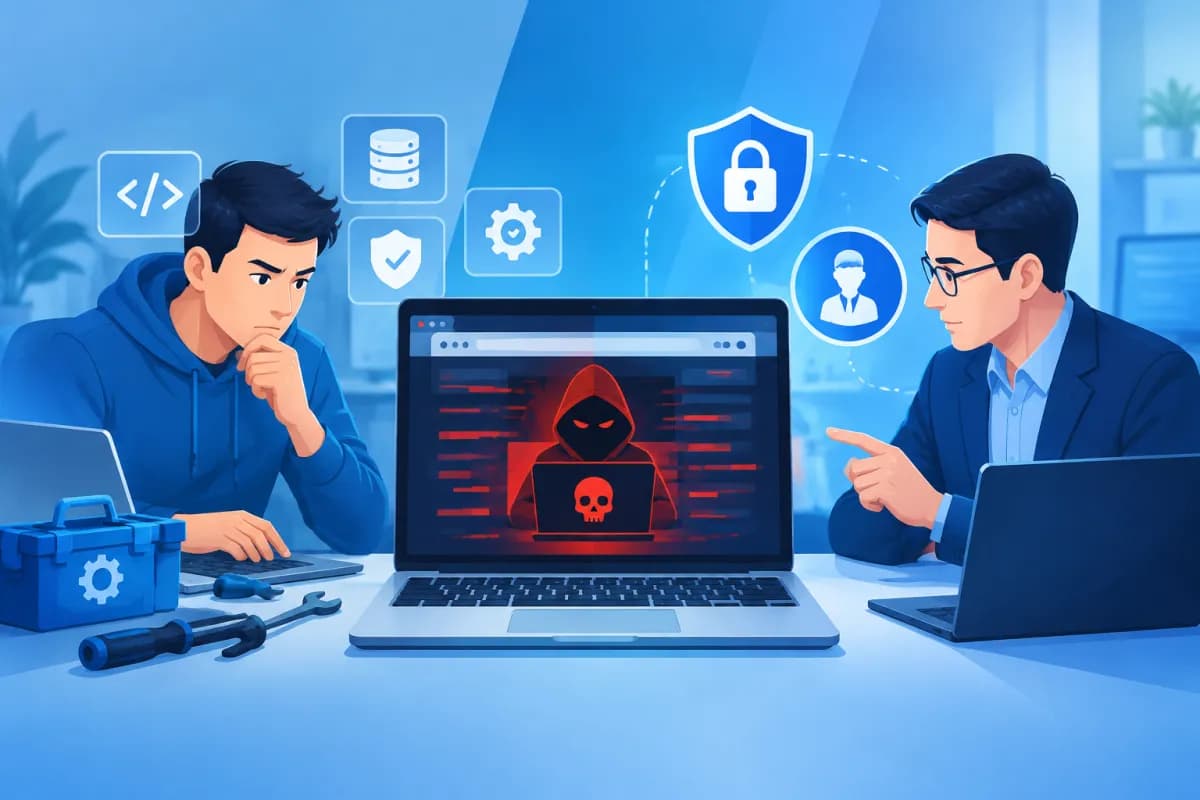
Has your website suddenly started redirecting visitors to unfamiliar pages, displaying content from unknown sources, or triggering a security warning from Google? These may be signs that your website has been compromised. In this situation, deciding whether to handle it yourself or hire an expert affects not only recovery time but also your data, brand reputation, and business operations.
Hacked website repair should follow a clear process: assess the scope of the incident, contain the damage, identify the cause, and carry out a thorough check before restoring normal operations. This article will help your business understand the level of risk, consider whether you can fix the issue in-house, and determine when to seek professional help.
Assessing the severity of a website hack
Not all incidents are the same. A compromised administrator password may affect only part of a website, while malware installed on a server can impact multiple pages, data, and accounts across the system. Before choosing a response, your business should document the symptoms and assess the extent of the damage.

Common signs include automatic redirects, unfamiliar pages or posts, changes to the website’s appearance, new administrator accounts from unknown sources, spam emails sent from the website, or other unusual activity. Warnings from browsers, hosting providers, or search engines should also be taken seriously. However, a single symptom is not enough to determine the cause; you need to check the source code, server logs, and related accounts.
Incidents can be grouped into three indicative severity levels:
- Low severity: One account has been compromised, the website is still accessible, and there are no clear signs that malware has spread. Your business should still check whether the attacker created other accounts or changed any settings.
- Moderate severity: Some files have been modified, unfamiliar content has appeared, the website redirects visitors intermittently, or security warnings have been issued. The source code, database, and extensions all need to be checked.
- Critical severity: You cannot log in, data has been encrypted or leaked, the website is repeatedly reinfected, or multiple websites on the same server are affected. This is generally not a situation where you should attempt ad hoc fixes.
During the assessment, save screenshots, the time the issue was discovered, error messages, and details of recent changes. This information helps the technical team narrow down the cause faster and reduces the chance of accidentally deleting important evidence.
Risks of repairing a hacked website yourself
Handling the issue in-house may save upfront costs if the incident is minor, your business has technically skilled staff, and you have a clean backup. However, a quick fix that does not identify the underlying cause often addresses only the visible symptoms. If malware remains in another file, the database, or a compromised account, the website may be attacked again within hours or days.

A common mistake is deleting unfamiliar files without checking what they do. The file may be a legitimate part of the website; conversely, malware can be inserted into familiar files and may not be easy to spot. Restoring a full backup does not guarantee security if the backup was created after the website was infected.
Your business may also lose data or cause a longer outage by changing server settings, installing incompatible software updates, or restoring the wrong database. If the incident involves customer information, orders, or internal accounts, an uncontrolled response can increase the risk of a data leak and damage customer trust.
Before making changes, avoid deleting logs, overwriting your only backup, or sharing passwords through insecure channels. If you suspect the website is distributing malware or putting visitors at risk, contact your hosting provider for guidance on isolating the website or server. This temporary measure can limit damage, but it does not replace the process of cleaning the site and checking its security.
When can your business handle the recovery itself?
Your business may consider handling the issue in-house when the cause is clear, the impact is limited, and a technically qualified person is available to take responsibility. For example, an administrator account may have been compromised because of a weak password, with no signs of source-code changes or unauthorized server access, and a trustworthy backup may be available from before the incident.
Even if you handle the work yourself, follow a controlled process rather than simply changing the password and assuming the issue is fixed:
- Preserve the current state: Save copies of files, the database, and logs before making changes. If possible, work on a copy or in a test environment.
- Block unauthorized access: Change the passwords for the website administrator account, hosting, database, FTP/SFTP, and related email accounts. Enable multi-factor authentication if available.
- Review accounts and permissions: Remove or disable accounts you do not recognize, and check access keys, automated tasks, and settings that may have been changed.
- Restore selectively: Use only a backup that has been verified as clean. Update the content management system, theme, and extensions using trusted sources.
- Check after recovery: Monitor website activity, scan for malware, and review logs for signs of reinfection.
If your business cannot explain how the website was compromised, does not know how to verify a backup, or lacks a test environment, stop making extensive changes. DIY repairs can turn a manageable incident into data loss or a prolonged outage.
When to hire a specialist
Seek professional help immediately if the incident affects sensitive data, payment systems, orders, or multiple websites on the same server. It is also the right choice if the website is repeatedly reinfected, the malware is difficult to identify, administrator accounts have been changed, or your hosting provider warns that the server is sending spam.
A specialist can investigate the source of the intrusion, check the source code and database, remove malicious components, restore the website, and recommend steps to reduce the risk of a recurrence. The value of the service lies not only in cleaning the site, but also in distinguishing legitimate files from infected ones, assessing the impact, and planning a recovery suited to your system’s architecture.
When choosing a service provider, your business should ask:
- What does the inspection cover: the website, database, server, and related accounts?
- Will the provider create a backup before making changes and notify you in advance of significant changes?
- Will the handover report explain the cause, work completed, and recommended preventive measures?
- How will login credentials, customer data, and access permissions be protected?
- Does the service include post-recovery monitoring and security update recommendations?
Your business should prioritize a provider that communicates clearly, explains the proposed approach, and defines the limits of its responsibility rather than making vague promises to clean everything completely. Before granting access, agree on the scope of work, points of contact, and how passwords will be handed over once the work is complete.
Recovery process and preventing a recurrence
Effective hacked website repair usually begins by containing risks and preserving data, followed by an investigation into the cause. Next, malware is removed, clean components are restored, vulnerabilities are patched, and the website is tested in an appropriate environment. Once the website is back online, monitor alerts, traffic, and logs to detect unusual activity early.

After an incident, treat it as an opportunity to review your system security. Update software regularly, remove unused plugins and accounts, assign permissions based on necessity, use strong passwords, and enable multi-factor authentication. Backups should be created automatically, stored separately, and tested for recoverability—not simply stored without ever being checked.
For websites that support business operations, it is also important to clearly assign responsibility for administration, keep vendor contact information on hand, and establish an incident response plan. When a problem is discovered, staff should know whom to notify, which data to preserve, and when to temporarily disable a feature to limit the impact on customers.
Conclusion
Handling an incident in-house is appropriate when it is minor, the cause is clear, and you have both a qualified person and a clean backup. If the website is repeatedly reinfected, shows signs of a data leak, affects the server, or your business cannot determine the scope of the intrusion, prioritize getting expert help instead of trying multiple uncontrolled fixes. Accurate assessment and a structured response can shorten downtime, limit damage, and reduce the risk of another incident.
LilyTech supports businesses with technology solutions and digital platform development. Contact LilyTech for advice on assessing, recovering, and strengthening your website security based on the current state of your system.

