
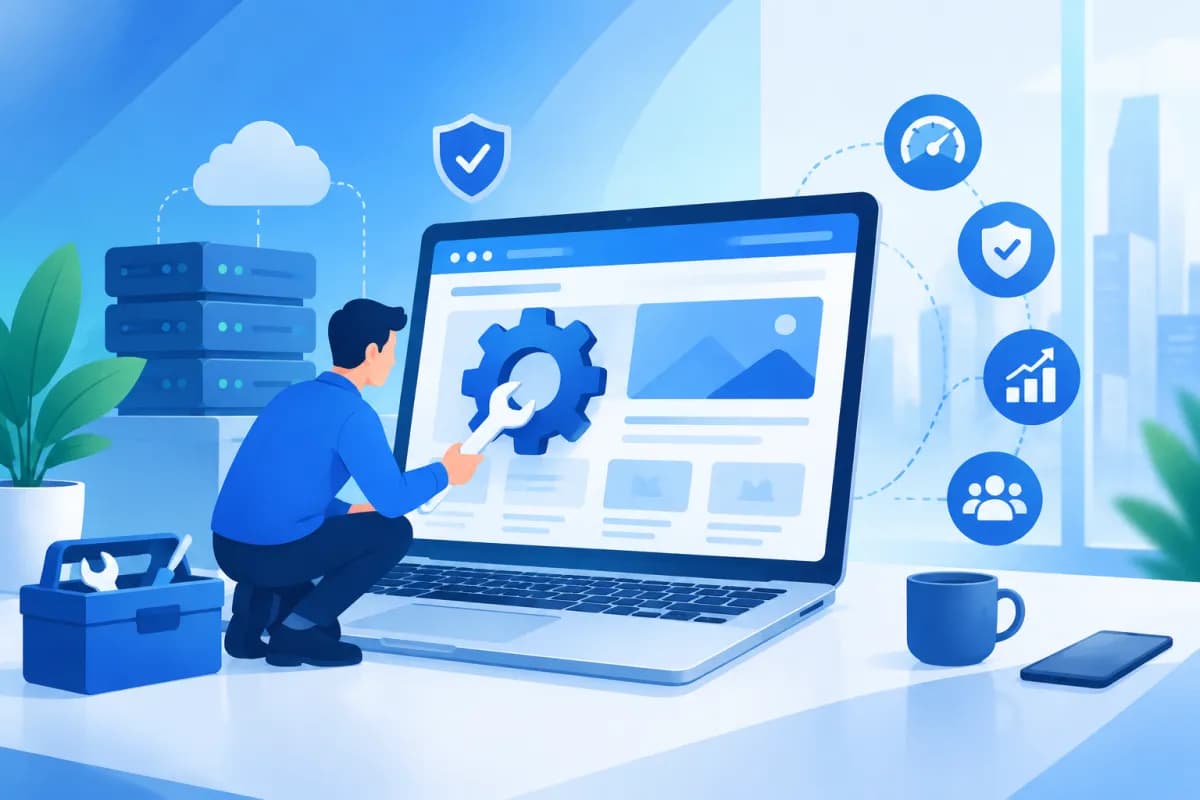
A website does more than introduce your business: it helps customers explore products, request advice, and complete transactions. But even after design and launch, a site needs regular monitoring, updates, and optimization. Without ongoing attention, it can become slow, develop functional issues, lose data, or become a target for cyberattacks.
So, what is website maintenance, what does it involve, and why should businesses do it regularly? This article helps business owners and marketers understand how to keep a website stable and secure while getting more value from this online channel.
What Is Website Maintenance?
Website maintenance is the process of managing and maintaining a website after it goes live. It includes ongoing tasks such as technical checks, content updates, data backups, security, troubleshooting, and speed improvements. The goal is to keep the site functioning properly, provide a good user experience, and support the business’s objectives.

The term covers more than publishing new posts or changing a few images. A website may appear to work normally while issues persist behind the scenes: outdated plugins, forms that fail to submit, slow-loading pages on mobile, or inaccurate content. Regular maintenance helps uncover these problems before they significantly affect customers and sales.
The scope of maintenance varies depending on a website’s size, platform, and purpose. A business website may need information updates, security monitoring, and search optimization. An e-commerce site may also require checks of its cart, payment system, inventory, and order processing. Businesses should therefore define their specific needs rather than apply the same package of tasks to every site.
Key Website Maintenance Tasks for Businesses
Technical and Functional Checks
Websites need regular checks to ensure that key components continue to work correctly. Areas to review include the homepage, product or service pages, menus, calls to action, contact forms, search functions, and ordering processes. For sites with more complex features, check the steps that depend on one another, such as the process from selecting a product to confirming an order.
In addition to functional checks, businesses should monitor display issues, outdated internal links, error pages, and compatibility with popular browsers and devices. Early detection helps prevent customers from being unable to complete tasks and reduces the time needed to resolve problems when they arise.
Content and Information Updates
Website content should reflect the business as it is today. Review product information, pricing, promotions, addresses, opening hours, and policies to avoid misleading customers. Businesses can also add expert articles, FAQs, user guides, or updates about new activities to give customers more information to support their decisions.
Updating a site does not mean publishing as often as possible. Content should be useful, accurate, easy to read, and relevant to the target audience. When planning updates, prioritize topics that answer real customer questions, and review and refresh important pages that have become outdated.
Security, Backups, and Data Recovery
Security is an essential part of website maintenance. Typical tasks include updating the content management system, themes, and plugins; reviewing administrator accounts; using strong passwords; checking security certificates; and monitoring for unusual access. These measures help reduce the risk of malicious code injections, account takeovers, or information leaks.
Businesses should also back up their website files and databases on an appropriate schedule. A backup is only useful if it can be used to restore the site. Store copies securely, manage access permissions appropriately, and test recovery regularly. If an update fails, a server issue occurs, or data is lost, having a backup can shorten the disruption.
Speed and Mobile Experience Optimization
Page speed directly affects the user experience. Large images, unoptimized code, unnecessary plugins, or a server with insufficient resources can all slow a website down. The team responsible for maintenance can identify the causes, optimize images, review page-loading elements, and recommend solutions suited to the platform.
A website should also display well on phones, tablets, and computers. Factors to consider include font size, button spacing, content layout, and whether forms are easy to use on smaller screens. A convenient experience helps customers find information and take action—especially when most visits come from mobile devices.
Why Do Businesses Need Regular Website Maintenance?
- Keep the site running reliably: Regular checks help identify and resolve problems early, reducing the risk of downtime or interruptions to important features.
- Protect data and reputation: A secure website helps reduce the risk of data loss, malware infections, or account takeovers. This is important for maintaining customer and partner trust.
- Improve the customer experience: Fast-loading pages, accurate information, and clear interactions make it easier for users to explore products, get in touch, or make a purchase.
- Support SEO: Search engines need to crawl and understand website content. A logical structure, well-functioning pages, and useful content create a strong foundation for long-term SEO efforts.
- Increase conversions: When forms, contact buttons, and ordering processes work properly, businesses can reduce the loss of potential customers during their visits.
- Save money over time: Fixing a small issue is usually easier than addressing a serious problem after a long period without checks. Backups and clear response procedures also help limit the impact when something goes wrong.
Website maintenance cannot replace SEO, advertising, or product development strategies. However, it provides a foundation for those activities. If a site has errors or outdated information, the budget spent bringing visitors to it may not deliver the expected results. Businesses should treat website upkeep as part of their operations and marketing plans, rather than paying attention only when problems arise.

How to Build an Effective Website Maintenance Process
An effective process should reflect the website’s role, the importance of its data, and the capabilities of the in-house team. Businesses can start by listing important pages and features, assigning owners, and identifying what needs to be checked. Then schedule tasks at appropriate intervals to avoid overlooking them or rushing to complete everything after a problem has occurred.

- Run regular checks: Monitor uptime, forms, transactions, and pages that directly affect customers.
- Update on a schedule: Review software, themes, content, and business information. Before updating important components, make sure a backup is available.
- Back up data and test recovery: Set a backup schedule that reflects how often data changes, and confirm that it can be restored when needed.
- Measure and document: Track speed, technical errors, traffic, and conversion actions. Record incidents and their resolutions to make future checks more consistent.
- Review and improve: Periodically revisit business goals, customer feedback, and website performance to prioritize tasks with the greatest impact.
Small businesses can handle some tasks themselves, such as reviewing content or checking contact information. Technical tasks—including resolving server errors, configuring security, or optimizing code—should be handled by someone with relevant experience. If there is no in-house team, businesses can work with a service provider and agree on the scope of work, response times, backup procedures, and reporting methods.
Conclusion
Website maintenance is essential for keeping a site stable, secure, and useful to customers. Every task—from functional checks and content updates to security, backups, and speed optimization—helps protect business operations and improve marketing performance. With a planned approach, businesses can spot risks early, enhance the user experience, and get more value from their website.
LilyTech provides website design services and technology solutions tailored to business needs. If you need to assess your current site, establish a maintenance process, or find an effective way to keep your website running smoothly, contact LilyTech for advice aligned with your goals and business scale.

