
 Nguyễn Chính Ngọc Liên
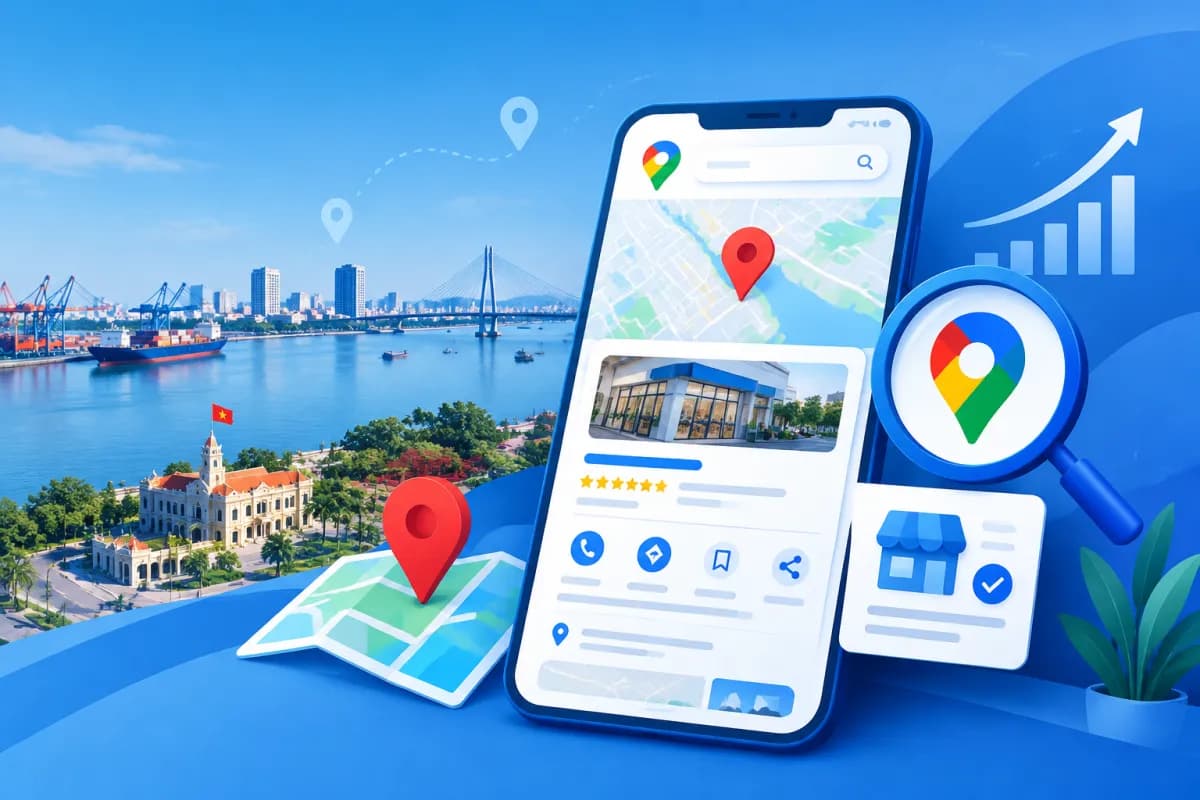
When customers look for a nearby shop, restaurant, or service, Google Maps is often one of the first places they check. A well-executed Google Maps SEO in Hai Phong strategy helps businesses build a clear local presence, get noticed by relevant customers, and make it easier for them to call, get directions, or learn more.
Optimizing Google Maps involves more than adding a business name and address. Your profile should be accurate, consistent, and regularly updated; photos, posts, and the way you respond to reviews also help build trust. This article walks through practical steps businesses in Hai Phong can take to review and improve their local presence.
What Is Google Maps SEO, and How Can It Benefit Your Business?
Google Maps SEO, often associated with a Google Business Profile, is the process of completing business information and maintaining a location’s presence on Google Search and Google Maps. The goal is to help search engines understand what the business offers and where it operates, while making it easy for customers to confirm the details they need.

Local search results can be influenced by how relevant a business is to a query, its distance from the searcher, and its prominence. No single action can guarantee a fixed position for everyone who searches. Businesses should focus on providing accurate, complete, and useful information rather than trying to manipulate rankings.
For a business in Hai Phong, a well-maintained profile can help people looking for nearby services find its address, opening hours, category, phone number, and contact options. For example, someone searching for an auto repair shop can compare profiles based on location, reviews, real photos, and service information before deciding where to go.
Set Up and Optimize Your Business Profile
Check Ownership and Verify Your Information
First, search for your business name on Google Maps to see whether a profile already exists. If someone else created a profile or a customer suggested one, request the appropriate management access instead of creating a duplicate location. Complete the verification process required by Google and use only business information you can substantiate.

Your business name, address, and phone number should be accurate and consistent across your profile, website, and official listings. Do not add locations, service keywords, or promotional copy to your business name unless they are part of the name you actually use. Keyword stuffing can make your profile less trustworthy and may violate platform guidelines.
Choose Categories and Complete Key Fields
Choose the primary category that best describes your core business, and add secondary categories only if you genuinely provide those services. Then review your opening hours, phone number, address, service area if applicable, website, and any attributes available in your profile. If your business closes on holidays or changes its hours, update the information to prevent customers from arriving at the wrong time.
Your business description should clearly explain what you do, whom you serve, and what makes your business worth considering. Use natural, specific language rather than turning the description into a list of keywords. If your business has multiple branches, each profile should accurately reflect that location and its details; do not use one address to represent multiple locations that do not exist.
Optimize Posts and Photos to Make Your Profile More Useful
Write Posts with Specific Information
Posts help businesses share updates about services, activities, useful guidance, or changes to opening hours. A good post should have a clear topic, concise wording, and an appropriate call to action—for example, inviting customers to call with questions or visit during business hours. Publish only accurate information, and carefully check the terms and dates before posting.
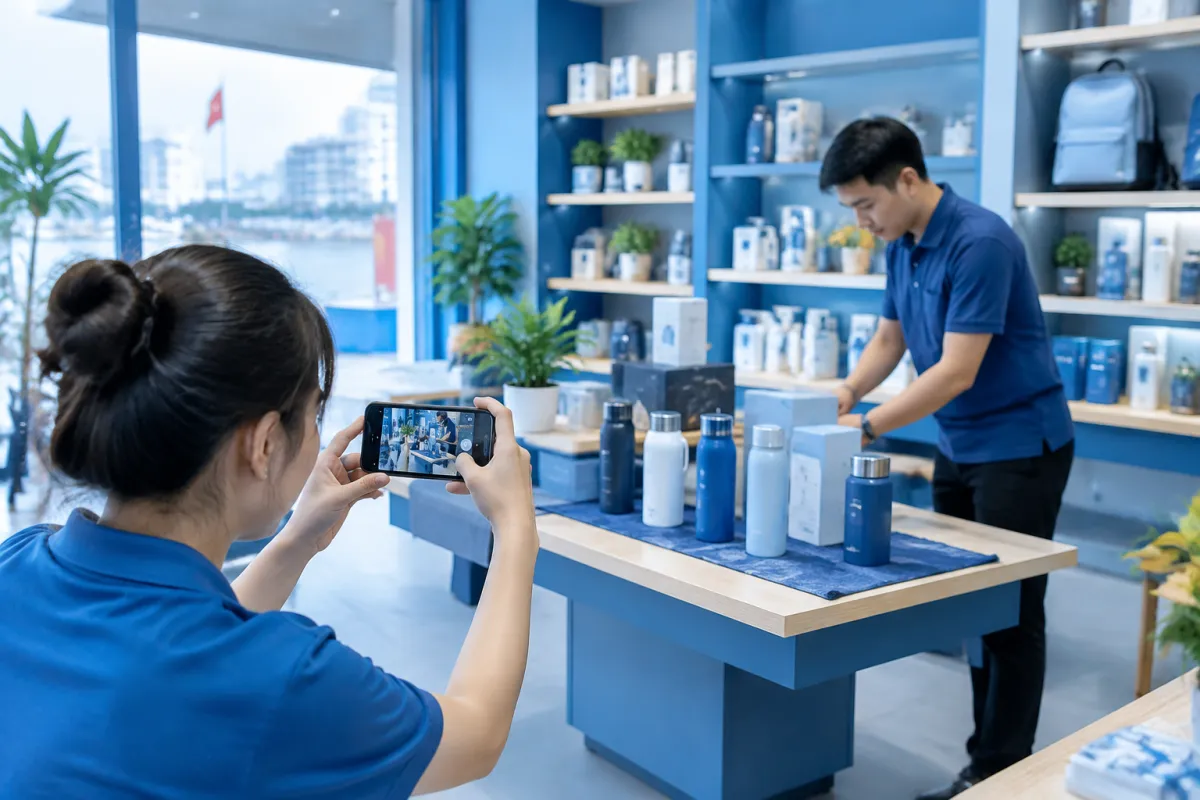
Instead of repeatedly posting generic advertising copy, share information that answers a real customer question. For example, an auto care shop could explain what it checks during an appointment, while a restaurant could introduce currently available dishes and serving hours. Posts should not promise guaranteed results or advertise unsupported offers.
Post Authentic, Recognizable Photos
Photos should give customers an accurate impression of your business: its storefront, entrance, interior, products, team, or work process. Choose clear, well-lit images that reflect reality, and do not use photos from other places in a way that could mislead people. For locations that are hard to identify, a storefront or entrance photo can make it easier for customers to find the right place.
Keep adding photos when significant changes occur, such as a renovation or a new product range. Before posting, make sure images do not contain personal information or content that customers have not agreed to share publicly. Appealing photos can support a better customer experience and greater trust, but they do not replace accurate profile information.
Manage Reviews and Track Performance
Reviews are an important resource for customers who want to understand other people’s experiences. Businesses can invite real customers to leave feedback after using a service, but should not buy reviews, post fake ones, or pressure customers to leave positive feedback. A transparent approach helps protect your reputation over the long term.

Respond to both positive reviews and constructive criticism politely, specifically, and directly. For negative feedback, acknowledge the issue, ask for more information if needed, and direct the customer to an appropriate channel if personal data is involved. Avoid public arguments or revealing a customer’s private information.
To assess performance, businesses can track the metrics available in their profiles, such as views, direction requests, calls, or website visits, depending on the data Google provides. Compare trends over time and relate them to the changes you have made. More views do not automatically mean more revenue; also track calls, store visits, and the quality of leads.
When implementing Google Maps SEO in Hai Phong, LilyTech recommends establishing a regular review process: Is the information still accurate? Are posts up to date? Do photos reflect reality? Have reviews been addressed? Consistent monitoring helps uncover profile issues early and supports data-driven adjustments instead of guesswork.
Google Maps Optimization Checklist for Businesses in Hai Phong
Use this checklist to review your profile to get started. How often you update it may depend on your business’s size, industry, and how frequently its operations change.

- Management access has been confirmed, and verification has been completed according to Google’s instructions.
- The business name, address, phone number, and opening hours reflect current information.
- The primary category closely matches the core service; secondary categories cover only activities the business actually provides.
- The description is easy to understand, provides useful information, and avoids keyword stuffing.
- The profile photo, storefront photo, and product or service photos are clear and authentic.
- Posts contain specific information, are reviewed before publishing, and are updated when details change.
- There is a process for inviting real customers to leave reviews and responding to feedback professionally.
- Engagement data is reviewed regularly and compared with calls, visits, or leads.
Conclusion: Build a Sustainable Local Presence
Google Maps optimization is an ongoing effort that combines accurate business information, useful content, authentic photos, and good service that creates a positive customer experience. Rather than chasing rankings alone, businesses should focus on helping customers find the right information and get in touch easily. This is the foundation for sustainably improving your local presence.
If you need help reviewing your profile or developing a Google Maps SEO in Hai Phong plan tailored to your industry and business goals, contact LilyTech for advice on improving your digital presence.

