
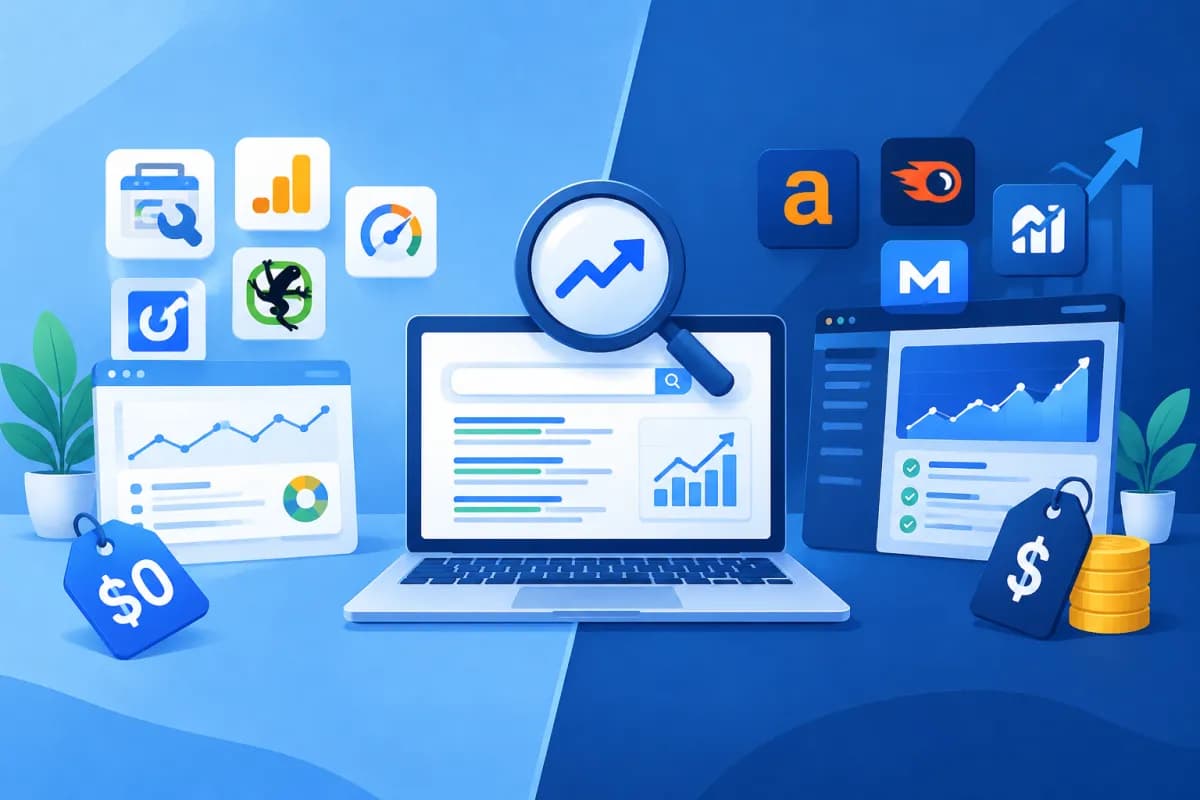
Free vs. paid SEO software: Which option is right for your business website? This is a common question for businesses looking to improve their visibility on Google while making the most of their resources. Free tools can help you get started quickly, while paid plans may offer deeper data and more efficient workflows.
There is no single best choice for every website. The right decision depends on your business goals, content scale, level of competition, and team capabilities. This article compares tool categories by features, limitations, and cost to help businesses make an informed choice rather than relying solely on price or popularity.
How does free vs. paid SEO software differ?
SEO software includes tools that help collect, analyze, or monitor data related to organic search visibility. Some tools focus on website technical health, while others support keyword research, competitor analysis, rank tracking, or content management. In practice, businesses often combine several tools rather than expecting one platform to do everything.

Free tools include products with no-cost plans, trial versions, or limited free features. Paid tools typically expand data limits, project capacity, reporting, and collaboration options. However, paying for a tool does not guarantee better SEO results if a business has not defined its goals or cannot turn data into action.
Free tools: useful for checking basic issues, getting started with research, and becoming familiar with SEO data.
Paid tools: suitable when you need regular monitoring, large-scale analysis, or collaboration across multiple team members.
Both types: require expertise, a clear process, and an assessment of business impact to be used effectively.
Features businesses should compare
Keyword research and search intent
Keyword research tools can help identify topics, estimate search volume, assess competition, and find related queries. Free versions often limit the number of searches, results, or level of data detail. For a small website, these limits may still be enough to build an initial list of topics.

Paid plans often support more extensive keyword analysis, topic clustering, and trend tracking over time. Even so, search volume and difficulty scores are estimates. SEO professionals still need to review actual search results, understand customer needs, and compare their findings with the company’s products and services.
Technical audits and performance monitoring
Website auditing tools can identify crawl errors, pages blocked from indexing, broken links, duplicate content, and speed issues. Many free tools from search engines provide useful data on impressions, clicks, queries, and indexation status. These are often a sensible starting point for businesses new to SEO.
Paid tools may crawl larger websites, retain audit history, and prioritize issues by impact. Some also offer keyword rank tracking, backlink analysis, or competitor comparisons. Check whether these features address a problem you actually face or simply make your reports more complicated.
Reporting and teamwork
For one website with one person in charge, simple reports may be enough to monitor progress. With multiple brands, markets, or team members, access controls, project sharing, report exports, and historical data become more important. This is one reason growing businesses often consider paid tools: time spent compiling data manually is also a cost.
Benefits and limitations of free tools
The biggest advantage of free tools is that they lower the barrier to getting started. Businesses can check basic metrics, identify some technical issues, and test a workflow before setting a budget. With SEO knowledge, a person in charge can combine several free tools to handle common needs without buying an expensive platform.
Limitations often involve data capacity, usage quotas, update frequency, history retention, and report export options. Data can also vary between tools because each may use different collection and estimation methods. When employees work manually across multiple platforms, they may spend time reconciling data, overlook issues, or make decisions based on incomplete information.
Suitable for new websites, test budgets, or small teams.
Helpful for basic checks and building an initial understanding of SEO.
Not ideal for analyzing thousands of pages, multiple competitors, or recurring reports for multiple stakeholders.
Benefits and costs of paid tools
Paid plans offer an advantage when a business needs broad data coverage, frequent updates, and consistent workflows. Depending on the product, users may be able to manage multiple projects, track keywords across different locations, analyze backlink profiles, or automate reports. These features help teams spot changes sooner and spend less time on repetitive tasks.
Pricing may be monthly or annual, and may depend on the number of projects, keywords, users, or data limits. In addition to the subscription, businesses should account for training time, implementation effort, and the staff capacity needed to interpret the results. Before buying, check trial terms, plan limits, renewal policies, and the cost of upgrading.
One risk is paying for multiple tools with overlapping features that go unused. A feature-rich platform may not suit your existing workflow. List the problems you need to solve, choose a few important metrics, and test the tool on a real project before making a long-term commitment.
How to choose the right tool for your SEO goals
To answer the question, “Free vs. paid SEO software: Which option is right for your business website?”, start with your goals rather than a list of features. If your goal is to improve indexation, prioritize technical auditing tools and search performance data. If you need to scale content, focus on keyword research, topic analysis, and rank tracking.

Define the scale: note the number of websites, pages, markets, and team members who will use the tool.
List your needs: identify tasks that take too much time or lack sufficient data, such as auditing issues, tracking keywords, or analyzing competitors.
Set measurement criteria: define the outcomes you want, such as reducing reporting time, finding issues faster, or improving relevant traffic.
Run a limited trial: use a free version or trial to check how well the tool fits your data and actual workflows.
Assess the total cost: include the subscription, training time, and resources needed to act on the data.
Small businesses can often start with free tools and pay for specific capabilities as their page count, competitive landscape, or reporting requirements grow. Businesses with dedicated SEO teams operating in competitive markets may need to invest sooner. LilyTech recommends assessing tools within the context of your overall strategy: data is only useful when it leads to better content, website experiences, and conversion performance.
Conclusion
Free tools are suitable for getting started, running basic checks, and keeping costs down. Paid tools deliver value when a business needs deeper data, greater scale, and more efficient operations. The right choice is not about using as many tools as possible, but about meeting your SEO goals at a reasonable cost with a clear process.
If your business needs help choosing a toolset, building an SEO plan, or improving its website to support growth, contact LilyTech for advice tailored to your goals and available resources.

