
 Đoàn Lê Minh Anh
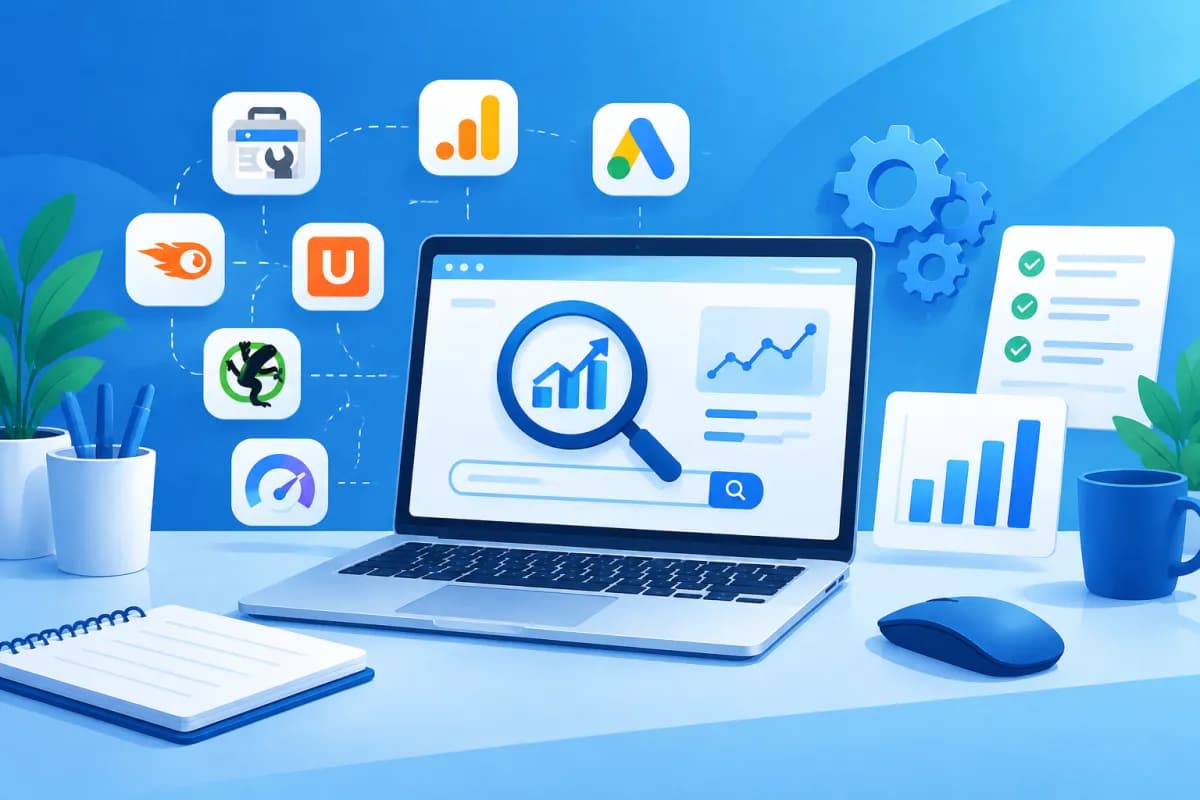
Not every business needs to invest in paid SEO platforms right away. With a complete free SEO toolkit, you can still research search demand, optimize content, check technical issues, and track performance—as long as you choose the right tools and combine them effectively.
This article recommends a free stack for small businesses, marketing teams, and SEO professionals in Vietnam. Rather than looking for one tool that does everything, combine free options for each stage, understand their limitations, and establish a consistent measurement process.
Principles for Building a Free SEO Stack
Paid toolkits are often appealing because they combine many features, extensive data, and convenient reporting. However, if your website is new to SEO or your team isn’t making full use of the data, the subscription cost may not yet justify the value. Free tools are a sensible place to start, as long as you don’t mistake indicative data for absolute certainty.

Before choosing tools, identify the tasks you need to handle: keyword research, page checks, competitor analysis, rank tracking, or conversion reporting. Each tool has a different scope and set of limitations. Some use data directly from Google, while others rely on their own estimates, so compare multiple sources instead of making decisions based on a single metric.
- Prioritize data tied to business goals, such as leads and revenue, rather than looking only at traffic.
- Choose one primary data source for each type of task to avoid fragmented reporting.
- Set up a clear process for tracking work and assigning responsibilities; good tools don’t replace execution.
- Periodically assess whether the limitations of free plans are actually getting in the way.
Keyword Research and Search Demand
To replace some of the keyword research features offered by paid platforms, start with Google Keyword Planner. It provides keyword ideas and search volume estimates, and is especially useful when your Google Ads account is fully set up. Search volume may be shown as a range, so it’s better for relative comparisons than for accurately forecasting SEO traffic.

Google Trends helps you understand interest over time, across regions, and by topic. It’s useful when you need to distinguish seasonal demand or compare different names for products and services. Add Google Search autocomplete suggestions, the “People Also Ask” section, and related searches to find questions people are actually asking.
For websites that already have data, Google Search Console is an important source for finding queries that generate impressions, average positions, and clicks. Filter for keywords with many impressions but a low click-through rate, then review the page title, description, and relevance. LilyTech often recommends that businesses start with these existing opportunities before expanding into hundreds of new topics.
Instead of using paid tools specifically designed for competitor keyword analysis, you can manually review search results: note the types of content ranking, their angles, the questions they answer, and how recently they were updated. This takes more time but helps your team understand search intent rather than simply chasing search volume figures.
Tracking SEO Performance and User Behavior
Google Search Console and Google Analytics 4 (GA4) are the basic platforms for tracking SEO. Search Console reports on visibility in Google, including clicks, impressions, queries, and indexing status. Google Analytics 4 tracks what people do after arriving at your website, such as pages viewed, events, and conversions, when configured appropriately.

To replace paid rank-tracking tools, use the query report in Search Console as an indicator of performance over time. Average position is not the same as a fixed ranking for a keyword, because search results vary by location, device, and context. Track trends by query group and landing page rather than reacting to small day-to-day fluctuations.
Configure GA4 to record important actions such as form submissions, phone calls, or completed purchases. Then connect your SEO goals to those actions. If you track only traffic, you may invest in content that attracts readers but generates no leads. You should also check that your measurement setup and cookie consent practices comply with the policies that apply to your website.
Technical SEO and Website Speed Checks
Google PageSpeed Insights evaluates performance on mobile and desktop devices and provides recommendations for improvement. It can help identify issues such as large images, render-blocking resources, or slow server response times. Review both real-world data, if available, and lab test results; a single score cannot fully describe the experience of every user.

Google Search Console helps you check indexing status, sitemaps, page experience, and other technical issues. For important pages, the URL Inspection tool can show whether Google can access and read the content. When you find errors, prioritize pages that generate revenue or play a key role in the customer journey.
For a quick check of common issues, you can use the free version of Screaming Frog SEO Spider. The free version limits the number of URLs you can crawl at a time, but it’s enough for many small websites to check for duplicate titles, response codes, broken links, and some important tags. You can also use a browser and its developer tools to check mobile rendering, HTTPS, and elements that interfere with user interactions.
Content Optimization and On-Page SEO
No free tool can fully replace an editor who understands your customers and industry. Still, Google Search, Search Console, and Google Trends can help you plan content. Group topics according to what people are looking to do: learn, compare solutions, choose a provider, or get ready to buy.
Before publishing, use a checklist to ensure each page has a title that accurately describes its content, an easy-to-scan heading structure, a concise URL, optimized images, and relevant internal links. Content should answer readers’ questions with accurate information, specific examples, and actionable guidance. Avoid awkward keyword repetition or creating multiple near-identical pages just to target query variations.
Tools such as Grammarly or LanguageTool can help catch language errors, but Vietnamese content still needs hands-on editing to ensure it reads naturally and fits the context. Free on-page SEO checkers often make templated recommendations; treat them as a reference list, not a set of mandatory rules. Content that meets search intent and earns trust matters more than getting a perfect score from a plugin.
Recommended Stack and How to Put It Into Practice
A lean stack for a business just getting started might include Google Search Console to track search performance, GA4 to measure behavior, Keyword Planner and Google Trends to research demand, PageSpeed Insights to check performance, and the free version of Screaming Frog to audit the website. Google Sheets or a similar spreadsheet can help you organize keywords, track content, log issues, and compile monthly results.

Rather than setting up every tool at once, roll them out in an order that makes the data useful:
- Connect your website to Search Console and GA4; verify access and configure the necessary conversions.
- Check indexing, the sitemap, key pages, and common technical issues.
- Research topics using query data, search suggestions, and trends; prioritize needs related to your products or services.
- Schedule content and technical improvements, assigning an owner and a specific deadline for each task.
- Review clicks, conversions, lead quality, and progress on fixes each month.
Record a baseline so you can compare results after implementation. For every major change, note the date, the page involved, and the expected outcome. This helps your team distinguish natural fluctuations from the impact of SEO work, while avoiding simultaneous changes to multiple factors without knowing which one drove the results.
Conclusion: Start Lean and Expand as Needed
A complete free SEO toolkit doesn’t need to include a large number of software products. What matters is combining the right tools for each task, understanding the limitations of the data, and maintaining a continuous improvement process. With Search Console, GA4, Google’s research tools, PageSpeed Insights, and a free website auditing solution, many businesses can build a strong SEO foundation before investing further.
As your website grows, your team starts analyzing more markets, or reporting becomes more complex, paid tools can save time and expand the data available to you. LilyTech can advise you on SEO strategy, website design, and how to connect marketing activities with your business goals. Contact LilyTech for advice on choosing a solution that fits your current situation, resources, and growth plans.

