
 Nguyễn Chính Ngọc Liên
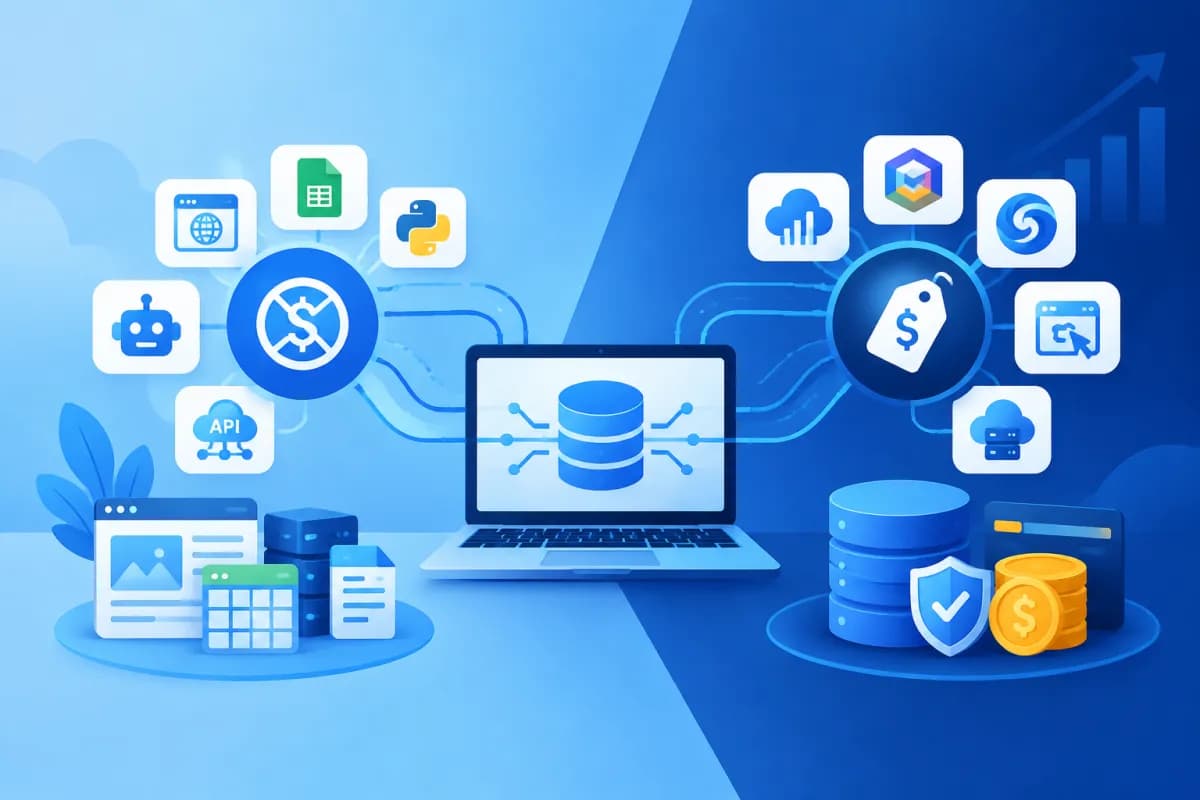
Data helps businesses understand customers, track marketing performance, and improve operations. But data is valuable only when it is collected properly, is reliable, and can be used in time. That makes choosing the right data collection tools an important decision for both small businesses and large organizations. Comparing free vs paid data collection tools can help you identify the right fit.
Free tools can meet basic needs, while paid solutions typically offer stronger integration, automation, and administration capabilities. This article explores the differences in features, limitations, and costs, and suggests how to choose based on operational scale so your business can invest wisely.
What are data collection tools, and how do businesses use them?
Data collection tools are software or platforms that capture, consolidate, and transfer data from different sources to a place where it can be analyzed. Sources may include website forms, mobile apps, sales systems, customer service software, surveys, social media, or equipment used in production processes.
Depending on the objective, a tool might capture prospect information, website behavior, conversions, post-purchase feedback, or order status. Some solutions collect data at a single point; others connect multiple systems, standardize data, and transfer it to a data warehouse or analytics platform.
Businesses commonly use these tools to:
- Track where customers come from and measure the performance of each marketing campaign.
- Collect feedback to improve products, services, and user experience.
- Reduce manual data entry and minimize errors when compiling reports.
- Connect information across teams such as marketing, sales, and customer service.
- Identify trends, bottlenecks, and opportunities to improve business performance.
Before choosing software, businesses should define what types of data they want to collect, how they will use it, and who will be responsible for managing it. A feature-rich tool that does not support real-world workflows can add cost and complexity instead of delivering value.
Free data collection tools: benefits and limitations
Advantages of free solutions
The biggest appeal of free tools is that businesses can get started without an upfront license fee. They are a practical choice for testing a workflow, running a simple survey, or evaluating needs before making a long-term investment. Small teams can also use a free version to see how well it fits their current way of working.

Many free tools have approachable interfaces, ready-made templates, and options for exporting data in common formats. Users can create forms, spreadsheets, or basic reports without a dedicated technical team. For small data volumes and a limited number of users, these features may be enough for day-to-day needs.
Limitations to consider
Free does not mean there are no operating costs. Businesses still need time to set up tools, validate data, troubleshoot issues, and move information between systems. As the business grows, limits on records, storage, users, data history, or automated runs can directly affect operations.
Some free versions do not support deep integration with existing software, detailed access controls, activity logs, or backups under a custom policy. Employees may then need to export and import data manually, causing delays or duplicate records. Technical support may also be limited, leaving businesses to resolve issues themselves or rely on documentation.
Businesses should review the terms of use, access permissions, and how the provider handles data, especially when collecting personal information or sensitive business data. Consider security, privacy, and applicable legal requirements rather than choosing a tool simply because it is free.
Paid data collection tools: features and costs
What paid plans typically offer
Paid solutions are generally designed to operate reliably at a larger scale. Depending on the provider and plan, businesses may get higher limits for data, accounts, storage, and automation frequency. Platforms may also integrate with CRM and ERP systems, advertising platforms, accounting software, or data warehouses.
Advanced features often include role-based access controls, change history, data quality checks, error alerts, custom reports, and technical support. Some solutions can synchronize data in near real time or build conditional workflows. This reduces repetitive tasks and shortens the time between data being generated and staff being able to use it.
For businesses that need strict oversight, security, backup, and access management features may also be important reasons to pay. However, capabilities vary across products; do not assume that every paid plan includes everything your business needs.
Pricing models and additional costs
Pricing may be based on the number of users, data volume, processing runs, connected sources, or a fixed package. In addition to subscription fees, businesses should budget for implementation, integration configuration, staff training, extra storage, and maintenance. Customization for specific workflows can increase the budget significantly.
Before signing a contract, confirm plan limits, overage fees, commitment terms, and whether you can export your data if you stop using the service. Ask the provider to clarify the scope of support, incident response times, and responsibilities for integration with existing systems. A low starting price may not be the most cost-effective choice if it comes with numerous extra charges.
Free vs. paid tools: compare the key criteria
There is no single best choice for every business. The points below summarize common differences to help decision-makers assess their options:

- Upfront cost: Free tools are easy to test and put little pressure on the budget. Paid plans require a recurring investment but may reduce labor costs and manual work.
- Usage limits: Free versions often limit users, storage, or processing runs. Paid plans typically offer more room to scale, but you should check the specific limits.
- Integration: Free tools suit simple workflows. Paid solutions generally offer more connection options and support data synchronization across systems.
- Automation and reporting: Free plans typically provide basic features. Paid plans may support automated workflows, alerts, and custom reports.
- Security and administration: Access controls, activity logs, and compliance support can vary significantly. Assess them against your actual data requirements rather than relying on the plan name.
- Support: Free users typically need to find guidance themselves. Paying customers may receive direct support, depending on the service level in their contract.
When comparing options, evaluate the total cost of ownership rather than looking only at the subscription price. Total costs may include software fees, operating labor, time spent troubleshooting, integration costs, and losses caused by incomplete or inaccurate data. A more expensive paid solution may still be worthwhile if it saves enough time and reduces risk.
Choose a solution based on business size and operational needs
Small businesses or teams testing the waters
Businesses just getting started can often use free tools if their needs are limited to collecting form submissions, running short surveys, or tracking a few basic metrics. Set a time limit for the trial and define evaluation criteria, such as the percentage of valid data, time spent compiling reports, and how consistently employees use the tool.

From the outset, organize data consistently and assign someone to manage it. If every department creates its own forms and conventions, cleaning data during a later move to another platform can take considerable effort.
Growing businesses
As customer, campaign, and user volumes increase, free-tier limits often start to affect operations. Prioritize solutions that connect to your existing systems, offer appropriate access controls, and can scale flexibly. You can implement in stages: start with one process that has clearly measurable results, then expand when the team is ready.
Large businesses or complex workflows
Businesses with multiple branches, departments, or ongoing reporting requirements often need to evaluate advanced paid solutions. Selection criteria should include integration, reliability, access management, backups, data quality controls, and support commitments. Test with representative data before rolling out across the organization to identify compatibility issues.
Regardless of business size, define data owners, primary users, and success metrics before buying. Reviewing real workflows can help businesses avoid choosing a tool solely because it has a long feature list or an attractive sales pitch.
Conclusion: invest according to your data needs
Free data collection tools are suitable for getting started, testing workflows, and handling simple needs. Paid solutions are worth considering when a business needs higher limits, integrations across multiple systems, automation, and stricter data governance. The right decision depends on operational scale, data sensitivity, team capabilities, and total cost of ownership. Comparing free vs paid data collection tools against these factors can help you choose with confidence.
LilyTech works with businesses to advise on technology solutions, design websites and apps, implement ERP systems, and build data-driven marketing operations. Contact LilyTech for guidance on choosing and implementing data collection tools that fit your workflows, goals, and budget.

