
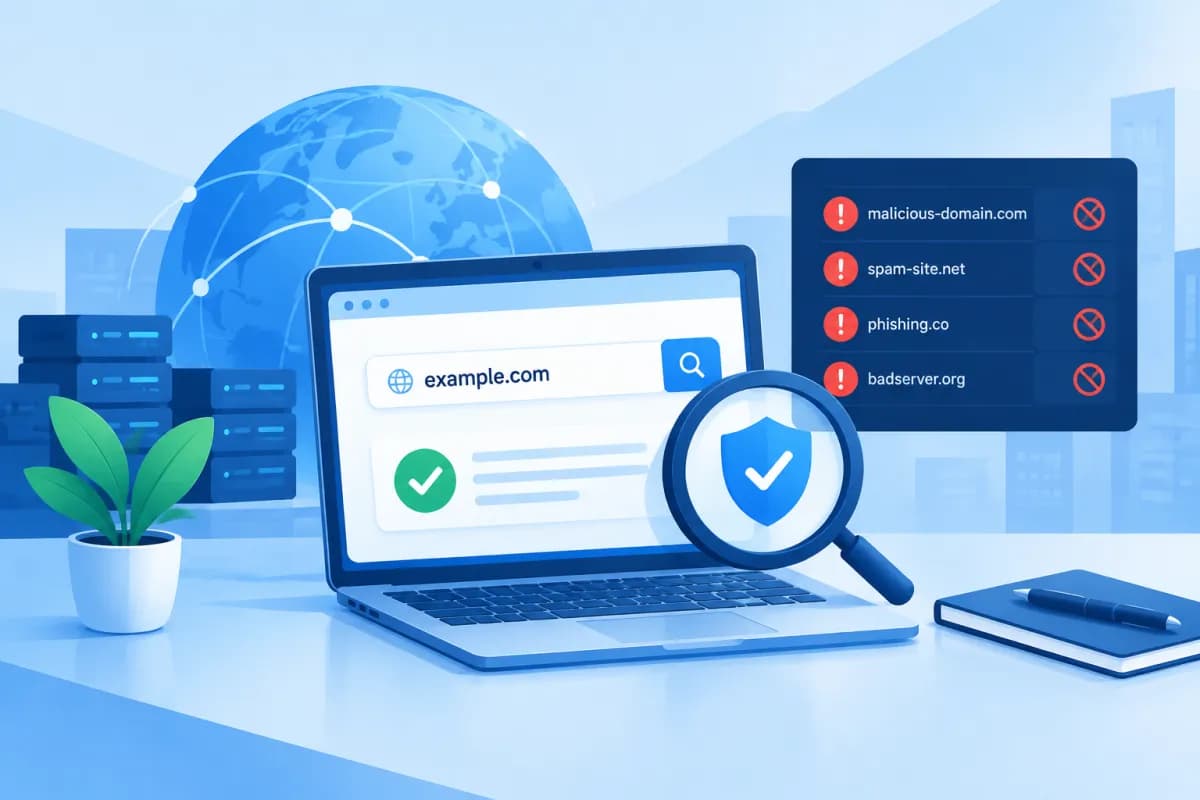
A blacklisted domain can cause outgoing emails to be rejected, trigger website warnings, or undermine online marketing efforts. This can happen even when a business has not deliberately sent spam or distributed harmful content—for example, if its website is compromised or a shared server is abused.
A regular domain blacklist check helps businesses find out whether their domain, IP address, or email-sending system has been flagged. This guide explains how to check, interpret the results, and respond to different situations to minimize disruption.
What Is a Domain Blacklist, and Why Should Businesses Check?
A domain blacklist is a list of domains, IP addresses, or mail servers that an organization, platform, or security system considers potentially risky. Depending on the list, the criteria may include sending spam, hosting malware or phishing scams, storing suspicious content, or having a history of unusual activity.

There is no single blacklist that applies across the entire internet. Email providers, security tools, browsers, and anti-spam organizations may maintain their own lists, each with different criteria and update processes. So, a tool reporting that a domain is “clean” does not mean every system will trust it.
Businesses should check because being listed can directly affect:
- Email sending and delivery: Transactional emails, quotes, invoices, or newsletters may land in spam or be rejected by recipient servers.
- Website reputation: Some browsers or security programs may display warnings, making customers hesitant to visit.
- Marketing performance: Emails that fail to reach inboxes or flagged landing pages can lower conversions and waste budget.
- Internal operations: Businesses may lose time handling incidents, supporting customers, and restoring affected systems.
Note that “domain blacklist” is often used as a general term. In practice, an incident may involve a domain, a server IP, an email-sending IP, a specific URL, or email authentication settings. Identifying exactly what has been flagged is the first step toward choosing the right response.
Quick Steps to Check a Domain Blacklist
Before checking, note the exact domain, any subdomains in use, and the server IP address, if available. If the issue involves email, identify the sending server, the email service in use, and when the problem began. The more specific the information, the more useful the results will be.

- Check multiple lists with a lookup service: Enter the domain or IP into a reputable checker that can compare it against multiple anti-spam lists. These tools usually show the status for each source rather than a single verdict for the entire internet.
- Check the domain and IP separately: Look up both the primary domain and the server or email-sending IP. With a hosting service, the IP may be shared among multiple customers, so a clean domain can still be affected by the IP’s reputation.
- Check the website with a safe-browsing service: Check the domain and important pages for warnings about phishing, malware, or unsafe content.
- Compare results with actual errors: Review bounce messages from recipient servers, reports from your email provider, browser warnings, and customer feedback. Error codes and timestamps can help narrow down the cause.
- Verify with an independent source: If the first tool reports a problem, confirm it with another service or check the specific list named in the result directly. This helps avoid acting on a false alert or outdated data.
Run checks on a trusted network and device, and do not enter email login details or sensitive data into lookup tools from unknown sources. A blacklist checker generally only needs a domain or IP address.
How to Read Domain Check Results
Results typically show the list name, the item being checked, its status, and sometimes a reason or delisting instructions. Read each line rather than relying only on an overall label such as “clean,” “listed,” or a reputation score. A domain may be clear on one list but blocked by another system.
- Not listed or clean: The source checked does not currently show the domain or IP on the list queried. This is a positive sign, but it does not guarantee that emails will always reach the primary inbox or that the website has no security issues.
- Listed: The item being checked appears on a specific list. Note the list name, the type of item flagged, and any remediation instructions provided by the list operator.
- Timeout, unknown, or no data: The tool could not retrieve the data, the list does not support that type of query, or the system encountered an error. Do not treat this as confirmation that the item is clean or listed; try again and check another source.
- Only the IP is listed: The issue may involve the mail server, hosting provider, or a shared IP. Ask the service operator whether the IP is dedicated or shared, and check related systems.
- Only one URL or subpage is flagged: Content may have been injected, a suspicious redirect added, or a malicious file placed at a specific location. Do not check only the homepage and conclude that the entire website is safe.
In particular, distinguish between email anti-spam lists and website safety warnings. Delisting from a mailing list will not automatically remove a browser warning; likewise, clearing a website warning does not guarantee that the email-sending IP has been delisted. Identify which system is actually affecting customers.
Common Causes and How to Respond to a Blacklist
The cause may stem from the business’s own activity or an external vulnerability. Common situations include using purchased or collected email lists without consent, a sudden increase in sending volume, a high rate of spam complaints, a compromised account, malware on a website, incorrect server settings, or a shared IP affected by another user.

If a domain or IP is listed, businesses should take the following steps in order:
- Verify the alert: Record the time, list, flagged item, and actual symptoms. Check whether the alert is still active or based on outdated stored data.
- Identify the cause: Review server logs, email accounts, website forms, plugins, updates, and unusual sending activity. If you use an external service, ask the provider to check the IP and server.
- Stop harmful activity: Pause any suspicious email campaigns, lock compromised accounts, change passwords, update software, and remove malware. Back up relevant data before making system changes.
- Improve email-sending practices: Send only to people who have consented to receive messages, clean your lists, honor unsubscribe requests, and maintain a reasonable sending frequency. Ask your email administrator to check authentication settings such as SPF, DKIM, and DMARC.
- Request a review and delisting: After addressing the cause, follow the list operator’s process. Briefly describe the incident, the corrective measures taken, and the requested information; do not submit repeated requests without making any changes.
- Monitor and check again: Check the status after the relevant operator’s processing period, and test email and website status across multiple sources. If the issue returns, continue investigating the root cause rather than just requesting another delisting.
Do not change domains simply to evade a blacklist before resolving the incident. A new domain may face the same problem if you continue using the same accounts, content, server, or recipient lists. Changing domains can also affect your brand, email systems, and active campaigns.
Set Up a Regular Checking Process for Your Business
Checking only after an email problem occurs is often not enough. Businesses should include domain reputation monitoring in their website and marketing operations, particularly if they regularly send transactional emails, newsletters, or customer-care campaigns.
- Set a checking schedule: Check monthly or according to your email volume, and more frequently if bounce rates rise, the website shows unusual activity, or you have recently changed servers.
- Keep records of results: Record the date, domain, IP, status, and any related incidents so you can spot unusual changes over time.
- Assign responsibility: Clearly define who monitors email, who manages the website, and who contacts providers when an alert appears.
- Protect accounts and systems: Use strong passwords and multi-factor authentication, keep software updated, and limit access according to role.
- Monitor email metrics: Watch bounce rates, spam complaints, and engagement. Remove invalid addresses instead of continuing to send messages in bulk.
Not every alert proves that a business has violated any rules, but it should not be ignored just because the website is still accessible. Assess results in context and work with your service provider to avoid hasty measures.
Conclusion
A domain blacklist check is a proactive way for businesses to identify risks to email, websites, and marketing activities. Check the domain, IP, and important URLs separately; compare the results with actual errors; and address the cause before requesting delisting. Regular monitoring and strong system security can help prevent the issue from recurring.
If your business needs a website or email system review, or wants to build a secure digital solution, LilyTech is ready to advise based on your needs. Contact LilyTech to discuss the right approach, from website design and technology implementation to support for online marketing activities.

