
 Nguyễn Chính Ngọc Liên
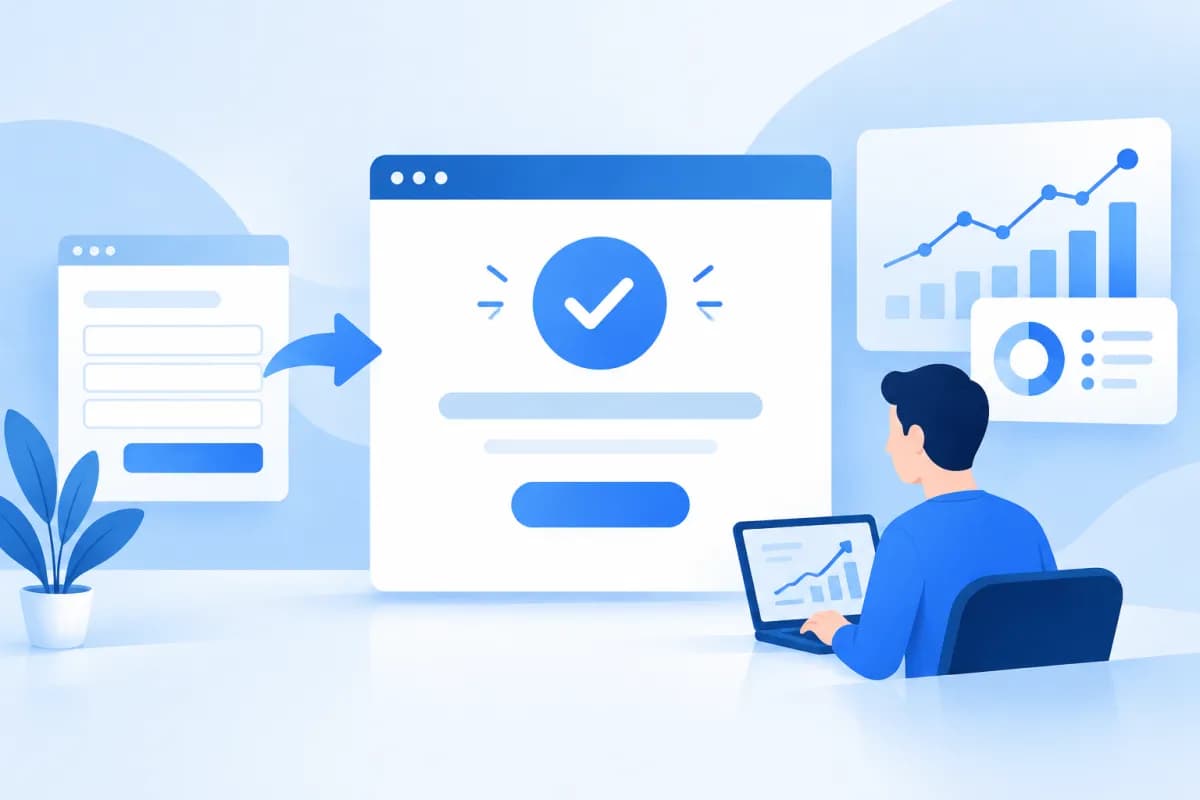
To create a thank you page is about more than displaying a confirmation after a customer submits a form or completes an order. Designed with the right goals in mind, this page reassures visitors that their request has been received, explains what happens next, and encourages them to keep engaging with your business.
This article explains how to plan the content and layout of a thank you page, as well as how to track conversions. Whether you run an ecommerce website, a lead generation site, or an advertising campaign, the steps below can turn an endpoint into a useful part of the customer journey.
What Is a Thank You Page, and Why Invest in One?
A thank you page is what users see after completing an important action, such as submitting a consultation form, signing up for a newsletter, downloading a resource, booking an appointment, or making a purchase. Instead of showing a brief message on the same page, a business directs users to a dedicated page that confirms the action and provides relevant guidance.

This page can improve both the customer experience and marketing measurement. Users receive a clear confirmation, while businesses can record a specific conversion event. With relevant content and analytics tools in place, a thank you page helps teams assess form or order completions and identify which campaigns deliver results.
- Reduce uncertainty: Customers know their action was successful and do not need to submit the form again.
- Guide the next step: Users can check their email, prepare information, or read instructions.
- Support measurement: Visits to the page after an action can serve as a conversion signal, provided tracking is configured and tested correctly.
- Create opportunities for further engagement: Businesses can recommend useful content, related products, or relevant support channels.
A thank you page does not replace the need to improve your form or checkout process. If something goes wrong in the preceding step, even a well-designed confirmation page cannot make up for a poor experience. Think of it as one link in the full customer journey, from the first interaction with your brand to what happens after the customer completes an action.
Set Goals and Plan Content Before Designing
Before you create a thank you page, identify what the user has just done and what they need to know next. Someone who has requested a quote needs to know when or how your business will respond; someone who has just made a purchase needs order confirmation, transaction details, and a way to get support. Avoid using the same generic message for every scenario when the next steps differ.

What to Include on the Page
- Confirm the action: State clearly that the form was submitted, the appointment was booked, or the order was completed. Be specific rather than relying on a vague thank-you message.
- Explain what happens next: Let customers know whether they should wait for an email, check their inbox, prepare information, or contact support. Describe only the process your business actually follows.
- Offer relevant options: Provide a button to return to the homepage, view helpful content, or explore a related product. Each option should serve a clear need.
- Show how to get support: Explain what to do if customers do not receive a confirmation or need to provide additional information. Make sure the contact details are current.
Examples for Different Scenarios
For a consultation form, the page might confirm that the request has been submitted and tell customers to check their email or phone for a follow-up. For a newsletter signup, it could remind them to check their inbox and confirm their subscription if the process requires it. For an ecommerce transaction, the page should clarify the order status and display only information supported by the website's payment system.
Keep the copy concise and easy to scan on a phone. Avoid promising response times, benefits, or outcomes unless the business has confirmed them. LilyTech generally recommends starting with the conversion goal and the actual workflow, then deciding on the content, design, and tracking setup.
Design a Clear, User-Friendly Thank You Page
An effective page should immediately show users that they are in the right place. Make the heading or confirmation message prominent, followed by a brief explanation and the next action. A simple layout is often more effective than one crowded with competing messages, banners, or calls to action.

- Prioritize the key information: Place the confirmation where it is easy to see so users do not have to scroll to understand the outcome.
- Keep the design consistent: Use colors, fonts, and language that match the rest of your website so customers recognize your brand.
- Optimize for mobile: Check readability, spacing between buttons, and ease of use on smaller screens.
- Limit the options: Keep only links or calls to action that are relevant to users' immediate needs after converting.
- Check error states: Make sure users are not sent to the thank you page if a form has not been successfully submitted or a transaction has not been confirmed.
Additional content can be helpful when it is relevant and timely. For example, someone who has just downloaded a resource might appreciate a related guide, while someone who has requested a service could be directed to a page explaining your process. However, supplementary content should not overshadow the main confirmation or make customers think they must complete another step.
To test the experience, complete the action yourself as a new customer on both desktop and mobile. Check whether the message is clear, the buttons work, the content fits on the screen, and the page loads reliably. If your website has multiple forms, test each flow instead of assuming they all redirect to the same page correctly.
Track Conversions on Your Thank You Page
A thank you page can support measurement when it is used as one of the signals that a user has completed an action. The implementation depends on your website setup and analytics tools. Typically, a team can record an event when the page loads or when the action is completed, then send the data to a tool such as Google Analytics 4 or the advertising platform in use.

Setup and Testing Steps
- Define the events to track: Distinguish between consultation requests, signups, bookings, and purchases. Use consistent event names to make reports easier to understand.
- Choose a trigger: You can use a confirmation page view or a successful submission event. For important transactions, consider how to avoid recording a conversion when a user simply reloads the page.
- Configure your tools: Set up tags, events, and conversion goals in your analytics or advertising systems. Send only the data you need and comply with the privacy requirements that apply to your website.
- Test before publishing: Use preview mode, real-time reports, or a tag-checking tool to confirm that the event is recorded exactly once during a valid user flow.
- Compare the data: Check reports against form submissions or orders in your internal systems. Differences may result from how conversions are counted, tracking blockers, configuration errors, or page reloads.
Do not assume that every visit to a thank you page represents a new customer. Users may reload the page, reopen its URL, or return through their browser history. For sales flows, consider transaction data from your order management system alongside analytics data to get a more reliable picture of results.
When assessing performance, analyze results by traffic source, campaign, and action type. For instance, if an ad drives many visits but few completed consultation requests, the issue may lie with the landing page or form rather than the thank you page. This page helps record the outcome of a flow, but it should be evaluated in the context of the full conversion journey.
Conclusion: Create a Goal-Driven, Measurable Thank You Page
Creating an effective thank you page starts with understanding the action a user has just completed, clearly confirming the outcome, and guiding them to the next step. A user-friendly layout, context-specific content, and careful event testing can help businesses improve the customer experience while gathering data to evaluate their marketing efforts.

Before putting the page into use, review the messaging, redirect flow, mobile display, action buttons, and conversion tracking. If you need to build a website, optimize the conversion journey, or implement tracking that fits your current systems, contact LilyTech for advice tailored to your business goals and processes.

