
 Đoàn Lê Minh Anh
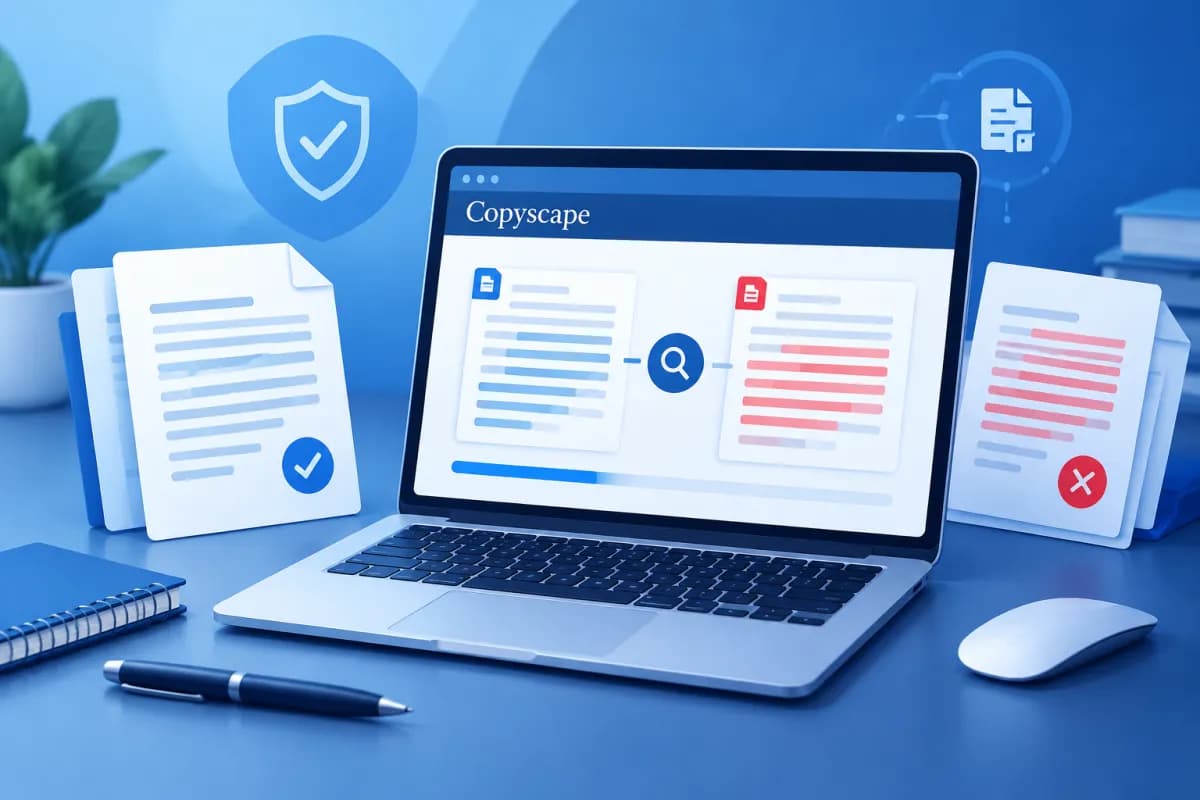
Duplicate content can undermine a website’s credibility, lead to copyright disputes, and cause businesses to miss opportunities to build sustainable search rankings. Copyscape is a tool many content professionals use to find pages containing text that is identical or similar to the content they want to check.
This guide focuses on Copyscape Premium: how to prepare text, run a check, interpret results, and choose the right next steps. The tool can help identify signs of duplication, but its results should be evaluated in context—not treated as an automatic verdict on plagiarism.
What is Copyscape Premium, and who is it for?
Copyscape is a web content-checking service that finds pages with text similar to the content submitted for review. The Premium version is designed for users who want to proactively check drafts, unpublished pages, or specific passages. Depending on the workflow and account settings, users can enter text, provide a page URL, or use features for checking content in batches.

The tool is particularly useful for businesses that publish many articles, SEO teams, content agencies, editors, and website managers. Before publishing, they can check whether Copyscape finds similar content on other pages. Website owners can also use the service to look for signs that their content has been copied elsewhere.
It is important to distinguish similarity from plagiarism. Matching passages may come from legitimate quotations, product names, industry terminology, common descriptions, or content published on multiple pages by the same organization. Conversely, an article can be reworded while still borrowing heavily from another source’s structure and ideas. Treat Copyscape as a screening and review tool, not the sole authority on whether infringement has occurred.
Preparing to check content with Copyscape Premium
To get meaningful results, first define what you want to check. Are you looking for publicly available web content that matches a draft, checking whether a published article has been copied, or reviewing a batch of content before approval? Your goal will determine which text or URLs to submit and how thoroughly to review the results.

- Confirm the version to review: Use the latest version of the content intended for publication. If you make substantial edits after checking, run another check on the changed sections.
- Remove potential noise: Consider excluding menus, footers, contact details, repeated calls to action, and standard templates. These elements can create matches without reflecting the article’s original content.
- Define the scope: If checking a published page, confirm that the URL is correct and the content has been indexed. For long articles, you can check sections separately to make the results easier to analyze.
- Check usage rights: Make sure you are permitted to submit the draft or related data to an online service, especially if it is unpublished content, client material, or internal information.
Content teams should agree on a shared process: when to run checks, who reviews the results, which cases need editing, and how to retain evidence. LilyTech can help businesses build a content workflow that supports their SEO strategy, so reviews go beyond finding duplicates to improve information quality and the reader experience.
How to use Copyscape Premium step by step
The interface and service options may change over time, but the basic checking process usually involves the following steps. Follow the instructions shown in your account and review the content carefully before submitting it.

- Sign in to your account: Access Copyscape Premium using your account. If required, check your account details and payment method or available balance before starting.
- Choose a checking method: Enter or paste text to review an unpublished draft; check by URL if the content is already on your website. If you are reviewing multiple pages, consider the bulk-checking feature if your account supports it.
- Enter the text or page URL: For a draft, paste the text you want to check into the appropriate field. For a published page, enter the full URL and confirm that it points to the correct page—not a category page or another version.
- Set the scope: If options are available to exclude or limit sources, use them to suit your goal. For example, when checking your company’s content, you may want to account for internal pages or authorized versions to avoid irrelevant matches.
- Run the check: Submit your request and wait for the system to process it. The time needed to return results may vary depending on the content length, number of pages, and service availability.
- Open each result for comparison: Review the page found, the location of similar text, and the surrounding context. Note any passages of interest instead of relying only on an overall figure.
- Decide what to do next: Classify each result as an ordinary match, a quotation that needs additional attribution, content to edit, or a potential copying issue to address. Run another check after substantial revisions.
Do not submit entire sensitive documents to any online tool without first reviewing its privacy policy, terms of service, and your client’s requirements. For internal documents, you can submit only the passages that need review or choose a checking process that complies with your company’s security policies.
How to read and assess duplicate-content results
When results appear, treat each listed page as a lead to verify. Do not rush to call an article plagiarized just because the system found a similarity percentage. A percentage or similarity score, if displayed, cannot explain the source, usage rights, or significance of the matching passage on its own.

Compare passages in context
Open the result page and compare the exact sentence or passage that has been flagged. Check whether the match appears in a generic introduction, technical information, a quotation, or the article’s original analysis. A short, common phrase is usually less concerning than a long passage with a distinctive structure and wording.
Identify the source and publication date
Check who owns the page, when the content was published, and whether there are signs that it may have been copied from your work. If your article was published first, keep the draft, revision history, publication date, and related documentation. However, the date shown on a page does not always prove when the content was created, so use multiple forms of evidence.
Classify how the result should be handled
- Insignificant matches: Brand names, public specifications, terminology, common phrases, or required template text. Note them and continue reviewing the core content.
- Potentially acceptable quotations: Passages that are clearly presented as quotations, attributed to a source, and used in accordance with copyright rules. Still review their length and purpose.
- Content that needs editing: Wording that is too similar to a reference source, information that lacks an original perspective, or passages that offer little value to readers. Rewrite based on your own understanding and reliable sources—do not just swap in a few synonyms.
- Suspected copying: Multiple distinctive passages appear on another page without permission or appropriate attribution. Save the URL, screenshots, check date, and relevant archived copies before contacting the publisher.
In some cases, identical content is legitimate—for example, when a business republishes a press release across multiple channels or a reseller uses product descriptions supplied by the manufacturer. In these situations, consider how the content is organized, whether its use is authorized, and what additional value it offers readers instead of trying to change every matching phrase just to lower the similarity.
Tool limitations and how to use it effectively
Copyscape searches content and pages that its system can access, so it cannot guarantee that every instance of copying will be detected. Content behind a login, in private documents, on platforms that have not been indexed, or content that has been substantially modified may not appear in the results. A clean check is not absolute proof that the text has never been used elsewhere.

The tool also cannot fully assess subject-matter quality, data accuracy, the originality of an argument, or how useful the content is to readers. An article with no directly matching passages may still be superficial, poorly sourced, or repeat common ideas without offering a new perspective. A sound process should therefore combine tool-based checks with expert editing and source verification.
Businesses can use the following straightforward process:
- Check the draft after writing is complete and before publication.
- Flag each result according to its level of risk rather than relying only on the similarity percentage.
- Ask writers to cite sources for statistics, quotations, and information from third parties.
- Edit passages that lack original value, adding examples, data, and analysis relevant to the target audience.
- Keep a record of checks for commercially valuable content or content at risk of dispute.
- Review important pages periodically if the business needs to monitor whether its content is being copied.
Most importantly, do not write simply to fool the tool. Mechanically swapping words can make text difficult to understand without addressing copyright or quality concerns. Prioritize researched content with clear sources, an appropriate presentation, and genuinely useful information for readers.
Conclusion
Copyscape Premium helps content professionals proactively review text and find pages with signs of similarity. It is especially useful before publication or when monitoring website content. For an accurate assessment, prepare the right version, review each passage in context, verify its source, and choose an appropriate response. Tool results are supporting evidence; they do not replace editorial judgment or a copyright review.
If your business needs to build an SEO-focused content production process, optimize its website, or connect content with a digital marketing strategy, contact LilyTech for advice on solutions suited to your goals and resources.

