
 Đoàn Lê Minh Anh
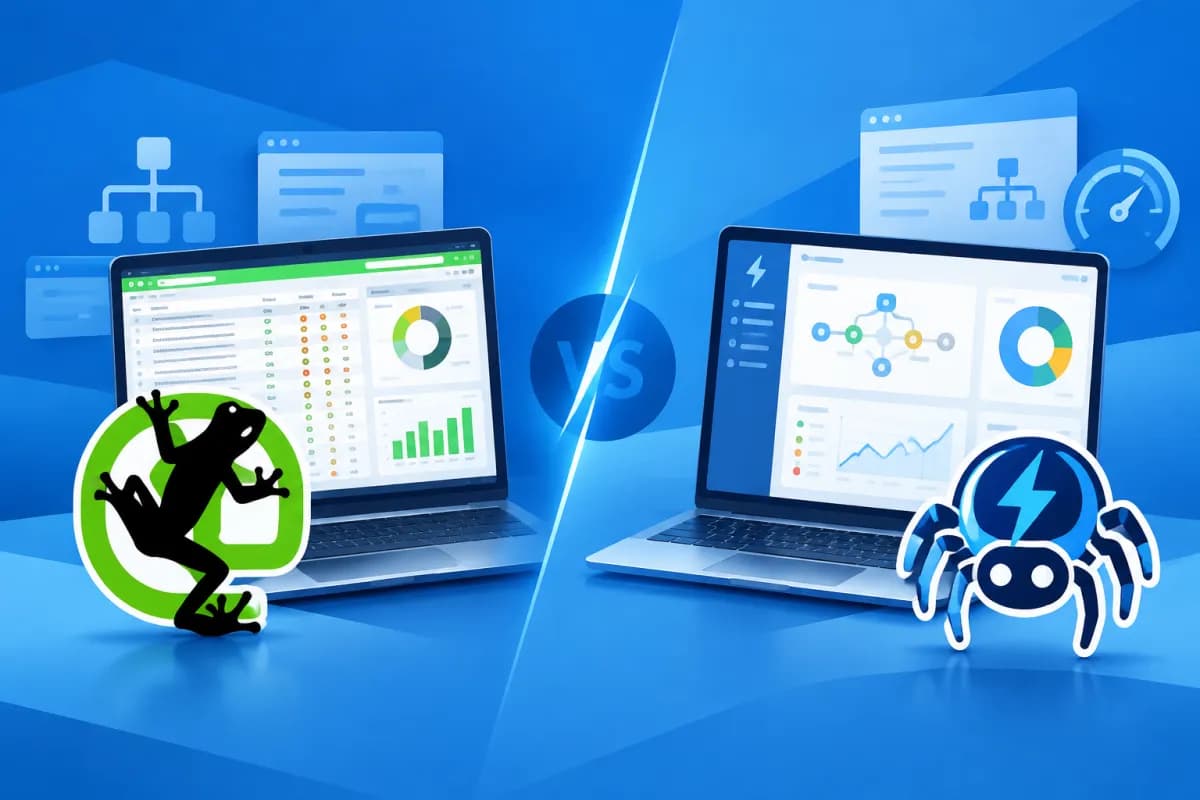
When a website has hundreds or thousands of URLs, manual checks can easily miss technical issues that affect crawling and indexing. Crawler tools such as Screaming Frog and Sitebulb help SEO professionals audit websites systematically, but they differ in how they analyze and visualize data and how easy they are to use.
This Screaming Frog vs Sitebulb comparison covers key features, pros and cons, and costs to help business owners, marketing teams, and SEO specialists choose the right tool. There is no single best choice for every situation; your decision should depend on your website’s size, technical expertise, and how your team needs to present its findings.
Overview of Screaming Frog and Sitebulb
Screaming Frog SEO Spider is desktop software known for crawling websites and providing detailed data in a range of tables. Users can check URLs, page titles, meta tags, HTTP response codes, canonical tags, internal links, robots directives, and many other technical SEO factors. A free version is available with a limit on the number of URLs crawled, making it suitable for testing or auditing smaller websites.

Sitebulb is also a website crawler, but focuses more on analyzing findings, prioritizing issues, and presenting data visually. Rather than simply providing a list of URLs and errors, Sitebulb typically adds explanations, impact levels, and guidance to help users understand which issues to address first. It offers a desktop version and options for different workflows, depending on the plan.
Both tools support common SEO audit tasks, but the user experience differs. Screaming Frog suits users who want detailed access to data and control over their workflow; Sitebulb is useful when findings need to be explained clearly, especially to people with less technical expertise or when reporting to clients and executives.
Comparing crawling and analysis features
Crawling and technical SEO checks
Screaming Frog offers flexible control over crawling. Users can configure the user agent, crawl speed, URL scope, exclusion rules, and many advanced options. The tool can support JavaScript crawling, integrate data from external sources, and export results for further analysis in spreadsheets or other systems. This is useful when investigating a specific issue or building a repeatable audit process.

Sitebulb also checks a range of technical signals, including broken links, redirects, duplicate content, URL structure, indexability, and issues related to website architecture. One notable feature is how it groups findings into categories, giving users an overview instead of requiring them to compile information from multiple data tables themselves.
Data depth and workflow
In practice, Screaming Frog is often valued for its customizability and level of detail. SEO professionals can filter, sort, and export data to combine it with Google Search Console, Google Analytics, or other tools. However, the wealth of data also means users need to know how to interpret it and distinguish important errors from alerts that require further investigation.
Sitebulb offers a more structured audit workflow. Its reports and explanations help users move quickly from discovery to prioritization. Even so, users should review the context before following a recommendation: an automated alert does not always indicate an issue that needs immediate attention, particularly on websites with specialized technical rules.
Visualization: a noticeable difference
Visualization is one of the clearest differences between the two tools. Sitebulb often presents data through charts, website structure maps, and groups of issues ranked by priority. This format helps users spot areas with a high concentration of issues, understand relationships between pages, and communicate audit results to people who did not perform the crawl themselves.

Screaming Frog relies more on data tables and functional tabs. Users can query detailed information, filter by criteria, and export reports to create their own charts or summaries. For SEO professionals accustomed to working with data, this approach is flexible and efficient. But if you need a ready-made visual report, you may need to spend extra time customizing or reformatting the results.
LilyTech’s consulting team often considers visualization in terms of who will receive the report, not just personal preference. If findings need to be presented to executives or clients with limited SEO knowledge, clear charts and explanations can help align stakeholders on what to address first. If the primary users are technical specialists, detailed data and flexible export options may matter more.
Pros and cons of each tool

Screaming Frog
- Pros: Detailed crawl data, extensive configuration options, and support for in-depth audit tasks.
- Pros: The free version lets you test the tool on a limited number of URLs before upgrading.
- Pros: Supports data exports for further analysis and works well with customized SEO workflows.
- Cons: Its table-based interface may be challenging for beginners or users who need visual reports right away.
- Cons: When crawling large websites, performance may depend on your computer’s specifications and configuration.
Sitebulb
- Pros: Visual reports and charts help explain issues and prioritize them.
- Pros: A good fit for teams that need to share audit results with people across different disciplines.
- Pros: Its organization of findings gives users direction when they start auditing a website.
- Cons: SEO specialists still need to validate automated recommendations against the website’s goals and actual structure.
- Cons: Costs and usage limits depend on the plan, so review the terms carefully before subscribing.
Pricing and how to choose the right tool
Screaming Frog offers a free version with crawl limits, while its paid version is typically sold as an annual license. Sitebulb offers paid plans with different features and limits; exact prices may vary by date, region, payment method, and plan type. Check the official pricing pages before purchasing rather than relying on prices repeated in older articles.

When comparing costs, look beyond the subscription price. Factor in training time, data cleanup, reporting requirements, the number of websites to audit, and crawl frequency. A cheaper tool may not save money if your team spends hours compiling results; conversely, an expensive tool with many features may not be worth the investment if you use only a small portion of them.
Choose Screaming Frog if the person conducting the audit has a technical SEO background and needs in-depth checks, configurable settings, and flexible data handling. Choose Sitebulb if you value a visual interface, clear explanations, and easy-to-understand audit reports. If your business has an SEO team with a range of experience levels, test both tools on the same set of URLs to compare data quality, completion time, and how useful the reports are.
For large websites or sites with multiple language versions, start by crawling a small section. Check whether the tool can access the content you need to audit, especially if the website uses JavaScript, includes login-protected areas, has complex robots rules, or uses many URL parameters. Setting the scope correctly will improve the accuracy of your results and help avoid placing unnecessary load on the server.
Conclusion: Should you choose Screaming Frog or Sitebulb?
In the Screaming Frog vs Sitebulb comparison, Screaming Frog stands out for detailed data and customization, while Sitebulb has an edge in visualization and accessible presentation of findings. Choose based on user expertise, project size, reporting workflow, and budget—and always validate findings before making changes to your website.
If your business needs a website assessment, a technical SEO plan, or help choosing the right audit workflow, contact LilyTech for advice tailored to your goals and resources. A properly configured crawling process helps your team prioritize important issues, use its budget efficiently, and build a stronger foundation for sustainable organic growth.

