
 Đoàn Lê Minh Anh
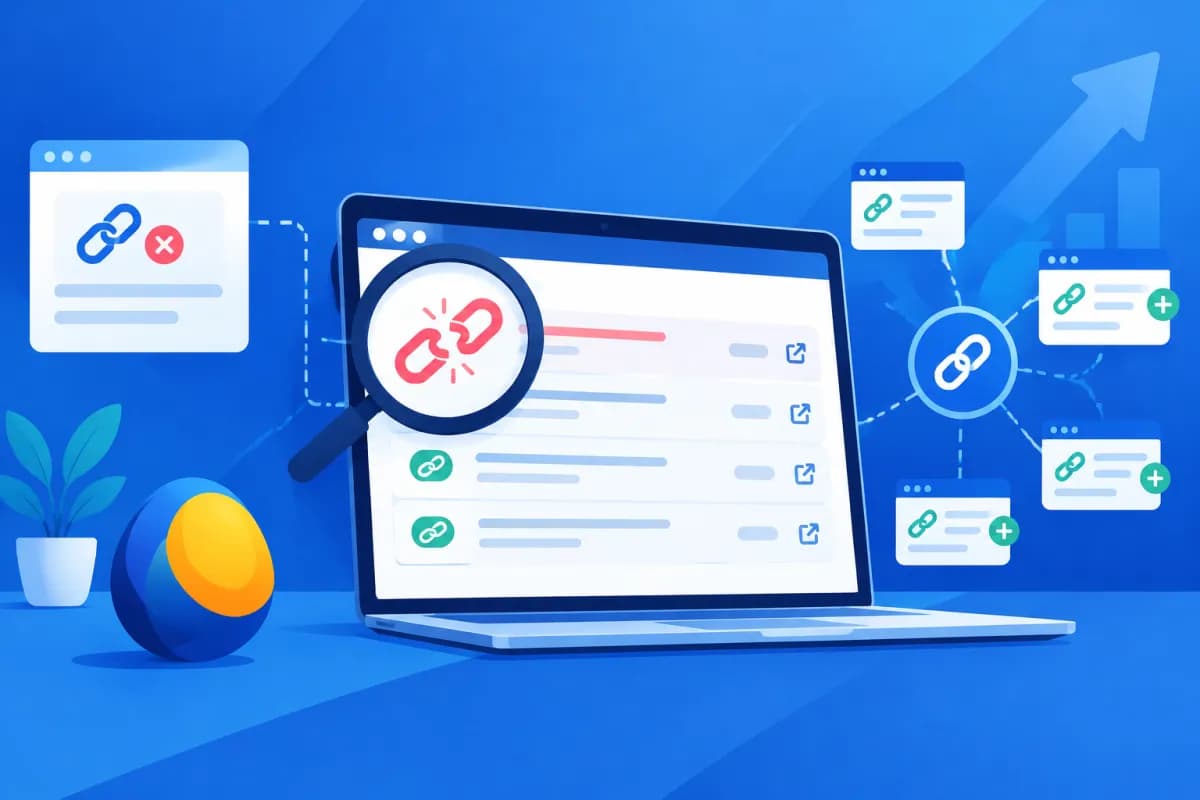
Broken links on competitors’ websites can create backlink opportunities when businesses find relevant pages and suggest useful replacement content. LinkMiner is a Mangools tool that helps you review link profiles, assess individual backlinks, and identify URLs that may no longer be active.
In this guide, you’ll learn how to use LinkMiner to research competitors’ websites, verify broken links, and prepare professional outreach. The tool doesn’t replace manual checks, but it can speed up discovery and help you prioritize opportunities worth pursuing.
What is LinkMiner, and how does it help find backlink opportunities?
LinkMiner is a backlink analysis tool in the Mangools SEO suite. You can enter a domain or specific URL to see the pages linking to it. When looking for broken-link opportunities, you’ll typically start with a competitor’s page or domain that covers topics related to your field.

The goal isn’t to collect as many backlinks as possible. Instead, look for relevant resource pages that point to broken URLs, removed content, or pages that no longer meet readers’ needs. If your website has closely related replacement content, you can contact the site administrator and suggest updating the link.
LinkMiner provides information such as the source URL, target URL, anchor text, and several metrics for assessing links. Names and data coverage may vary depending on the current interface and subscription plan. Treat these metrics as indicators, not as a guarantee that a backlink will improve rankings.
Prepare a list of competitors and pages to review
Choosing the right competitors saves time. Prioritize websites in the same industry, serving a similar customer group, or publishing comparable specialist content. A competitor doesn’t have to be a business competing directly for revenue; an industry blog, professional association, or publisher may also have useful backlinks.

Make a list of around 5–10 websites and note why each one belongs in your analysis. Start with competitors that have how-to articles, resource pages, research, or tool directories relevant to your content. These types of pages are often cited by other websites, making it easier to find outdated links or resources that are no longer available.
- Check how relevant each website is to the product, service, or topic you want to develop.
- Look for URLs likely to attract citations, such as how-to guides, statistics pages, or resource lists.
- Flag competitor pages that have changed URL structures, stopped being updated, or removed older content.
- Don’t choose websites solely for their metrics if their content and audience aren’t a good fit.
Before you start analyzing, identify resources on your website that are good enough to serve as replacements. These could include an in-depth article, survey data, a free tool, or a page explaining a process. If you don’t yet have suitable content, plan to improve it before sending outreach emails.
How to use LinkMiner to find competitors’ broken links
The basic process is to enter a competitor’s URL, filter the backlink list, verify the destination page’s status, and record relevant opportunities. The interface may change over time, but the following steps are useful in LinkMiner and similar backlink tools.

- Enter the URL you want to analyze. Start with a specific URL if you’re looking for links to an article or resource. Use a domain for a broader review, then narrow the list with filters.
- Review the backlink list. Check the source URL, target URL, and anchor text. Prioritize source pages closely related to your topic instead of relying only on link counts.
- Filter and sort opportunities. Use the available options to narrow the data by metric, link type, or status. If a link preview is available, use it to understand the context in which the link appears.
- Check the target URL in a browser. Open the link to confirm that the page is genuinely broken, removed, redirecting inappropriately, or experiencing a temporary issue. A 404 error usually means the page wasn’t found, but not every page that fails to load is a suitable opportunity.
- Record evidence and assess replacement content. Save the source URL, target URL, anchor text, date checked, and content on your website that you could suggest. Don’t send an email if you don’t yet have a comparable replacement.
Don’t conclude that a link is broken just because the tool flags an unusual status. The page may be blocking bots, loading slowly, requiring a login, or experiencing a temporary server error. Check again later and review both the source and target pages to confirm the issue.
Assess opportunities before sending outreach
A broken link is worth pursuing only when the source page matters to your audience and your replacement content genuinely meets their needs. Consider relevance, content quality, your ability to reach the page manager, and the link’s technical status together. LinkMiner metrics can help with initial screening, but they should be combined with human judgment.

- Relevance: Does the source page cover the same topic or serve the same audience?
- Page quality: Is the page useful, maintained, and seemingly trustworthy?
- Fit of the replacement content: Does your resource answer the question the old link was intended to address?
- Ability to verify: Can you confirm the error and find an appropriate email address or contact form?
- Link risk: Does the page show signs of spam, thin content, or an unnatural link network?
Create a tracking sheet with columns for the source URL, broken URL, topic, replacement resource, contact, date sent, and response status. This helps your marketing team avoid duplicate emails, track the results of each outreach round, and update its selection criteria based on outcomes.
Don’t contact every website you find. An irrelevant, low-quality page or one without suitable replacement content could make your email seem like unsolicited advertising. Focusing on fewer opportunities with clear supporting evidence is usually more effective than sending large numbers of identical messages.
Write helpful, professional outreach emails
Outreach emails should be concise, contextual, and focused on the recipient’s benefit. Identify the broken link’s location, explain the issue politely, and offer your resource as a suggestion. Don’t demand a link, overstate your website’s quality, or use pressuring language.

Subject: Suggestion for updating a link in your article
Hello, I was reading your article about [topic] on your website and noticed that the link to [resource name] no longer works. If it fits the article, you might consider [title of your article or resource] as a replacement. It covers [specific relevant value]. Either way, I wanted to share this so you can check when convenient. Thank you.
Before sending, personalize the email with the recipient’s name if you can identify it, the article title, and the link’s exact location. Mention only the value your content genuinely provides. A polite follow-up after a few business days may be appropriate, but stop if the recipient doesn’t respond or declines.
LinkMiner can help you find and organize initial data, but outreach results depend on how relevant your suggestion is and how you communicate it. LilyTech can help businesses build SEO and content processes that connect backlink opportunities with broader marketing goals, rather than focusing solely on the number of links.
Mistakes to avoid when finding broken links
The most common mistake is treating every broken link as a guaranteed opportunity. A page may return an error temporarily, the link may already have been replaced with a new URL, or the source page may no longer be maintained. Manual checks and records of when you verified a link help prevent inaccurate suggestions.
- Choosing opportunities based only on scores while ignoring content and relevance.
- Sending the same mass email without referring to a specific article.
- Suggesting a sales page or content that isn’t equivalent to the broken resource.
- Failing to check the source website’s quality before suggesting a link.
- Continuing to email after receiving no response.
You should also follow data protection requirements and each website’s contact policies. Don’t collect or use personal information without a valid basis, send misleading emails, or exchange links in ways intended to manipulate rankings. The goal is to help website owners improve the reader experience; a backlink is only a possible outcome when your suggestion is genuinely useful.
Conclusion
LinkMiner helps marketers review competitors’ backlinks, find URLs that may be broken, and screen pages they could approach. To turn data into opportunities, choose suitable competitors, verify errors manually, prepare quality replacement content, and send personalized outreach. Relevance and reader value matter more than pursuing as many links as possible.
If your business needs an SEO strategy, content development, or a backlink process aligned with its business goals, contact LilyTech for advice. Our team can help you identify opportunities, prioritize resources, and implement marketing activities systematically.

