
 Nguyễn Chính Ngọc Liên
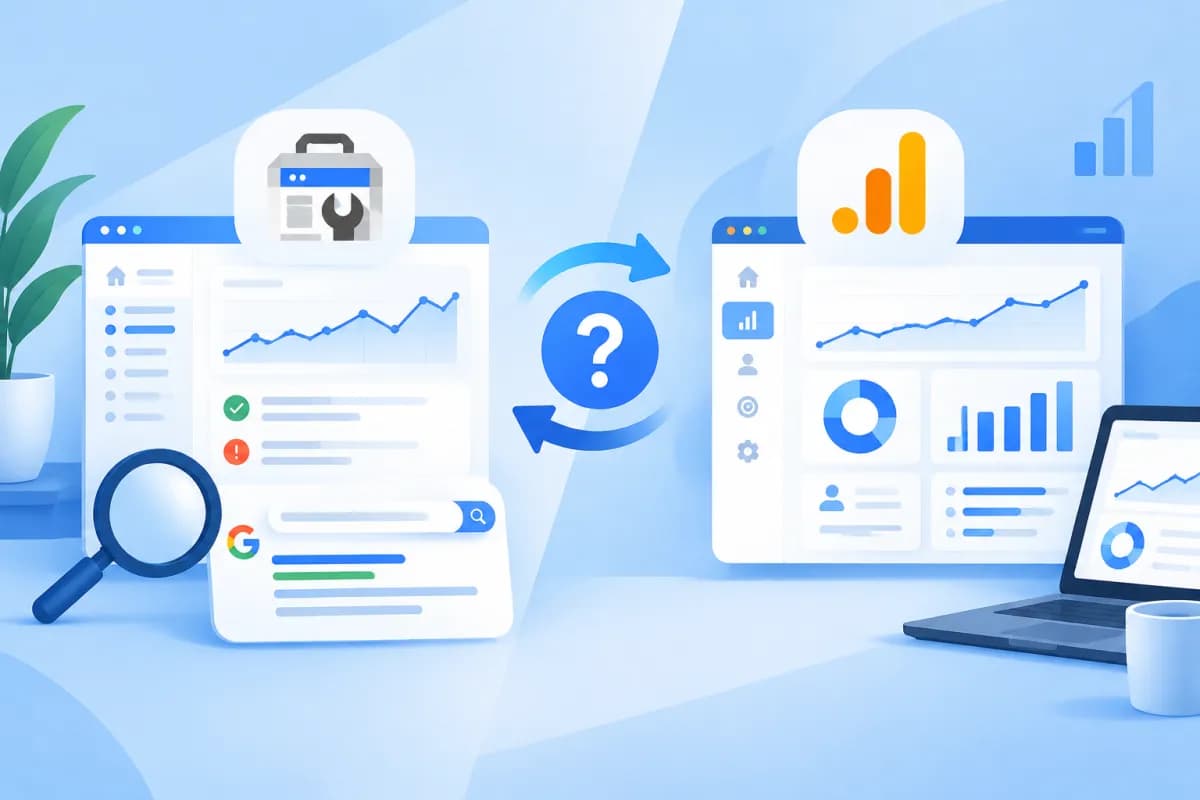
When evaluating website performance, businesses often want to know how customers find them on Google, what they do after visiting, and whether those actions lead to conversions. Google Search Console and Google Analytics can both help answer these questions, but each focuses on a different stage of the user journey.
Understanding the difference between the two platforms helps marketing teams interpret data correctly and avoid confusing clicks from search results with visits recorded on the website. This article compares the purposes, data, and ways to combine Google Search Console and Google Analytics to track search performance and user behavior. In short, Google Search Console vs Google Analytics is a comparison of two tools that work best together.
How are Google Search Console and Google Analytics different?
The key difference is where each tool observes the customer journey. Google Search Console (GSC) focuses on how a website appears and performs in Google Search. Google Analytics—most commonly Google Analytics 4 (GA4) today—focuses on what happens after users visit a website or app.

- Google Search Console: Shows how users see a website in search results, which queries they use, and whether they click through. It also provides information about crawling, indexing, and some technical issues related to search.
- Google Analytics: Records user activity after they arrive on a website, such as pages viewed, events completed, engagement time, and configured conversions.
You can think of GSC as tracking what happens “before the visit” and GA4 as tracking what happens “after the visit.” The tools do not replace one another. Using only GSC leaves businesses without information about on-site behavior and conversions. Using only GA4 makes it difficult to identify specific performance in Google Search and the queries that bring users to the site.
What types of data do the two tools provide?
Search data in Google Search Console
The GSC Performance report is commonly used to review metrics such as impressions, clicks, click-through rate (CTR), and average position in Google Search. Depending on the report and available data, you can analyze performance by query, page, country, device, and search result type.

For example, a service page with many impressions but a low CTR may appear frequently without being compelling enough to earn clicks. Before deciding how to optimize the content, the marketing team can review the relevance of the title, description, search intent, and average position. GSC also provides reports that help check indexing status, sitemaps, and page experience. These insights are useful for SEO, but they do not always explain every reason a website is not achieving its desired rankings.
Behavioral data in Google Analytics
GA4 organizes data around users, sessions, and events. Depending on the setup, businesses can track page views, scrolling, button clicks, form submissions, product additions to carts, or completed transactions. Reports also show which channels bring users to the website, what content they engage with, and which actions matter to the business.
One important point is that GA4 does not automatically understand every action that matters to a business. Some events need to be configured, checked, and appropriately marked as conversions or key events. If you want to track consultation forms but have not set up a form submission event, reports may not accurately reflect the number of leads. Data quality therefore depends significantly on how measurement is implemented.
How to combine data to evaluate search performance
Combining GSC and GA4 helps businesses connect data about discoverability with data about traffic quality. Analysis can start with a business question rather than a review of individual metrics in isolation. The Google Search Console vs Google Analytics comparison is most useful when you use each tool to answer its part of that question.

- Choose the page or content group to evaluate. For example, select a service page, how-to article, or product category that is a current SEO priority.
- Use GSC to review search performance. Check impressions, clicks, CTR, position, and relevant queries. Determine whether the page is being found for the right topic and target needs.
- Use GA4 to see what happens after the visit. Analyze landing pages, events, engagement, and conversions. Assess whether users continue exploring the website or take the desired action.
- Develop a hypothesis and prioritize improvements. If a page has strong visibility but a low CTR, review how it appears in search results. If it attracts visits but few conversions, check the page content, calls to action, mobile experience, and contact process.
- Measure again after making changes. Monitor data over an appropriate period, taking update delays and natural fluctuations in search traffic into account.
For example, GSC may show that an article receives many clicks from informational queries. GA4 may show that readers engage well with the article but rarely submit consultation requests. This does not necessarily mean the article is underperforming: it may be meeting users’ informational needs, while the business could add a suitable next step, such as related guidance, a service page, or a clearer invitation to request a consultation.
How to avoid misreading the data
Do not expect the number of clicks in GSC to always match the number of visits from Google in GA4. The tools measure data differently, and their reporting scopes and processing times may not align. Users may click through and leave before the tracking tag finishes loading; implementation, cookie consent, filters, or technical issues can also cause discrepancies.
- Do not treat average position as a fixed ranking. Position can vary by query, device, location, and time. Analyze it alongside impressions, CTR, and the page’s goals.
- Do not equate visits with business performance. More traffic does not necessarily mean more leads or revenue. Define the conversion events that matter to your business model.
- Check your configuration before drawing conclusions. Confirm that GSC has verified the correct website property, GA4 is collecting data on the pages you need to measure, and important events are working properly.
- Compare data using the same scope. Check the date range, time zone, landing page, device, and traffic source to avoid comparing unlike groups of data.
GSC and GA4 provide an overall view; they do not always allow you to directly connect an individual search query with a specific action taken by a particular person. Businesses should use data appropriately, respect privacy, and avoid drawing conclusions beyond what the reports show.
Conclusion: Use each tool for its purpose to get the full picture
Google Search Console helps businesses understand how their website appears and earns clicks in Google Search. Google Analytics tracks users after they visit and helps evaluate their actions on the website. When configured correctly and analyzed together, the tools provide a more complete picture—from reaching customers through search to their engagement and conversions.
To make effective use of data, businesses need to define their measurement goals, configure their tools accurately, and turn reports into specific improvement priorities. If you need a website, SEO optimization, or a measurement system to support your marketing, LilyTech is ready to recommend a solution that fits your goals and resources.

