
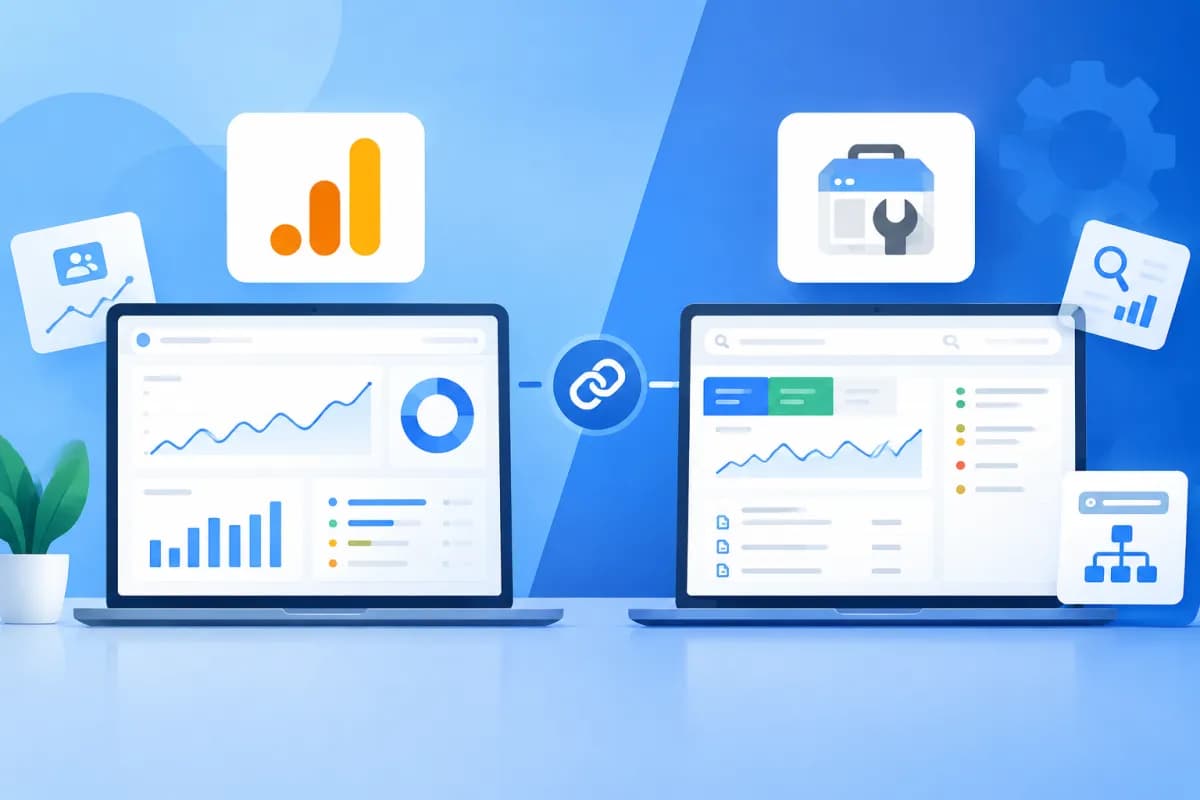
When tracking website performance, businesses often encounter two familiar Google tools: Google Analytics and Google Search Console. Both provide useful data, but they answer different questions. If you don’t understand the distinction, you may misread metrics, miss SEO issues, or misjudge your marketing performance. This guide explains what's the difference between Google Analytics and Google Search Console?
This article compares Google Analytics and Google Search Console by purpose, data type, and use case. It will help business owners and marketers determine which tool fits each need and how to use them together to improve website performance.
What Are Google Analytics and Google Search Console?
Google Analytics, now most commonly used as Google Analytics 4 (GA4), measures how people interact with a website or app. Depending on how a business configures it, the tool records events such as page views, clicks, on-site searches, adding products to a cart, and completing a transaction.
Simply put, Google Analytics answers the question: What do people do after they visit your website? You can see which channels bring visitors to your site, what content they’re interested in, which devices they use, and the steps they take before signing up, making a purchase, or requesting a consultation.
Google Search Console (GSC) helps website owners monitor how their site appears in Google Search and identify issues that may affect crawling, indexing, or visibility in search results. GSC shows which queries display your website, how many clicks it receives from search, and which pages may have indexing issues.
So, while Google Analytics focuses on behavior on your website, Google Search Console focuses on your website’s presence in Google Search. The two tools don’t replace each other; they provide complementary insights into different stages of the user journey.
Differences in Purpose and Data Scope
The core difference lies in the questions each tool is designed to answer. Google Search Console tracks the journey before and at the moment a user clicks a Google Search result. Google Analytics tracks activity after a user reaches a website or app, within the scope of the data collected and configured. To understand what's the difference between Google Analytics and Google Search Console, start with this distinction.

- Google Search Console: Measures organic search performance on Google, including impressions, clicks, click-through rate (CTR), and average position by query, page, country, or device.
- Google Analytics: Measures sessions, events, engagement, and conversions on a website or app, and supports traffic source analysis across channel groups.
- GSC: Provides reports on indexing, sitemaps, page experience, and certain technical issues related to appearing on Google.
- GA4: Lets you track events and user journeys, from the first visit to key actions configured by the business.
Because their measurement scopes differ, the number of clicks in GSC won’t necessarily match the number of organic search sessions in GA4. Differences can stem from how metrics are defined, when they’re recorded, time zones, repeated clicks by the same user, cookie consent or rejection, tracking settings, and data processing limitations. Don’t treat a figure in one tool as an exact copy of the corresponding figure in the other.
Comparing Key Metrics and Reports
Search Data in Google Search Console
The Performance report is a useful starting point for SEO. Impressions show how many times a page appeared in search results, according to Google’s definition; clicks show how many times users clicked a result. CTR is the ratio of clicks to impressions, while average position reflects the average ranking of results within the report’s scope.

Businesses can filter data by query, landing page, country, device, and date range. For example, a page with many impressions but a low CTR may need its title and search-result appearance reviewed. A query with rising impressions may also point to a topic that customers are starting to care about.
Indexing reports help identify pages Google hasn’t indexed or issues that need investigation. However, a URL not being indexed isn’t always an error: it could be a duplicate page, one that doesn’t need to appear in search, or a new page that hasn’t been processed yet. Check the specific status and the purpose of each URL before taking action.
Behavior Data in Google Analytics
In GA4, businesses can analyze users, sessions, events, landing pages, traffic sources or mediums, and engagement metrics. Important events such as form submissions, phone call clicks, account registrations, or purchases need to be configured and tested to make sure they’re recorded correctly.
With the right conversion settings, GA4 helps identify which channels drive the most conversions, which pages generate strong engagement, and where users tend to drop off. This data supports the evaluation of content, advertising campaigns, and website experience. However, if events aren’t configured or tracking tags aren’t implemented correctly, reports may be incomplete or may not reflect actual user behavior.
When Should Businesses Use Each Tool?
Prioritize Google Search Console when your question relates to SEO and visibility on Google. It’s useful for checking which queries bring users to your website, which pages have room to improve their CTR, which URLs aren’t indexed, and whether a content change coincided with a shift in clicks.
Prioritize Google Analytics when you need to understand what happens after a visit. For example, the marketing team may want to know whether visitors from organic search submit a form; a website owner may want to see which landing pages help generate orders; or a product team may need to analyze the steps users take in a sign-up flow.
Here are some common scenarios and ways to address them:
- Organic traffic is down: Check clicks, impressions, and queries in GSC. Then compare with GA4 to see whether the decline is reflected in sessions or conversions.
- Many people visit a page, but few submit an inquiry: Use GA4 to analyze the landing page, events, and user journey. GSC can provide additional context about the queries that brought visitors to the page.
- A new page isn’t appearing on Google: Check its indexing status and crawlability in GSC; don’t rely only on traffic reports in GA4.
- Evaluating an SEO article: Use GSC to review visibility and clicks by query, then use GA4 to assess reader engagement and subsequent actions.
How to Combine Google Analytics and Google Search Console
Using both tools gives businesses a clearer view of the entire journey: from when a website appears on Google and a user clicks a result to when they engage or convert. First, verify website ownership in GSC and install GA4 correctly. For GA4, check the measurement code, key events, and privacy settings. In GSC, select the correct property so the data represents the website scope you need to monitor.

If you want to bring GSC data into GA4, you can link the two accounts if you meet the necessary requirements and access permissions. Integrated reports let you view some search performance data alongside GA4 data in one interface. Linking the accounts doesn’t make all metrics consistent: GSC remains the right source for analyzing search performance, while GA4 is the source for analyzing activity on a website or app.
Businesses should establish a regular review schedule instead of opening reports only when something goes wrong. You could check GSC weekly to spot search changes and indexing issues, while reviewing GA4 monthly to evaluate behavior, traffic channels, and conversions. When you spot a change, compare the same date ranges and consider seasonality, active campaigns, and website updates before drawing conclusions about the cause.
To use data effectively, start with your business goals. If your goal is to generate more leads, define the conversion to measure, verify the event in GA4, and use GSC to find opportunities to attract relevant traffic. If your goal is to improve SEO, track queries and pages in GSC, then use GA4 to assess the quality of engagement from that traffic.
Conclusion: Choose the Right Tool and Interpret Data Correctly
Google Analytics and Google Search Console serve different needs. GSC helps businesses understand how their website appears and performs in Google Search; GA4 analyzes what users do after they arrive. To assess website performance comprehensively, businesses should use both tools, configure measurement correctly, and tie each metric to a specific goal.
If your business needs a website, measurement setup, or improvements to SEO and marketing performance, LilyTech can recommend a solution that fits your goals and resources. Contact LilyTech for support choosing tools, organizing data, and turning reports into actions that improve business results.

