 Nguyễn Chính Ngọc Liên
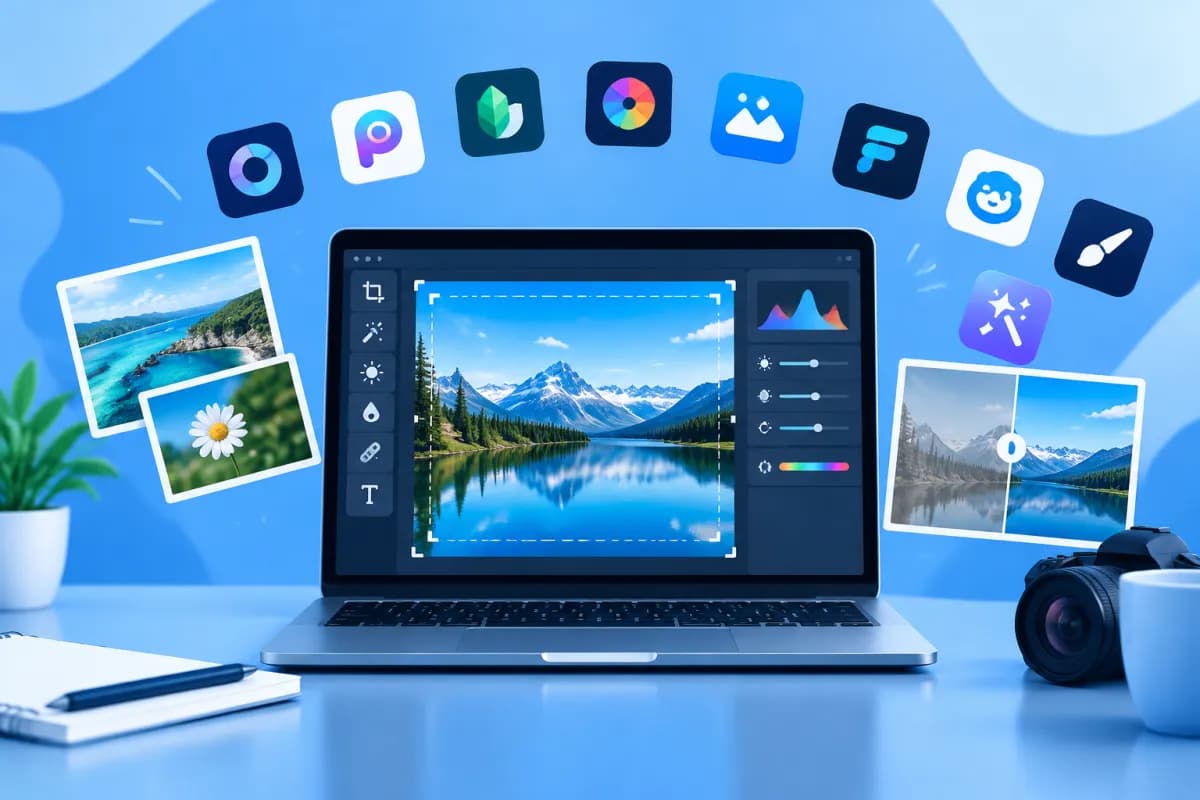
Photo editing is increasingly common, from creating social media posts and advertising banners to preparing product images for websites. Instead of installing bulky software or hiring a designer for every task, you can use a free online photo editor right in your browser.
Each platform has its own strengths: some are easy for beginners, while others are better suited to layered designs or detailed photo editing. The list below covers 10 standout tools, along with their features, benefits, and ideal users to help you compare your options. Keep in mind that some features or assets may require a paid plan, and free-plan policies can change over time.
How to choose a free online photo editor
Before choosing a tool, define what you need it for. If you want to create social media images quickly, prioritize ready-made templates and simple workflows. For detailed editing, look for layers, masks, export formats, and control over color.

- Ease of use: An intuitive interface helps beginners create images without spending too much time learning the tool.
- The features you need: Check for tools to crop, resize, adjust brightness, remove backgrounds, add text, or work with layers.
- Workflow fit: If you regularly create content as a team, consider collaboration, sharing, and project-saving options.
- Free-plan limits: Check download limits, storage, templates, export quality, and advanced features.
- Privacy: For product images, customer photos, or internal documents, review the data-handling policy before uploading files.
Top 10 free online photo editors worth trying
1. Canva
Canva is a good fit for anyone who needs to create designs quickly without an in-depth background in graphic design. It offers a wide range of templates for social media posts, posters, presentations, and promotional content. Users can add text, shapes, and icons, adjust layouts, and work with images right in their browser.

Benefits: Easy to learn, with a rich template library that makes it easier to maintain a consistent visual identity. Best for: Small business owners, marketers, and people who create content regularly. Some templates, assets, and advanced features are available only on paid plans.
2. Pixlr
Pixlr offers browser-based editing tools with different interfaces and feature sets. Users can handle common tasks such as cropping, adjusting colors, adding text, and applying effects. Depending on the version, the platform also offers more advanced tools for users who want finer control over their images.
Benefits: No installation required, with options ranging from quick edits to more advanced work. Best for: Individuals, online sellers, and marketers who need a flexible way to edit images. Check the free-version limits before making it part of your regular workflow.
3. Photopea
Photopea is worth considering if you are familiar with layered image-editing software. It supports layers, masks, text, and many common file formats, and can open some specialized design files directly in your browser.
Benefits: Offers a range of advanced tools without requiring software installation. Best for: Designers, product photo editors, and anyone who needs to work with layered files. The interface has many tool panels, so beginners may need some time to get used to it.
4. Adobe Express
Adobe Express helps users create visual content such as social posts, promotional flyers, and branded images. Its ready-made templates, text tools, and image-editing options can speed up the production of basic content.
Benefits: An approachable workflow suited to common marketing content. Best for: Small marketing teams, online businesses, and anyone who needs to create designs quickly. Some templates, assets, or features may be limited by plan.
5. Fotor
Fotor focuses on online photo editing and design. Users can adjust brightness, color, and contrast, apply effects, or create collages, depending on the tools available. The platform also provides templates for creating common types of marketing materials.
Benefits: Basic editing tools are relatively easy to find, and users can combine photo editing with design. Best for: Online sellers who need product images, social media users, and beginners. Check the download terms in advance to avoid unexpected restrictions.
6. BeFunky
BeFunky combines photo editing, collage making, and graphic design in one online platform. Users can apply effects, adjust images, and arrange multiple photos into a single layout, making it convenient for simple content creation.
Benefits: Offers a range of creative tools in one interface without requiring advanced technical skills. Best for: Individual content creators, small shop owners, and anyone who wants to make photo collages. Some effects or features may require an account upgrade.
7. iLoveIMG
iLoveIMG is useful for quick image-processing tasks such as compressing, resizing, cropping, converting formats, or editing multiple files. It is not designed for complex creative work, but it can help prepare images before you publish them on a website or send them to customers.
Benefits: Simple to use and well suited to repetitive tasks that do not require design skills. Best for: Website owners, content teams, and anyone who needs to optimize image sizes. Check the current limits on file quantities and sizes.
8. Kapwing
Kapwing is an online content creation platform that supports image editing alongside other content formats. Users can add text, arrange layouts, and prepare images for different channels, particularly when their workflow also includes video content.
Benefits: Useful for creating different types of content in one workspace. Best for: Content creators and marketing teams producing multimedia. Free accounts may have export or feature limitations, so try the platform with a real project first.
9. LunaPic
LunaPic offers a variety of online filters and effects, from color adjustments to creative image transformations. It can be useful when you want to experiment with different styles without installing additional software.
Benefits: Offers plenty of effects and quick browser-based editing. Best for: Individuals, people creating simple illustrations, and anyone looking to make distinctive social media images. Its interface may feel less modern than those of some newer platforms, so beginners may need to explore the menus to get familiar with it.
10. Sumo Paint
Sumo Paint is designed for drawing and editing images online, with tools such as brushes, shapes, layers, and filters. It offers a way to experiment creatively or carry out some graphic design tasks without installing a desktop application.
Benefits: Includes tools for both drawing and editing, making it suitable for hands-on work. Best for: Design beginners, people doing basic illustration, and anyone interested in exploring browser-based graphic tools. Check the current features and limits of the free version before using it for important work.
How to choose the right tool for your needs
No single free online photo editor is right for everyone. If speed and ready-made templates are your priorities, try Canva or Adobe Express. If you need layered editing and more detailed control, Photopea or Pixlr may be a better fit. For compressing, cropping, or resizing images, iLoveIMG is often quicker and simpler than an all-in-one design platform.

Businesses should test a few tools on the same type of image before making a decision. For example, use a product photo to check how easily you can remove or adjust its background, add a logo, export the file, and reuse the design. If several employees will be involved, also evaluate file storage and sharing, as well as options for maintaining brand consistency.
Tips for using these tools effectively and reducing risk
- Keep the original: Save the unedited file so you can return to it if you need to make changes.
- Choose the right dimensions: Create images to match your website or publishing platform to reduce cropping, blurring, and slow loading.
- Maintain visual consistency: Use consistent colors, fonts, and logo placement across your brand channels.
- Check usage rights: Review the terms for templates, fonts, and assets before using them in commercial content.
- Review the output file: Check the resolution, format, and quality after downloading. Do not rely on the preview alone.
- Protect your data: Avoid uploading sensitive images or customer data to online services unless you have assessed whether their security is appropriate.
For major campaigns, key website images, or product photo sets that need a high degree of consistency, free tools may not fully meet your quality and workflow requirements. In such cases, businesses should consider developing design guidelines or working with specialists to ensure consistent visuals throughout the customer journey.
Conclusion
Free online photo editing tools help individuals and businesses handle many image-related needs without installing complex software. Canva and Adobe Express are suited to quick design work; Photopea and Pixlr offer more flexible editing; and iLoveIMG is handy for file optimization tasks. Choose a tool based on your goals, free-plan limits, and security requirements.
If your business needs advice on building a website or mobile app, or developing a digital marketing strategy that aligns with your brand visuals, LilyTech is ready to help. Contact LilyTech for guidance on solutions tailored to your business goals and resources.