
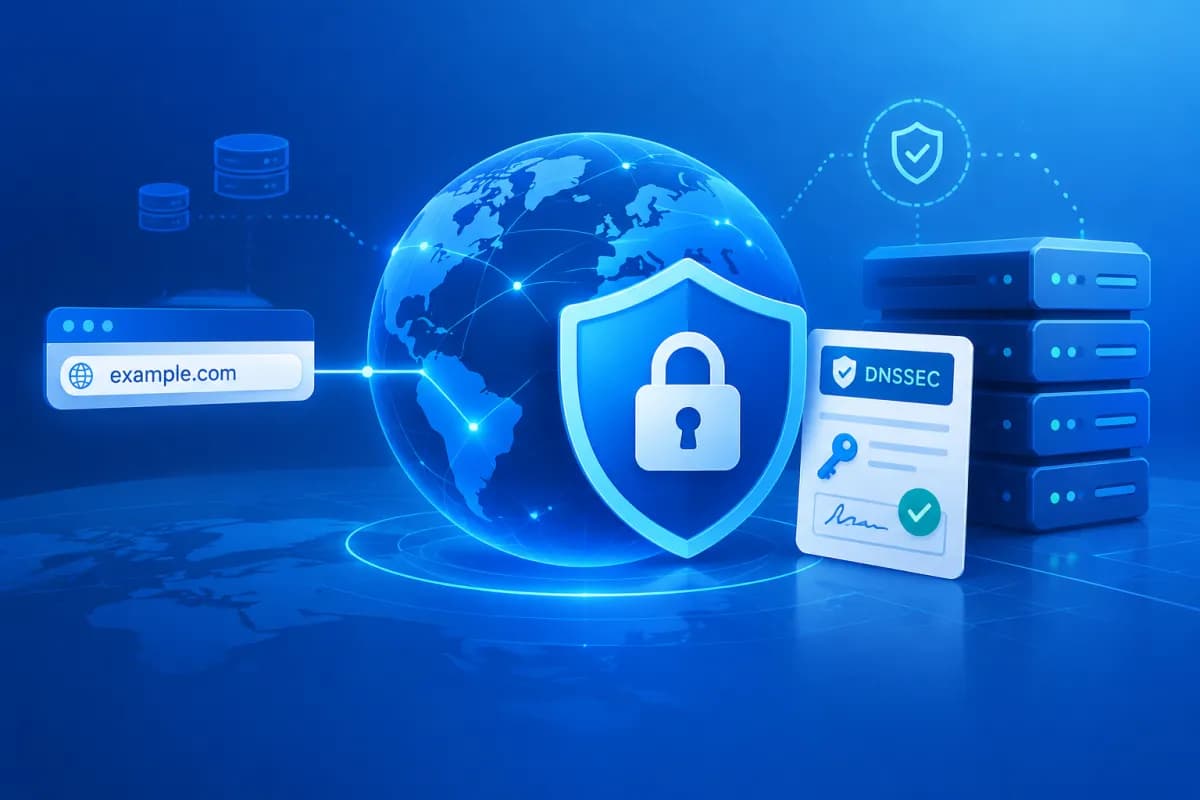
A domain name is essential to doing business online: customers use it to visit your website, send email, and learn about your brand. If DNS data is spoofed, users may be redirected to another address without realizing it. That’s why DNSSEC domain security deserves attention alongside choosing a reputable provider. This guide explains how DNSSEC domain security can help protect your DNS infrastructure.
DNSSEC is a mechanism that uses digital signatures to authenticate DNS data. This article explains how DNSSEC works, walks through the basic setup steps, and outlines what businesses should check before implementation to avoid service interruptions.
What Is DNSSEC, and How Does It Protect Your Domain?
DNS resolves domain names, such as doanhnghiep.vn, to IP addresses so browsers and other systems can connect to servers. In a standard lookup, a device receives an answer from a DNS server, but there is no built-in way to verify that the answer came from a trusted source or was not altered in transit.

DNSSEC, short for Domain Name System Security Extensions, adds digital signatures to DNS data. A DNS resolver that supports DNSSEC can check the signatures and chain of trust before accepting an answer. If the data has been altered or a signature is invalid, the resolver can reject the result rather than silently use suspicious data.
Common components of a DNSSEC system include:
- DNSKEY: A record that publishes the public key used to verify signatures.
- RRSIG: A digital signature associated with groups of DNS records.
- DS: A record that links a child zone’s key to its parent zone, usually configured at the domain registrar.
- NSEC or NSEC3: Records that help prove a domain name or record does not exist in a DNS zone.
You can think of the validation chain as starting at the DNS root zone, passing through a domain extension such as .vn or .com, and ending at the business’s domain. The links must match for the resolver to validate the data. DNSSEC does not encrypt DNS queries or replace HTTPS. Its main purpose is to authenticate the integrity and origin of DNS lookup data.
Benefits and Limitations of DNSSEC for Domain Security
DNSSEC’s direct benefit is reducing the chance that users will be sent to a spoofed server through certain types of DNS cache poisoning or DNS data alteration. When the signature chain is correctly configured and the user’s resolver checks DNSSEC, invalid data can be rejected. This helps protect the trustworthiness of websites, email, and other domain-based services.
DNSSEC also shows that a business takes digital infrastructure security seriously. However, it should not be treated as a comprehensive security solution. DNSSEC does not stop attackers from taking over an administrator account, protect web servers from malware, encrypt website content, or prevent users from visiting a fake site if they enter the wrong address themselves.
DNSSEC should therefore be combined with other measures, such as enabling multifactor authentication for registrar accounts, assigning appropriate administrative permissions, using HTTPS, backing up DNS configurations, and monitoring domain activity. If an administrative account is compromised, an attacker may still be able to change settings to disrupt services or redirect the domain.
What to Check Before Deploying DNSSEC
Before enabling DNSSEC, a business should identify who manages its DNS and who can update DS records. These roles may belong to different providers: one may operate the DNS servers, while another acts as the domain registrar. Identifying the right contacts helps prevent incomplete configuration and makes it clear where to get help if an issue occurs.

- Check provider support: Confirm that the DNS provider supports DNS zone signing and the registrar allows DS record management.
- Review the current configuration: Check A, AAAA, CNAME, MX, TXT, and CAA records, along with the services that depend on DNS.
- Check any intermediary providers: If you use a CDN, managed DNS, or website protection platform, establish which service is responsible for signing the data.
- Plan the change: Choose a time that will minimize disruption, notify technical teams, and prepare a recovery process.
- Confirm the key-rotation process: Ask the provider how it handles signature renewal, key changes, and DS updates when needed.
Pay particular attention to TTL (time to live) and propagation times. When moving to a new DNS provider or changing keys, the DS record in the parent zone and the DNSKEY record in the child zone must match. If one side is updated while the other still has old data, some resolvers may mark the domain as invalid.
A Basic Guide to Setting Up DNSSEC
The exact process varies by provider, but it usually includes the steps below. With managed DNS, zone signing and key rotation can often be automated. Businesses should follow their provider’s documentation rather than create or enter values based on guesswork.

- Confirm the DNS zone is stable. Check important records, the website, email, and dependent services. Record the current configuration for reference if needed.
- Enable DNSSEC with the DNS provider. The provider will sign the records and supply the information needed to establish the validation link. This may include a DS value or fields such as the algorithm, digest type, and key data.
- Update the DS record at the domain registrar. Enter the information supplied by the DNS provider exactly. Do not change any fields or use a DS record from an old configuration.
- Allow time for the changes to propagate. Propagation time depends on TTL, resolver caches, and each provider’s policies. Monitor the status during this period rather than repeatedly changing the configuration.
- Check the validation result. Use a DNSSEC checking tool or a DNS query that requests authentication data, such as the dig command-line tool with the appropriate option. Check the DNSKEY and DS records and signatures, and confirm that the website and email still work.
If you need to disable DNSSEC to troubleshoot an issue, follow the provider’s recommended sequence. In many cases, you must remove the DS record from the parent zone and wait for cached data to expire before changing or stopping zone signing. Disabling signing at the DNS provider before removing the DS record can break the validation chain, preventing users with DNSSEC-validating resolvers from accessing the domain.
Operations, Troubleshooting, and Conclusion
Issues to Watch For
After deployment, businesses should monitor DNSSEC status regularly, especially when changing DNS providers, transferring a domain, switching name servers, or updating keys. A common issue is a DS record that does not match the key in use. When a validating resolver detects a mismatch, queries may return a SERVFAIL error. Users on one network may encounter an issue while users on another can still access the domain, making it hard to spot if you only test from one device.
Agree on who will receive alerts, keep configuration records, and save the support contact details for both the registrar and DNS provider. When investigating an issue, check validation status across multiple resolvers, compare the DS record in the parent zone with the DNSKEY record in the child zone, and identify the most recent change. Avoid deleting or recreating records based on guesswork, as an incorrect change can prolong the disruption.
Pre-Launch Checklist
- The DNS provider has confirmed that the zone is signed and has a clear key-rotation process.
- The DS record has been entered at the correct registrar using details from the current DNS provider.
- Website, email, and related service records have been checked after enabling DNSSEC.
- The business has an owner responsible for monitoring issues and a coordination process for working with providers.
- Domain administrator accounts are protected with strong passwords and multifactor authentication, and have appropriate access controls.
DNSSEC domain security is a useful step toward stronger DNS data authentication, but its effectiveness depends on accurate configuration and ongoing operational processes. Businesses should assess their current infrastructure, clarify responsibilities across providers, and test all services before rolling it out more broadly.
Conclusion
DNSSEC allows resolvers to verify DNS data through digital signatures and a chain of trust, reducing the risk of using spoofed answers. It does not replace HTTPS or protections for accounts, servers, and applications, but it can be an important part of a business’s domain security plan.
If your business needs to review its domain infrastructure, website, or digital systems before implementation, LilyTech can recommend a solution suited to your needs and available resources. Contact LilyTech for help assessing your setup and building a roadmap to better protect your online operations.

