
 Đoàn Lê Minh Anh
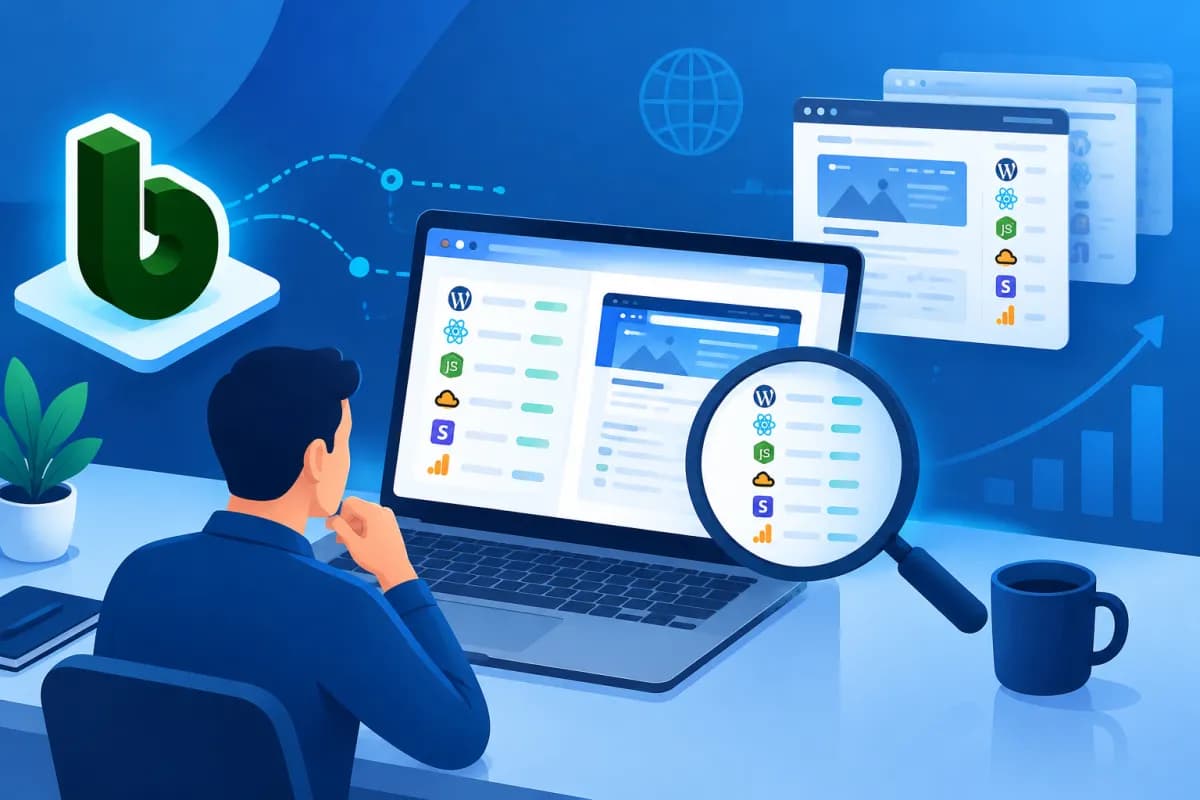
To understand what technologies a competitor’s website runs on, businesses don’t need access to its internal systems. BuiltWith is a website technology lookup tool that helps identify publicly observable components, such as website platforms, hosting services, analytics tools, and marketing solutions.
This article explains how to use BuiltWith to review competitors’ tech stacks, examine hosting information, and look for signs of measurement and advertising activity. More importantly, you’ll learn how to turn what you observe into practical questions and decisions, rather than simply collecting a list of technologies without knowing what it tells you.
What is BuiltWith, and what information can it provide?
BuiltWith is a service that looks up a website’s technology profile based on signals observable from the outside. Enter a domain to see technologies the tool identifies, such as CMS platforms, JavaScript libraries, e-commerce platforms, hosting services, analytics tools, ad networks, and some conversion support solutions.

It’s important to understand the limits of this data: BuiltWith reports information that the tool detects and classifies; it is not an internal inventory verified by the website owner. A technology may not appear because it leaves no clear trace, is used only on part of the website, or has been replaced while old signals remain. Conversely, seeing a service listed does not mean the business uses all of its features.
So treat the results as a reference point for forming hypotheses. For example, if you identify an e-commerce platform and a conversion optimization tool, you might ask how the competitor is investing in the shopping experience. Don’t draw conclusions about revenue, campaign performance, or system architecture based on a single technology entry.
How to look up and read a competitor’s technology report
Start with a relevant list of websites
Choose competitors that share your target customers, market, or business model instead of checking a large number of random domains. You can group them into direct competitors, industry leaders, and businesses with digital experiences worth studying. This approach gives your comparisons a clear purpose—for example, researching a direct competitor’s sales platform or seeing how a major brand handles measurement.

Enter a domain and categorize the results
Visit BuiltWith, enter the domain you want to check, and review the technology categories shown. Category names and levels of detail may vary depending on the interface, service plan, or data the tool records. Rather than reading every name in isolation, group the results into categories that matter to your business:
- Platforms and frameworks: CMS, e-commerce systems, user interface libraries, or web application technologies.
- Hosting and infrastructure: hosting providers, content delivery services, or some server-related signals.
- Analytics and measurement: tools for analyzing behavior, managing tags, or tracking conversions.
- Marketing and sales: email, advertising, CRM, chat, personalization, or customer support platforms.
Record each technology, its functional category, whether it appears in the report, and any questions that need verification. If possible, compare results from different checks to spot technologies that have appeared recently or are no longer being detected. Recording the lookup date is useful because websites can change platforms over time.
Analyze tech stacks, hosting, and infrastructure
A tech stack is the collection of technologies used to build and run a website. When analyzing a competitor’s stack, start with its primary platform: does the website use a popular CMS, a dedicated e-commerce platform, or a custom-built solution? The answer may suggest how flexible the site is, how the team manages content, and how easily it can scale—but it isn’t enough to assess the quality of the implementation.

Next, review the interface components and integrations. A website with many libraries or third-party services may be building a richer experience, but it may also face additional performance, maintenance, and security requirements. Don’t assume that a larger tech stack is more modern. The key question is whether the technology fits the customer journey, the team’s capabilities, and the business goals.
Hosting and infrastructure information can add perspective on how a website is delivered, but detected data rarely reflects the full architecture. A website may use multiple providers, change hosting regions, or sit behind intermediary services. So don’t use a single lookup result to claim you know a competitor’s server location, load-handling capacity, or security level.
Instead, combine technology observations with the actual user experience: How quickly does the website load on mobile? Do product pages work reliably? Is checkout easy to use? If you see signs of a content delivery service or an e-commerce platform, treat them as clues for checking performance and functionality—not as definitive evidence of operational results.
Check analytics and marketing tools
The analytics category can indicate which measurement, tag management, or interaction tracking tools a website may use. These signals raise questions about how the business organizes its data: does it track important actions such as form submissions, adding products to a cart, or completing an order? However, detecting a tool doesn’t prove that events are configured correctly or that the data is being used effectively.

For marketing tools, look for categories such as email, advertising, CRM, live chat, marketing automation, and content personalization. For example, an email tool may support customer engagement, while a chat platform may provide on-site assistance. But these are only signals to investigate further: a tool may appear on just one page, be undergoing a trial, or no longer be in use.
For a deeper analysis, combine technology data with observations of the user journey. Sign up for a newsletter, see how the website responds after you submit a form, review the brand’s publicly visible ads, and note the touchpoints in the purchase process. Don’t access systems without permission, attempt to bypass security measures, or collect personal data. The goal is to understand how a competitor organizes its publicly visible experience, not to break into its systems.
LilyTech often recommends that businesses create a comparison table around specific goals: which technologies support speed, which enable measurement, and which improve customer service. This helps teams identify gaps in their own setup and prioritize appropriate solutions instead of copying a competitor’s entire stack.
Turn lookup results into an action plan
The value of BuiltWith lies not in the number of technology names it finds, but in how businesses use the information to ask the right questions. After checking a group of competitors, summarize recurring patterns, differences, and anything that needs further verification. Useful questions include: Which platforms are common in the industry? Which competitors appear to be investing heavily in measurement? Which websites integrate a range of conversion support tools?

Next, compare your findings with your own website and processes. If a competitor uses an analytics tool that you don’t, first check whether your current system already tracks all the important actions. If several competitors use the same e-commerce platform, evaluate its feature fit, cost, integrations, and level of control before choosing it. A popular technology is not automatically the best option for every business model.
You can follow a four-step process:
- Set a goal: Are you researching platforms, measurement, the shopping experience, or marketing activity?
- Gather evidence: Look up multiple websites, record the dates, and categorize technologies by function.
- Verify your hypotheses: Compare your findings with website experiences, public documentation, and your own business data.
- Prioritize action: Choose changes with a clear impact on customers or operations, then determine the required resources and how to measure results.
Finally, keep privacy and the terms of service for relevant tools in mind. Use only public information, follow data protection regulations, and don’t treat technology detection as grounds for speculating about confidential information. Responsible competitive analysis helps teams make better decisions while respecting competitors and users.
Conclusion
BuiltWith gives businesses additional insight into competitors’ website tech stacks, hosting, analytics, and marketing tools. The results are most useful when treated as reference data, checked against real-world observations, and considered in the context of business goals. Don’t copy a technology just because a competitor uses it; identify the problem you need to solve and choose a solution that matches your resources.
If you need to assess your current website, build a digital platform, or identify ways to improve the user experience and measurement, contact LilyTech for advice. The LilyTech team can work with your business to assess its needs, prioritize the right initiatives, and create a clear implementation roadmap.

