
 Nguyễn Chính Ngọc Liên
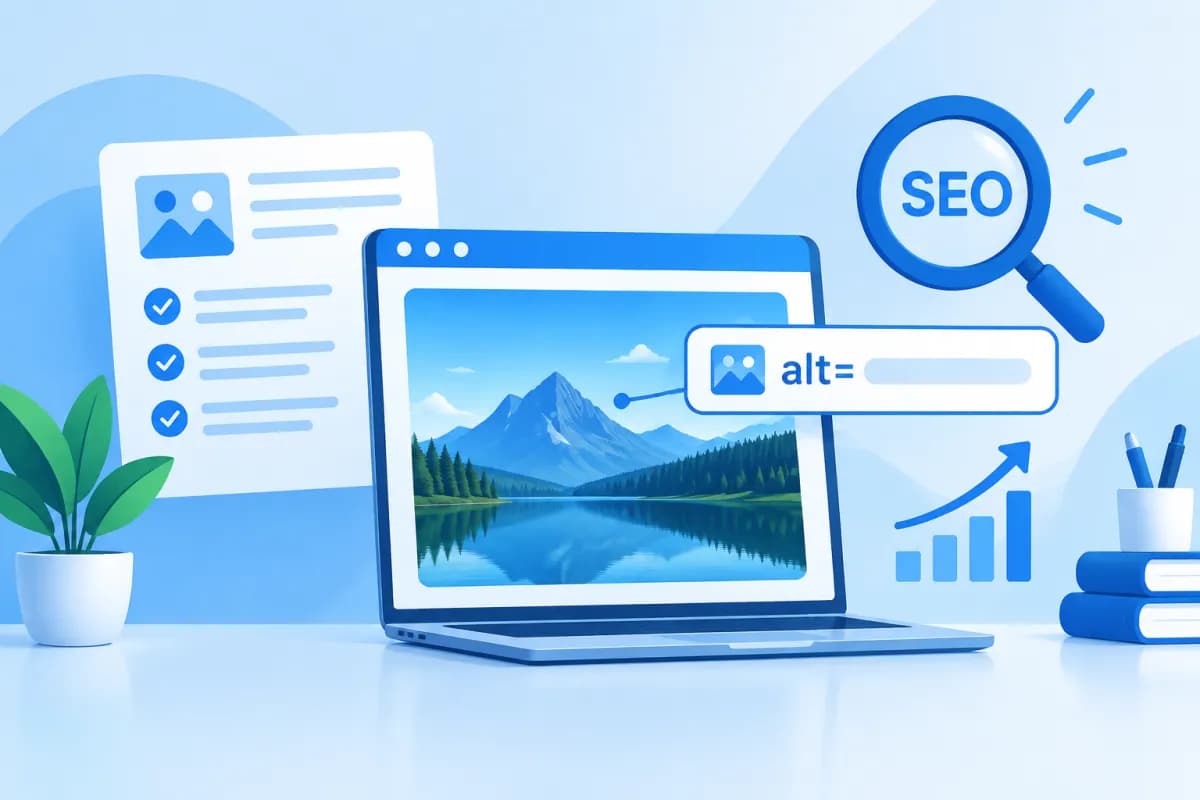
Images make articles easier to follow, more engaging, and quicker to understand. However, search engines and some users cannot always see or interpret images the way sighted readers do. That is where alternative text comes in. So, what is alt text, how does it affect SEO, and how can you write it to describe an image accurately while helping readers?
This article explains what alt text is and how it supports accessibility and search optimization, then outlines ways to write clear, natural image descriptions. Business owners, marketers, and website administrators can apply these tips to improve the quality of their visual content.
What Is Alt Text?
Alt text is alternative text added to website images, usually through the alt attribute in HTML. It describes an image or the information it conveys. If an image fails to load, a browser may display the alternative text; screen readers can also read it aloud to users who are blind or have low vision.
For example, an image showing employees discussing something in front of a computer screen might use the alt text “Marketing team meeting to plan a campaign in the office.” This tells readers what the image shows instead of giving them only a filename such as “IMG_4821.jpg.”
In HTML, alt text is typically specified in the image tag using the alt attribute. Website administrators do not necessarily need to edit code manually: many content management systems provide a field for alternative text when uploading an image or editing the media library. The interface and process for adding alt text can vary from one system to another.
Alt text is not the same as an image caption. A caption usually appears directly below an image and provides context for all readers. Alt text primarily serves assistive technology and helps when an image does not display. The two can complement each other, but you should not automatically copy a caption into the alt text if it does not describe the information readers need.
Why Is Alt Text Important for SEO and Accessibility?
Helps Search Engines Understand Images
Search engines can analyze images using a range of signals, but they cannot interpret every visual detail like a person in every context. Alt text provides additional information about an image’s subject or meaning, helping search engines understand how it relates to the page content. It is a supporting signal, not a guarantee that a page will rank highly.

Relevant image descriptions can also help content appear in image search results when other relevant conditions are met. To make the most of this, alt text should accurately reflect the image and the page topic rather than repeat keywords mechanically. Content quality, website structure, page speed, and many other factors still influence overall SEO performance.
Improves the User Experience
People who use screen readers cannot access information in images in the usual way. Alt text helps them understand meaningful visual content, such as products, charts, functional buttons, or important illustrations. If the alternative text is missing, too vague, or inaccurate, users may miss information they need to understand the page or complete an action.
Alt text is also useful when an image fails to load because of a network connection, browser settings, or a website issue. With suitable alternative text, readers can still get some idea of what the image was meant to convey. Writing alt text is therefore not just an SEO task—it also shows consideration for the experience of different user groups.
Principles for Writing Clear, Useful Alt Text
Good alt text helps readers understand what matters in an image without going into unnecessary detail. Before writing, identify what information the image conveys and whether that information is necessary for understanding the page. Then follow these principles:

- Describe the image accurately: Name the subject, action, or important visible details. Do not add details that are not shown or make unsupported assumptions.
- Put the information in context: The same image may need different descriptions depending on how it is used. On a product page, focus on the product and useful features; in a how-to article, emphasize the step being demonstrated.
- Be concise but informative: Use natural language and get to the main point. There is no need to describe every background detail or color if it does not matter to the image’s purpose.
- Use keywords naturally: Include a keyword only when it accurately describes the image and fits the context. Do not turn alt text into a keyword list or repeat the same phrase across unrelated images.
- Do not start with “image of”: Screen readers can often announce that something is an image. Use the alt text for genuinely useful description, unless naming the type of image is necessary to avoid confusion.
- Write in the language of the page: If your website serves Vietnamese-speaking readers, use clear Vietnamese and appropriate punctuation. Brand names, terminology, or text shown in an image can remain as written when needed.
Alt text does not need to meet a fixed word count in every case. The goal is to provide enough information without making the description so long that it becomes cumbersome to hear through a screen reader. If an image contains a lot of information, such as a complex chart, use alt text to state the main point and provide detailed data in nearby text.
Writing Alt Text for Different Image Types
Product Photos and Illustrations
For product photos, describe the product and any useful visible features that help identify it. For example, instead of writing “coat,” you could write “Long beige women’s coat with a belt.” Do not add information such as material, intended use, or features unless the image shows them and the page confirms them.

For illustrations in an article, describe the content in relation to the point being discussed. If an image shows a specialist checking data on a screen, that description may be more useful than a generic phrase such as “office photo.” However, if an image is purely decorative and adds no information, a long description may create unnecessary content for screen-reader users. Depending on how the website is set up, decorative images can be marked so assistive technology skips them.
Charts, Diagrams, and Images Containing Text
For charts, alt text should state the main message or notable trend rather than attempt to read out all the data. For example: “Revenue rose steadily in the first three quarters of the year, then dipped slightly in the final quarter.” Provide detailed figures separately in a table or text explanation, especially when readers need to verify exact values.
If an image contains important text that does not appear elsewhere, include the necessary information in the alternative text or provide an equivalent text version on the page. For a banner with a call to action, do not describe only its colors; make sure users can understand the message or purpose. If the text is already fully presented nearby, consider avoiding a repetitive description.
Common Mistakes and How to Review Alt Text
A common mistake is keyword stuffing—for example, listing several service terms in the description of an image that does not show those services. This makes the text unnatural and unhelpful to users, and can reduce content quality. Other mistakes include using the same alt text for every image, writing vague descriptions such as “beautiful image,” or leaving alt text blank for images that contain important information.
Image filenames can help with content management, but they are not a substitute for alt text. Even a descriptive filename should be evaluated separately from the alternative text. You should also avoid mechanically adding phrases such as “photo,” “image,” or “SEO keyword” just to make the description longer.
When reviewing a website, businesses can use this checklist:
- Determine whether the image conveys information, supports an action, or is purely decorative.
- Check whether the alt text accurately describes the image and suits its purpose.
- Read the alt text alongside the surrounding content to identify repetition or missing context.
- Remove irrelevant keywords, speculative details, and unnecessarily long descriptions.
- Check product images, charts, functional buttons, and images containing text, as they often carry important information.
Reviews should be part of the publishing process, not a one-time task. When an image is replaced, a page’s purpose changes, or content is updated, existing alt text may no longer be accurate. Businesses with many product pages or articles should create internal guidelines, assign someone to review them, and prioritize pages with high traffic or strong conversion potential.
Conclusion
What is alt text? It is alternative text that describes the content or function of an image, helping search engines understand images and enabling users to access information when they cannot see them. To write it effectively, be accurate and concise, provide context, avoid keyword stuffing, and offer an appropriate text alternative for images containing extensive data.
Optimizing alt text is one part of improving website quality, but it should be done alongside work on content, user experience, and technical structure. If your business needs to improve SEO, accessibility, or overall website performance, contact LilyTech for advice on solutions tailored to your business goals.

