
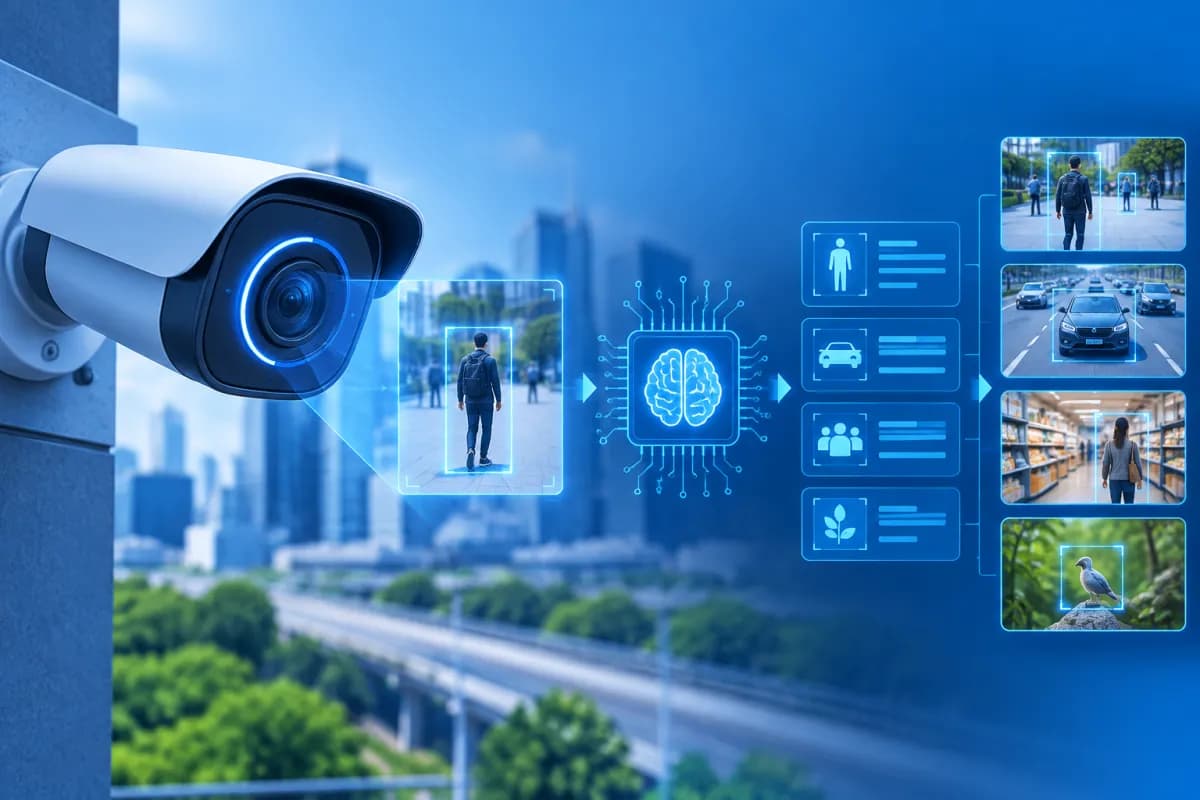
AI cameras are increasingly used in homes, stores, factories, and many other settings. Unlike conventional cameras, which primarily record and transmit images, these devices use artificial intelligence to identify objects, analyze situations, and trigger alerts based on predefined settings.
So, what is an AI camera, how does it work, and how can businesses put this technology to use? This article explains its components, operating principles, benefits, and the factors to consider before implementation.
What Is an AI Camera?
An AI camera is a recording device equipped with or connected to artificial intelligence technology, typically including computer vision and machine learning models. This technology enables the system to interpret the content of images or videos, rather than simply storing footage for people to review manually.
Depending on the product and configuration, a camera can identify people, vehicles, objects, faces, or specific predefined behaviors. For example, a system might distinguish a person entering a restricted area from the movement of tree branches, or detect a vehicle that has been stationary for too long. Its capabilities depend on the sensor, algorithms, environmental conditions, and how the provider configures the solution.
An AI camera cannot understand every situation the way a person can. Systems are generally trained or configured to handle a defined set of tasks. So, when evaluating what an AI camera is, consider its intended use, real-world accuracy, and data-handling practices—not just the product name or advertised specifications.
How an AI Camera Works
The operating process typically involves capturing images, analyzing them, making decisions, and sending results. Depending on the system architecture, processing may take place on the camera itself, on a recording device, on an on-premises server, or in the cloud.
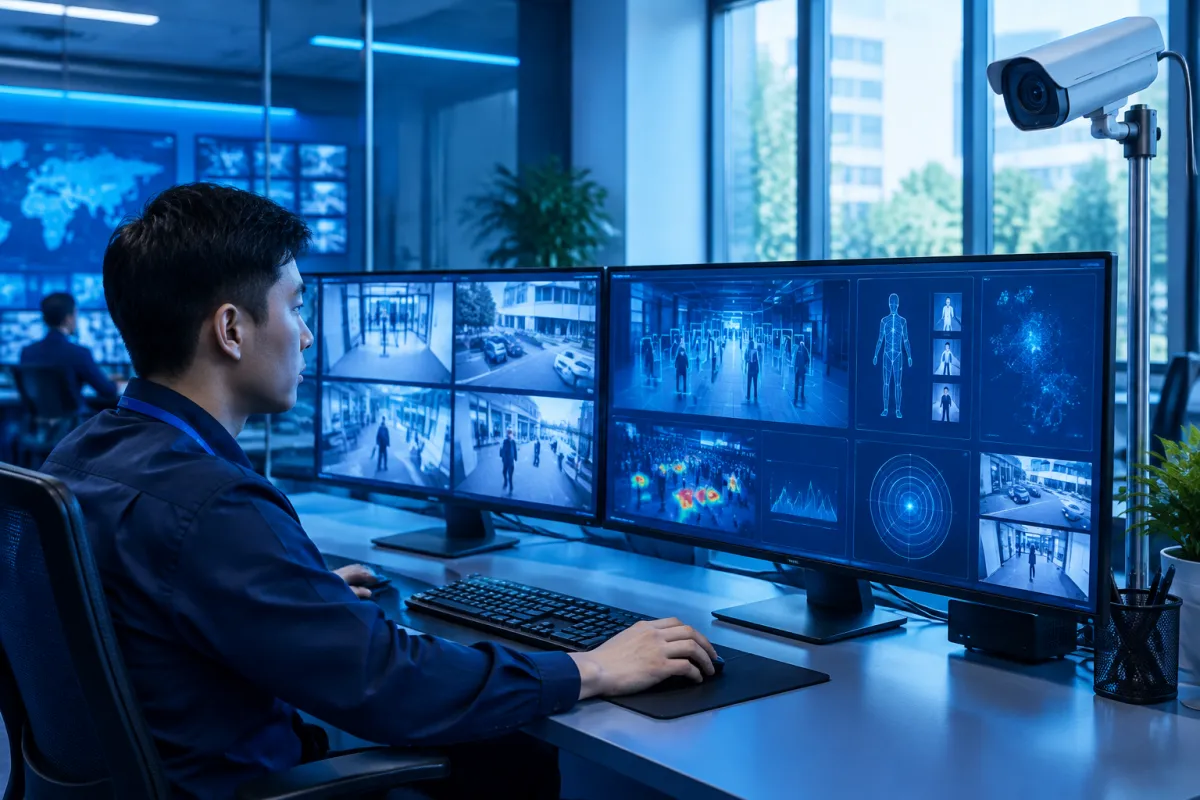
1. Capturing Images and Video
The image sensor captures light through the lens and converts it into digital data. Cameras can operate during the day, at night, or in low-light conditions with the help of infrared lights and other supporting technologies. Image quality is affected by resolution, installation angle, lighting, distance, and obstructions.
Some systems analyze footage only when motion is detected or according to a schedule, rather than processing it continuously. This setup can reduce storage and processing demands while still meeting the surveillance requirements.
2. Analyzing Images with AI
Software processes video frames to recognize patterns and objects. For example, an algorithm might detect areas containing people, identify vehicles, count objects, or compare images against configured criteria. In more advanced applications, the system may track movement over time or detect certain unusual behaviors.
This is the main difference between an AI camera and a basic recording camera. Rather than alerting users to any movement, the system can filter alerts by object type or area. However, poor lighting, obstructed views, or crowded scenes can still reduce accuracy.
3. Sending Alerts and Saving Results
When an event matches a configured rule, the camera or management platform can send a notification to a phone, control room, or connected system. Results can also be saved as video, still images, timestamps, and event descriptions. This makes it easier for managers to find footage using specific criteria instead of reviewing entire recordings.
With edge processing, data is analyzed directly on the device or recording system. In a cloud-based setup, video or related data is sent to a server for processing. Each approach has different advantages in terms of latency, cost, scalability, and security requirements.
Common Applications of AI Cameras
AI cameras can support both security and operational needs. The following are common applications, but the actual functionality depends on the specific solution and the regulations where it is deployed.
- Homes and residential communities: Detect people or vehicles in monitored areas, send alerts when events occur, and enable remote footage review. Users should choose camera angles carefully to avoid intruding on other people’s privacy.
- Stores and shopping centers: Count visitors, monitor crowd levels in specific areas, help manage queues, and review incidents. Aggregated data can help businesses understand how customers move through a space, but it should be interpreted alongside other business information.
- Offices and buildings: Monitor restricted areas, identify crowding, or help track entry and exit points. When using personal identification features, businesses should pay particular attention to privacy, the purpose of use, and access rights.
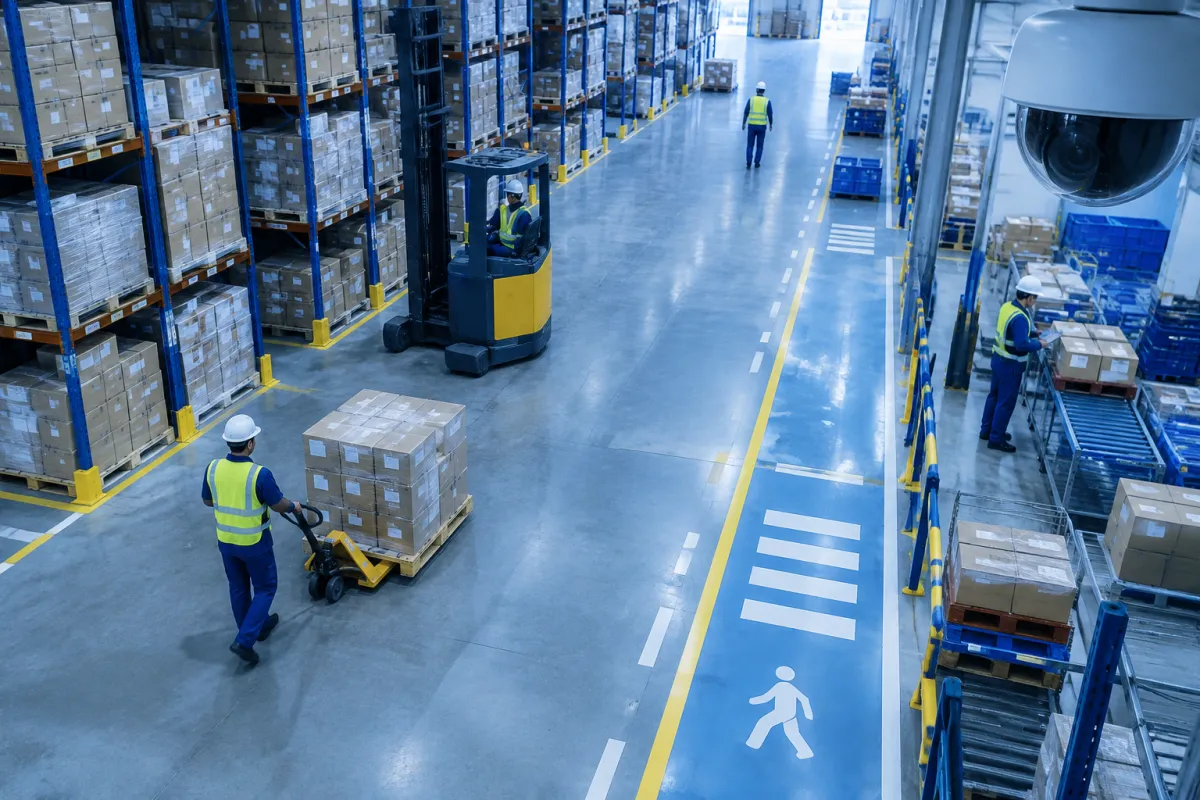
- Factories and warehouses: Monitor hazardous areas, detect people entering restricted zones, help identify whether protective equipment is being worn, or track vehicle flows. Cameras can provide additional data for safety processes, but they do not fully replace on-site rules and supervision.
- Traffic and parking lots: Help count vehicles, identify vehicle types, monitor traffic flow, or record parking-space usage. Collecting and processing license plate data must serve a legitimate purpose and comply with relevant regulations.
Beyond these examples, AI cameras can also integrate with management software or alert systems to automate certain steps. Their greatest value often lies not in adding more video, but in turning visual data into useful information for operational decision-making.
Benefits and Limitations to Consider
One clear benefit is reducing the amount of manual monitoring required. Staff can focus on important alerts instead of continuously watching multiple screens. Event-based search also shortens review time, while counts and statistics can help assess operations at stores, factories, or parking facilities.
Early alerts can also help businesses respond more quickly to certain situations, such as a person entering a restricted area or a vehicle appearing in a monitored location. When properly integrated, an AI camera can provide additional data for security, facilities management, and operational analysis.
However, no system can guarantee accurate identification under all conditions. Rain, fog, backlighting, low resolution, poor camera placement, and obstructed views can all affect results. False alerts and missed events remain possible, so systems should be tested on site and supported by a human verification process.
Businesses also need to account for equipment, storage, networking, maintenance, and upgrade costs. For cloud processing, connection quality and data transmission and storage costs are important considerations. For on-site processing, the capabilities of devices and servers, as well as the operating team, need to be assessed.
An AI camera is a tool for monitoring and analysis. It should not be treated as a complete replacement for people, safety procedures, or other security measures.
How to Choose and Deploy an AI Camera Effectively
Before investing, businesses should start with the problem they need to solve rather than choosing equipment based on a list of features. Do you need to reduce video review time, monitor entrances, count visitors, or improve factory safety monitoring? The clearer the objective, the easier it is to select a configuration and evaluate its effectiveness.
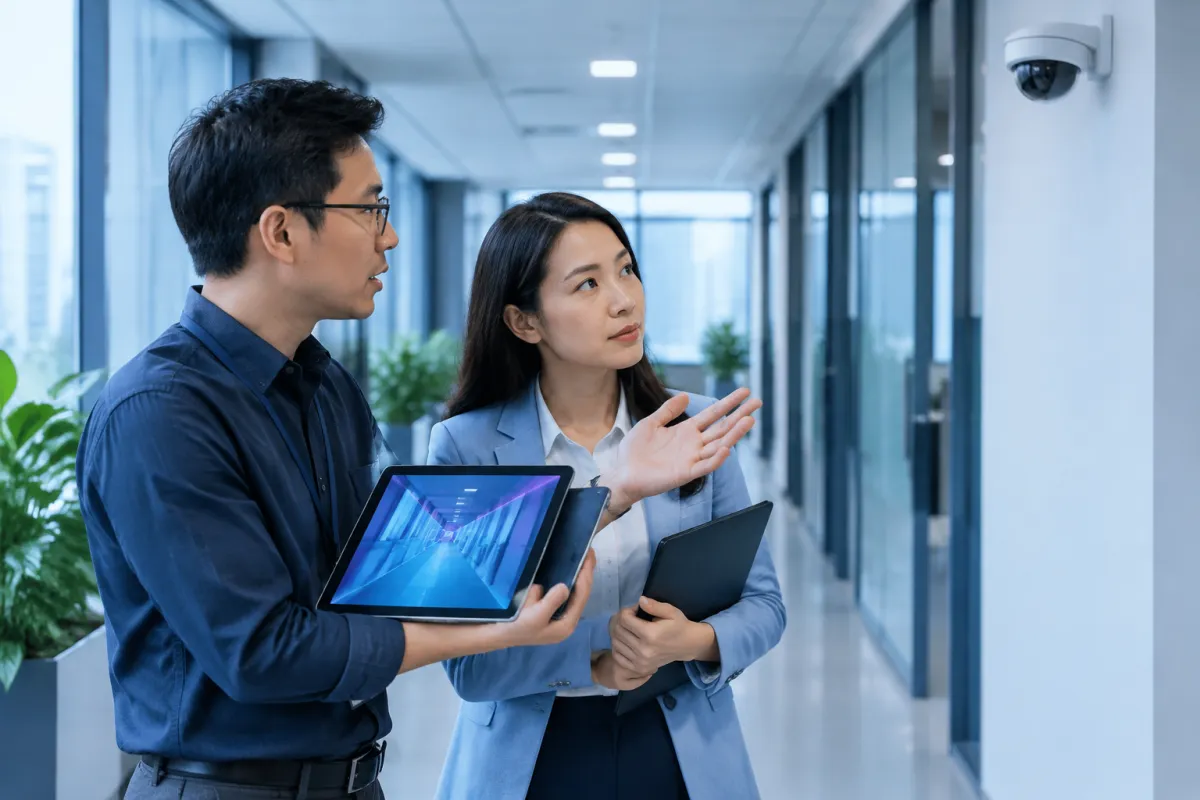
- Identify the area and scenario: Assess lighting, distance, viewing angles, obstructions, and the times when monitoring is needed. Different locations may require different lenses, resolutions, or features.
- Check analytical capabilities: Ask the provider to demonstrate functionality under conditions close to those on site. Clarify what the system can identify, its limitations, how false alerts can be reduced, and whether rules can be adjusted.
- Assess infrastructure and integration: Review network connections, storage capacity, power supply, and compatibility with recording devices, management software, or existing processes. Include long-term operating costs, not just the initial purchase price.
- Set up security and privacy: Assign viewing permissions, protect accounts, define retention periods, and limit data access. Businesses should provide clear notice about surveillance and consult specialists when handling personal data.
- Test and measure: Run a small-scale trial and record accuracy, the number of useful alerts, response times, and costs. Use real-world results to make adjustments before expanding.
An effective project requires suitable equipment, correct configuration, a process for handling alerts, and clearly assigned responsibilities. Regular reviews help identify cameras that have shifted out of position, developed faults, or been affected by environmental changes that reduce analytical quality.
Conclusion
An AI camera uses artificial intelligence to analyze images, helping identify events, send alerts, and make video data more useful. This technology can be applied in homes, retail, offices, factories, and transportation, but it should be selected to match specific objectives, tested in real-world conditions, and supported by responsible data management.
If your business is considering applying technology to its operations, LilyTech can advise on a suitable solution, from identifying requirements to designing the system and planning its deployment. Contact LilyTech to discuss your objectives, infrastructure, and the technology approach that best fits your business.

